Uploaded image for project: 'OpenShift Service Mesh'
  1. OpenShift Service Mesh
  2. OSSM-4497

run cypress regression on multi cluster environment (locally)

XMLWordPrintable

    • Icon: Task Task
    • Resolution: Done
    • Icon: Undefined Undefined
    • None
    • None
    • Kiali
    • None
    • False
    • Hide

      None

      Show
      None
    • False

      As new feature is rolling out, we need to find out that it did not break existing regression suite

      1. setup multicluster locally
      2. execute regular cypress regression suite 

      record the results if anything is broken
       
      The run was performed on a multicluster setup, where every demo app was installed in the east cluster only, similarly to how they are installed in single cluster mode.

      Results are in the attachment section. There might be need to run the regression multiple times due to flakes.


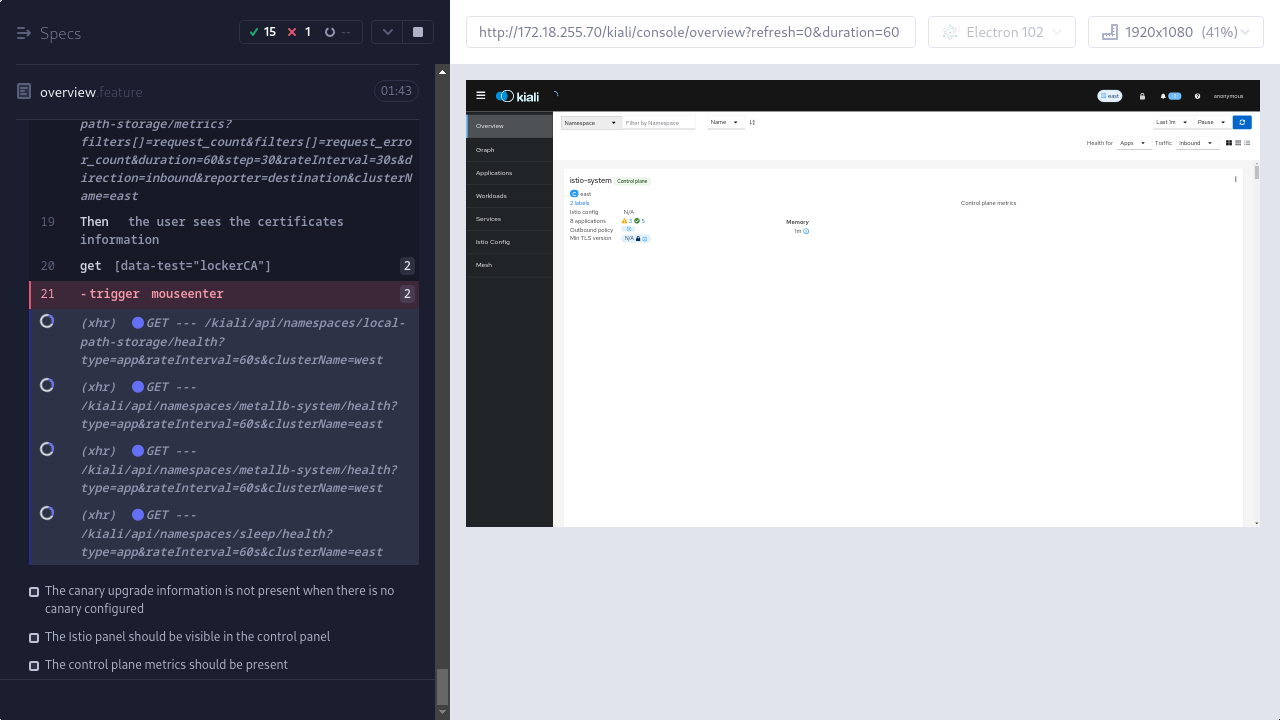
      Kiali Overview page – The minimum TLS version is visible in the control plane: https://github.com/kiali/kiali/issues/6398

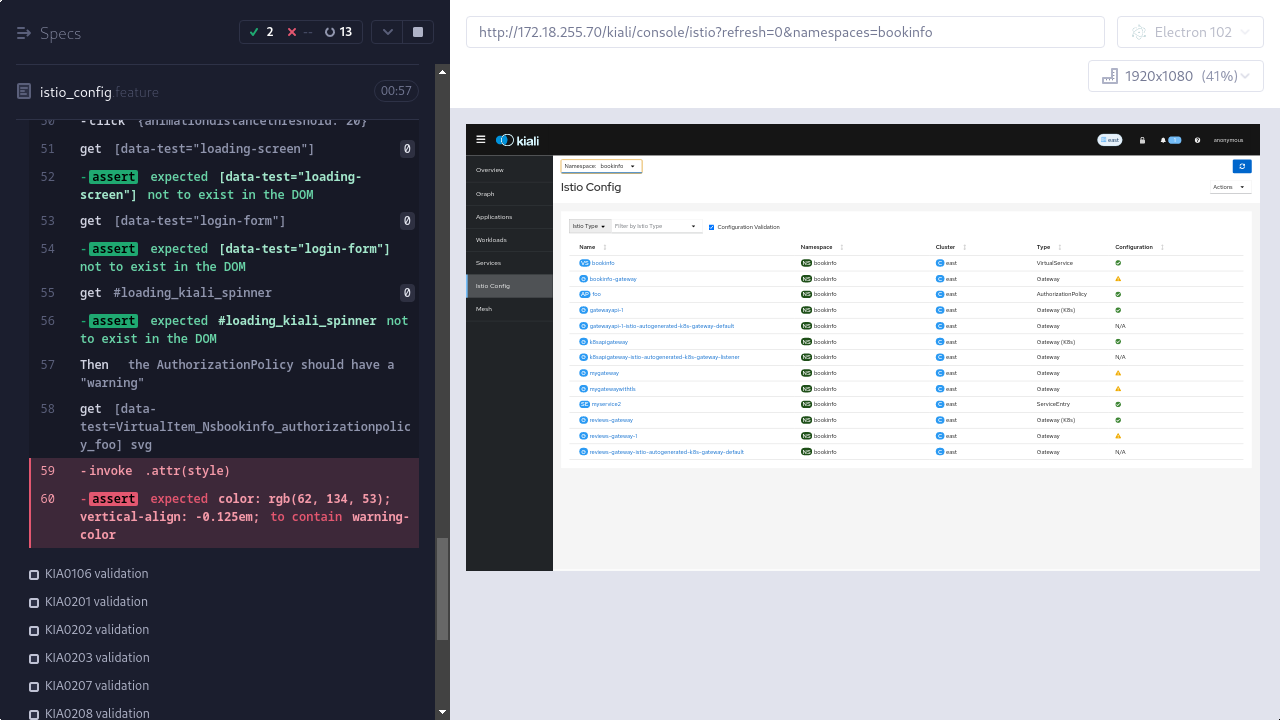
        1. Kiali Istio Config page -- KIA0104 validation (failed).png
          144 kB
          Matej Nesuta
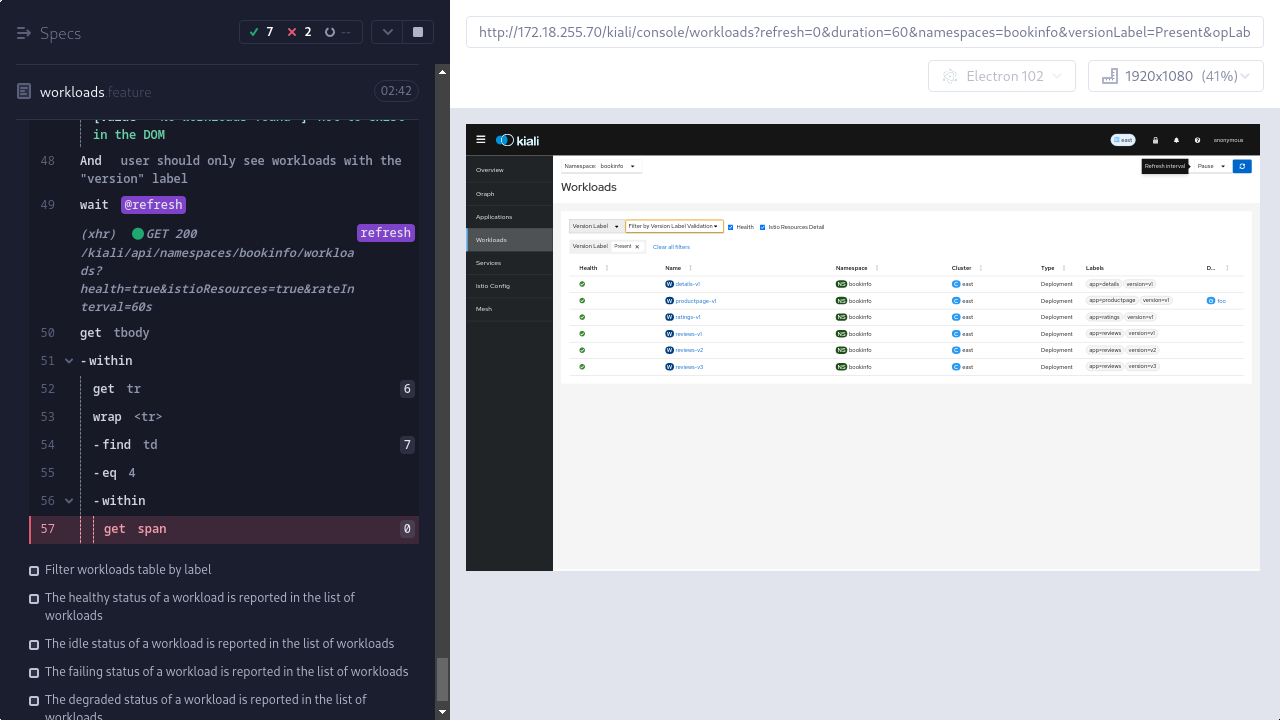
        2. Kiali Workloads page -- Filter workloads table by Version Label (failed).png
          118 kB
          Matej Nesuta
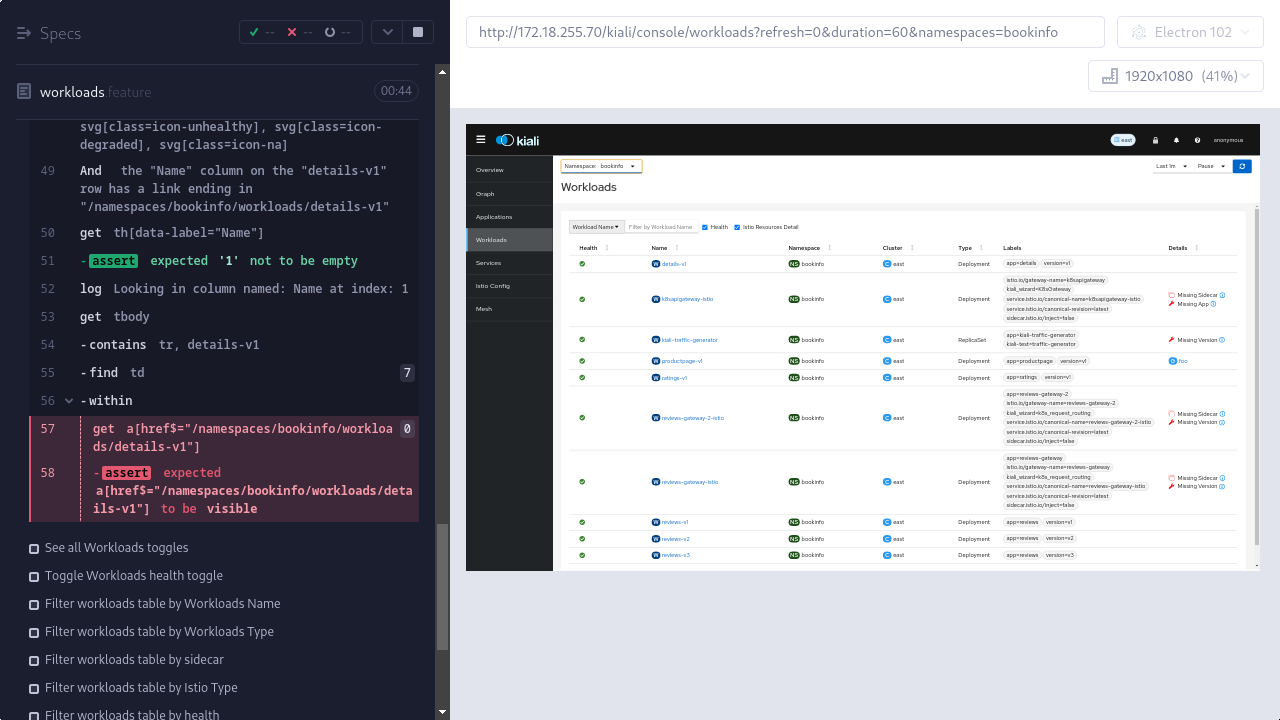
        3. Kiali Workloads page -- See workloads table with correct info (failed).png
          167 kB
          Matej Nesuta
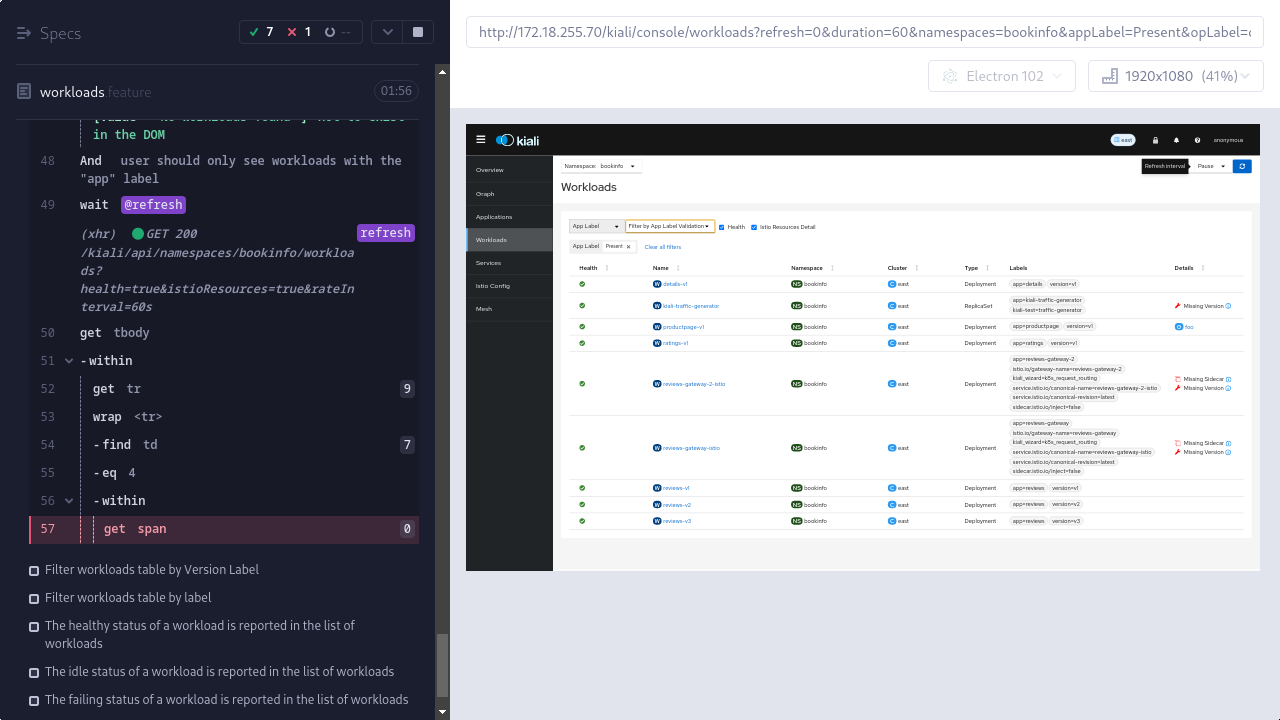
        4. Kiali Workloads page -- Filter workloads table by App Label (failed).png
          142 kB
          Matej Nesuta
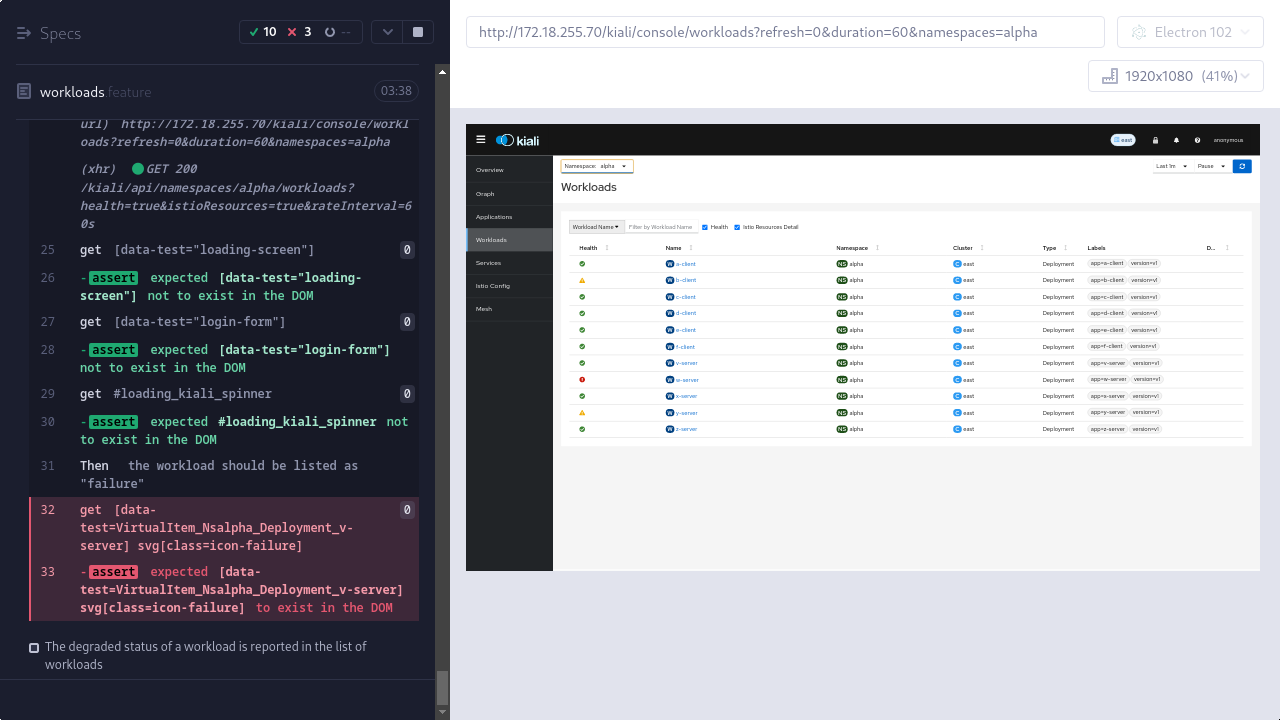
        5. Kiali Workloads page -- The failing status of a workload is reported in the list of workloads (failed).png
          158 kB
          Matej Nesuta
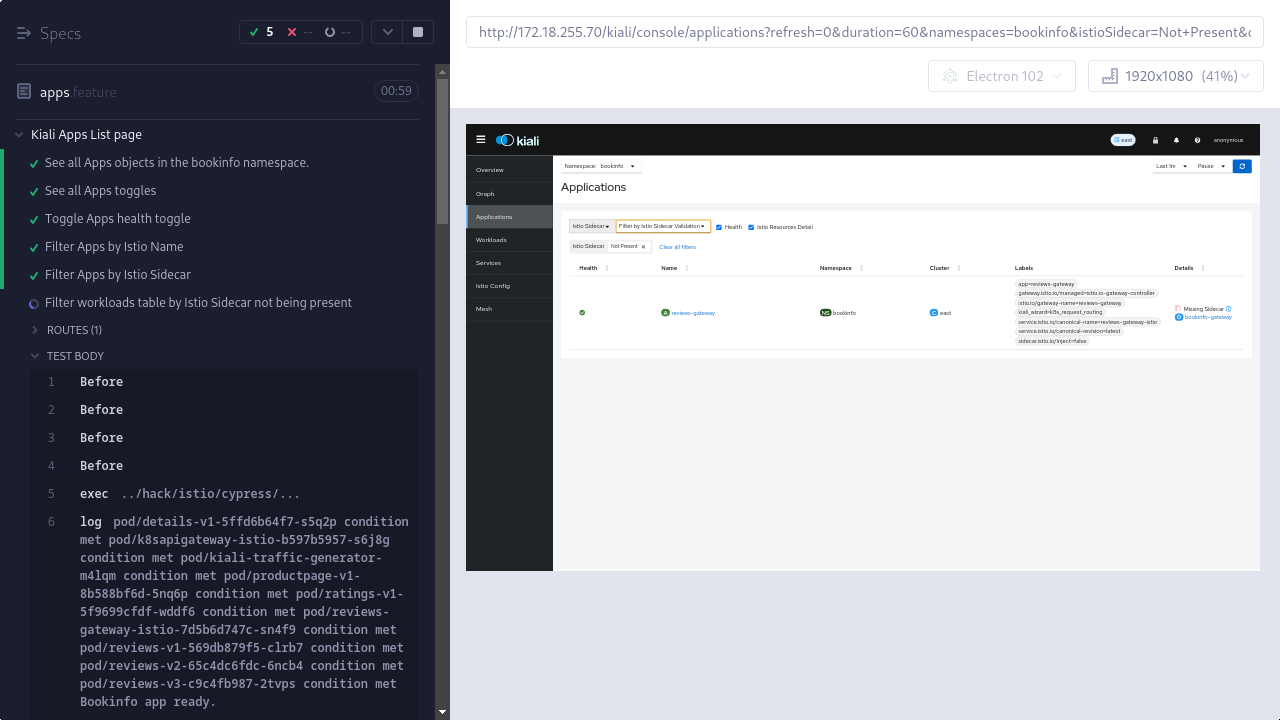
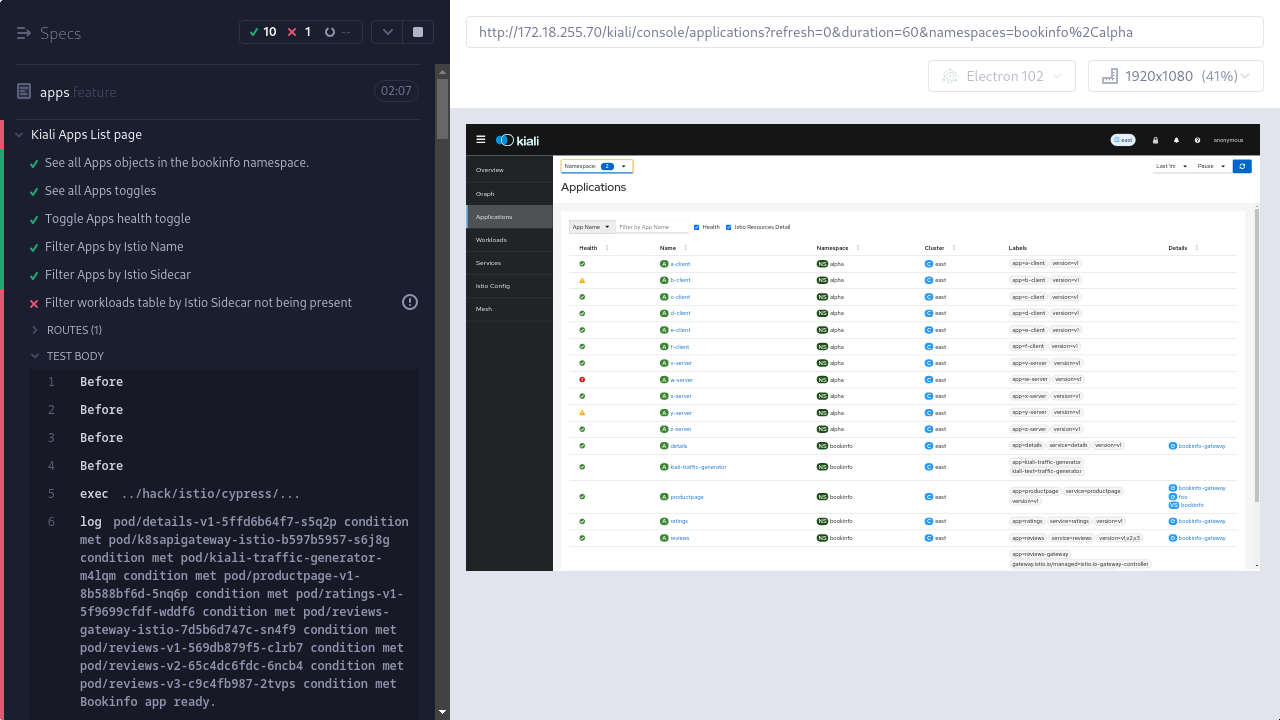
        6. Kiali Apps List page -- Filter workloads table by Istio Sidecar not being present (failed).png
          133 kB
          Matej Nesuta
        7. Kiali Apps List page -- The failing status of a logical mesh application is reported in the list of applications (failed).png
          170 kB
          Matej Nesuta
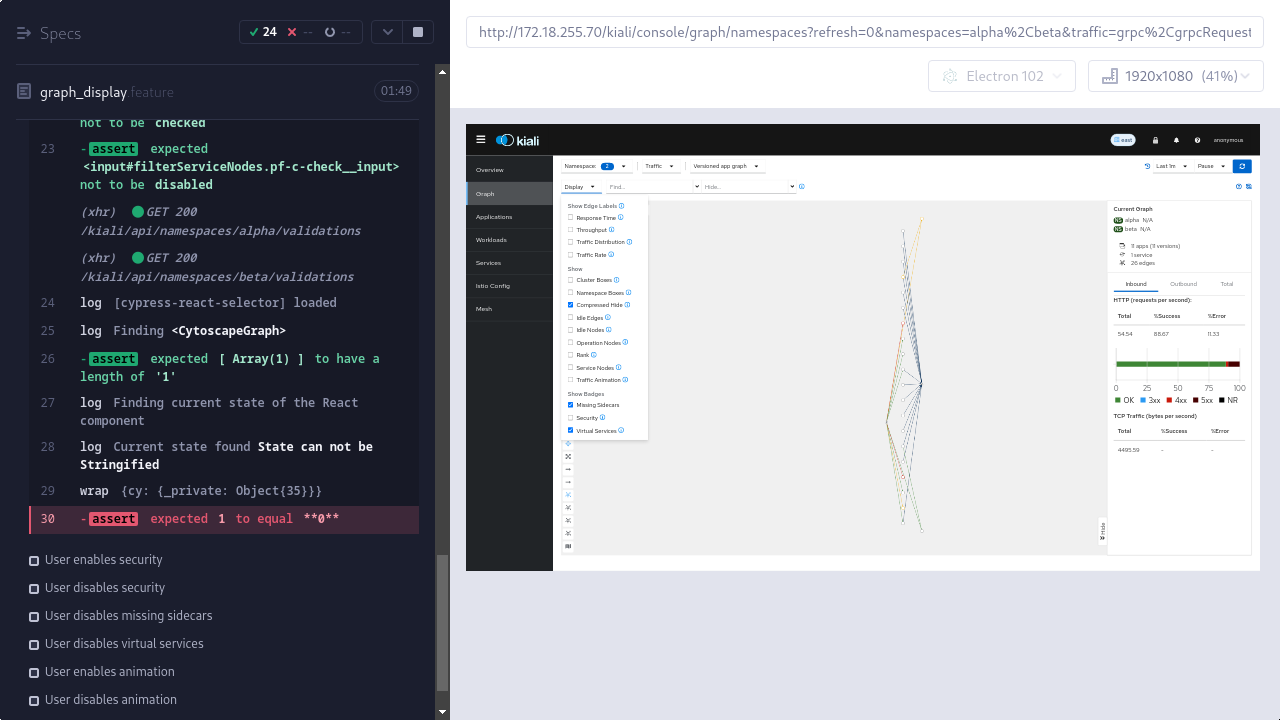
        8. Kiali Graph page - Display menu -- User disables service nodes (failed).png
          146 kB
          Matej Nesuta
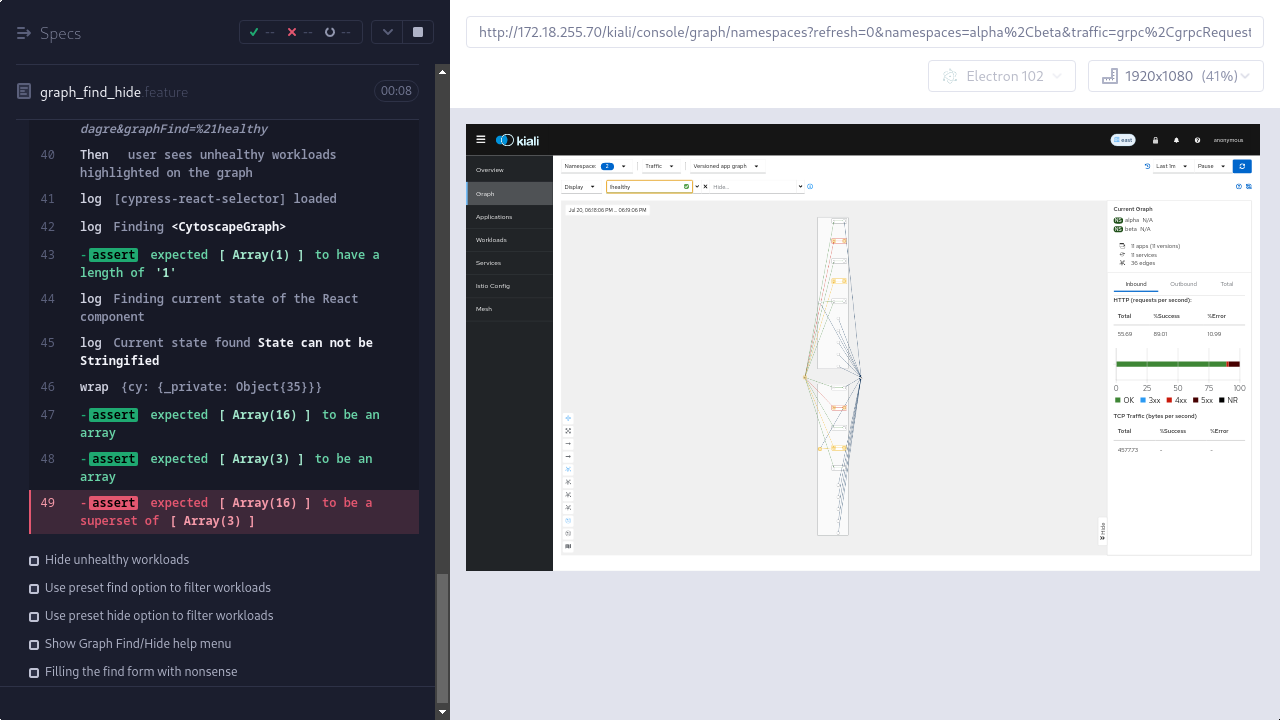
        9. Kiali Graph page - FindHide -- Find unhealthy workloads (failed).png
          139 kB
          Matej Nesuta
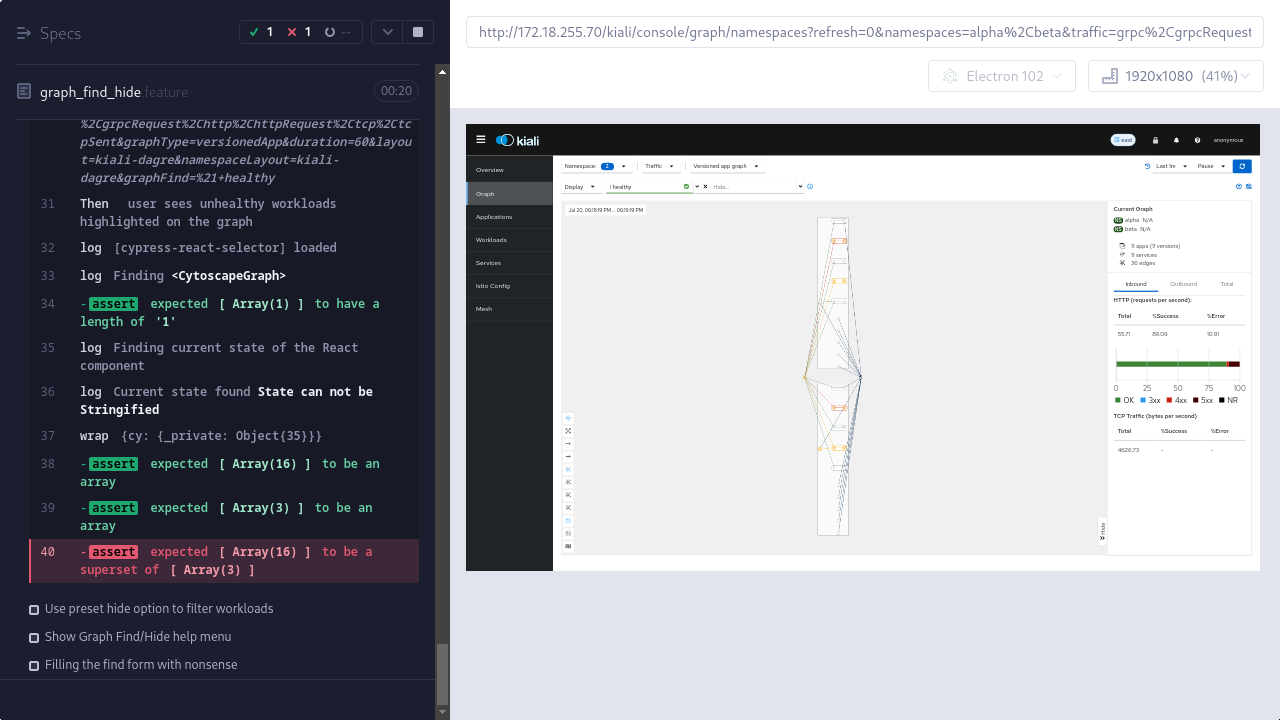
        10. Kiali Graph page - FindHide -- Use preset find option to filter workloads (failed).png
          149 kB
          Matej Nesuta
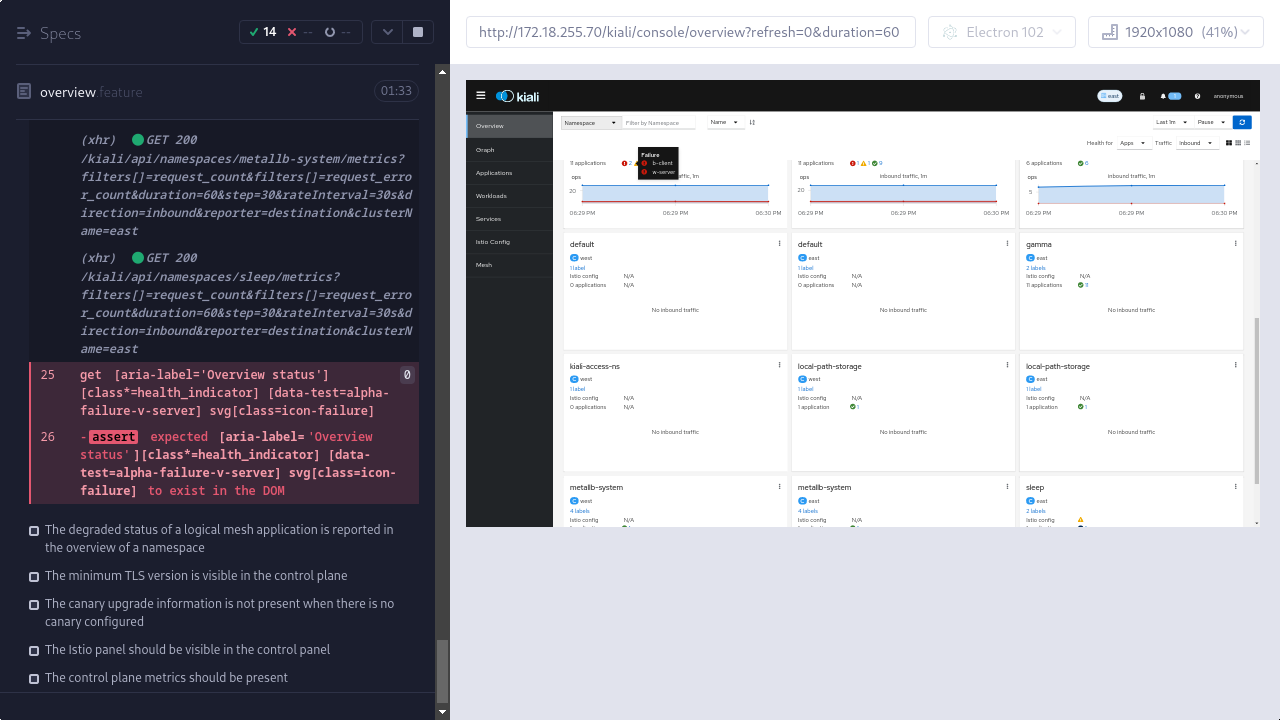
        11. Kiali Overview page -- The failing status of a logical mesh application is reported in the overview of a namespace (failed).png
          162 kB
          Matej Nesuta
        12. Kiali Services page -- Filter services table by Service Type (failed).png
          121 kB
          Matej Nesuta
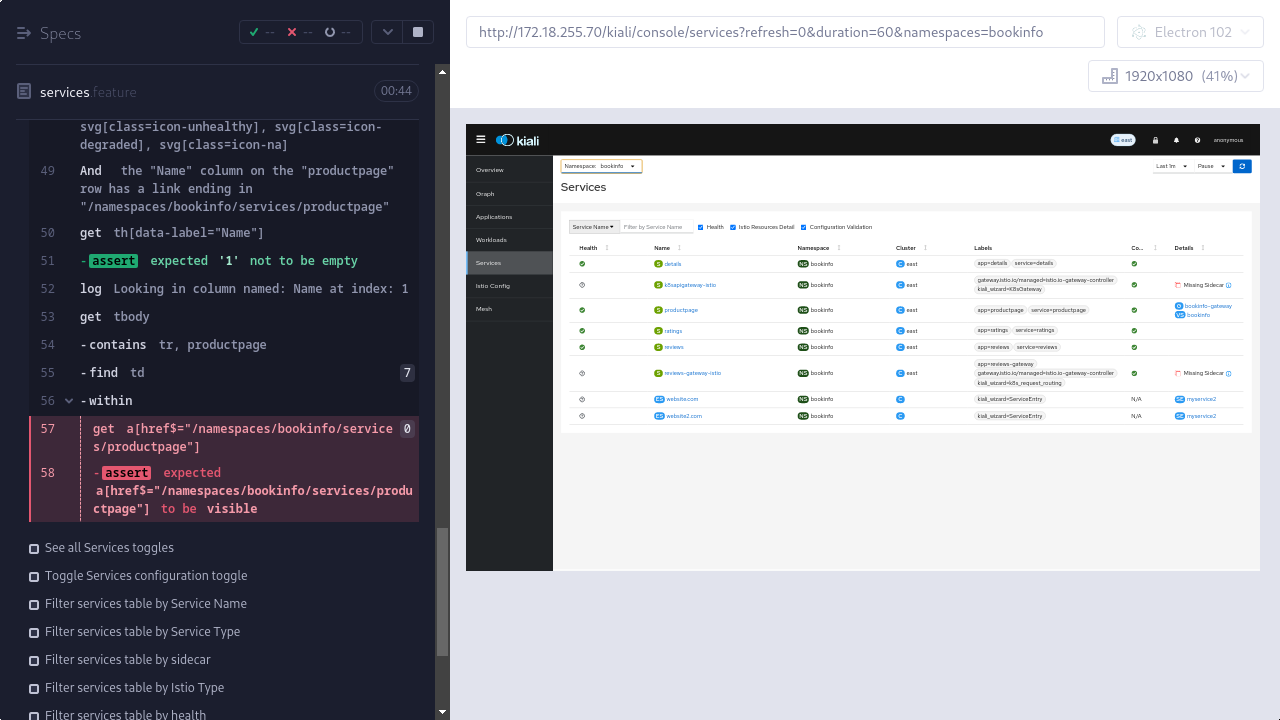
        13. Kiali Services page -- See services table with correct info (failed).png
          141 kB
          Matej Nesuta
        14. Kiali Overview page -- The minimum TLS version is visible in the control plane (failed).png
          134 kB
          Matej Nesuta

              rh-ee-mnesuta Matej Nesuta
              rhn-support-pmarek Pavel Marek
              Pavel Marek
              Votes:
              0 Vote for this issue
              Watchers:
              2 Start watching this issue

                Created:
                Updated:
                Resolved: