-
Bug
-
Resolution: Unresolved
-
 Minor
Minor
-
None
-
DO417 - RHAAP2.4-en-2-20240821
-
None
-
False
-
-
False
-
-
-
en-US (English)
Please fill in the following information:
| URL: | https://rol.redhat.com/rol/app/courses/do417-2.4/pages/ch11s02 |
|---|---|
| Reporter RHNID: | CHANGE_ME_LATER@redhat.com |
| Section Title: | Lab: Create and Use an Inventory and a Role |
Issue description
As reported by learner tsilnuj on Service Now ticket RHT2542315
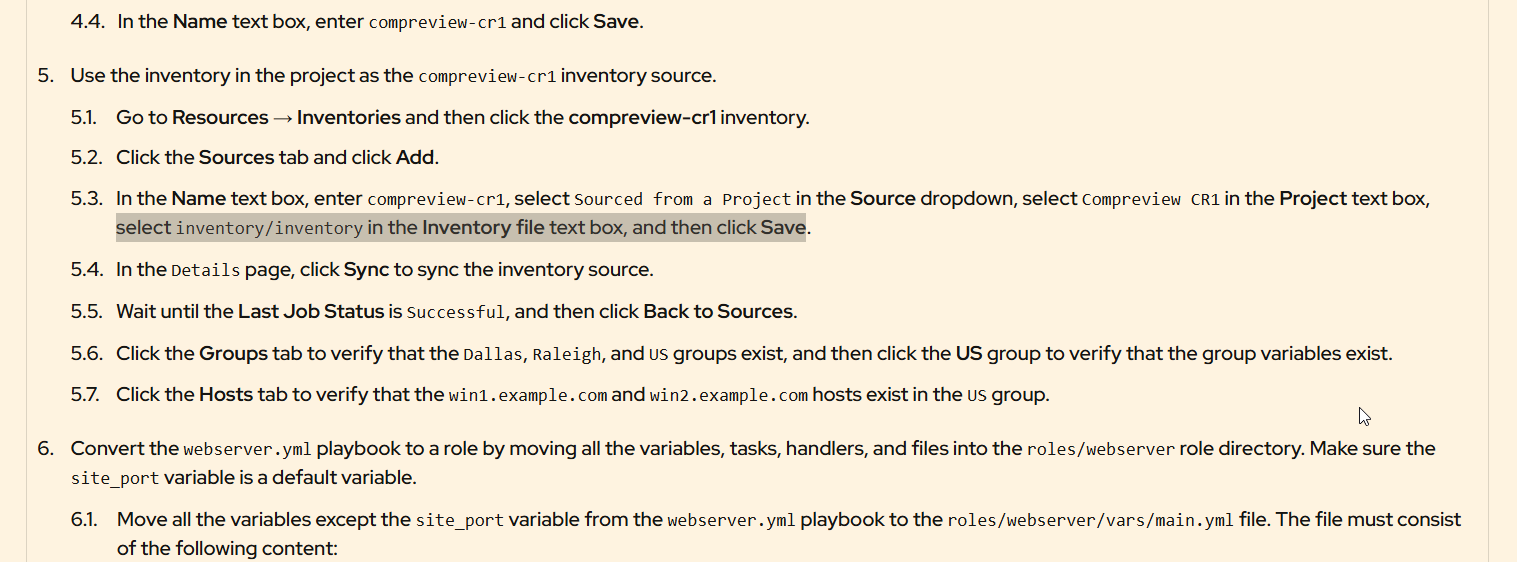
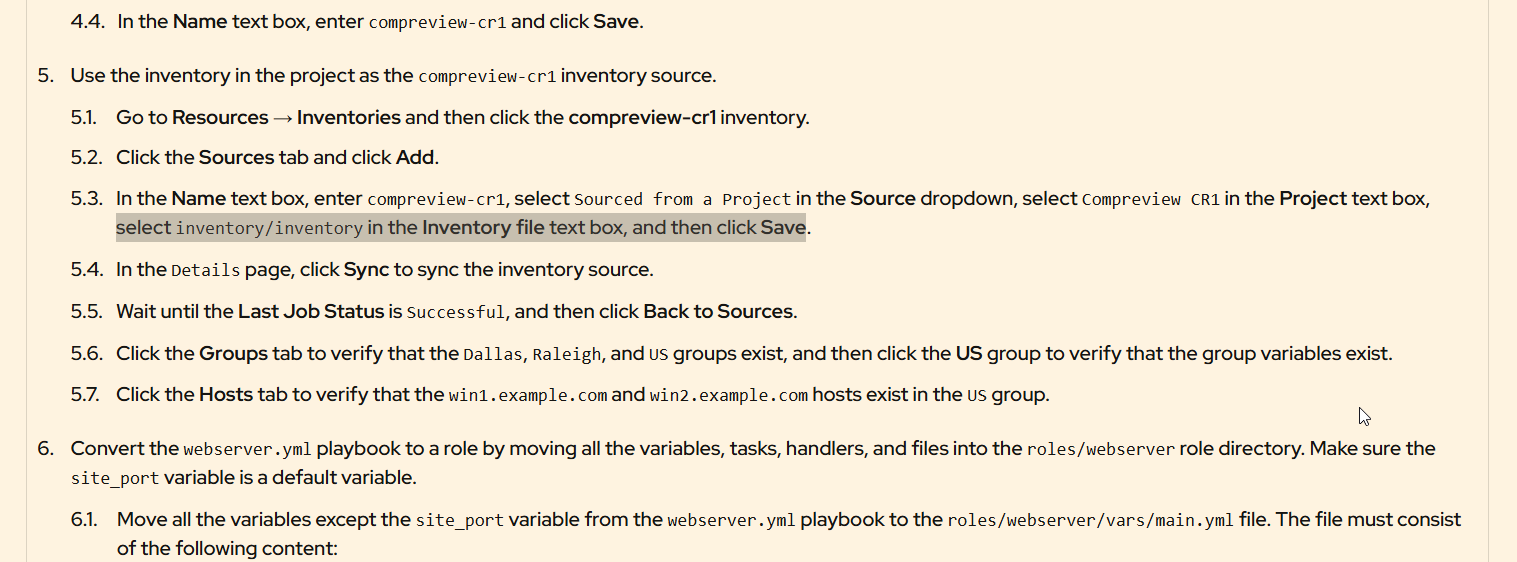
Section 5.3 contains the following...
"select inventory/inventory in the Inventory file text box, and then click Save."
It should probably contain the file extension .yml..
"select inventory/inventory.yml in the Inventory file text box, and then click Save."
also it should explain that you have to click on the 'set source path to "inventory/inventory.yml"' message that appears in the drop down otherwise it reverts to the "/ (project root)" default value
Steps to reproduce:
Workaround:
Expected result: