-
Bug
-
Resolution: Unresolved
-
 Blocker
-
None
-
None
-
None
-
False
-
-
False
-
-
-
en-US (English)
Please fill in the following information:
| URL: | https://rha.ole.redhat.com/rha/app/courses/do180-4.18/pages/ch02s05/a59f9f79-84f0-4aa3-905e-b393ed465b4d |
| Reporter RHNID: | nala_22; rh-ee-gurdsing |
| Section Title: |
Issue description
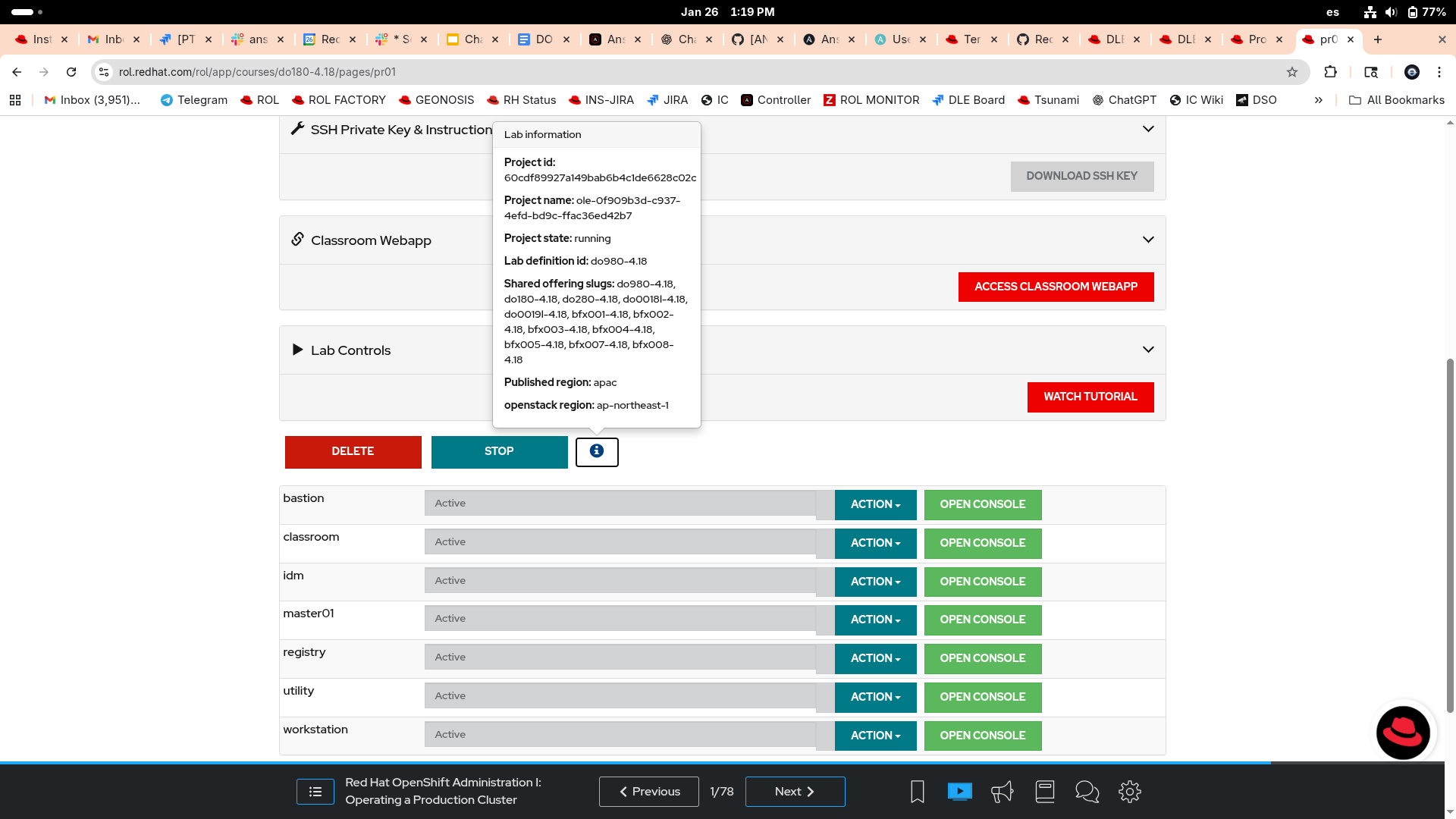
The lab VMs are not appearing for the learner after creating the lab. The lab starts successfully, but the virtual machines are not visible or accessible.
Learner Details:
RHN: nala_22
Class Name: DO180-APAC-S1A00056
Course Slug: do180-4.18
Region: apac
Steps to reproduce:
- Log in to the RHA account
- Start the lab DO180 – 4.18
- Observe the lab environment after creation
Workaround:
Expected result:
Lab VMs should appear and be accessible to the learner.