-
Bug
-
Resolution: Done
-
 Blocker
-
None
-
DO180 - RHOCP4.18-en-2-20251021
-
None
-
False
-
-
False
-
-
-
zh-CN (Chinese, Simplified)
Please fill in the following information:
| URL: | https://rol.training-china.com/rol/app/classes/9bddbd86-168a-41c5-ab2e-72ca766ac1eb |
| Reporter RHNID: | rh-ee-jingyuwa |
| Section Title: | NA |
Issue description
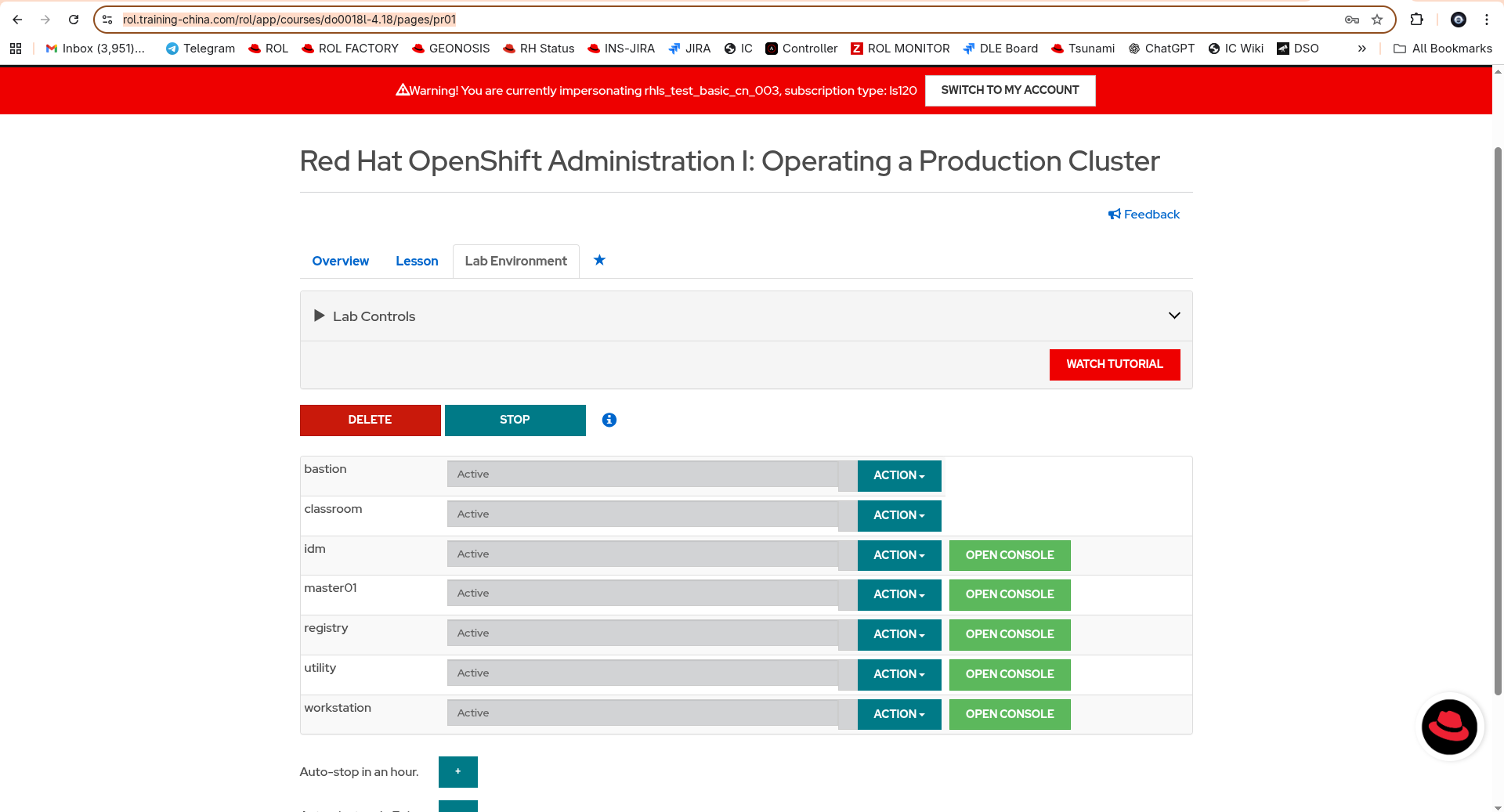
Labs cannot be started when the lab version is set to be DO180-4.18. DO180-4.14 lab is working fine. Please note this issue is on China ROL, for VT OID 86921132
Steps to reproduce:
Set the lab version to be DO180-4.18 and try to start the lab. The button will turn to the bouncing dots and become gray, but there will be no progress for the lab build. After refreshing the page the button will return to "Create" and it seems that the lab was never been created.
Workaround:
NA
Expected result:
Lab can be started successfully.