-
Bug
-
Resolution: Not a Bug
-
 Major
Major
-
None
-
DO417 - RHAAP2.4-en-3-20250117
-
None
-
False
-
-
False
-
en-US (English)
Please fill in the following information:
| URL: | |
| Reporter RHNID: | yogesh.kk2 |
| Section Title: | GE Modifying and Transferring Files on Hosts |
Issue description
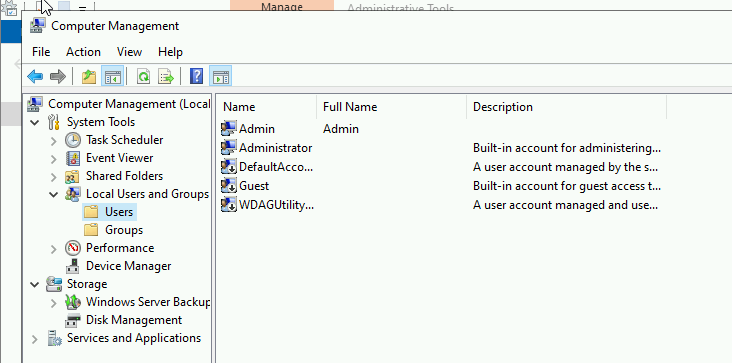
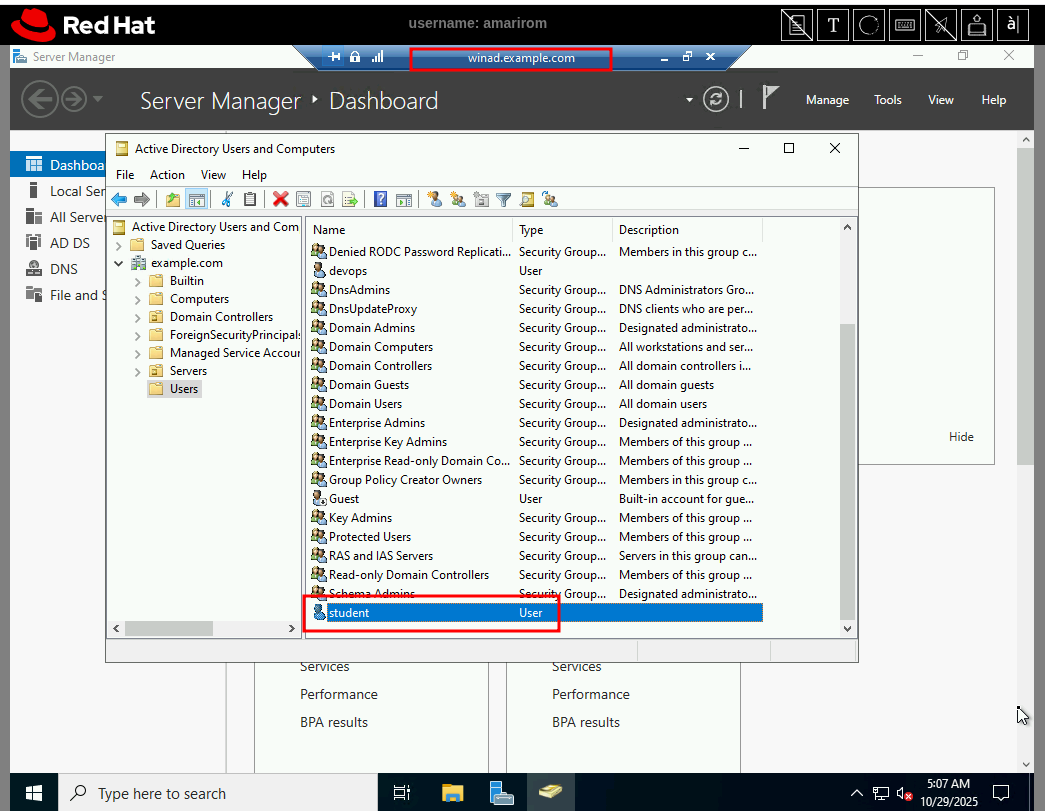
In 7.2. Guided Exercise Modifying and Transferring Files on Hosts, step 6.1 material instruct as to login as student user to win1.example.com system using RDP. I am not able to login with that user & password mentioned. I opened the console of win1.example.com as devops user and checked if there was any student user present (using computer management) but turns out there is not user with that name.
Steps to reproduce:
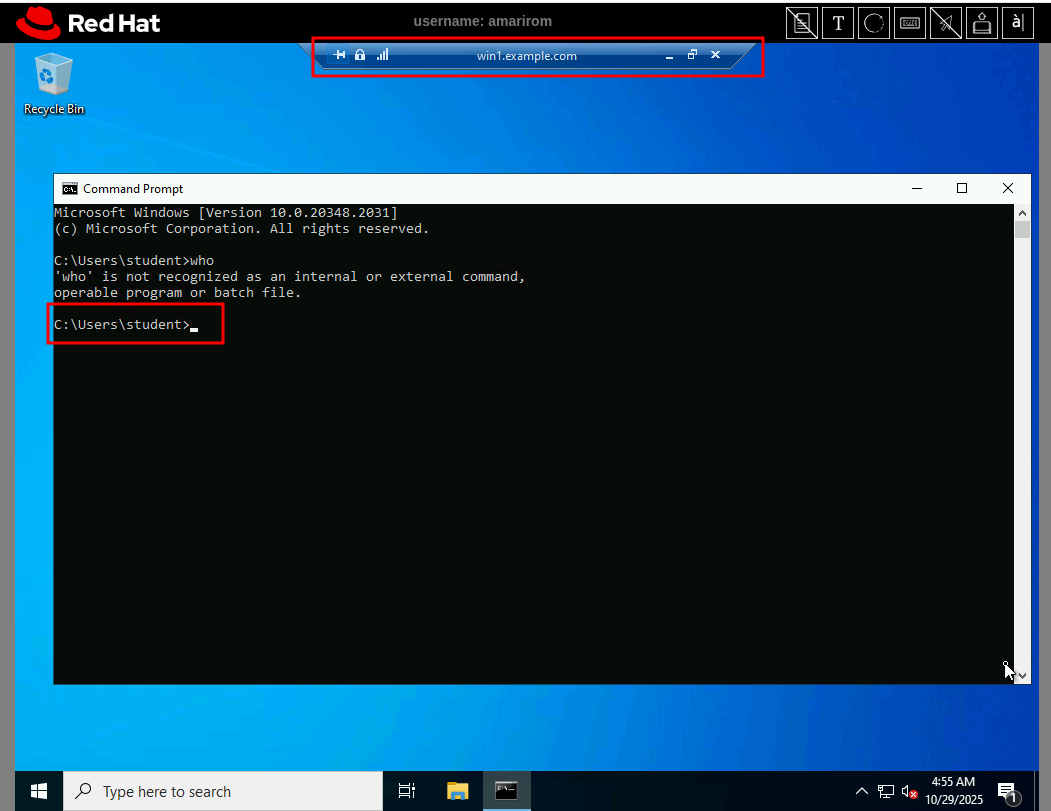
Run 'lab start files-transfer' lab script and try logging in to win1.example.com using RDP or console with student account but it does not work.
Workaround:
Need to use devops user instead or need to add a task to create a user student in the GE.
Expected result:
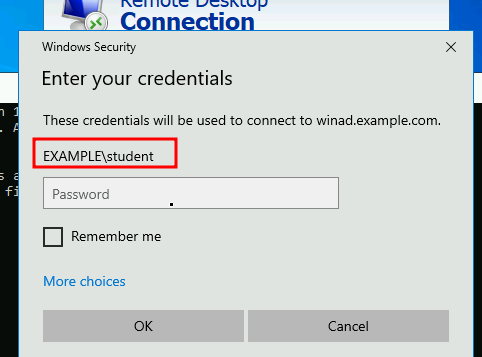
As per the instruction, We are suppose to open a Remote Desktop Connection to the win1.example.com machine and log in using student as the username and StuD3nt123!@ as the password.
Later open File Explorer and go to the C:\Temp\DO417\payload folder. Examine the text document and two PowerShell scripts that Ansible extracted.