Uploaded image for project: 'Product Technical Learning'
  1. Product Technical Learning
  2. PTL-14967

Password not working for login||

XMLWordPrintable

    • Icon: Bug Bug
    • Resolution: Cannot Reproduce
    • Icon: Normal Normal
    • None
    • AD248 - RHJBEAP7.4-en-3-20240430
    • AD248
    • None
    • False
    • Hide

      None

      Show
      None
    • False
    • en-US (English)

      Please fill in the following information:


      URL: https://rol.redhat.com/rol/app/courses/ad248-7.4/pages/ch09s09
      Reporter RHNID: vsing@redhat.com
      Section Title:            h4. Red Hat JBoss Enterprise Application Platform Administration I                                                            

      Issue description

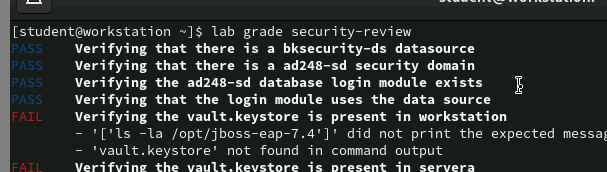
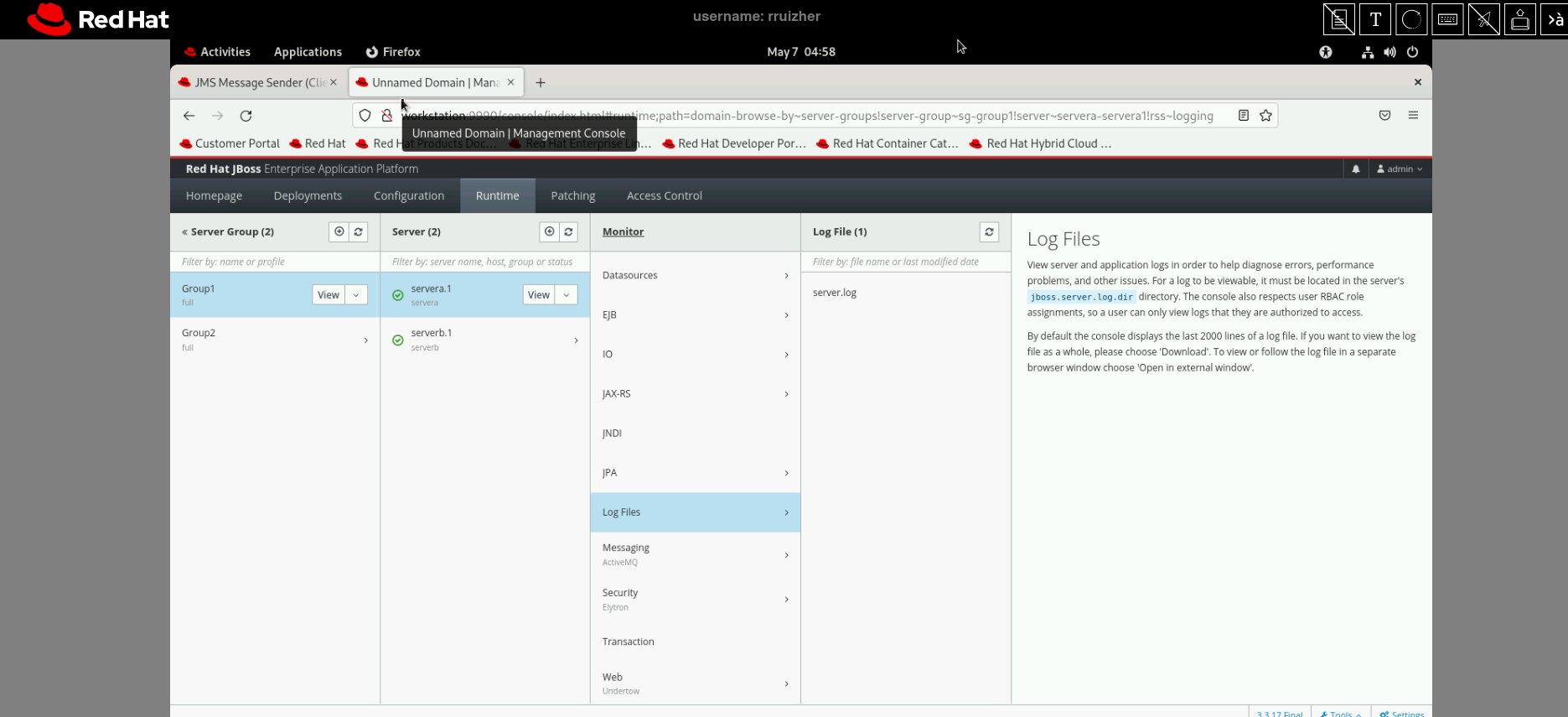
      Step 3.4 Open the browser to access the application at http://172.25.250.10:8080/messaging-client-secure by using admin as the username and the password. .

      user name : admin and Password : admin , not working. 

      No error message.

      Steps to reproduce:


      Workaround:


      Expected result:
              gls-curriculum-ocp-adv@redhat.com PTL - AppDev Team
              vsing@redhat.com Vikas Singh
              Votes:
              0 Vote for this issue
              Watchers:
              2 Start watching this issue

                Created:
                Updated:
                Resolved: