-
Story
-
Resolution: Done
-
 Undefined
-
openshift-4.13
-
3
-
False
-
-
False
-
0
-
Not Supported
-
-
-
ODC Sprint 228, ODC Sprint 229
Description
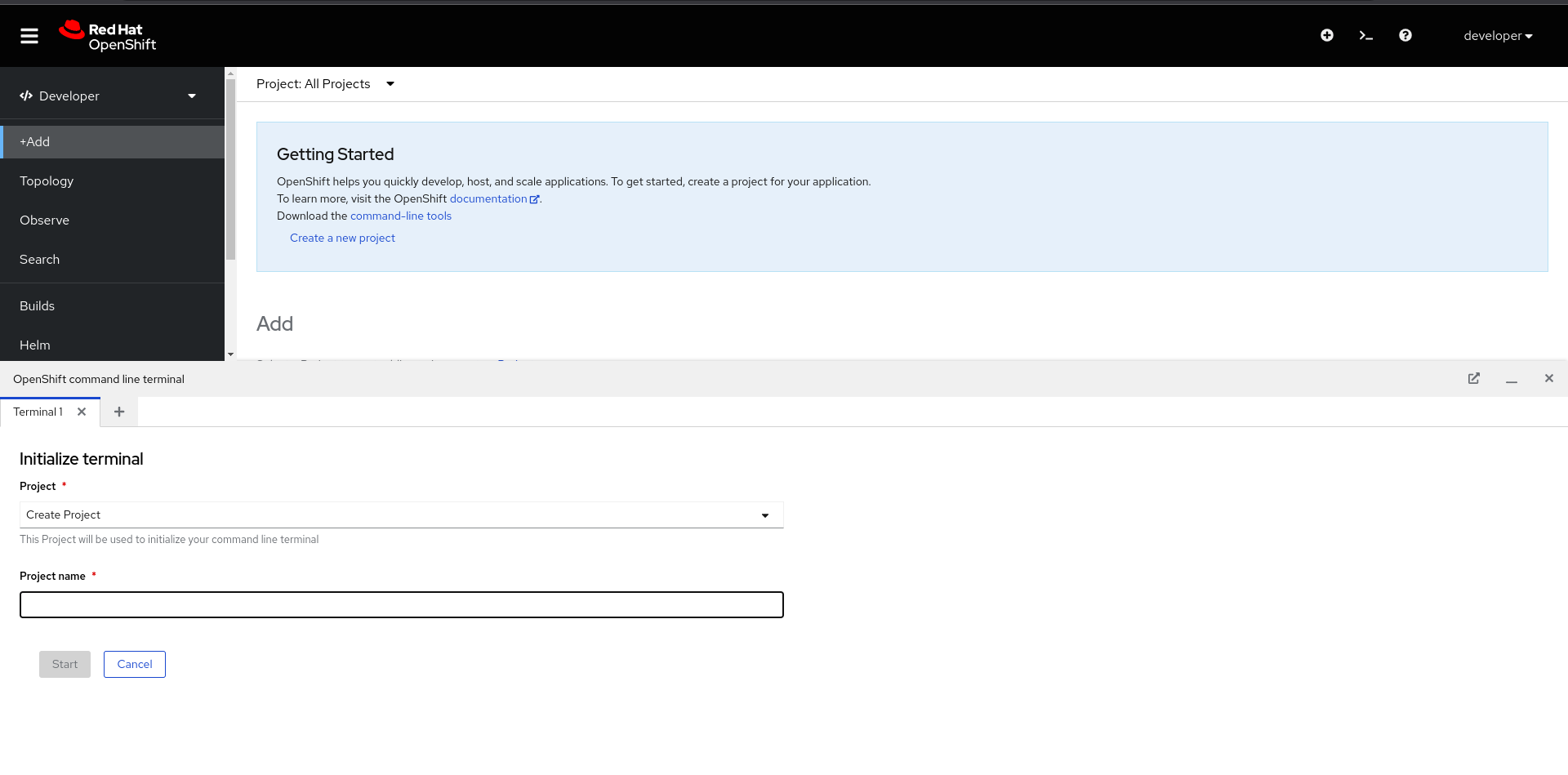
As a user, I want to set timeout and container image to run the Web terminal
Acceptance Criteria
- Make the form footer sticky
- Add a sentence that has 2 adv options links in it
- Clicking on an adv option should scroll to the view
- The timeout field should have an info icon with a tooltip
- The image field should be a text input field.
- Timeout duration should be number and unit. support following units ms(milliseconds), s (seconds), m (minutes), h (hours). Ex. 2m (2 Minutes), 1.5h (1hours 30 minutes)
- Be sure to provide the appropriate default namespace for the cluster admin (openshift-terminal)
- All users should see the same form when initiating the web terminal ( verify with Angel )
Additional Details:
To set the time out
$ wtoctl set timeout 15m
To set the image
$ wtoctl set image ""
Questions:
- Is private container image supported for the Web terminal?
- Are all users should see the same form when initiating the web terminal?