Uploaded image for project: 'OCMUI - OpenShift Cluster Manager UI'
  1. OCMUI - OpenShift Cluster Manager UI
  2. OCMUI-2550

[OCMUI][4.17 GA doc links]Red Hat OpenShift Application Services CLI (rhoas) get started link returns 404 page not found.

XMLWordPrintable

    • Icon: Bug Bug
    • Resolution: Done
    • Icon: Normal Normal
    • None
    • None
    • Core UI
    • True
    • Hide

      OCMUI team has reached out to various doc folks but cannot identify which team owns this area of the Downloads tools.

      Show
      OCMUI team has reached out to various doc folks but cannot identify which team owns this area of the Downloads tools.
    • False
    • OCMUI Core Sprint 262, OCMUI Core Sprint 263, OCMUI Core Sprint 264, OCMUI Core Sprint 276

      Description of the Problem

      Under OCM UI > Downloads > Red Hat OpenShift Application Services CLI (rhoas) > Get started link points to https://access.redhat.com/documentation/en-us/red_hat_openshift_application_services/1/guide/bb30ee92-9e0a-4fd6-a67f-aed8910d7da3  

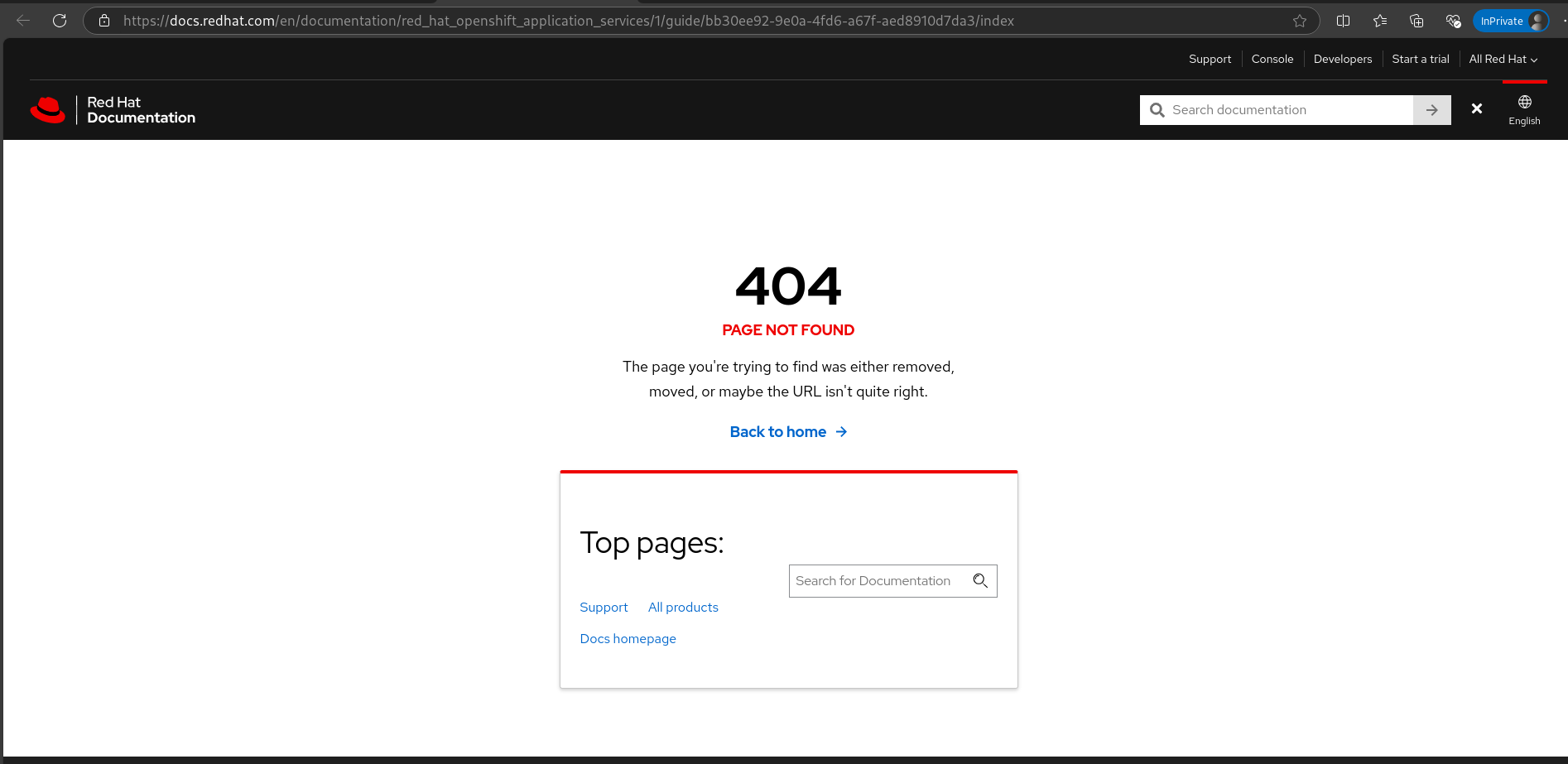
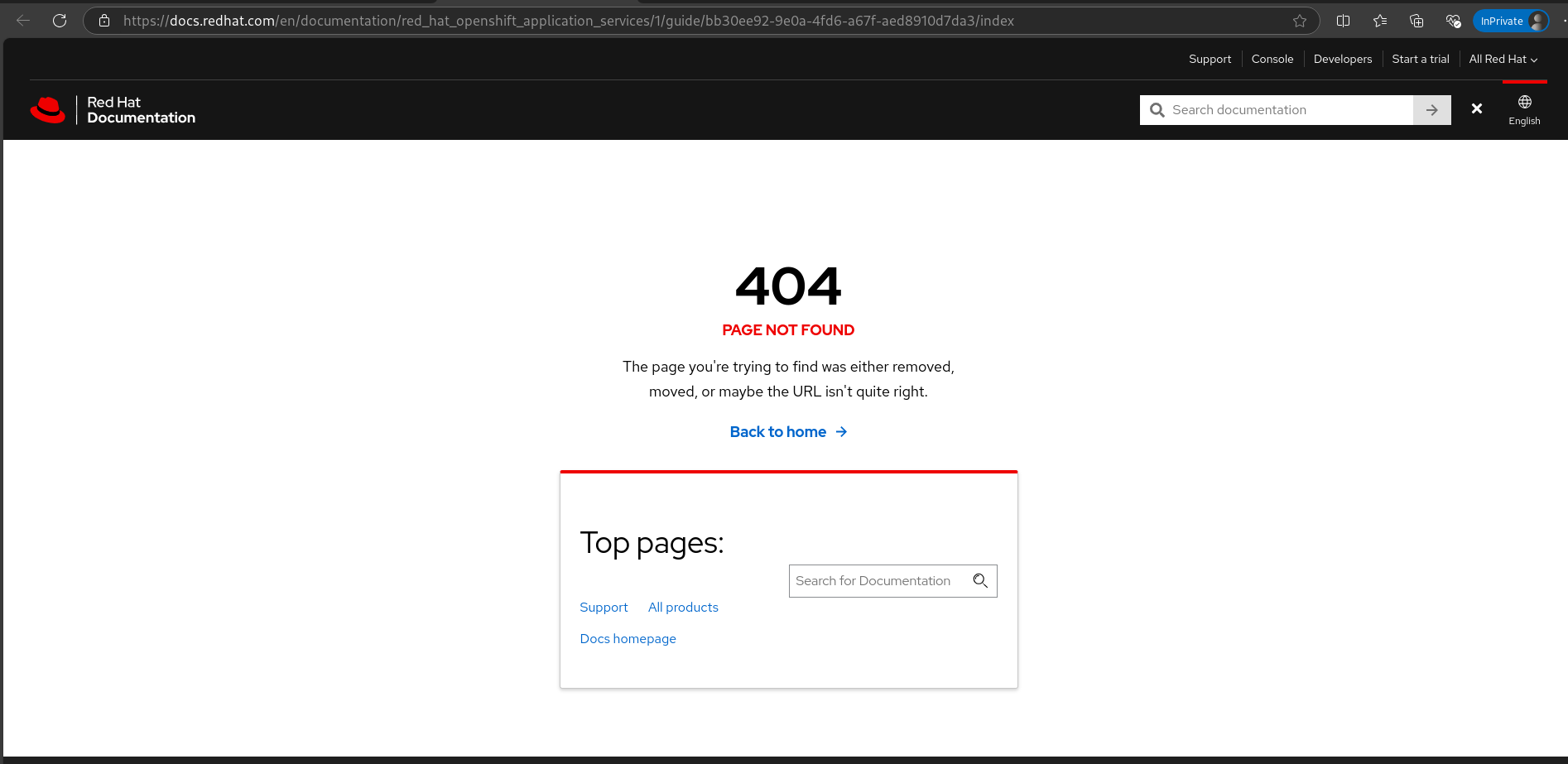
      The same returns 404 page not found.
      How reproducible:

      always

      Steps to Reproduce:

      1. Go to https://console.dev.redhat.com/openshift/downloads 
      2. Go to Developer tools > Red Hat OpenShift Application Services CLI (rhoas) section.
      3. Click get started link and see the behavior.

      Actual results:

      The link https://docs.redhat.com/en/documentation/red_hat_openshift_application_services/1/guide/bb30ee92-9e0a-4fd6-a67f-aed8910d7da3/index opened with 404 page not found.

      Expected results:

      The get started link should point to right url and should show related content.
              rh-ee-nmeiri Netta Meiri
              jmekkatt@redhat.com Jayakrishnan Mekkattillam
              Votes:
              0 Vote for this issue
              Watchers:
              3 Start watching this issue

                Created:
                Updated:
                Resolved: