Uploaded image for project: 'OCMUI - OpenShift Cluster Manager UI'
  1. OCMUI - OpenShift Cluster Manager UI
  2. OCMUI-1154

[OCM-UI] Access token are unavilable to the user on the Downloads page

XMLWordPrintable

    • Icon: Bug Bug
    • Resolution: Done
    • Icon: Blocker Blocker
    • None
    • None
    • None
    • False
    • Hide

      None

      Show
      None
    • False

      Steps to Reproduce

      1. Launch the staging environment in Chrome Version 119.0.6045.199 (Official Build) (x86_64) or Firefox 117.0.1
      2. Navigate to the Downloads tab
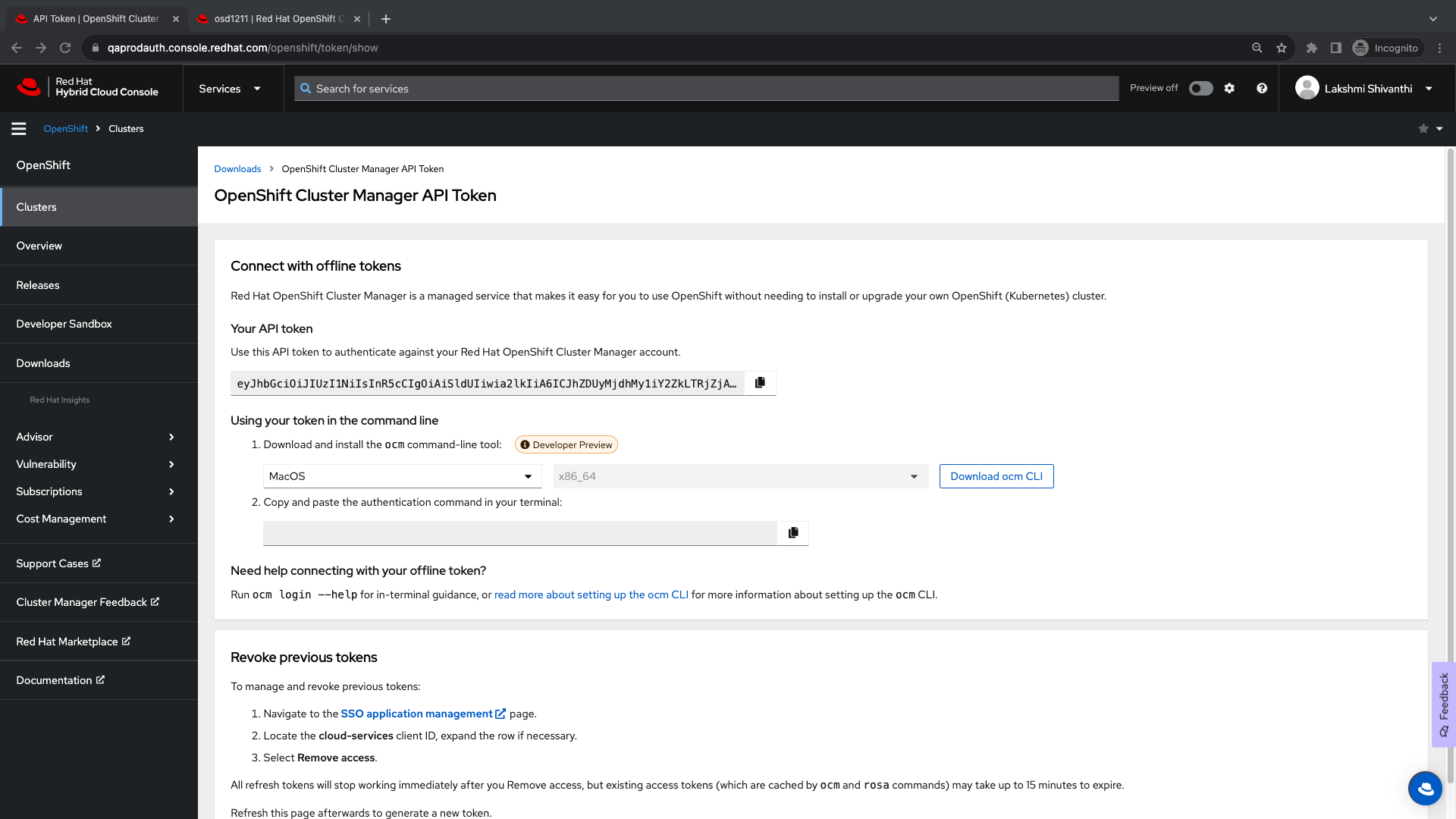
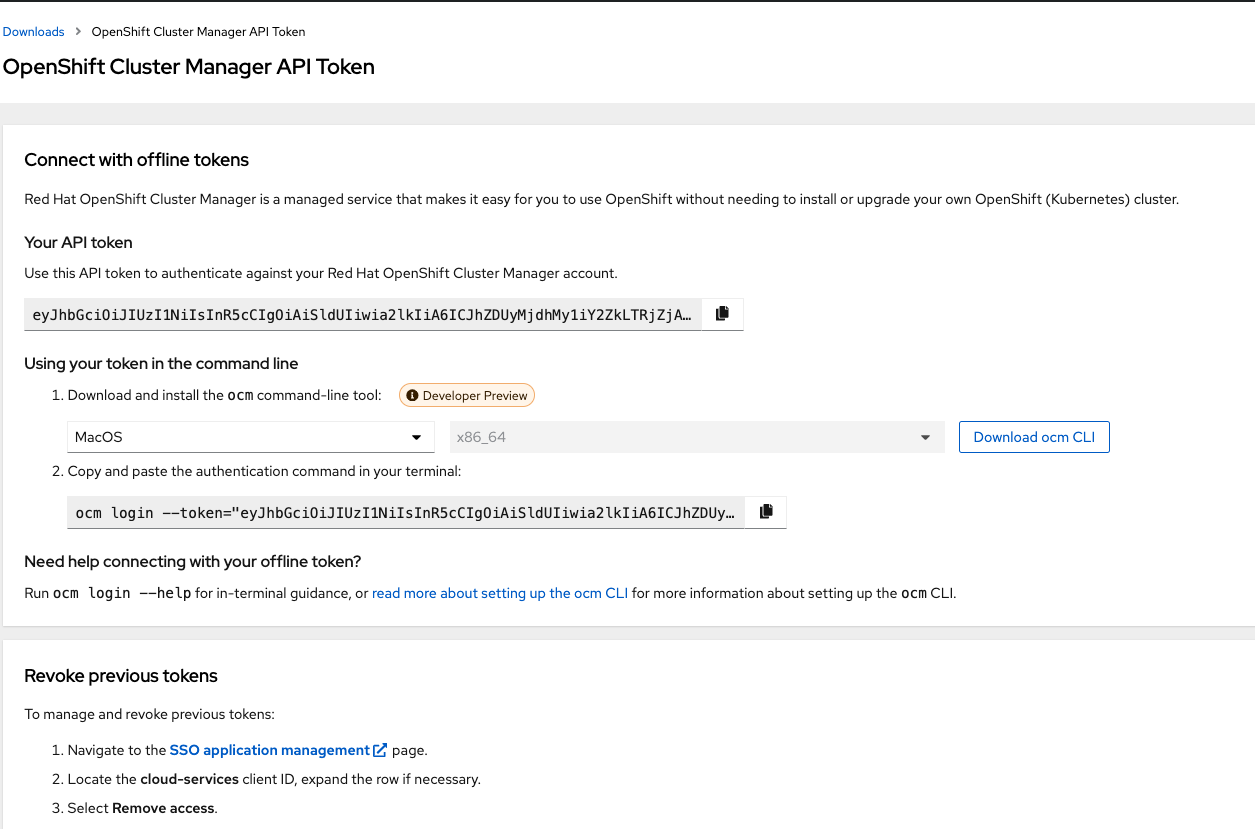
      3. Go to the tokens tab -> Openshift Cluster Manager API token
      4. Click on View API token
      5. The page should open in a new tab and click on the Load token button
      6. Click on the SSO application management link
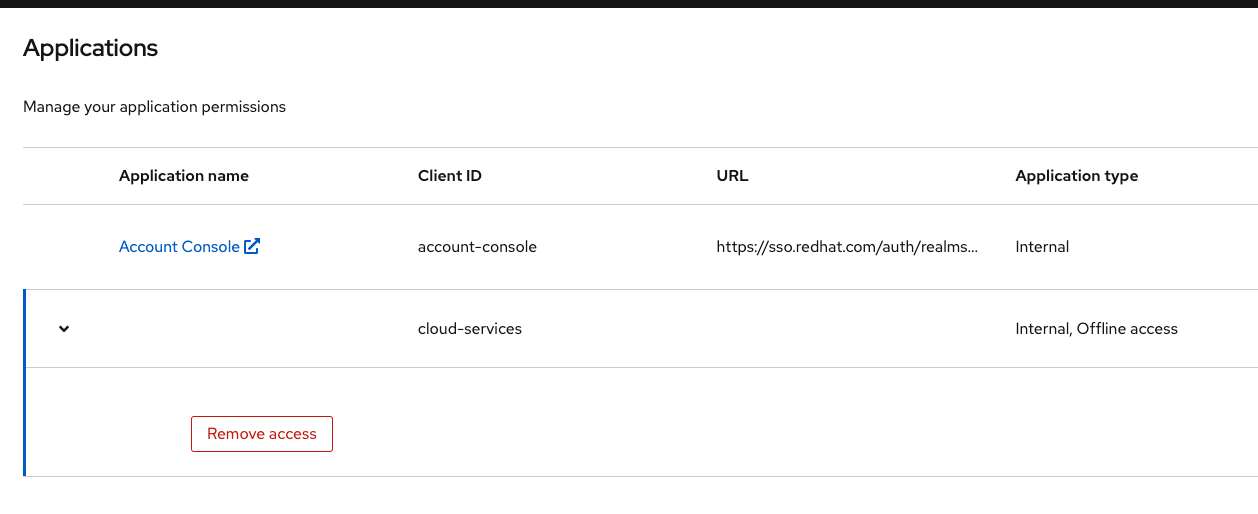
      7. Locate the cloud-services client ID, expand the row if necessary, and select Remove access.

      Expected Result
      The access should be removed

      Actual Result
      There is no option to expand the row and select Remove access.
        1. Firefox_pull_secret.mp4
          2.71 MB
          LAKSHMI SHIVANTHI AMARACHINTHA
        2. Pull_secret_token.mp4
          9.88 MB
          LAKSHMI SHIVANTHI AMARACHINTHA
        3. Screenshot 2023-12-12 at 10.00.54 AM.png
          127 kB
          LAKSHMI SHIVANTHI AMARACHINTHA
        4. Screenshot 2023-12-12 at 10.01.15 AM.png
          40 kB
          LAKSHMI SHIVANTHI AMARACHINTHA
        5. Screenshot 2023-12-12 at 9.40.46 AM.png
          232 kB
          LAKSHMI SHIVANTHI AMARACHINTHA

              Unassigned Unassigned
              lamarach@redhat.com LAKSHMI SHIVANTHI AMARACHINTHA
              LAKSHMI SHIVANTHI AMARACHINTHA LAKSHMI SHIVANTHI AMARACHINTHA
              Votes:
              0 Vote for this issue
              Watchers:
              3 Start watching this issue

                Created:
                Updated:
                Resolved: