Uploaded image for project: 'OCMUI - OpenShift Cluster Manager UI'
  1. OCMUI - OpenShift Cluster Manager UI
  2. OCMUI-1144

Wrong error message on "maximum nodes count" editing machine pools for multizone "ROSA classic"/OSD

XMLWordPrintable

    • Icon: Bug Bug
    • Resolution: Done
    • Icon: Major Major
    • None
    • None
    • Core UI
    • False
    • Hide

      None

      Show
      None
    • False
    • OCM UI Sprint 246

      Description of problem:

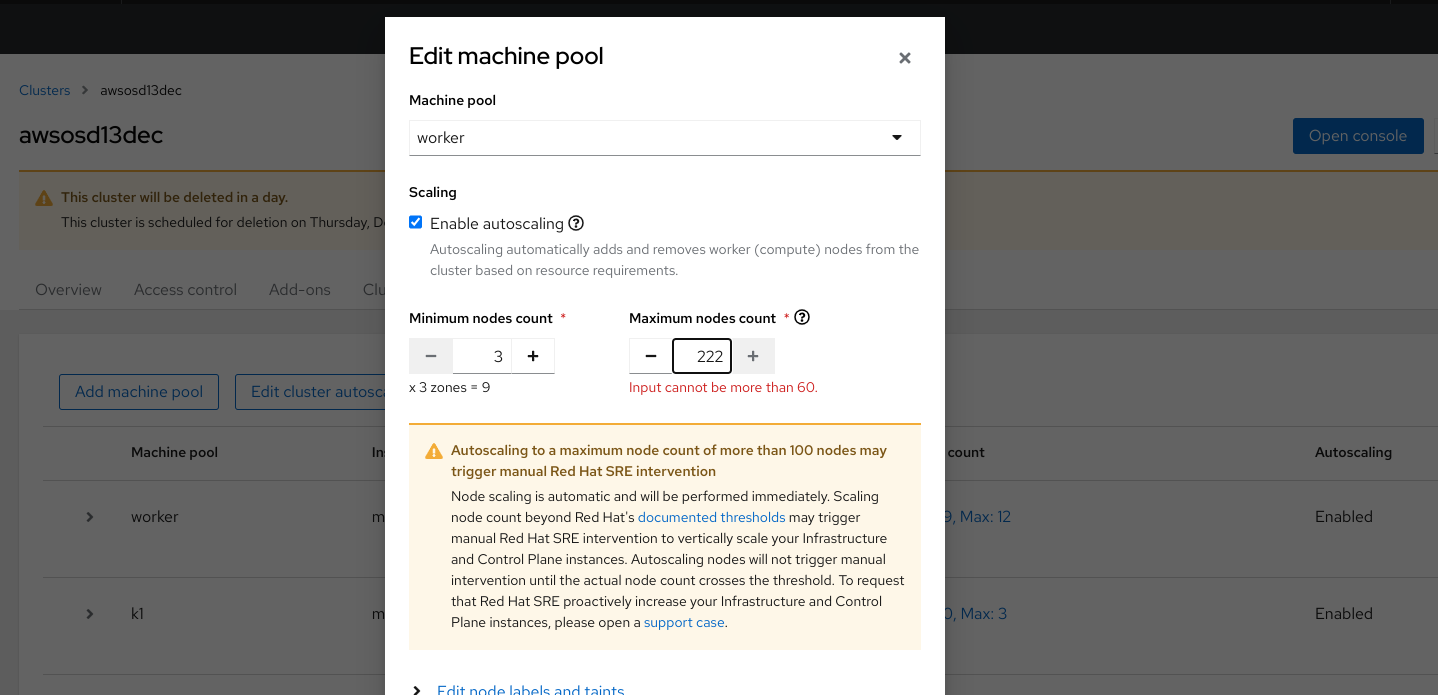
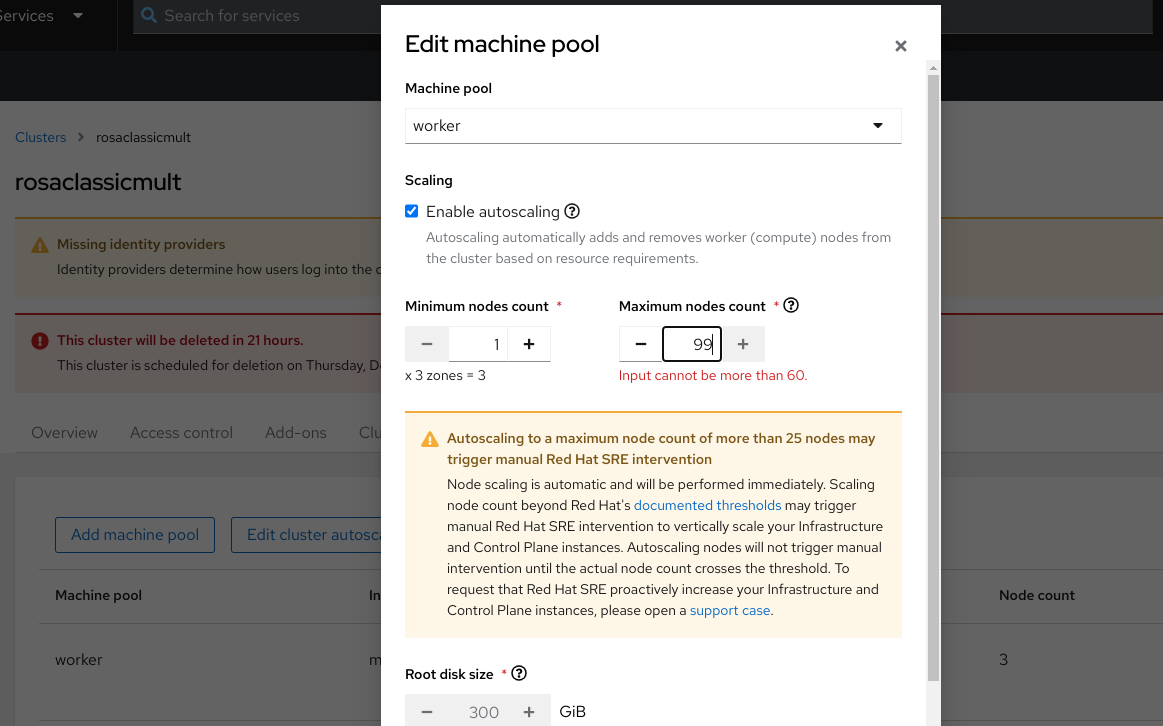
      Editing machine pools of multizone clusters, both ROSA classic and OSD, if the user types, in "maximum nodes count", a value over 60 then a wrong error message is shown.

      How reproducible:

      always

      Steps to Reproduce:

      1. Edit a machine pool of a multizone cluster, either ROSA classic or OSD, from cluster details or cluster list 
      2. Enable autoscaling
      3. Type in "maximum nodes count" a value over 60
      4. See the error message show below "maximum nodes count".

      Actual results:

      The message shown is "Input cannot be more than 59.333333333333336"

      Expected results:

      The message should be "Input cannot be more than 60"
        1. rosaclassic_mp_bug_fixed.png
          rosaclassic_mp_bug_fixed.png
          121 kB
        2. rosac_mz_autoscale_bug.png
          rosac_mz_autoscale_bug.png
          137 kB
        3. osd_mp_bug.png
          osd_mp_bug.png
          117 kB

              kdoberst Kim Doberstein
              rhn-support-vgrazian Vitor Graziano (Inactive)
              Vitor Graziano Vitor Graziano (Inactive)
              Votes:
              0 Vote for this issue
              Watchers:
              4 Start watching this issue

                Created:
                Updated:
                Resolved: