-
Task
-
Resolution: Unresolved
-
 Undefined
-
None
-
None
-
False
-
-
False
-
-
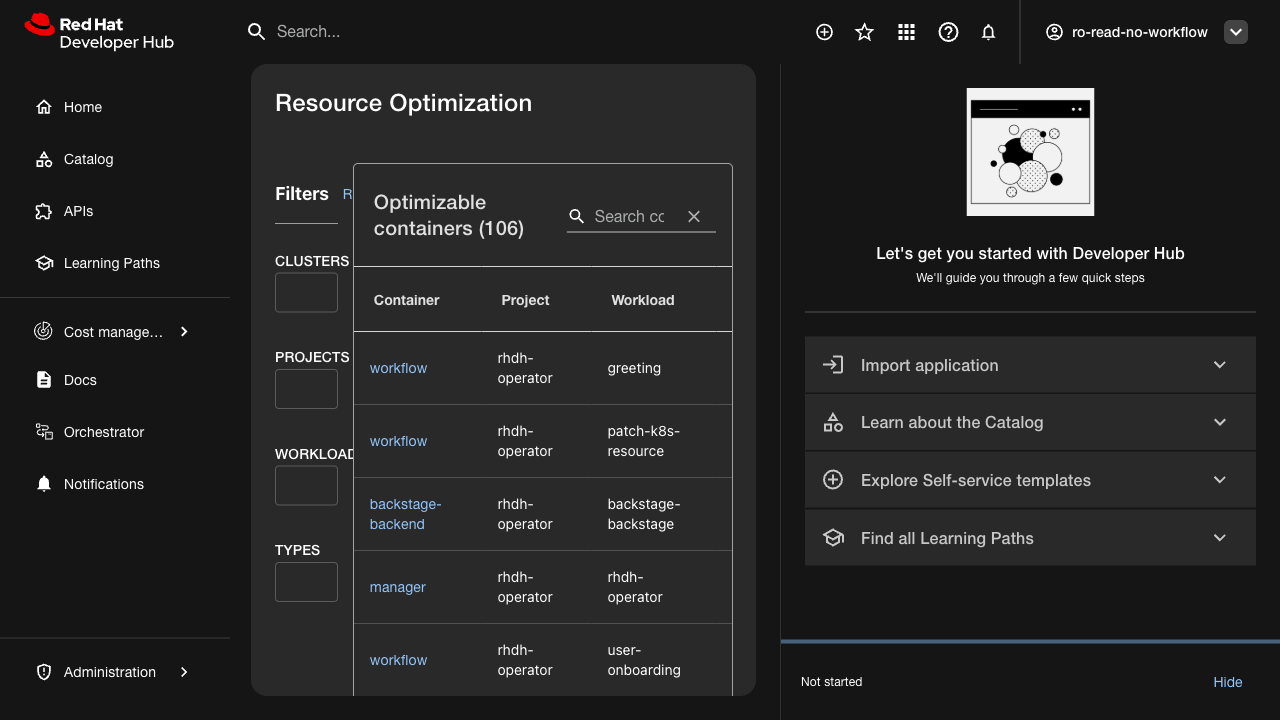
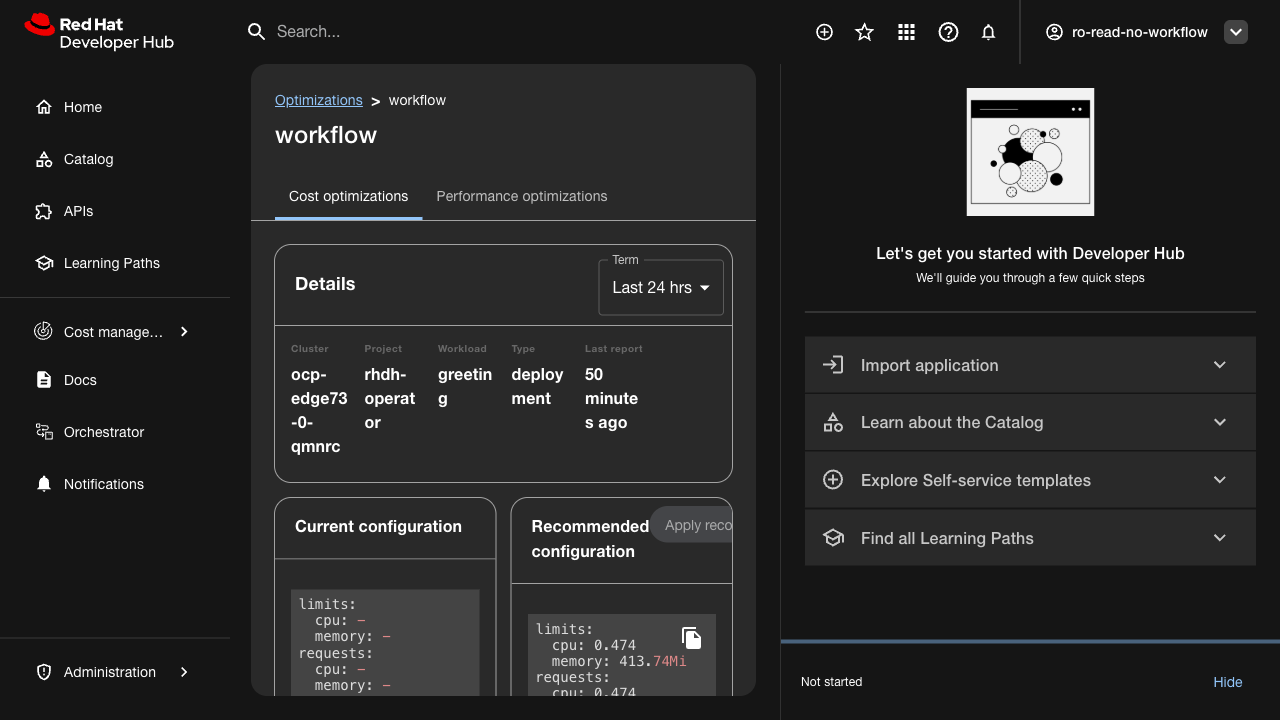
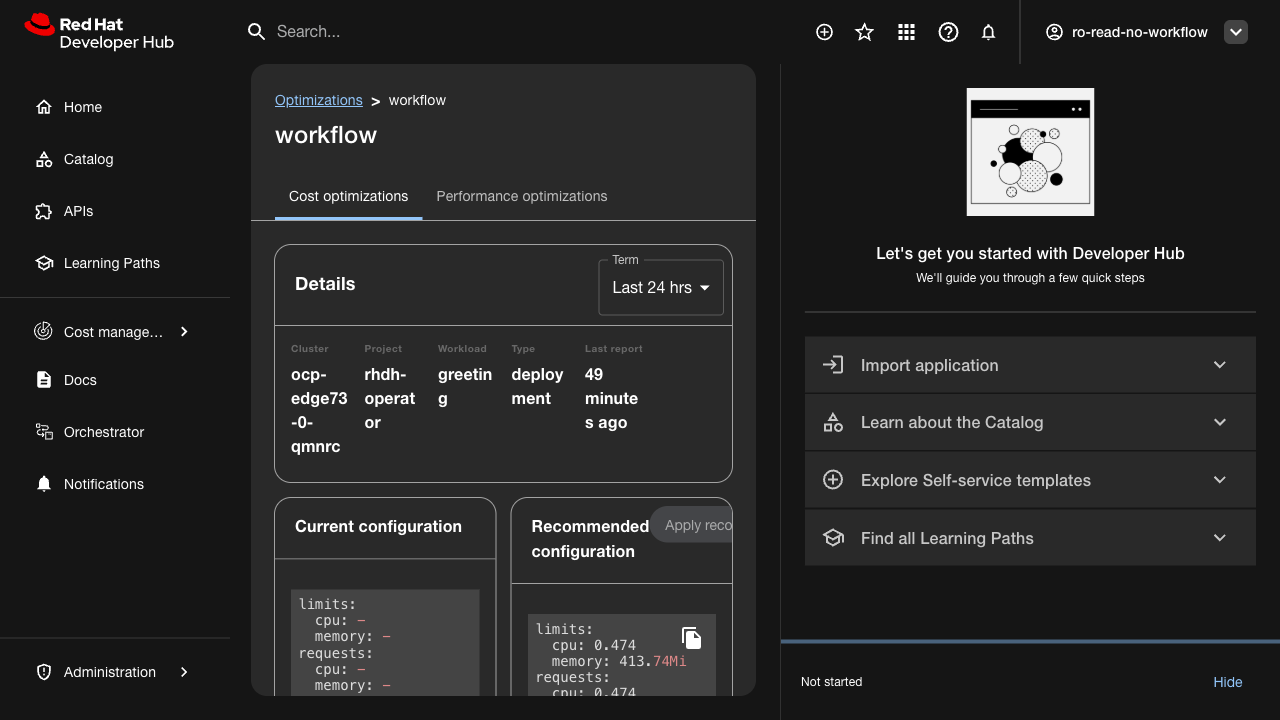
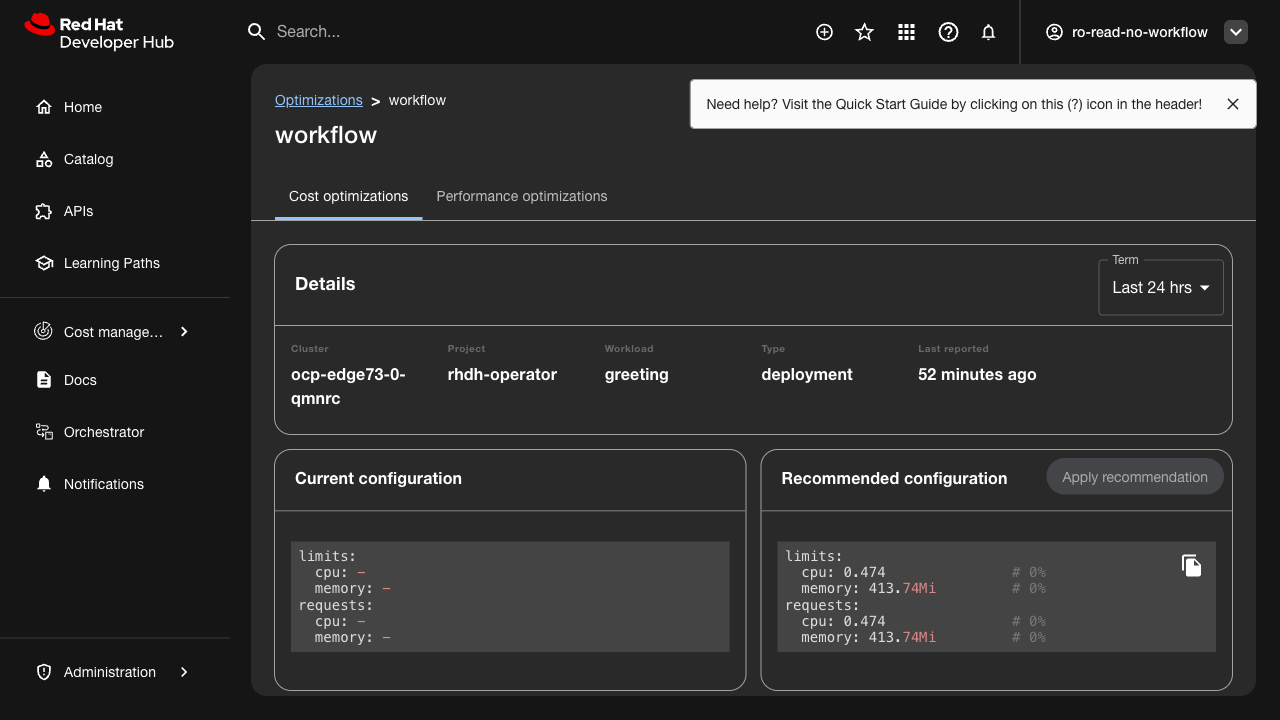
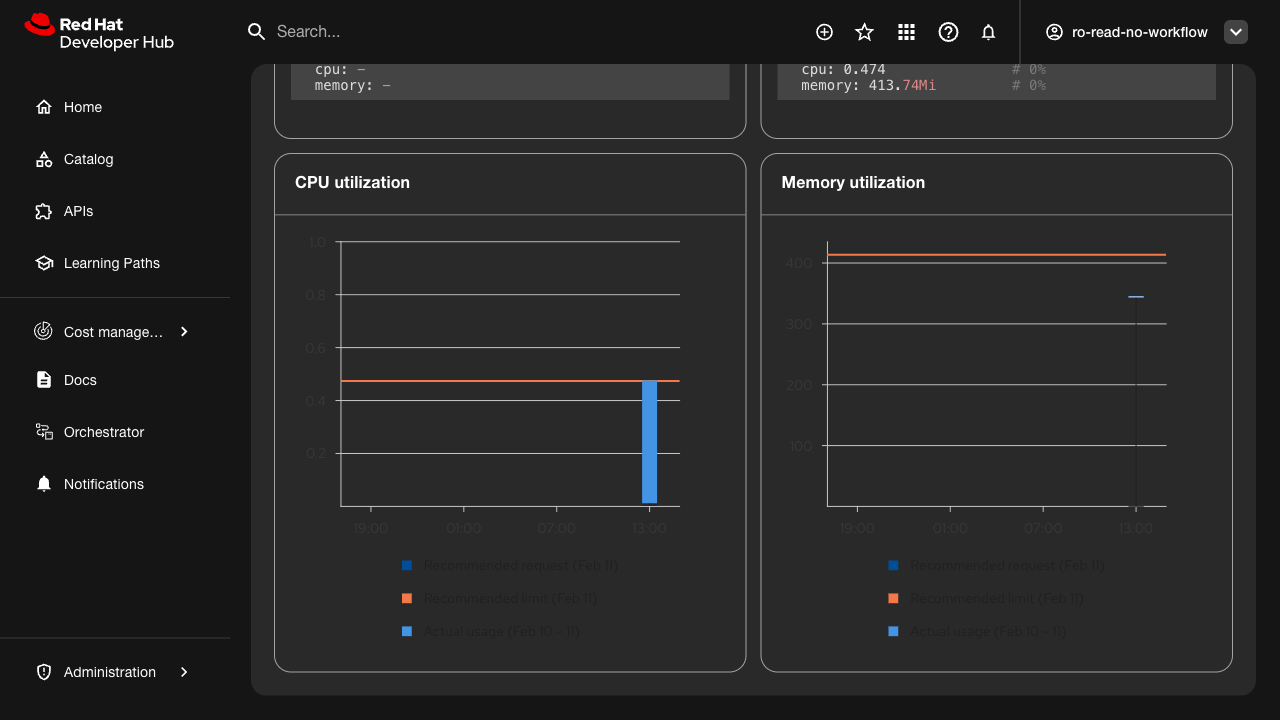
Verify that the cost management plugin displays correctly in dark theme mode.
Related issue: FLPATH-2932
Test Steps:
1. Access RHDH with cost management plugin installed
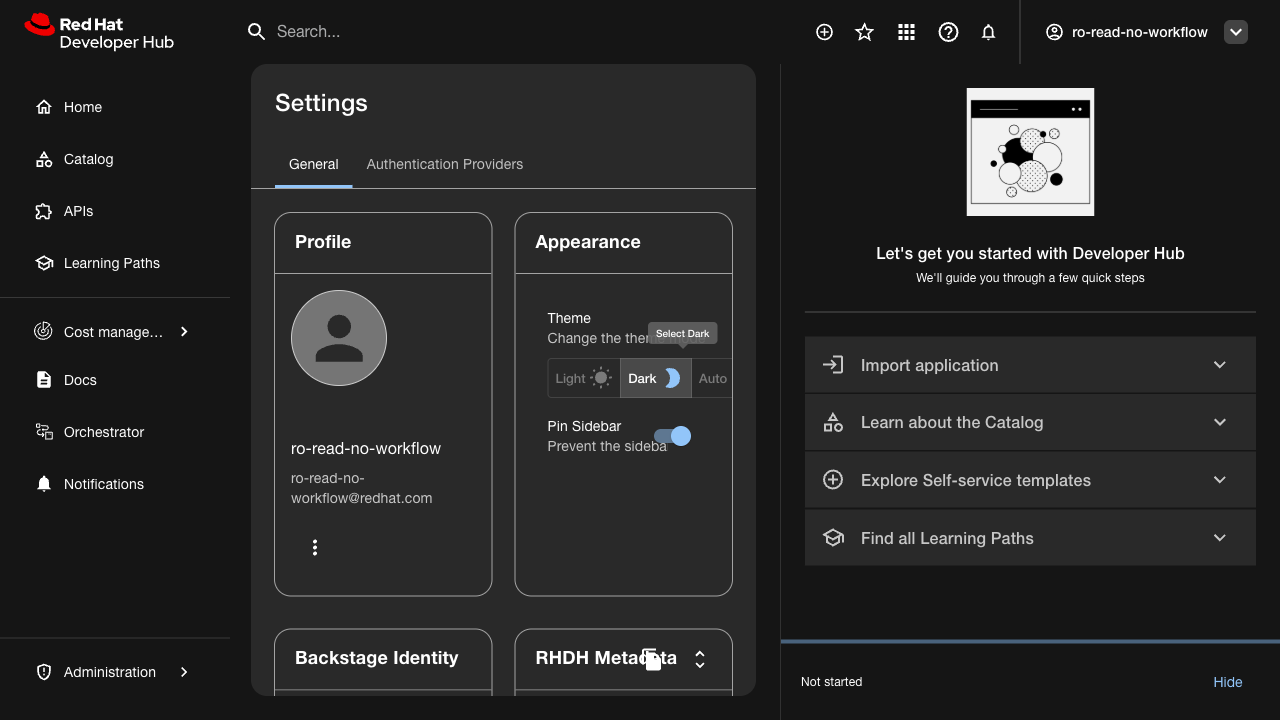
2. Switch to dark theme mode
3. Navigate through all plugin pages and components
4. Check all UI elements for proper contrast and visibility
Expected Results:
- All text is readable against dark backgrounds
- Icons and graphics display correctly
- No visual artifacts or broken styling
- Color scheme follows dark theme guidelines
- All interactive elements are clearly visible
- blocks
-
FLPATH-3234 [Bug] Resource Optimization chart axis labels are invisible in dark theme
-
- ON_QA
-