-
Task
-
Resolution: Done
-
 Undefined
-
None
-
None
-
False
-
-
False
-
-
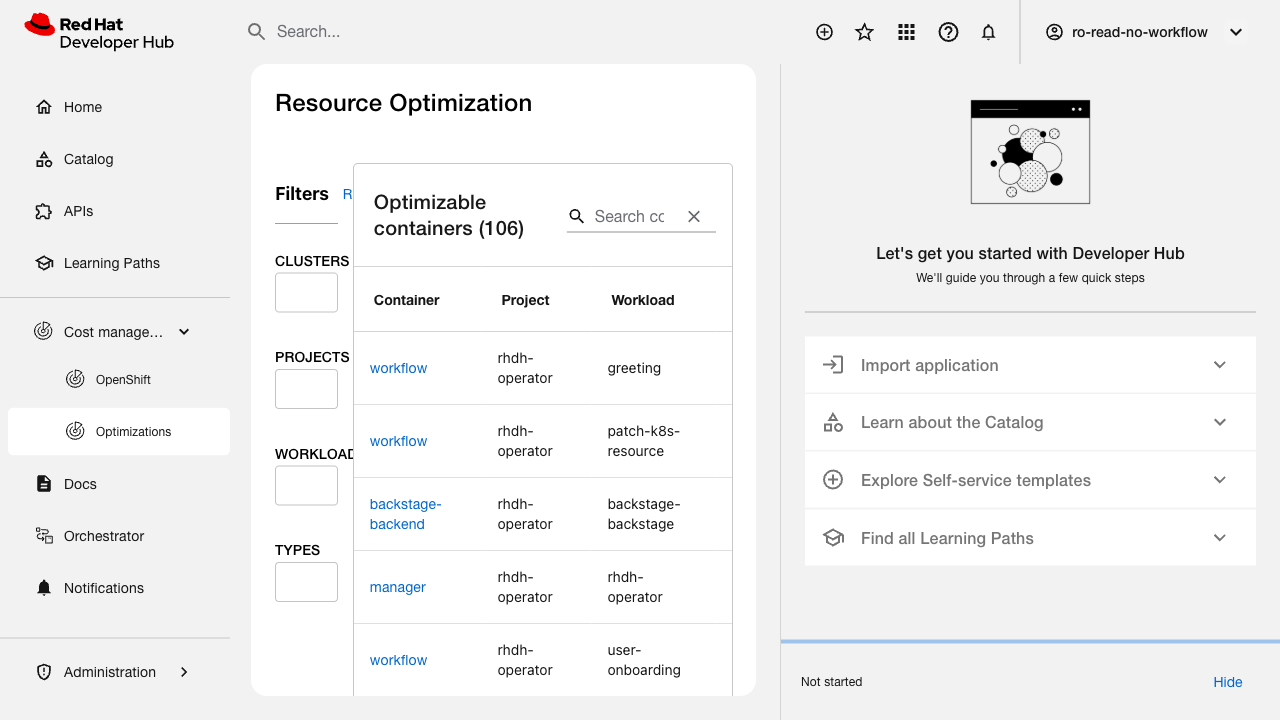
Verify that the Optimizable containers table displays entries in a consistent, predictable order on each page load.
Related issue: FLPATH-2648
Test Steps:
1. Navigate to Resource Optimization plugin
2. View the Optimizable containers table
3. Note the order of containers
4. Refresh the page multiple times
5. Compare the order after each refresh
Expected Results:
- Table displays containers in consistent order on every page load
- Order is logical (e.g., alphabetical by Project, then Workload, then Container)
- Users can reliably locate specific containers