-
Task
-
Resolution: Done
-
 Undefined
-
None
-
None
-
False
-
-
False
-
-
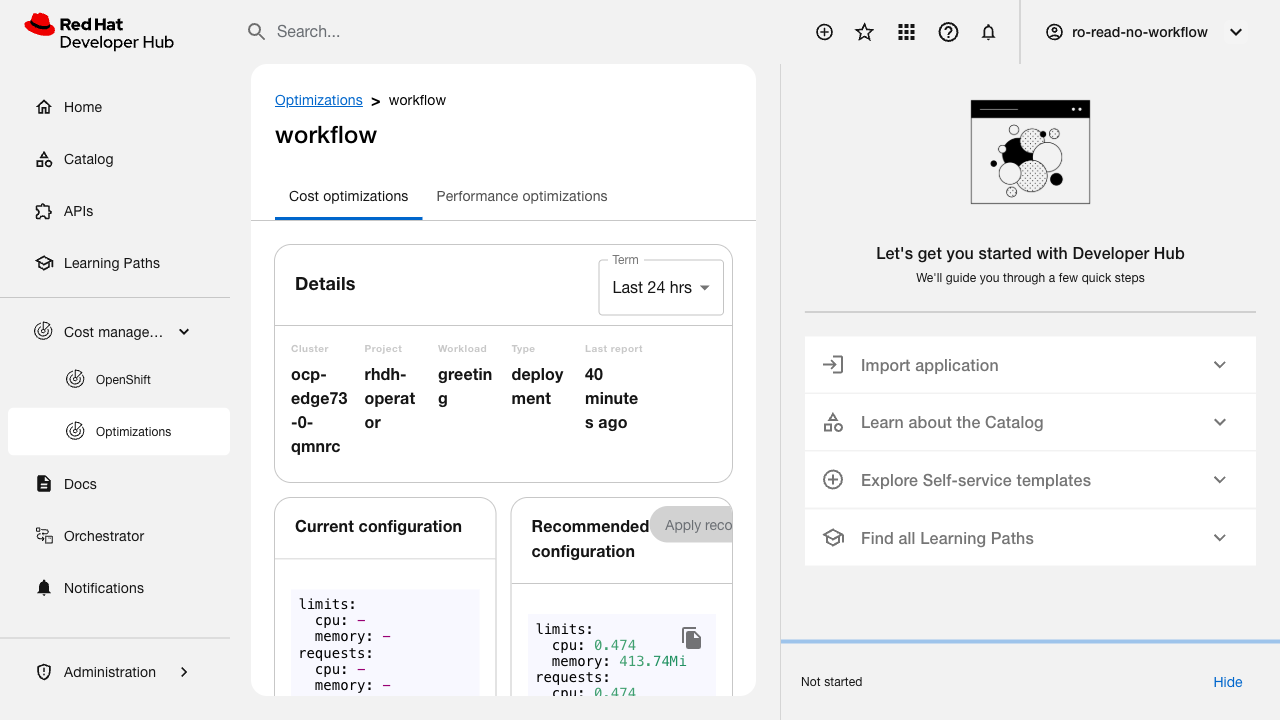
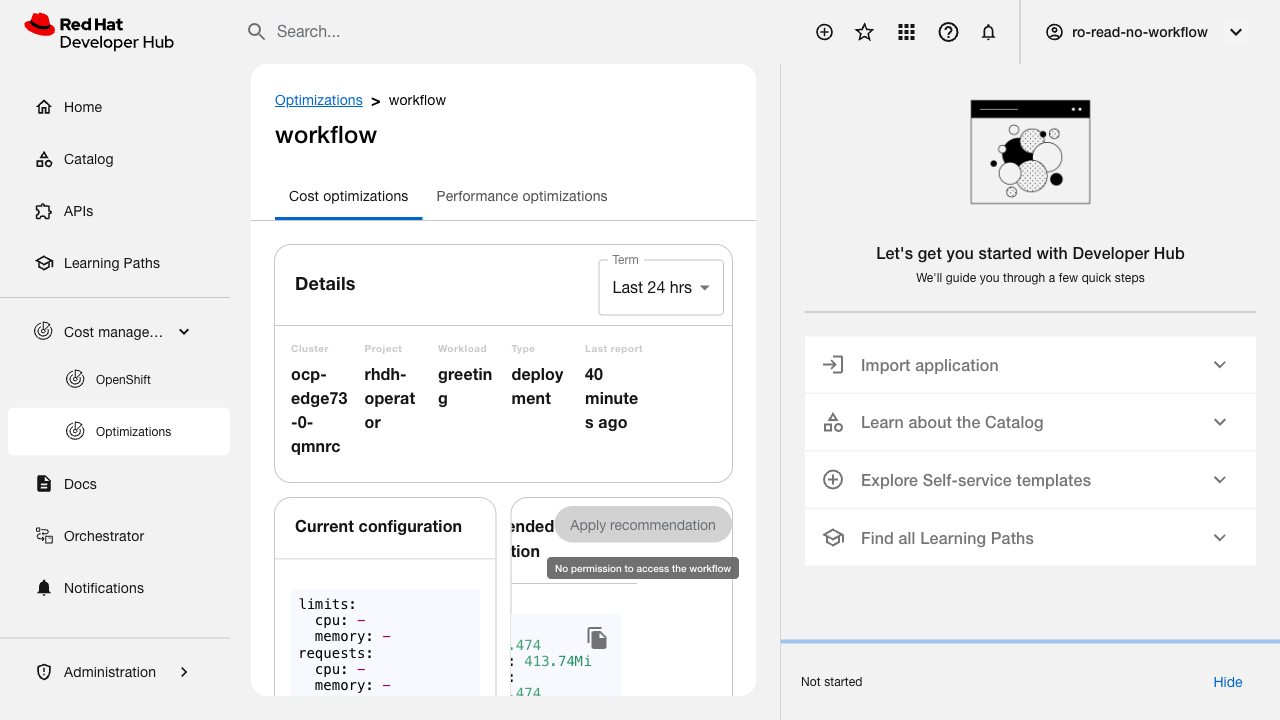
Verify that a tooltip is displayed explaining why the Apply Recommendations button is disabled.
Related issue: FLPATH-2322
Test Steps:
1. Deploy Orchestrator with RO plugin
2. Log in with a user assigned the ros.plugin or ros.[ClusterName] permissions
3. Click on one of the pods in the list
4. Observe the Apply Recommendations button
Expected Results:
- Apply Recommendations button is disabled
- A tooltip is displayed explaining why the button is disabled (e.g., insufficient permissions)
- The tooltip message is clear and actionable