-
Task
-
Resolution: Done
-
 Critical
-
None
-
None
-
None
-
None
In Anaconda installer WebUI we are trying to integrate Cockpit networkmanager module as the network configuration UI.
In the installer environment we have a specific use case(s) which is not common on regular system. One of it is network configuration via boot options, specifically
ip=dhcp
upon which NetworkManager creates 'Wired Connection' in initramfs and activates it on all available wired devices with dhcp autoconfiguration.
(The connection is created also when installer needs network in intimramfs (to fetch stage2, kickstart, ...) and no specific network configuration is set by ip= options, so rather common case).
When editing devices in Cockpit I am hitting two problems:
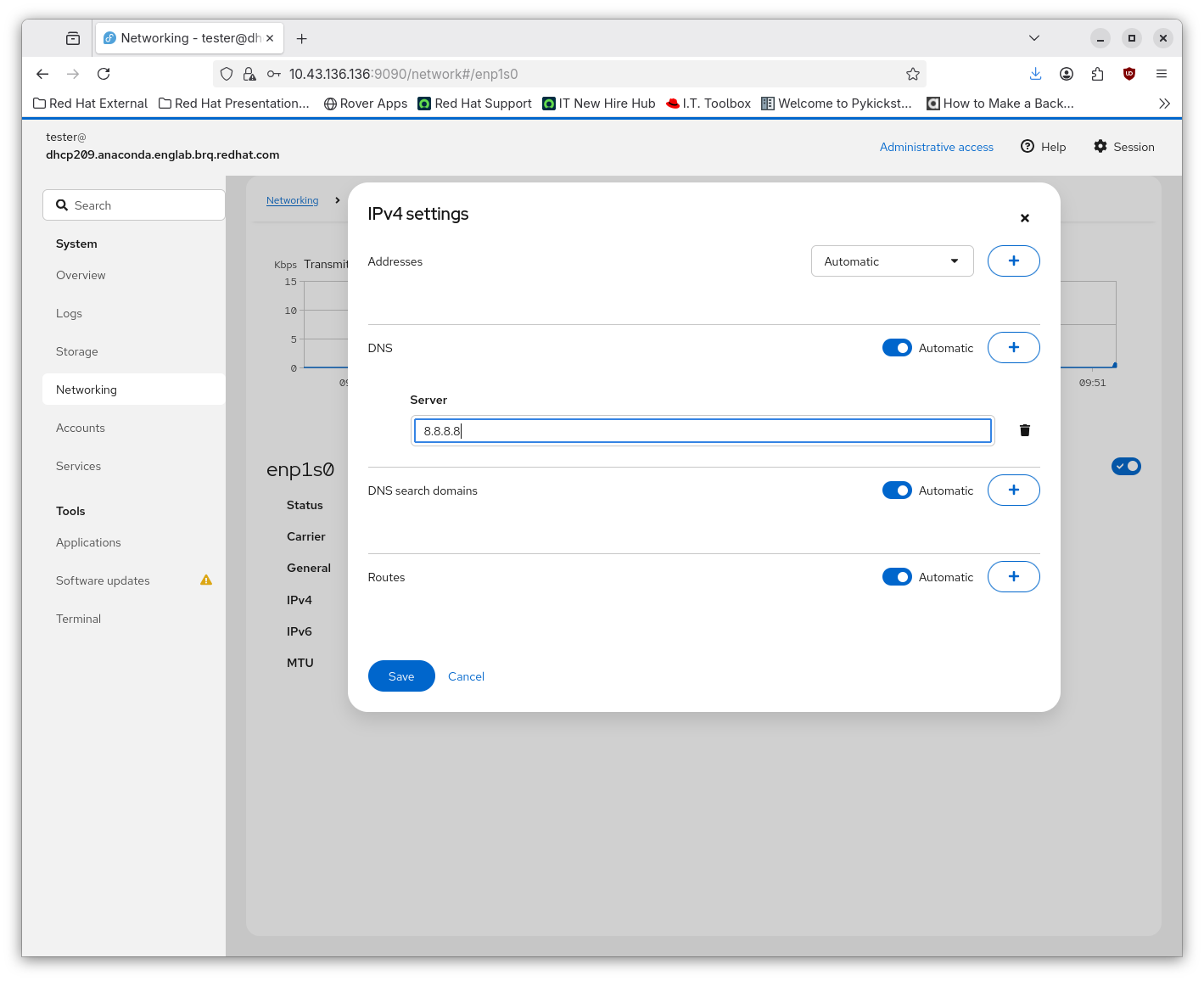
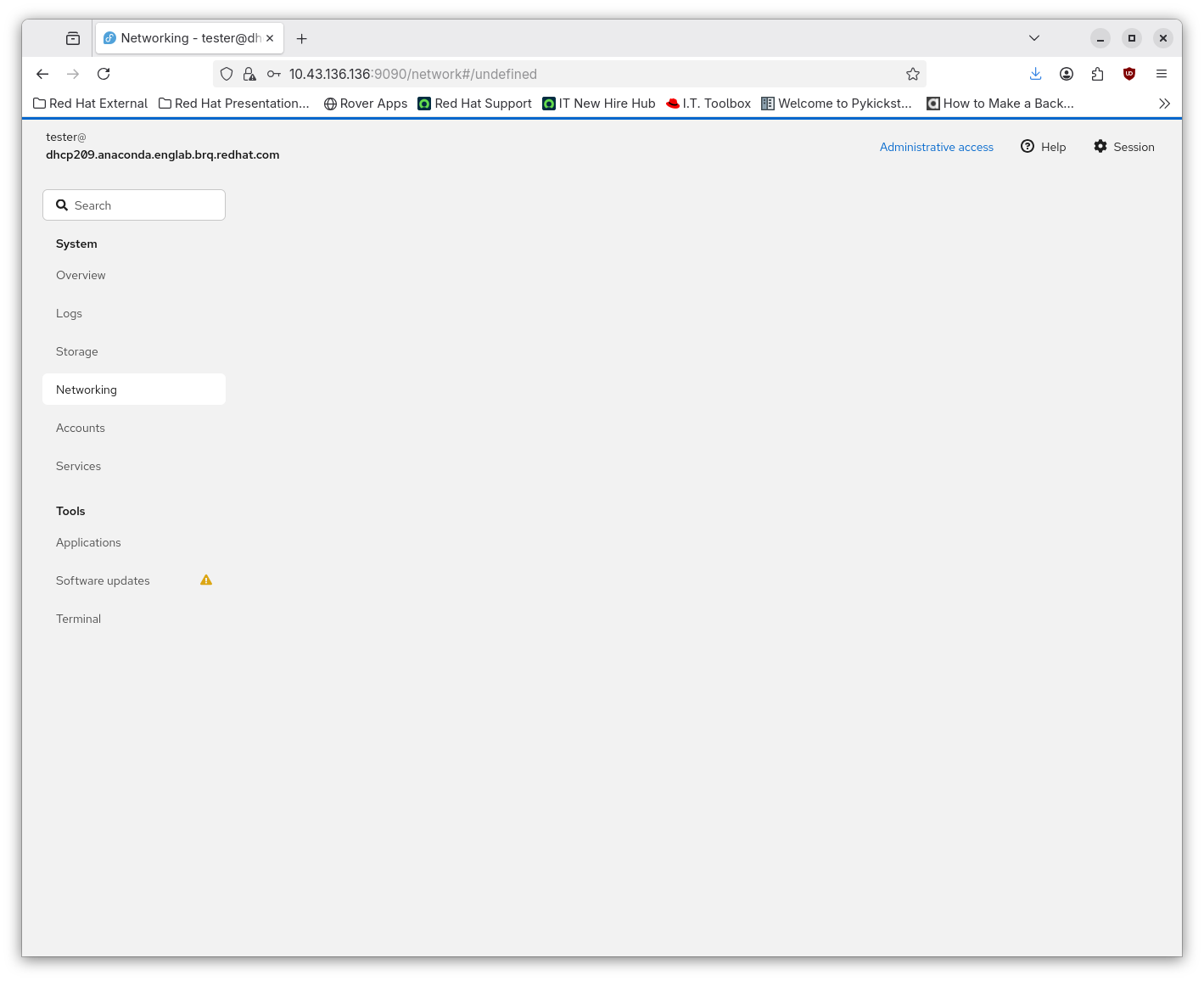
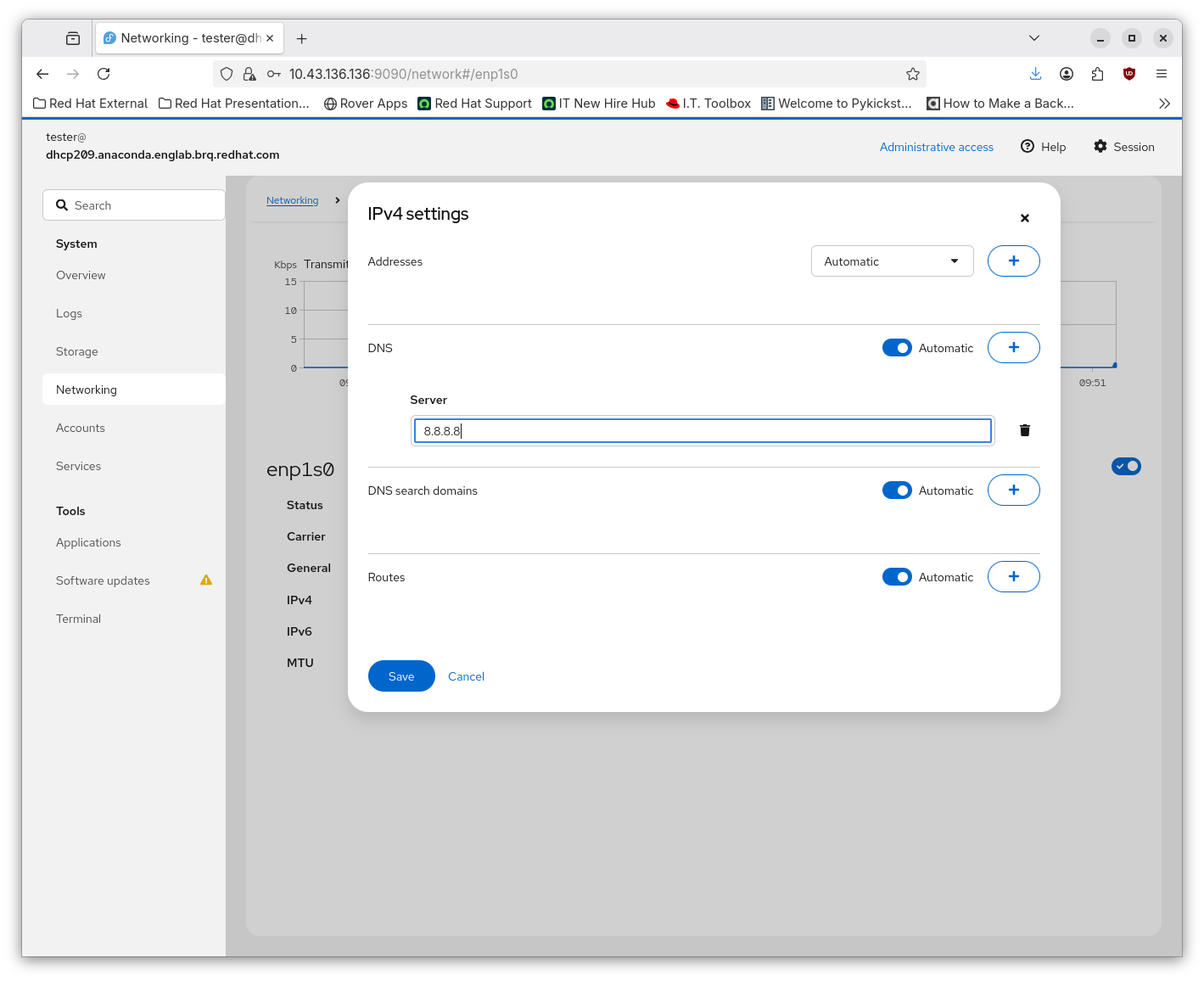
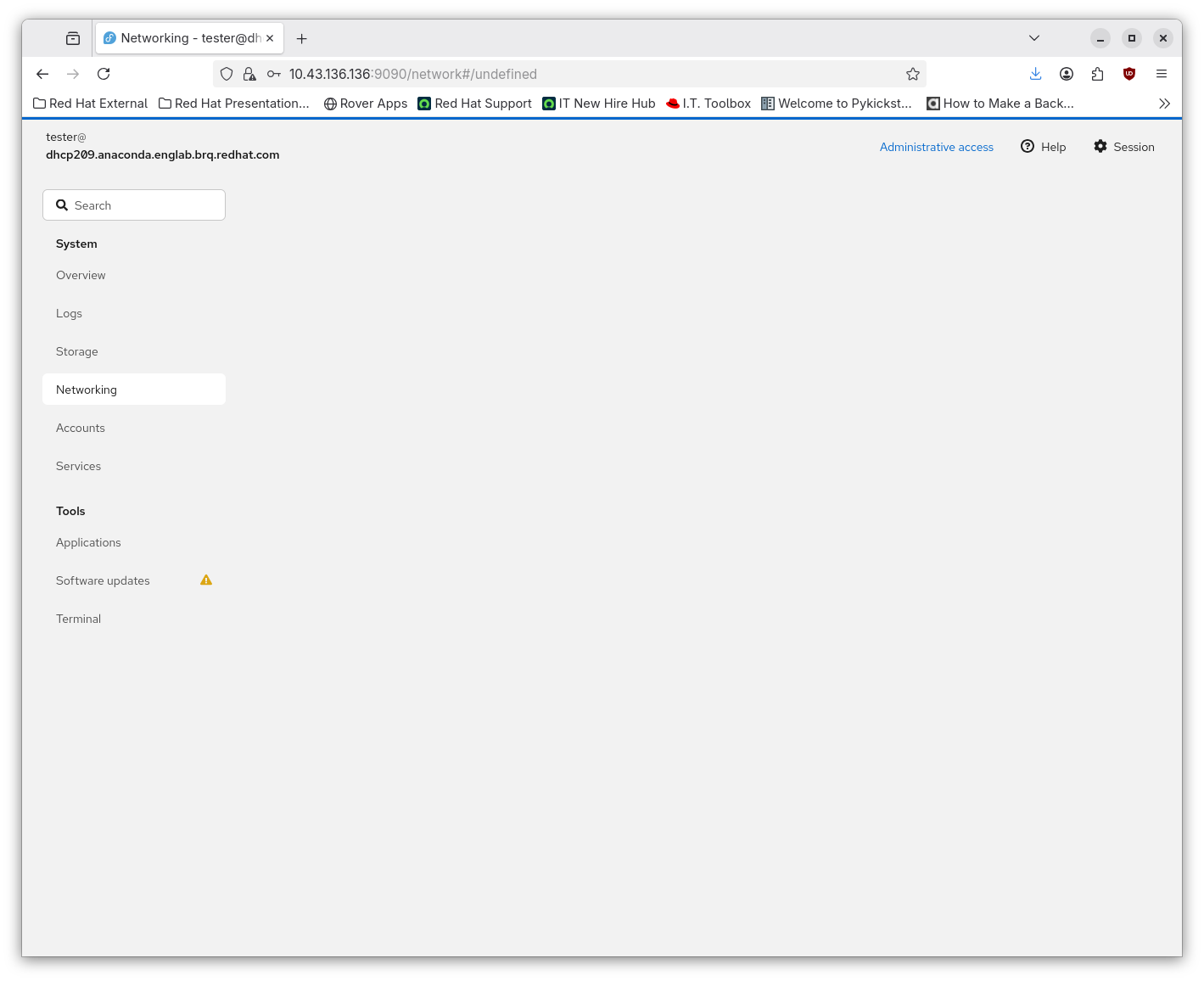
1) After Saving the connection modification (for example adding '8.8.8.8' dns server) the UI hangs with grey screen. When getting to the network page on side panel it can be seen that the change was applied.
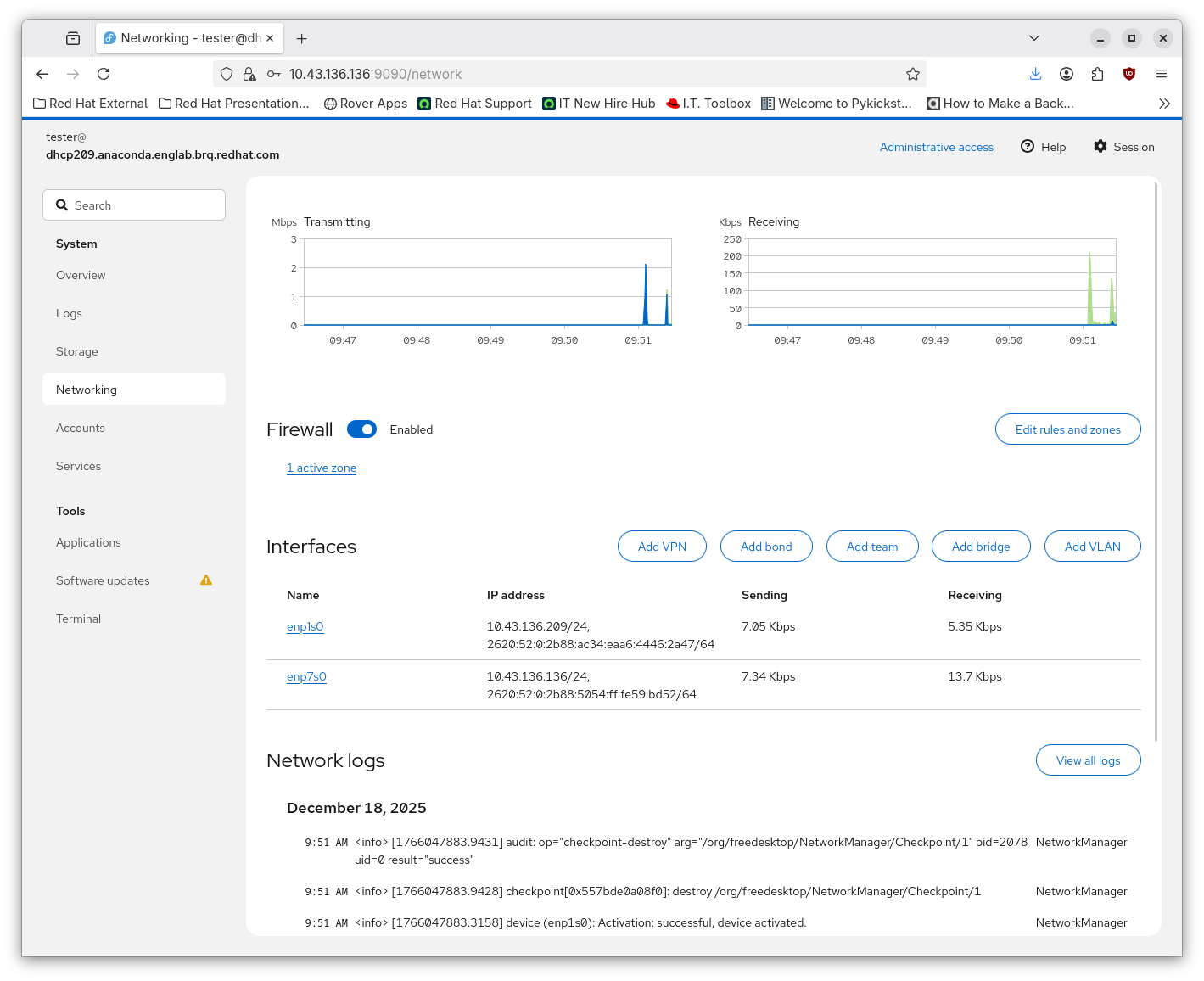
2) If the 'Wired Connection is active on 2 devices, modifying the configuration of one of them, the unbound connection is modified while being still shared by the two devices. This might seem unexpected from user POV? Maybe we should rather clone the connection to say '<iface_name>' and bound it to the edited device while keeping the 'Wired Connection' intact? (Or create a new one as Cockpit does upon editing a device in case there is no connection available for editing?)
My reproducer:
- VM with 2 network devices.
- Install Fedora 43 Server Netinst, select Workstation in Software Selection.
- After installation add network module to initramfs
- Boot with ip=dhcp option
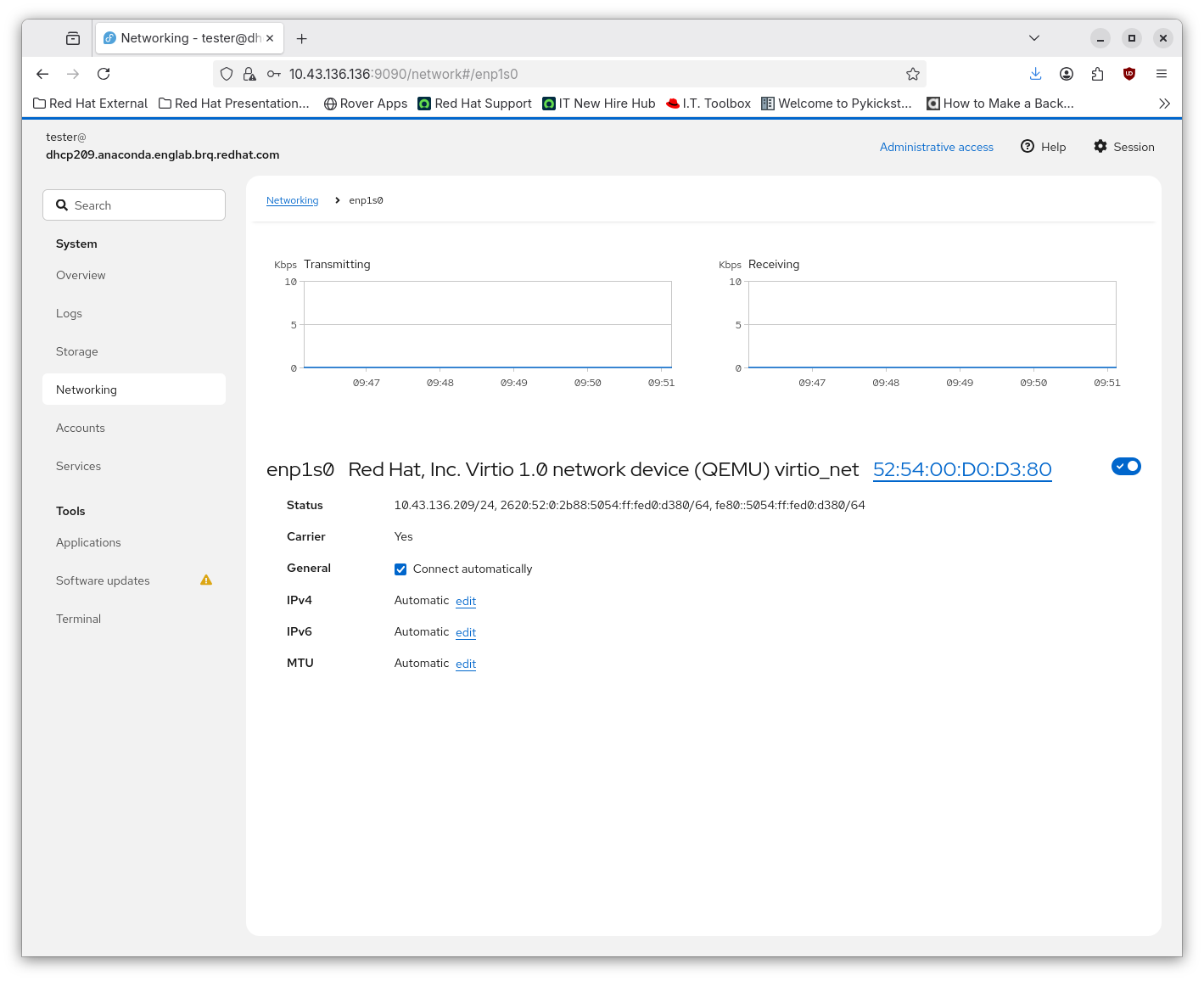
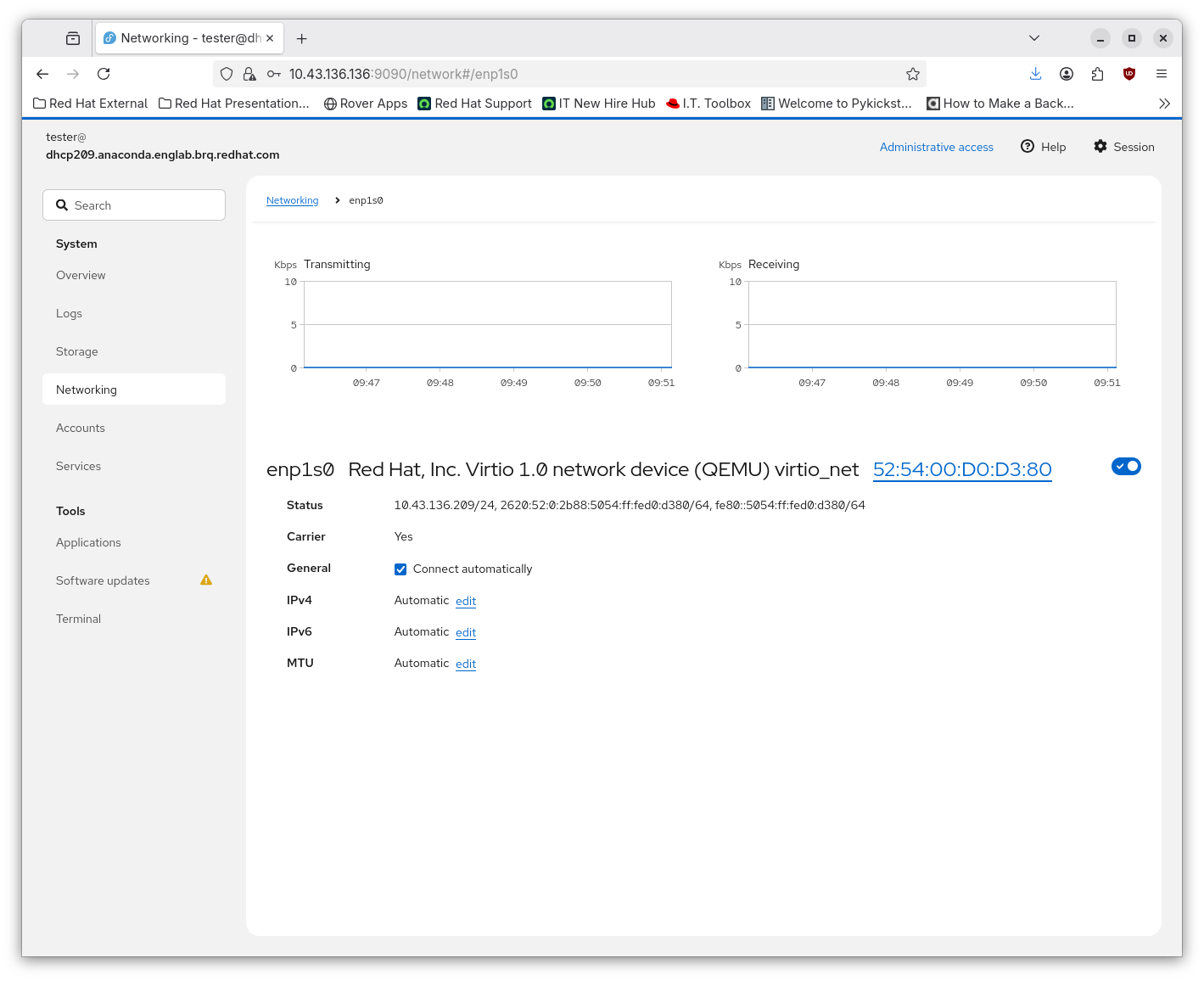
- In Cockpit update the IPv4 configuration of one of the devices by adding 8.8.8.8 dns server.
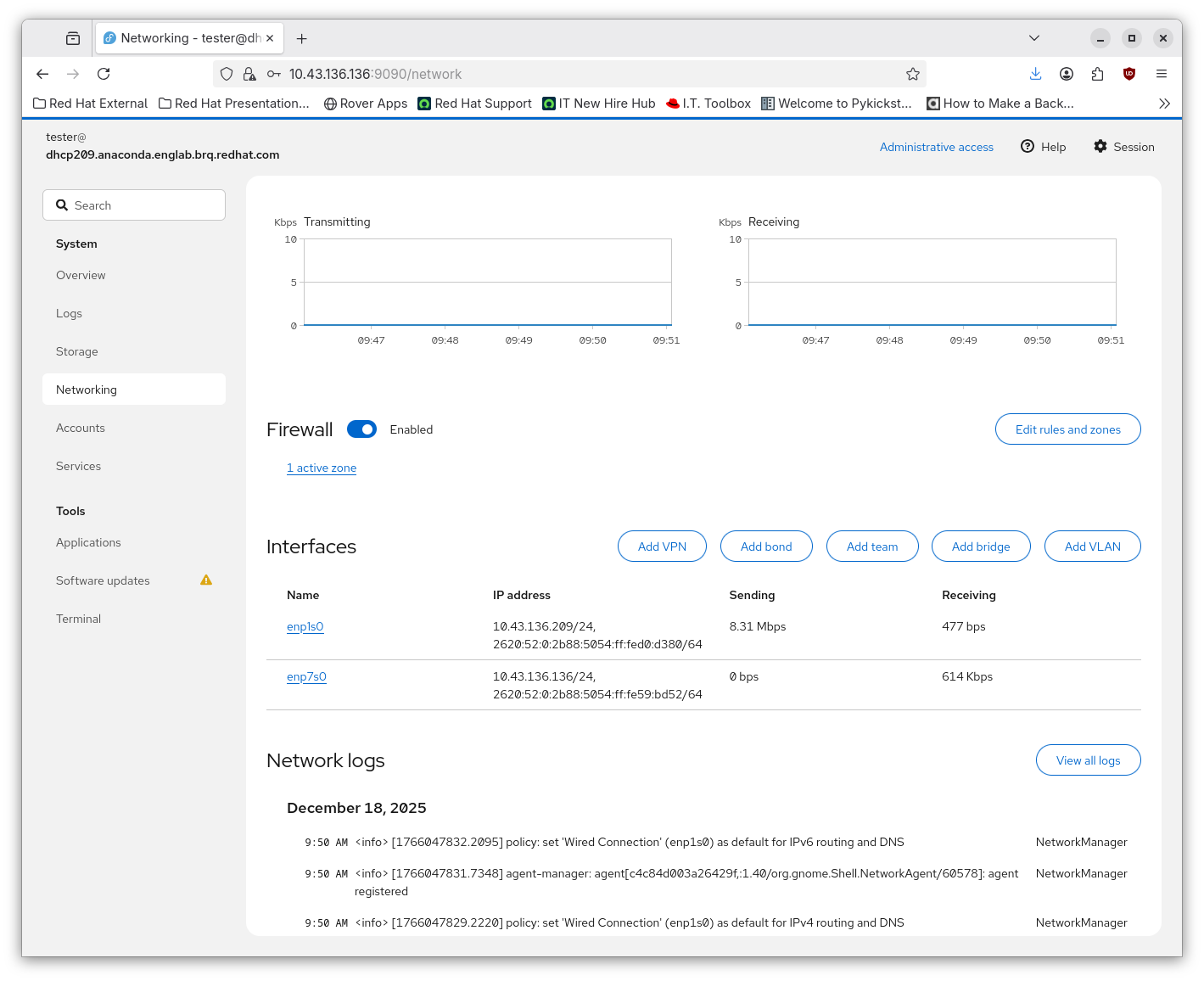
- After saving the change the UI hangs with gray screen
- Go back to the Newtork page on the side panel
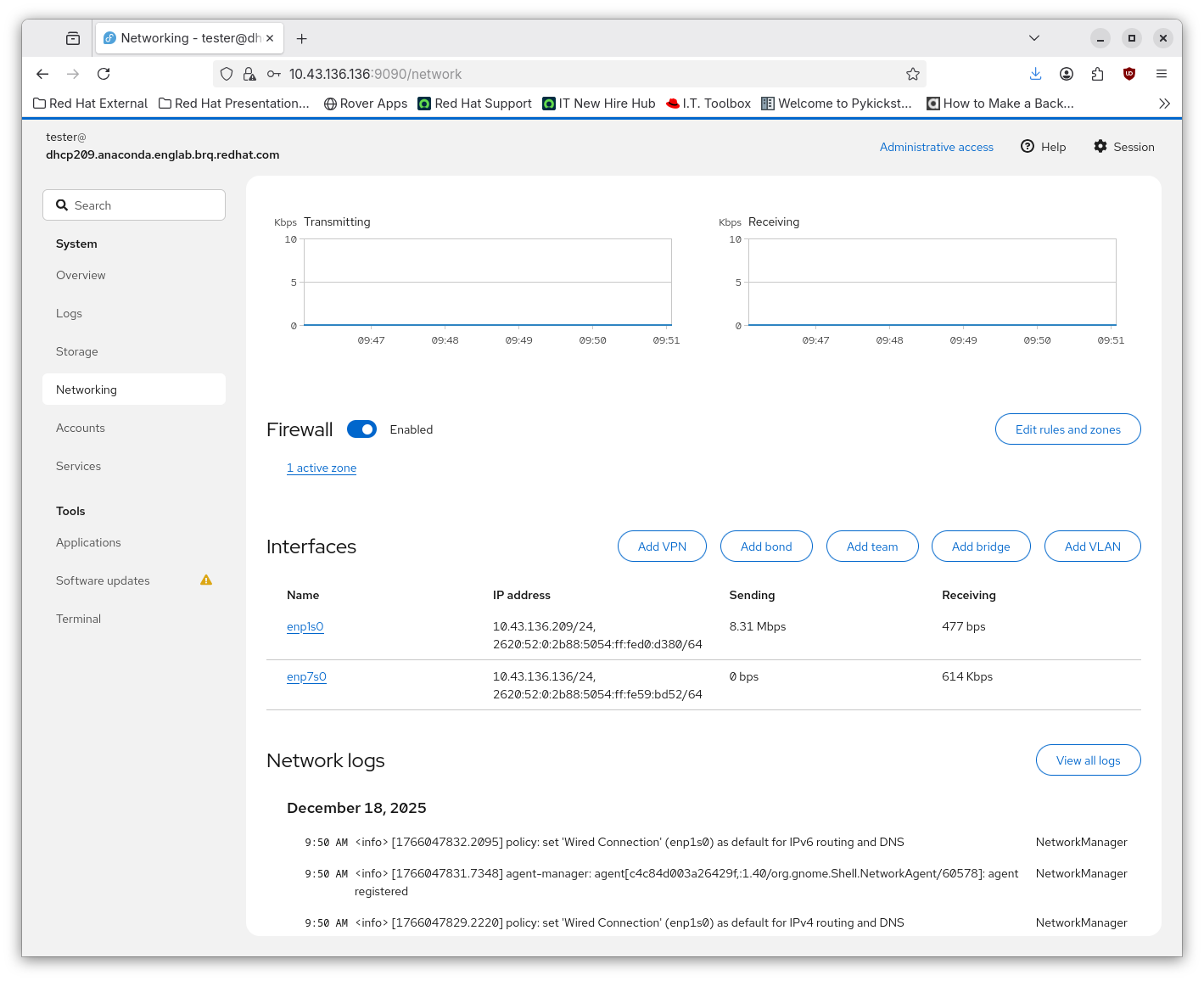
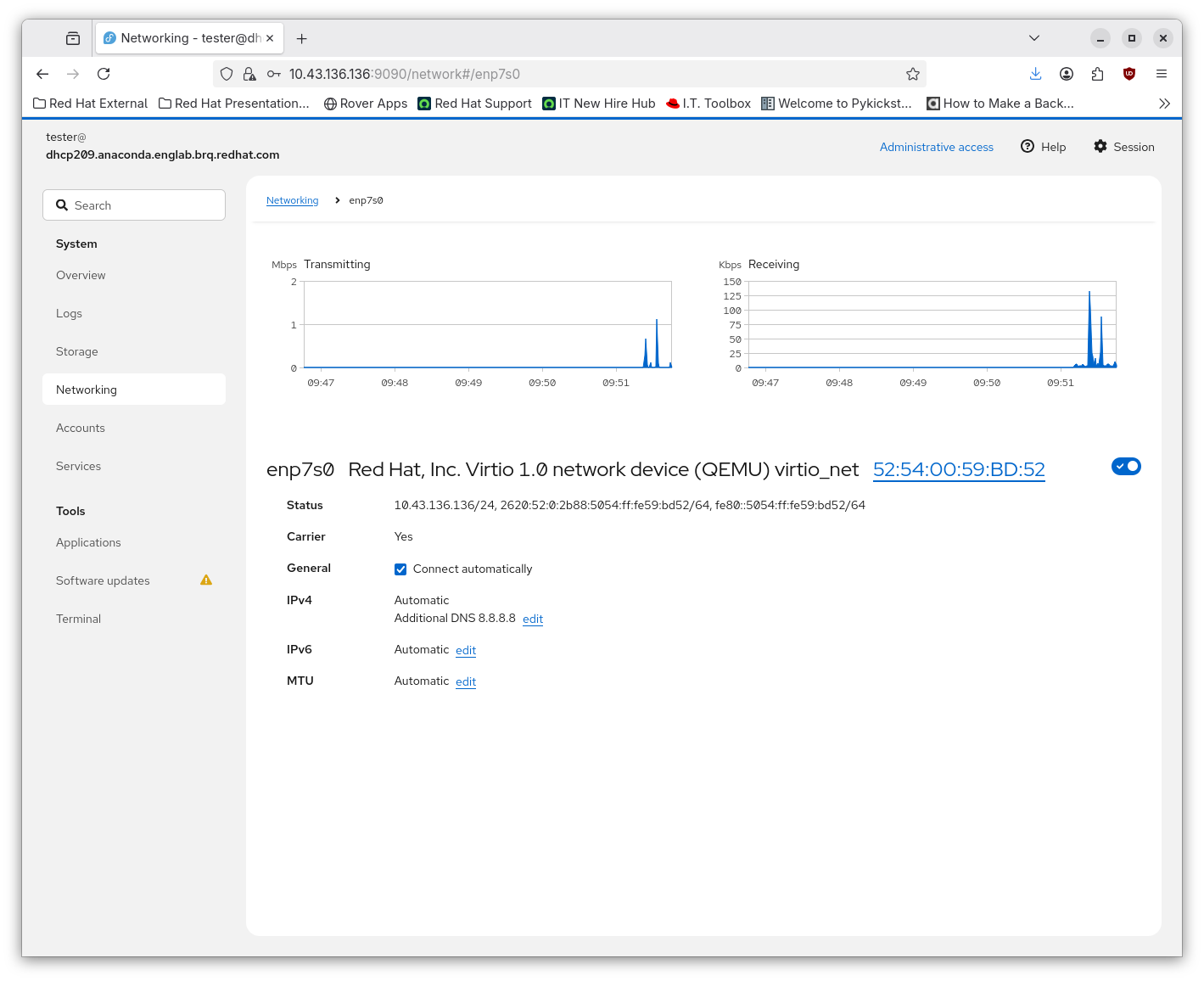
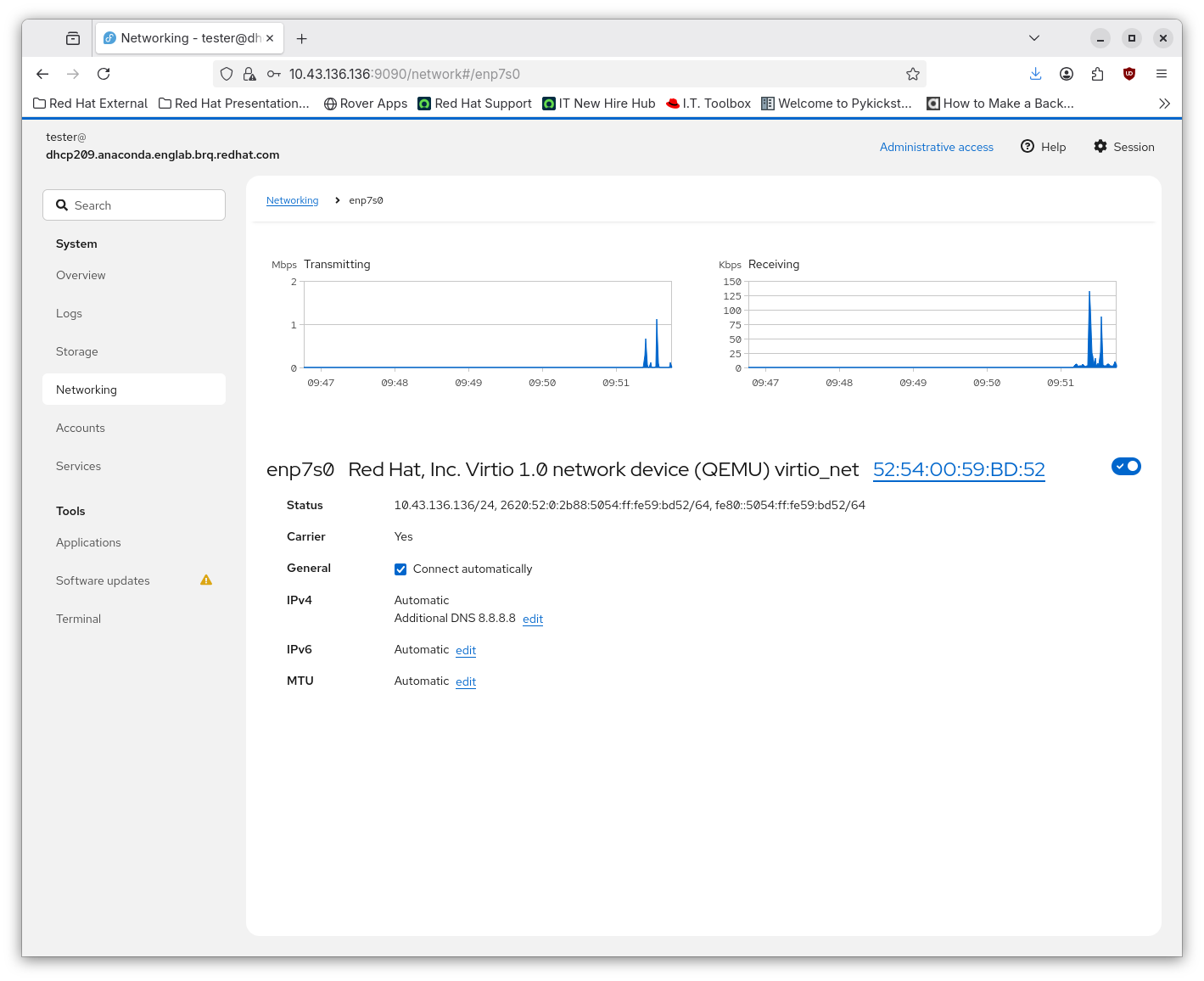
- Look at the other device and see it has 8.8.8.8 dns server added as well (sharing the connection).
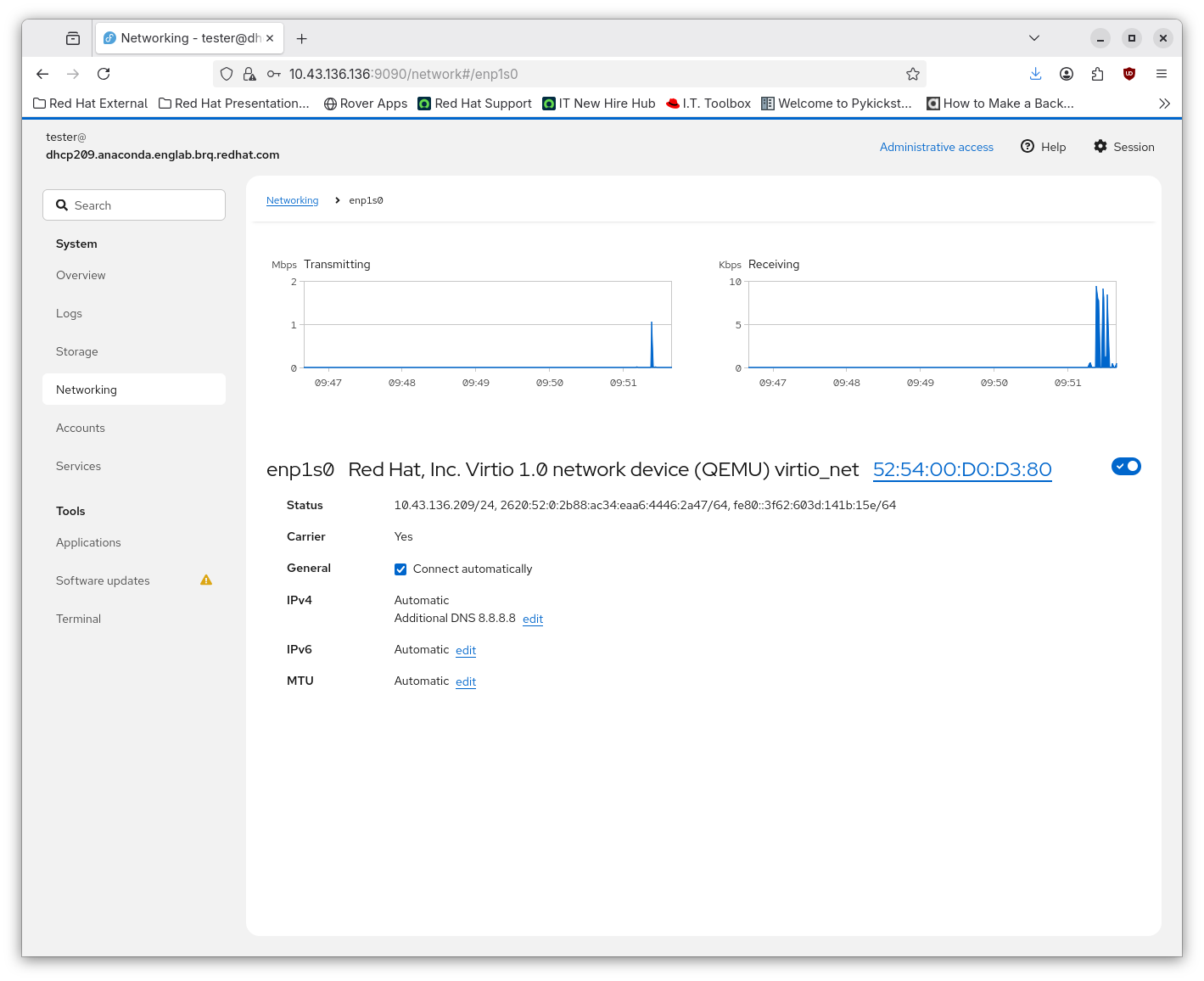
See the screenshots:
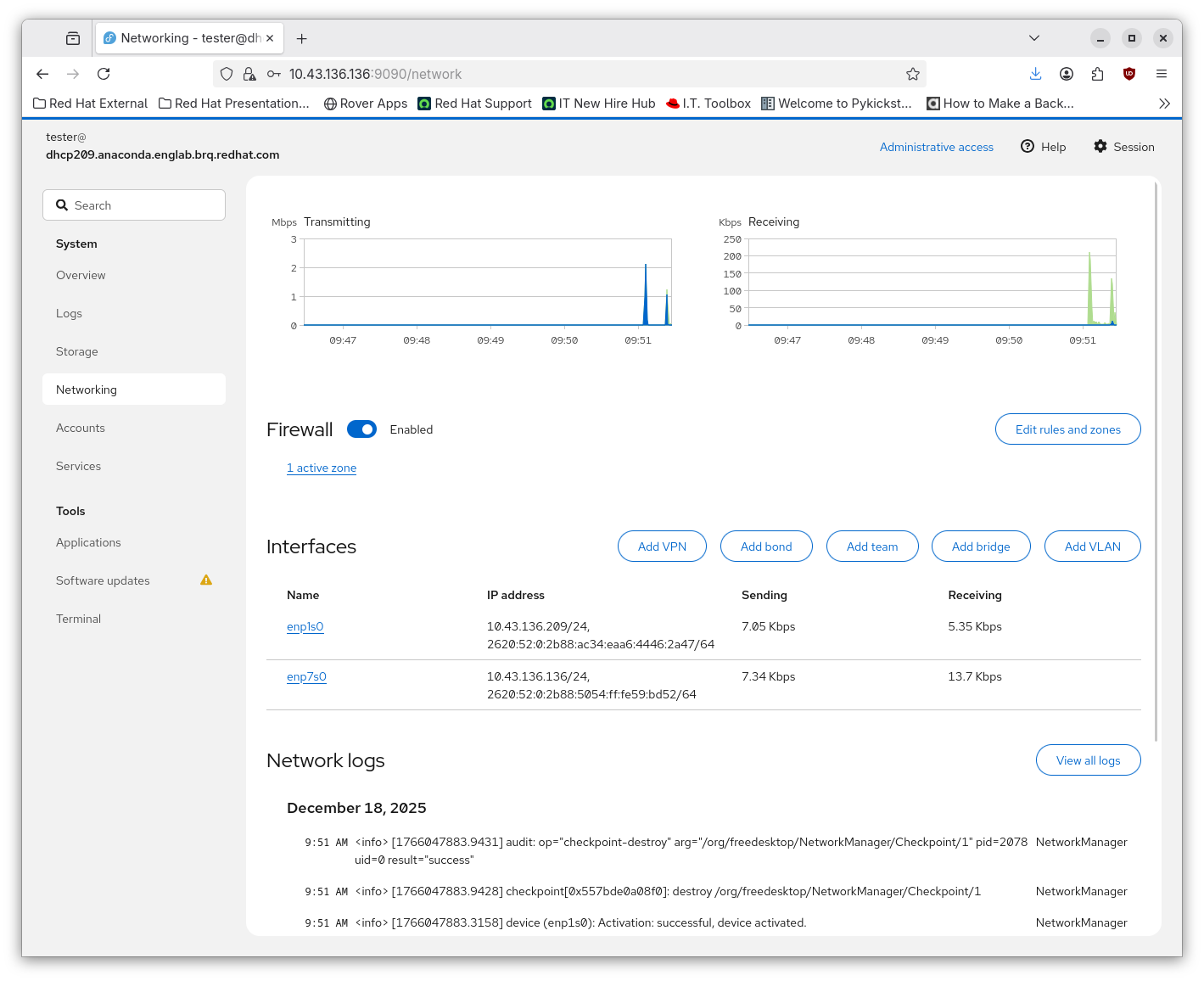
The hang:
After clicking on Network on side panel:
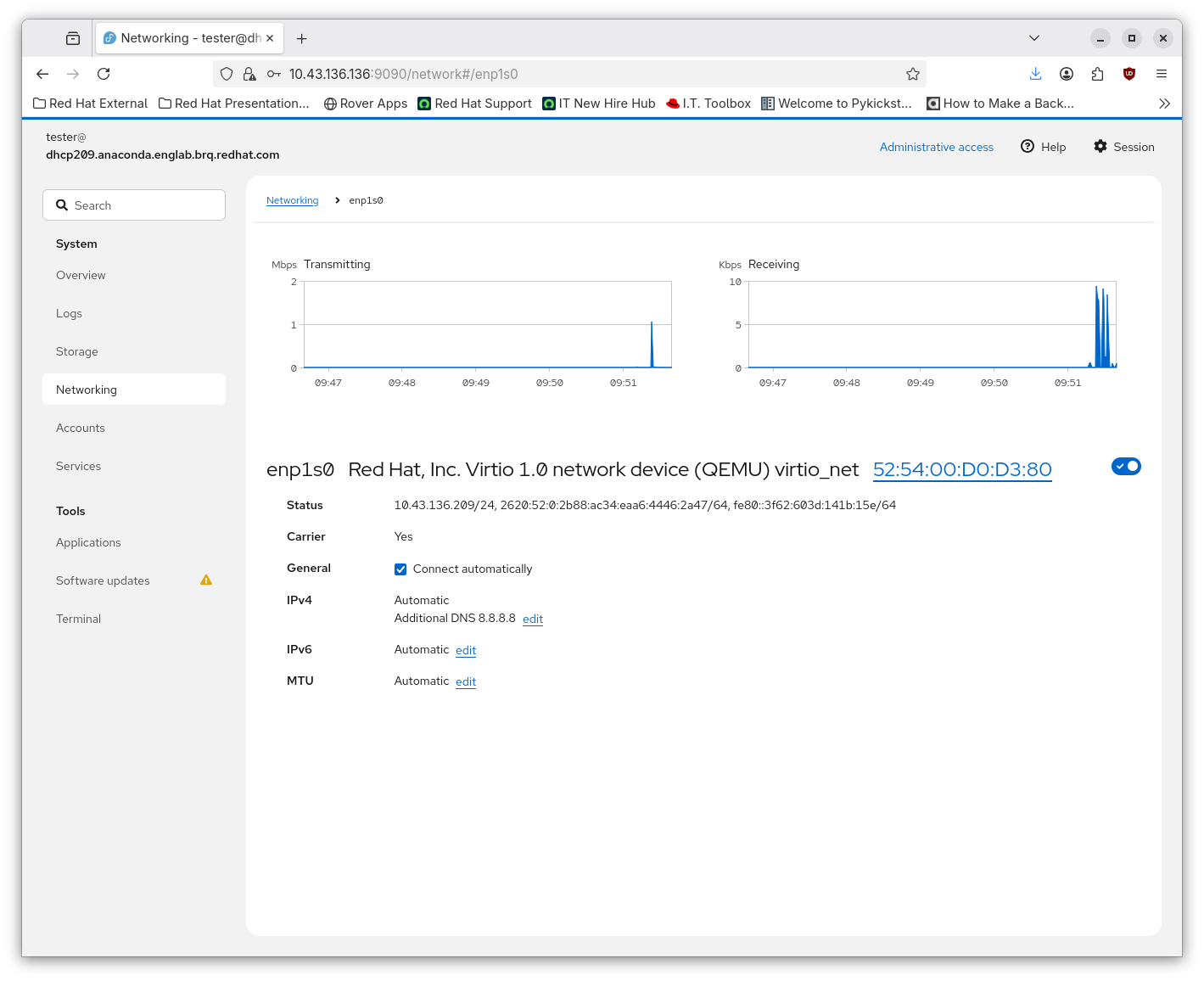
The other device shares the configuration:
Attaching logs with connections info dump:
Before editing the connections:
After editing the connections:
network-logs.D2A1P0Bdhcp.C1.p1dnsHANG
Note1:
At this stage of integration we care mainly about resolution of problem 1). In the context of 2) we might also consider adding the option to modify the connection name, esp. in cases where auto connections like 'Wired Connection' from initramfs or 'Wired Connection 1' are edited. This would be for follow-up issue though. Or in the longer term provide more connection-oriented UI - a larger design task.
Note2:
I was testing also 2 other scenarios where the UI seems to work as expected when editing the 2 devices:
A) 2 devices, ip=enp1s0 boot option, NM autoconnections turned on
B) 2 devices, ip=enp1s0 boot option, NM autoconnections turned off (no-auto-default=* in [main] NM config)
- is depended on by
-
-

- Closed
-
- is triggered by
-
-
- Closed
-
- relates to
-
COCKPIT-1750 Improve handling of non-persistent connection in initrd
-
- In Progress
-