-
Bug
-
Resolution: Unresolved
-
 Undefined
-
None
-
None
-
Quality / Stability / Reliability
-
15
-
False
-
-
False
-
None
-
-
No
Description of problem:
The VNC console is using US keyboard layout, without letting the user know or a way yo change the keyboard layout. It is a bad user experience for a German user, used to work with a German keyboard, if he tries to login via the VNC console, and the password contains 'y' and 'z', because the password is not shown while typing in the console, and these letters are swapped between German and US keyboard layout.
Version-Release number of selected component (if applicable):
cnv v4.13
Steps to Reproduce:
1. use a non-US keyboard layout
2. access the VM using the VNC console in the web UI
Actual results:
keyboard layout is another one than expected by the user
Expected results:
The user is aware of the curerntly used keyboard layout
Additional info:
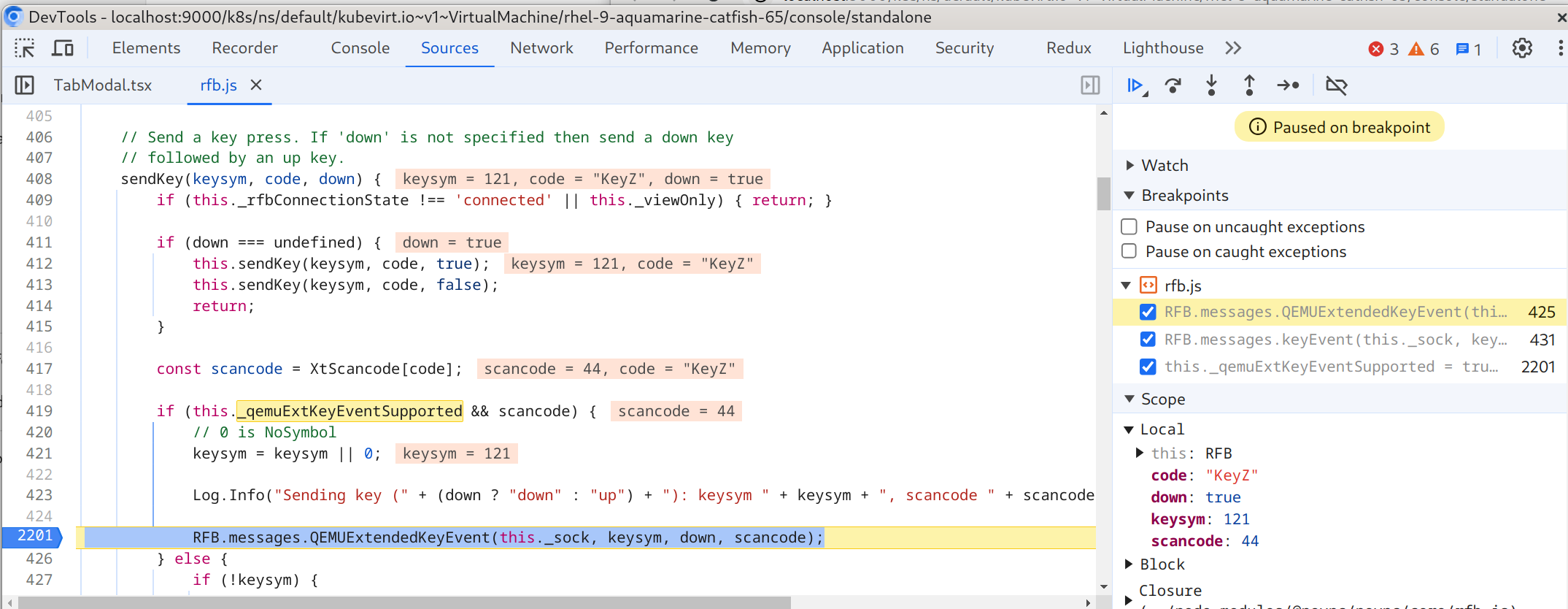
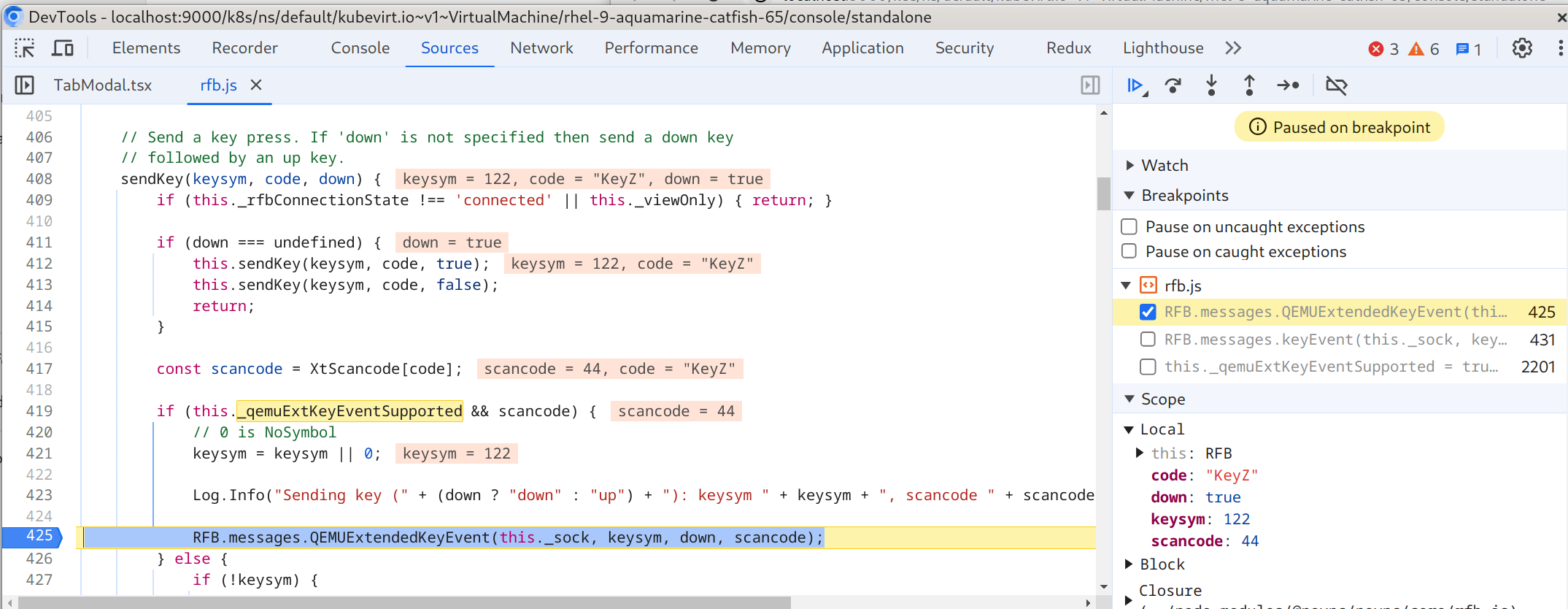
- is related to
-
-

- POST
-
- links to