-
Bug
-
Resolution: Done
-
 Major
Major
-
7.0.2.GA
-
3
-
CR2
-
-
-
-
-
-
CR1
-
- Open Workbench
- Create / Open project
- Click Import Asset button
- Fill the dialog with any name, any package and select attached UserStatus.java
- Confirm dialog
- Workbench will complain about parsing issue and show source of the file, it is fine
- Now click Delete button
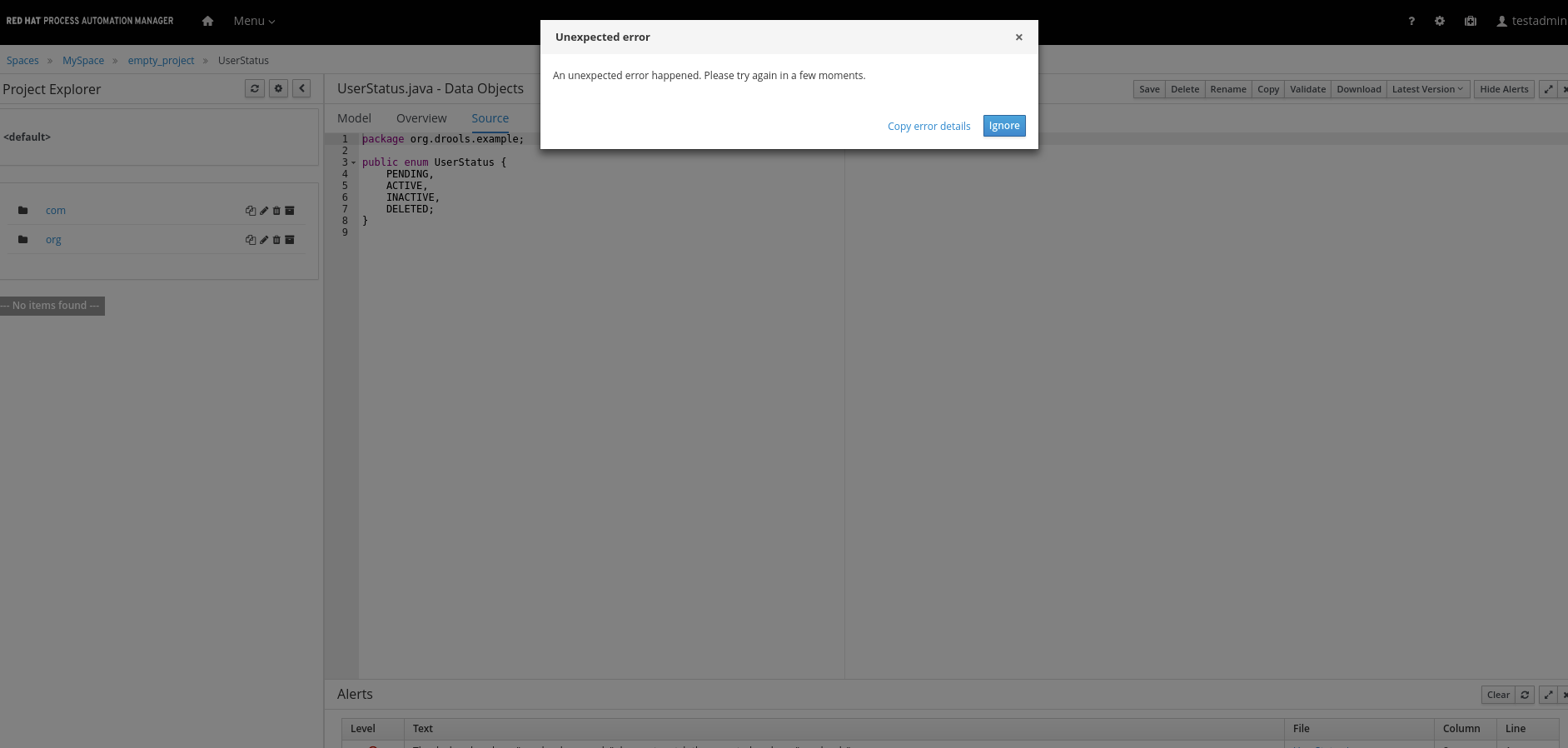
- The attached error dialog will appear with the rhpam-enum-delete-error.log
 inside
Open Workbench Create / Open project Click Import Asset button Fill the dialog with any name, any package and select attached UserStatus.java Confirm dialog Workbench will complain about parsing issue and show source of the file, it is fine Now click Delete button The attached error dialog will appear with the rhpam-enum-delete-error.log inside
-
2018 Week 33-35
If user uploads a java enum file into workbench, then he is unable to delete this file. Please notice issue is not reproducible for general java files (i.e. java classes inside).
- is cloned by
-
-
- Closed
-