Normal
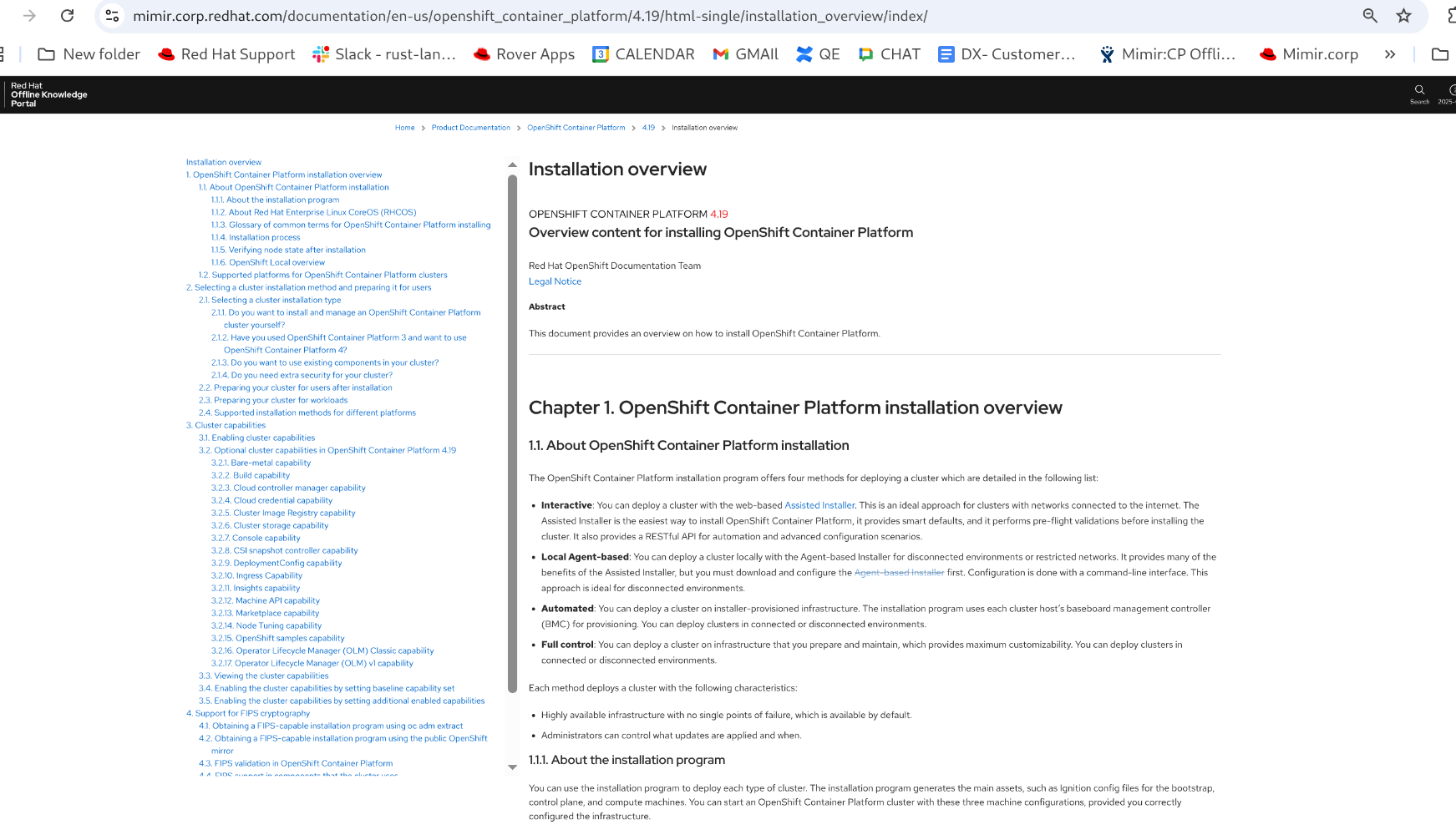
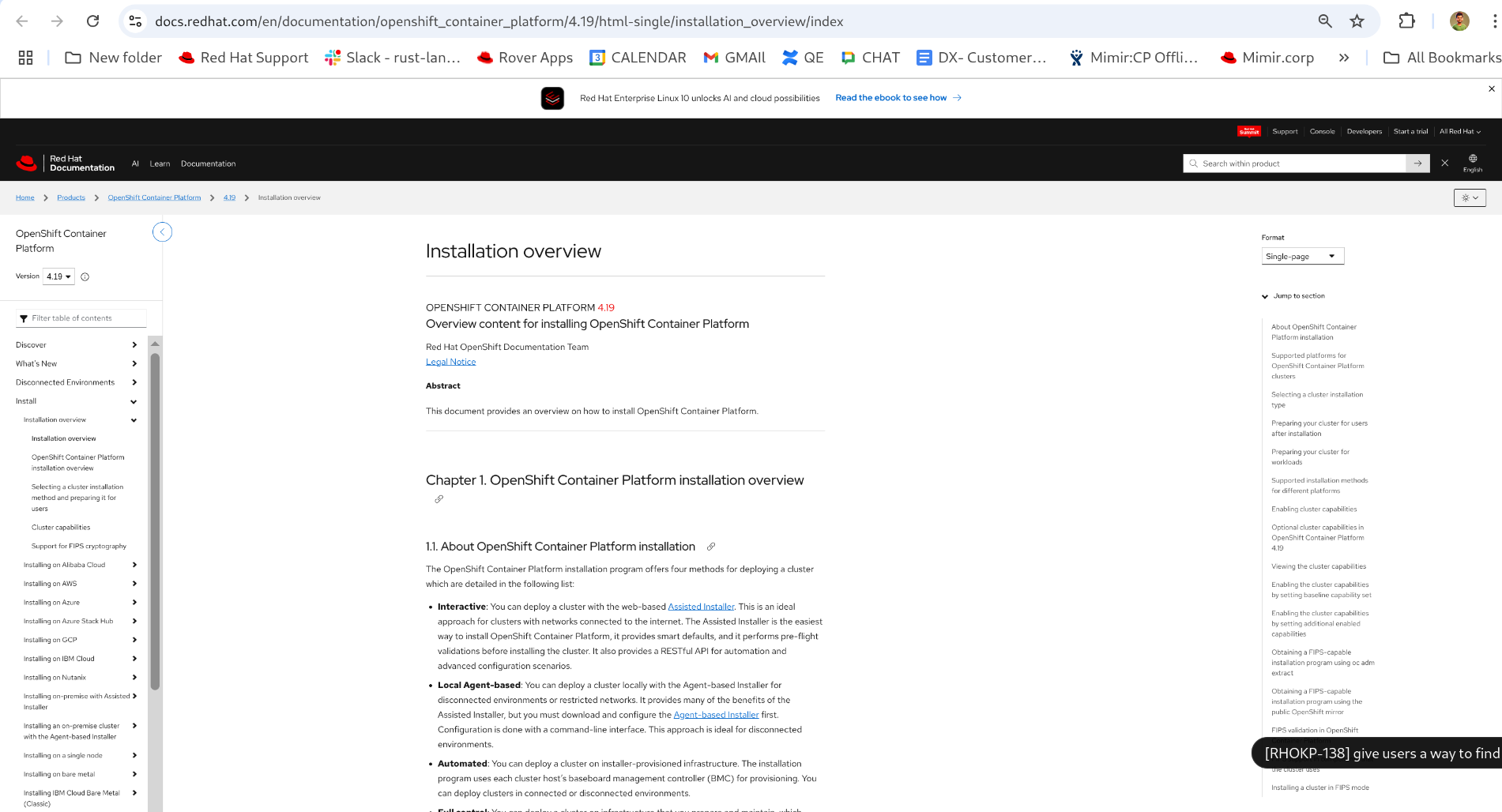
 It would be nice if we could figure out an easy way for users who have a docs.redhat.com URL could find that content within Mimir.
I can think of a few ways to do it with various pros and cons.# when docs.redhat.com URLs are pasted into the search app, add special handling to send the user straight to the corresponding Mimir path
- make a "docs.redhat.com lookup" mini-app where users can paste docs.redhat.com URLs and it will rewrite them (powered by docs_redirects.rs -> wasm)
- add apache redirect rules to allow redirecting from docs-style-paths to mimir/portal-style-paths $MIMIR_ORIGIN/en/documentation/red_hat_enterprise_linux/9/html/9.2_release_notes/index -> 302 -> $MIMIR_ORIGIN/documentation/en-us/red_hat_enterprise_linux/9/html-single/9.2_release_notes/index/
All those approaches are complicated by the fact that html-multi docs aren't guaranteed to exist in Mimir. Options 1 and 2 would need to check solr before determining whether to send the user to multi or single. In option 3, apache would need to check the filesystem.
Acceptance Criteria
This should be deployed to mimir.corp.redhat.com at 8am Eastern time on Thursday June 26.
- go to docs.redhat.com
- find a documentation title, for example: https://docs.redhat.com/en/documentation/openshift_container_platform/4.19/html/architecture/index
- visit the same URL path in RHOKP
- without this change, the URL would always 404 because we serve documentation at /documentation/en-us whereas docs.redhat.com uses /en/documentation
- with this change, you should be redirected to the correct path within RHOKP and the document should appear
Try these steps with a few different documentation titles. Try single-page and multi-page. Try it for large docs (openshift_container_platform for example) and smaller ones (like RHOKP's own docs). Visiting a multi-page link for a doc RHOKP includes only as single-page should redirect to the single-page (you can test this with RHOKP's own docs).