-
Bug
-
Resolution: Unresolved
-
 Major
Major
-
None
-
rhel-9.6
-
No
-
Low
-
1
-
rhel-virt-tools
-
ssg_virtualization
-
None
-
False
-
False
-
-
None
-
Virt-tools in planning
-
None
-
None
-
Unspecified
-
Unspecified
-
Unspecified
-
-
x86_64
-
None
Description of problem:
Win2016-efi can't be updated to win2022 if the guest is converted without virtio-win by virt-v2v
Version-Release number of selected component (if applicable):
virt-v2v-2.7.1-5.el9_6.x86_64
libguestfs-1.54.0-4.el9_6.x86_64
guestfs-tools-1.52.2-3.el9_6.x86_64
nbdkit-1.38.5-2.el9.x86_64
libnbd-1.20.3-1.el9.x86_64
libguestfs-winsupport-9.3-1.el9_3.x86_64
How reproducible:
100%
Steps:
1.Uninstall virtio-win package on test server and convert a win2016 guest from VMware to local libvirt by virt-v2v
# virt-v2v -ic vpx://non-admin%40vsphere.local@10.73.212.129/data/10.73.212.36/?no_verify=1  -it vddk -io vddk-libdir=/home/vddk8.0.3 -io vddk-thumbprint=CB:9F:B1:9D:33:49:6C:60:AD:3C:A5:16:77:91:5F:CD:1B:24:B1:43 -ip /home/passwd  esx8.0-wiin2016-x86_64-efi-notactivited-mtv2256 -on esx8.0-win2016-x86_64-efi-mtv2256-without-virtio-win
[   0.0] Setting up the source: -i libvirt -ic vpx://non-admin%40vsphere.local@10.73.212.129/data/10.73.212.36/?no_verify=1 -it vddk esx8.0-wiin2016-x86_64-efi-notactivited-mtv2256
[  10.5] Opening the source
[  24.5] Inspecting the source
[  39.6] Checking for sufficient free disk space in the guest
[  39.6] Converting Windows Server 2016 Standard (win2k16) to run on KVM
virt-v2v: warning: QEMU Guest Agent MSI not found on tools ISO/directory.
You may want to install the guest agent manually after conversion.
virt-v2v: warning: Balloon Server (blnsvr.exe) not found on tools
ISO/directory. You may want to install this component manually after
conversion.
virt-v2v: warning: there are no virtio drivers available for this version
of Windows (10.0 x86_64 Server win2k16).  virt-v2v looks for drivers in
/usr/share/virtio-win
The guest will be configured to use slower emulated devices.
virt-v2v: This guest does not have virtio drivers installed.
[  42.4] Setting a random seed
virt-v2v: warning: random seed could not be set for this type of guest
[  42.4] SELinux relabelling
[  42.6] Mapping filesystem data to avoid copying unused and blank areas
[  47.3] Closing the overlay
[  47.7] Assigning disks to buses
[  47.7] Checking if the guest needs BIOS or UEFI to boot
virt-v2v: This guest requires UEFI on the target to boot.
[  47.7] Setting up the destination: -o libvirt
[  62.3] Copying disk 1/9
█ 100% [****************************************]
[ 258.1] Copying disk 2/9
█ 100% [****************************************]
[ 259.1] Copying disk 3/9
█ 100% [****************************************]
[ 260.0] Copying disk 4/9
█ 100% [****************************************]
[ 260.8] Copying disk 5/9
█ 100% [****************************************]
[ 261.4] Copying disk 6/9
█ 100% [****************************************]
[ 262.1] Copying disk 7/9
█ 100% [****************************************]
[ 263.1] Copying disk 8/9
█ 100% [****************************************]
[ 264.1] Copying disk 9/9
█ 100% [****************************************]
[ 265.1] Creating output metadata
[ 265.1] Finishing off
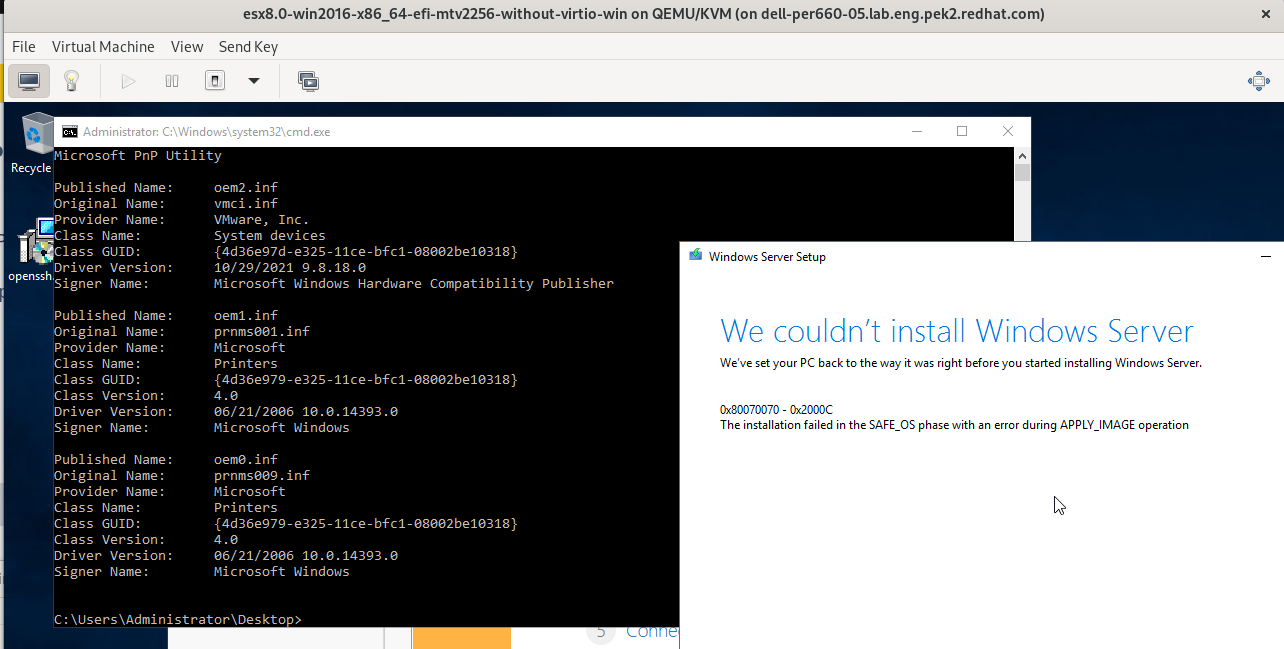
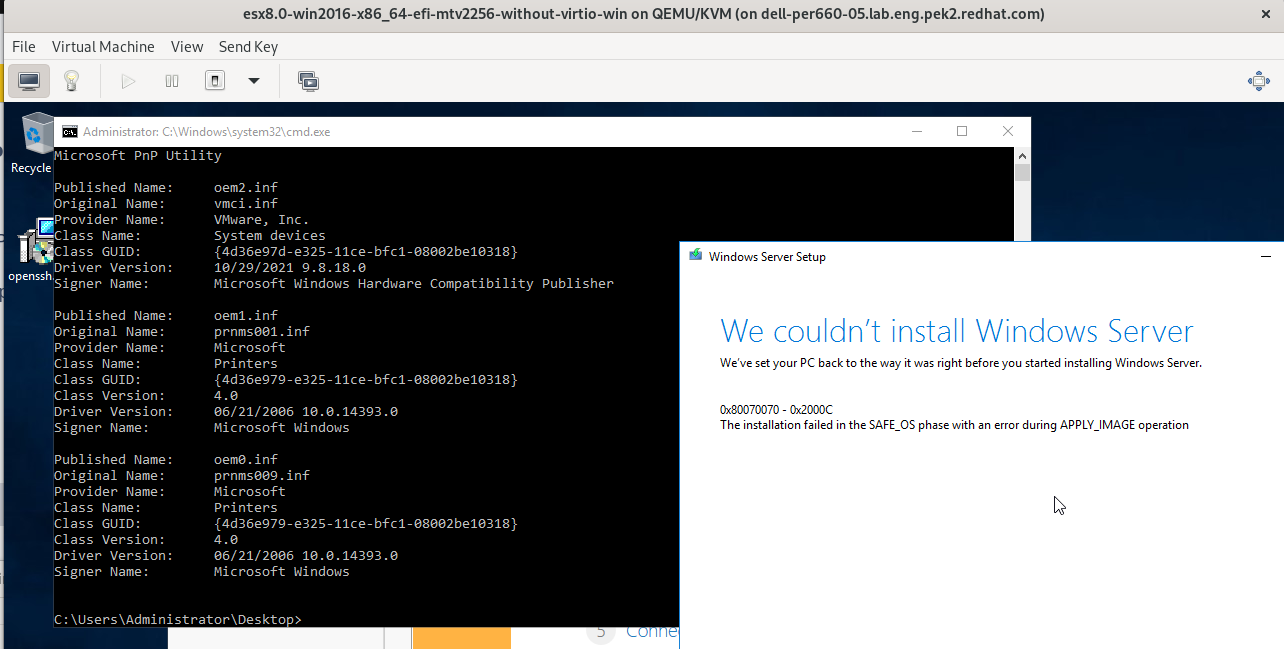
2. Try to update the guest to win2022 after v2v conversion but the update will fail with the following error, besides, there is no error in the output of the command 'pnputil /enum-drivers'
Actual result:
As above description
Expect result:
Maybe need a KB article
Additional info
Related bug https://issues.redhat.com/browse/MTV-2256