-
Bug
-
Resolution: Cannot Reproduce
-
 Normal
-
None
-
rhel-8.0.0
-
None
-
None
-
Moderate
-
rhel-display-desktop-foundation
-
ssg_display
-
None
-
False
-
False
-
-
None
-
None
-
None
-
None
-
-
x86_64
-
None
What were you trying to do that didn't work?
The customer wants to rename the workspace in RHEL-8, as it is possible in RHEL-7 as per below article.
–
Red hat 7 seems to have fix for this. Hovering over workspace displays names.
https://access.redhat.com/solutions/5889091
–
Hovering the mouse cursor on the workspace will show it's name.
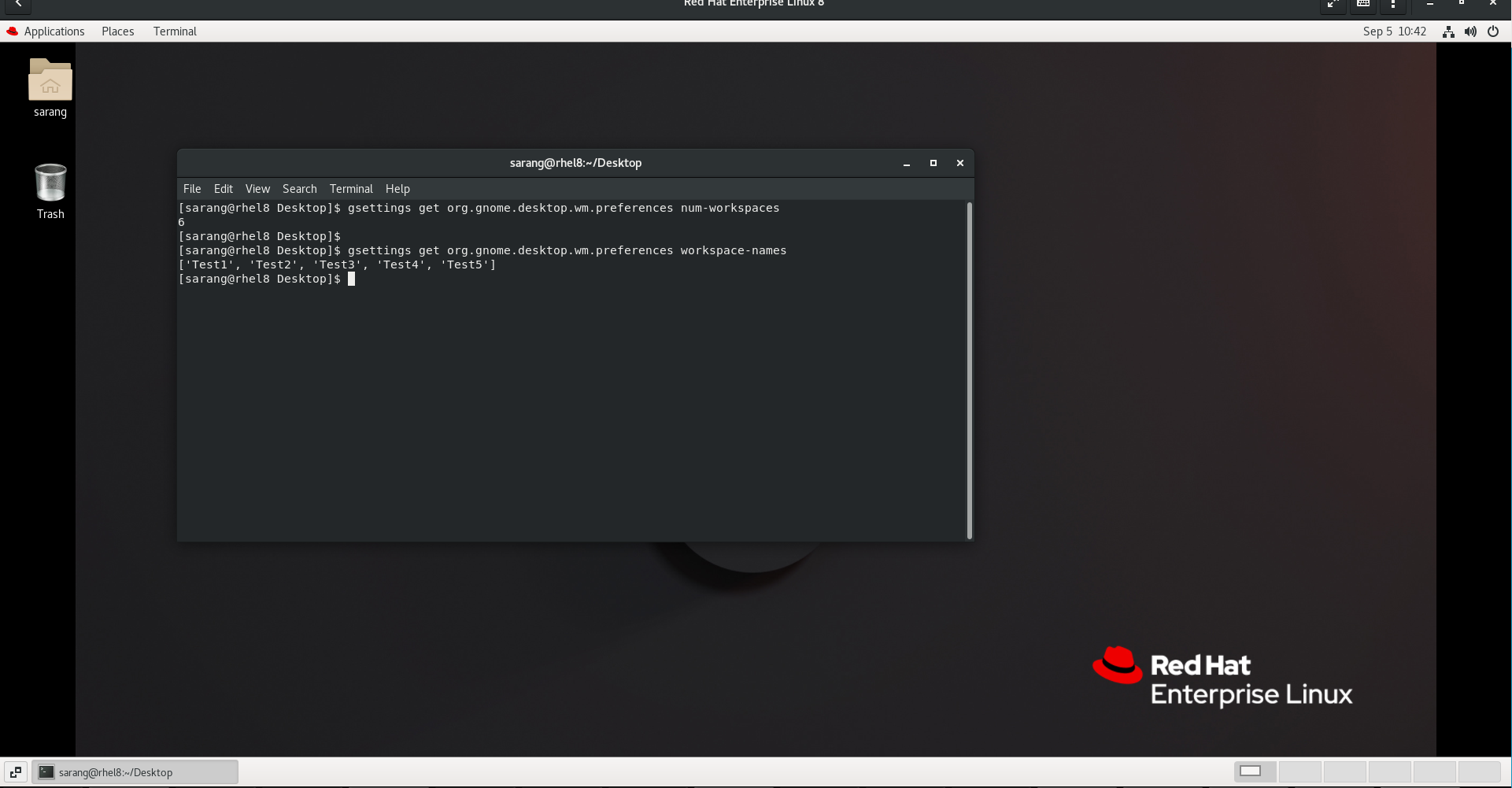
We have tried to reproduce the solution on Rhel 8.8 with the gnome-classic session (as shown in the screenshot workspaces_physical console.png), and it works as expected. It will load the number of workspaces and its name in the physical console.
In VNC, however, it only loads 2 workspaces, whereas if we set the number of workspaces, it will load only 2, but will increase if we open any application in the last workspace. (See screenshot workspace_VNC test.png)
Also the workspace names are not visible in VNC,
So need help with setting updated no workspace and there name in VNC, as it is done in physical / direct console.