-
Bug
-
Resolution: Not a Bug
-
 Minor
Minor
-
None
-
rhel-9.5
-
None
-
No
-
Important
-
rhel-anaconda
-
ssg_front_door
-
0
-
False
-
False
-
-
None
-
None
-
None
-
None
-
-
s390x
-
None
What were you trying to do that didn't work?
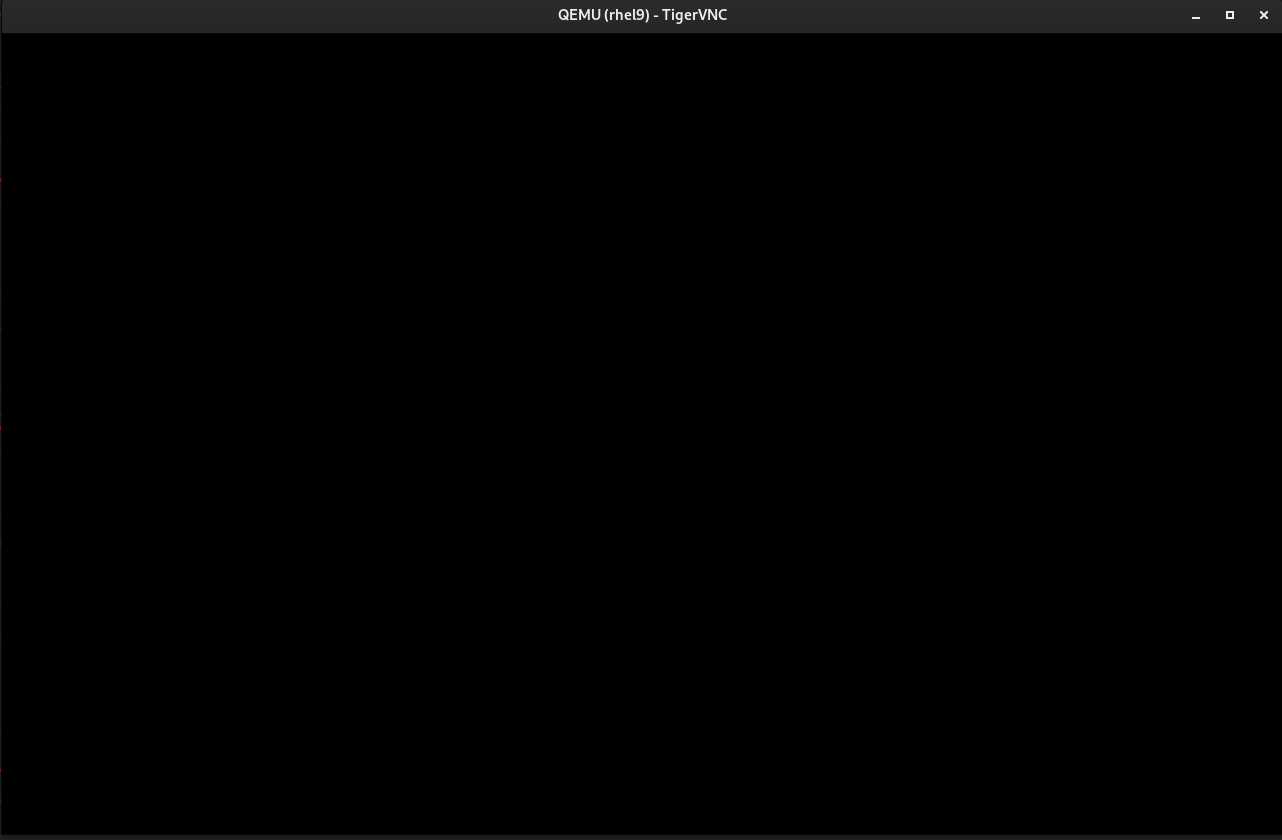
Install a guest on text mode with graphic by virt-install, then use vnc client connect to guest but get a black screen.
Please provide the package NVR for which bug is seen:
Guest(repo:RHEL-9.5.0-20240731.4):
anaconda 34.25.5.6-1.el9
Host:
qemu-kvm-9.0.0-7.el9.s390x
libvirt-10.5.0-4.el9.s390x
kernel-5.14.0-486.el9.s390x
How reproducible:100%
Steps to reproduce
1. Download an boot iso from compse: RHEL-9.5.0-20240731.4, and save to /var/lib/libvirt/images/boot.iso
2. install guest with virt-install cmd like below:
# virt-install --memory 2048 --vcpus 2 --os-variant rhel9-unknown --graphics vnc,listen=0.0.0.0 --input keyboard,bus=virtio --input tablet,bus=virtio --disk size=20 --cdrom /var/lib/libvirt/images/boot.iso -l http://<repourl>/rhel-9/composes/RHEL-9/RHEL-9.5.0-20240731.4/compose/BaseOS/s390x/os/ --extra-args "inst.text"
3. Connect to the guest with vnc, but get black screen like screenshot of "black_screen_from_vnc.png" in attachment.
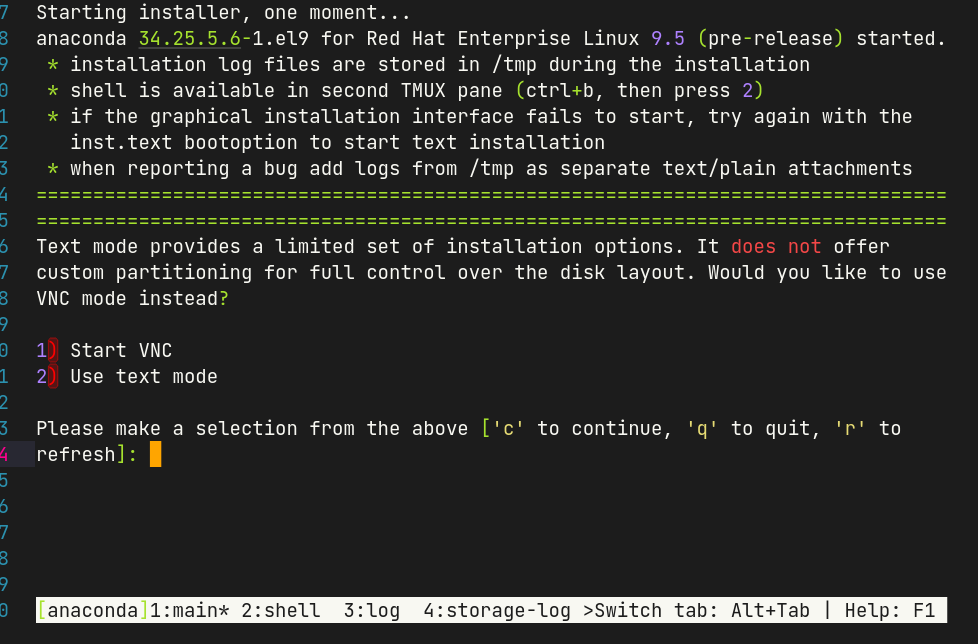
4. Use virsh console rhel9 to connect to guest serial console, then I could see the text installation info, which is like screenshot of "info_from_virsh_console.png" in attachment.
Expected results
Connect to the guest with vnc could see text installation view.
Actual results
Vnc client get black screen.