-
Bug
-
Resolution: Duplicate
-
 Normal
-
None
-
rhel-10.0
-
None
-
None
-
None
-
rhel-cockpit
-
None
-
False
-
False
-
-
None
-
None
-
None
-
None
-
Unspecified
-
Unspecified
-
Unspecified
-
x86_64
-
None
[Problem Description]
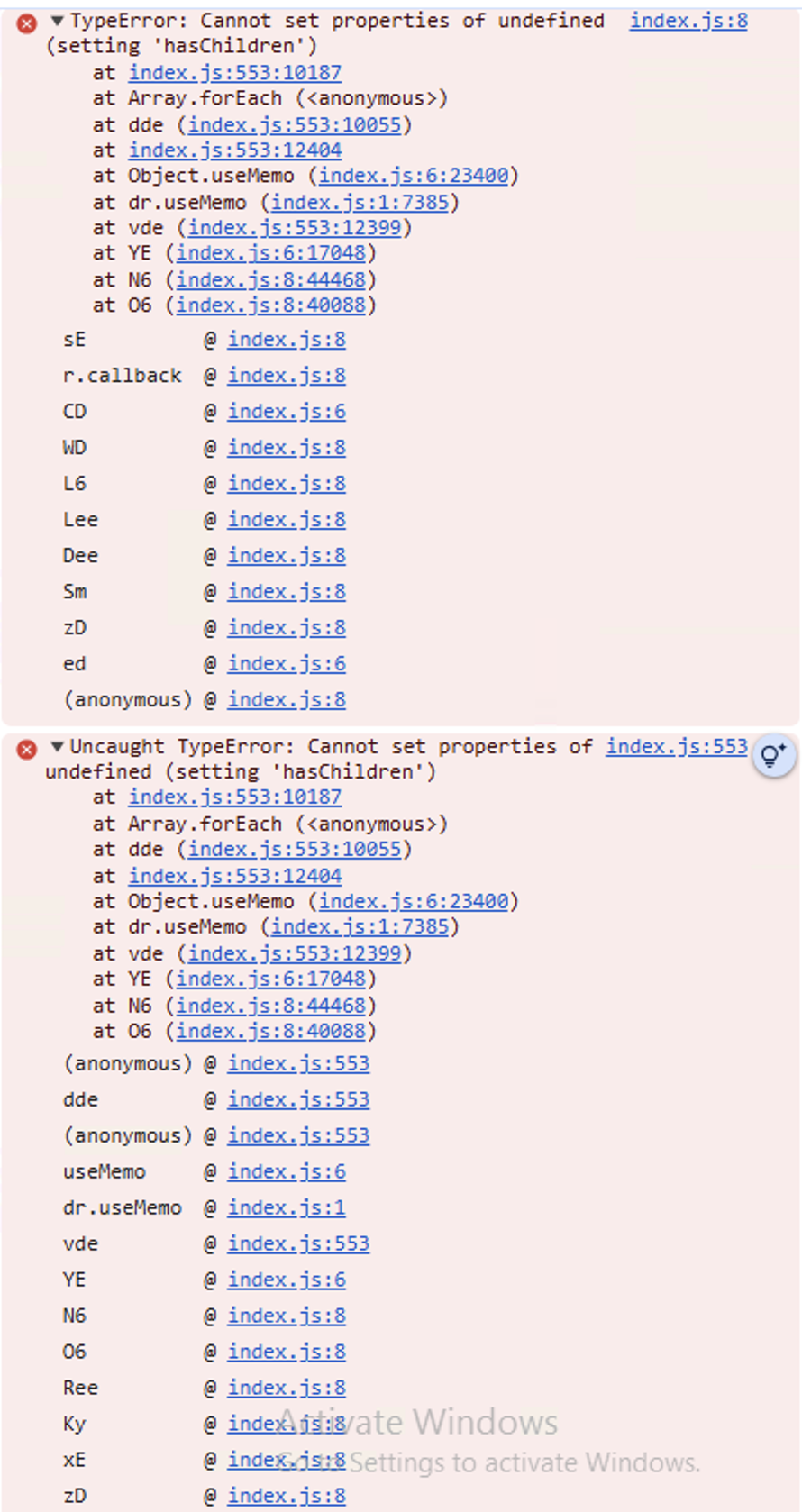
On a DL580 Gen12 server with RHEL 10, enabled IOMMU and created Virtual Functions (VFs) for the WH+ adapter. Installed Cockpit and created a RHEL 10 VM successfully. After installing the driver, tried to attach the Virtual Functions to the VM using the Host Device option, and observed that "Ooops" error message.
[Reproduce Steps]
1.Installed multiple network adapters Beehive, Bishop, old Blaze and new Blaze in the supported DL580Gen12 server. updated with latest deliverables
2.Flash the latest FW version 235.1.160.0
3.Installed latest WH+ driver
4.Enable IOMMU, and install cockpit packages then reboot the server
5.Created virtual functions to the Beehive, Bishop, old Blaze and new Blaze adapters
6.Open the browser in server navigate to the following URL https://localhost:9090 then log into Cockpit and install the required applications like Files, Image Builder, Machines, Podman, Storage, and Subscription Manager
7.Once done installing all the packages, Create the Virtual Machine Rhel10 and install the OS.
8.After OS installation, install the NIC driver successfully.
9.Shutdown the VM and attach the Virtual Function using Host Device option.
10.Under the Virtual Machine, click on the Host device then observed "Ooops" error message.
[Expected Result - Pass Criteria]
Ooops error should not occur while attaching the virtual functions to virtual machine.
[Actual Result - Fail Symptom]
Ooops error can be seen while attaching the virtual functions to virtual machine
[Configurations]
OS Version installed (Local HD or BFS): Rhel10
Server: HPE ProLiant Compute DL580Gen12
CPU Family & Qcode & Qty: Intel(R) Xeon(R) 6788P x 4
Memory Type & Total RAM installed: 16GBx4 @6400 MHz
ROM Version: U72 v1.52 (10/03/2025)
iLO Version: 1.19.00 pass 38 Nov 04 2025
CPLD Version: 0x12
[NIC]
NIC Model: 10Gb 2-port Base-T BCM57416 OCP3 Adapter(Beehive)
NIC Model: Broadcom P210tep NetXtreme-E Dual-port 10GBASE-T Ethernet PCIe Adapter - NIC(Bishop)
NIC Model:Broadcom P210p NetXtreme-E Dual-port 10Gb Ethernet PCIe Adapter - NIC(New_Blaze)