-
Bug
-
Resolution: Unresolved
-
 Undefined
-
None
-
rhel-10.2
-
None
-
None
-
None
-
1
-
rhel-virt-tools
-
None
-
False
-
False
-
-
None
-
Virt-tools Refining
-
None
-
None
-
Unspecified
-
Unspecified
-
Unspecified
-
-
x86_64
-
None
What were you trying to do that didn't work?
Guest with multiple rhel OS can't boot into OS after v2v conversion
Please provide the package NVR for which the bug is seen:
virt-v2v-2.9.10-2.el10.x86_64
libguestfs-1.57.6-2.el10.x86_64
guestfs-tools-1.54.0-7.el10.x86_64
libnbd-1.24.0-1.el10.x86_64
nbdkit-1.46.0-1.el10.x86_64
How reproducible is this bug?:
100%
Steps to reproduce
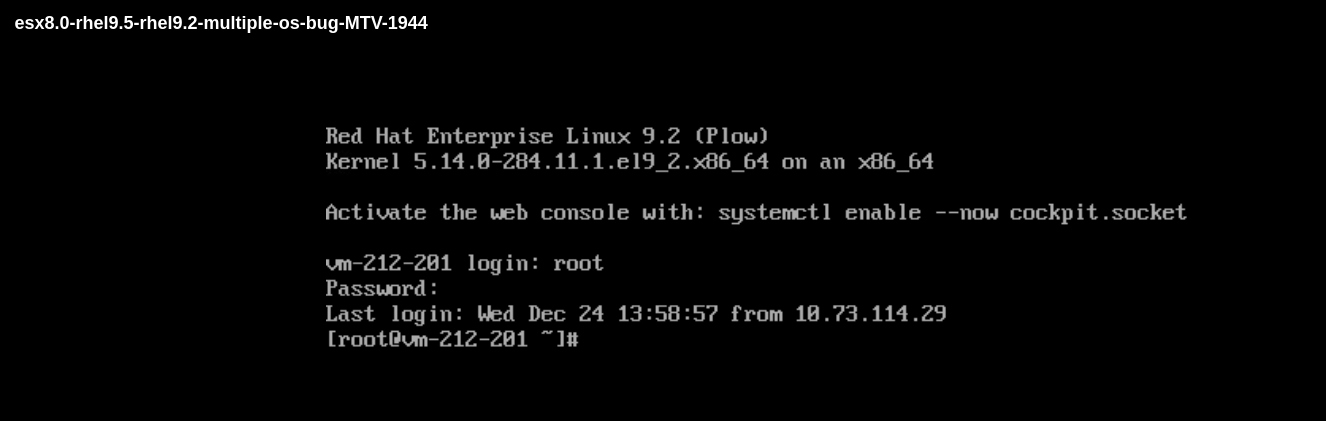
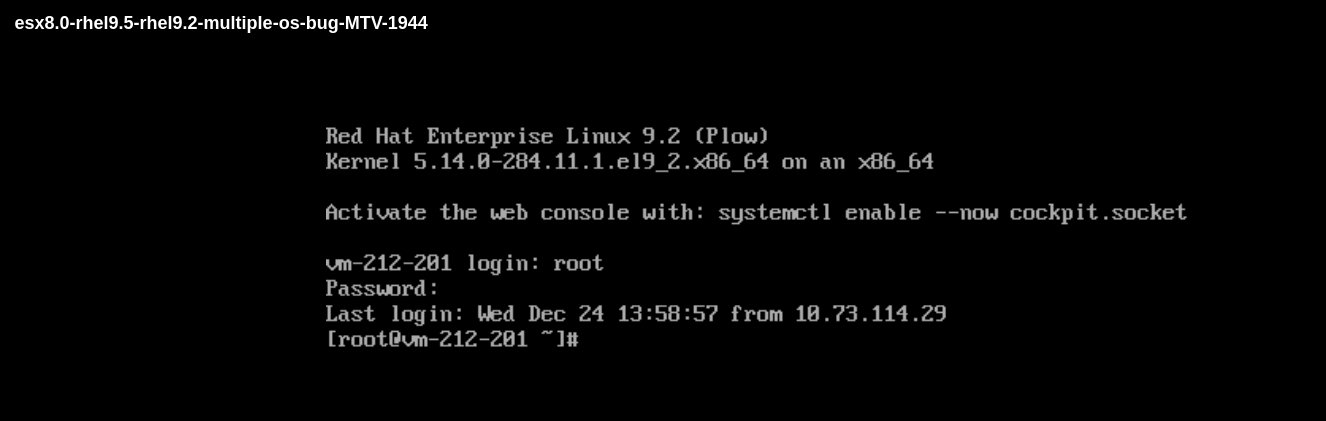
1.Prepare a guest as bug https://issues.redhat.com/browse/MTV-1944, the original guest can boot into OS normally
[root@vm-212-201 ~]# lsblk
NAME                           MAJ:MIN RM  SIZE RO TYPE MOUNTPOINTS
sda                              8:0    0   20G  0 disk
├─sda1                           8:1    0    2G  0 part /boot
└─sda2                           8:2    0    2G  0 part
  └─vgapp-apps_opt_application 253:8    0    2G  0 lvm  /apps/opt/application
sdb                              8:16   0   18G  0 disk
├─sdb1                           8:17   0    1G  0 part
└─sdb2                           8:18   0   17G  0 part
  ├─bvgroot-lvvar              253:2    0    1G  0 lvm
  ├─bvgroot-lvhome             253:3    0    1G  0 lvm
  ├─bvgroot-lvswap             253:5    0  1.8G  0 lvm
  ├─bvgroot-lvroot             253:6    0   12G  0 lvm
  └─bvgroot-lvtmp              253:7    0  1.2G  0 lvm
sdc                              8:32   0   16G  0 disk
├─sdc1                           8:33   0 11.7G  0 part /
└─sdc2                           8:34   0  3.9G  0 part
  ├─vgroot-lvswap              253:0    0    2G  0 lvm  [SWAP]
  ├─vgroot-bapps               253:1    0 1000M  0 lvm  /bapps
  └─vgroot-broot               253:4    0 1000M  0 lvm  /broot
sr0                             11:0    1 1024M  0 rom
[root@vm-212-201 ~]# cat /etc/fstab
#
# /etc/fstab
# Created by anaconda on Tue Mar 25 07:07:09 2025
#
# Accessible filesystems, by reference, are maintained under '/dev/disk/'.
# See man pages fstab(5), findfs(8), mount(8) and/or blkid(8) for more info.
#
# After editing this file, run 'systemctl daemon-reload' to update systemd
# units generated from this file.
#
UUID=500027ce-0ebf-4547-926e-872ee7d44eab /                       xfs     defaults        0 0
/dev/mapper/vgapp-apps_opt_application /apps/opt/application   xfs     defaults        0 0
/dev/mapper/vgroot-bapps /bapps                  xfs     defaults        0 0
UUID=f55bfb25-5712-45bd-8493-9773686ebd76 /boot                   xfs     defaults        0 0
/dev/mapper/vgroot-broot /broot                  xfs     defaults        0 0
/dev/mapper/vgroot-lvswap none                    swap    defaults        0 0
2. Convert the guest from VMware to local rhel server by virt-v2v
# virt-v2v -ic vpx://non-admin%40vsphere.local@10.73.213.134/data/cluster/10.73.212.36/?no_verify=1 -it vddk -io vddk-libdir=/home/vddk9.0.0 -io vddk-thumbprint=C3:83:1D:C0:6D:4C:47:83:5A:B9:6E:0E:FA:5A:15:22:B4:75:D5:7E -ip /home/passwd esx8.0-rhel9.5-rhel9.2-multiple-os-bug-MTV-1944 --root first -on esx8.0-rhel9.5-rhel9.2-multiple-os-bug-MTV-1944-first-os-rhel9.2 -v -x |& tee > convert-guest-with-multiple-os.log
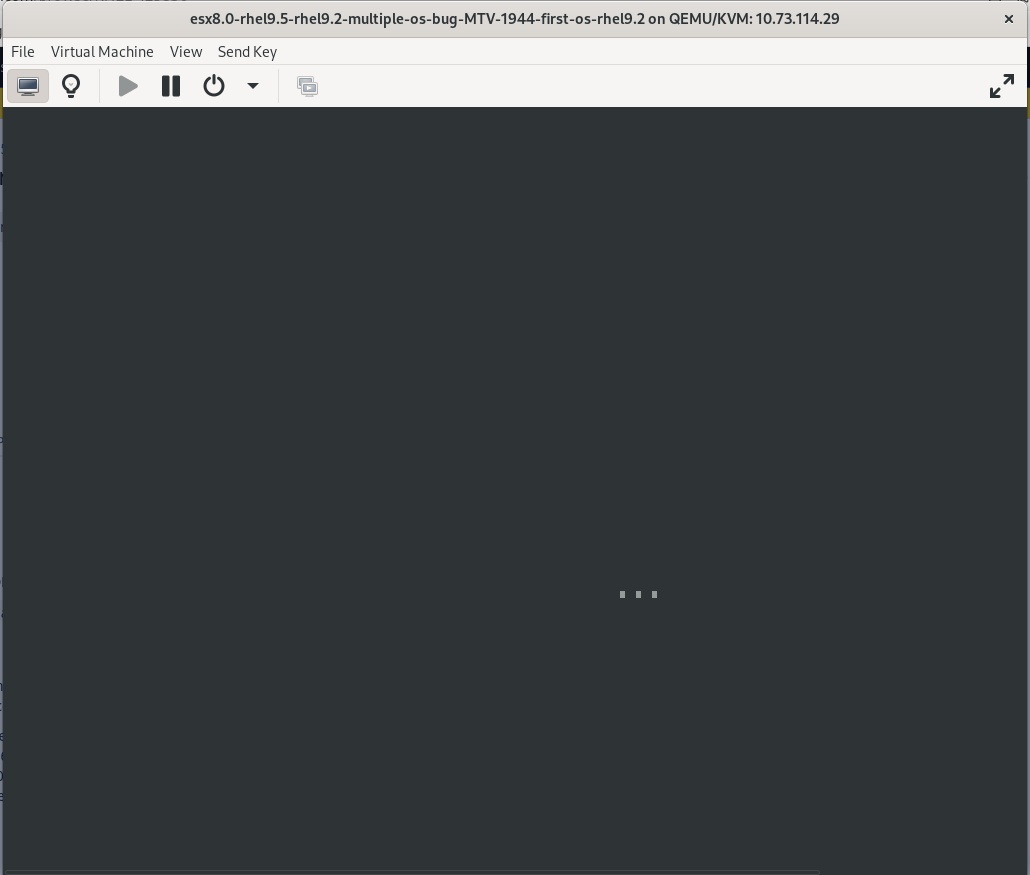
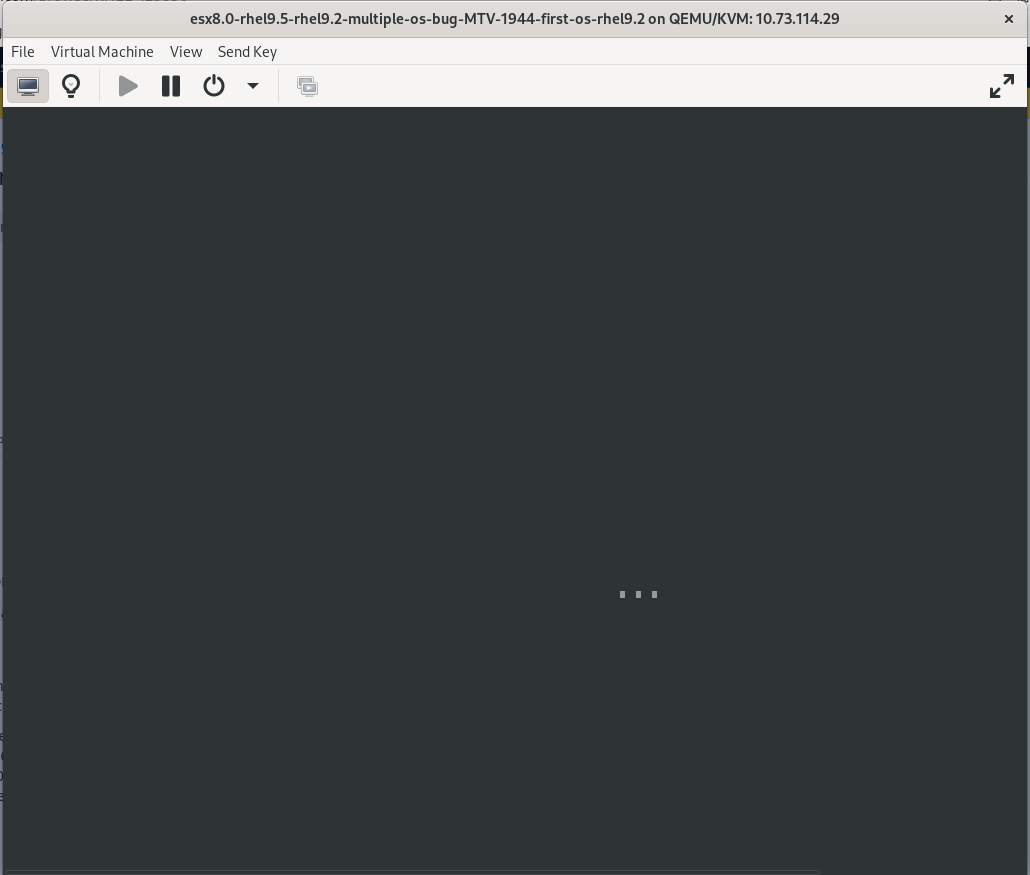
3. Found the guest can't boot into OS after conversion
Expected results
As above description
Actual results
Fix the bug