-
Bug
-
Resolution: Unresolved
-
 Normal
-
None
-
1.5.0, 1.5.1, 1.6.0
-
1
-
False
-
-
False
-
-
-
RHDH F&UI plugins 3285, RHDH F&UI plugins 3286
Description of problem:
The initial plugin install experience is limited, and will see significant improvements next version, but in the mean time, current users are not well supported in completing their task. Documentation provides more context and support, but the UI doesn't offer any more information or direct guidance to reference those docs.
Prerequisites (if any, like setup, operators/versions):
Steps to Reproduce
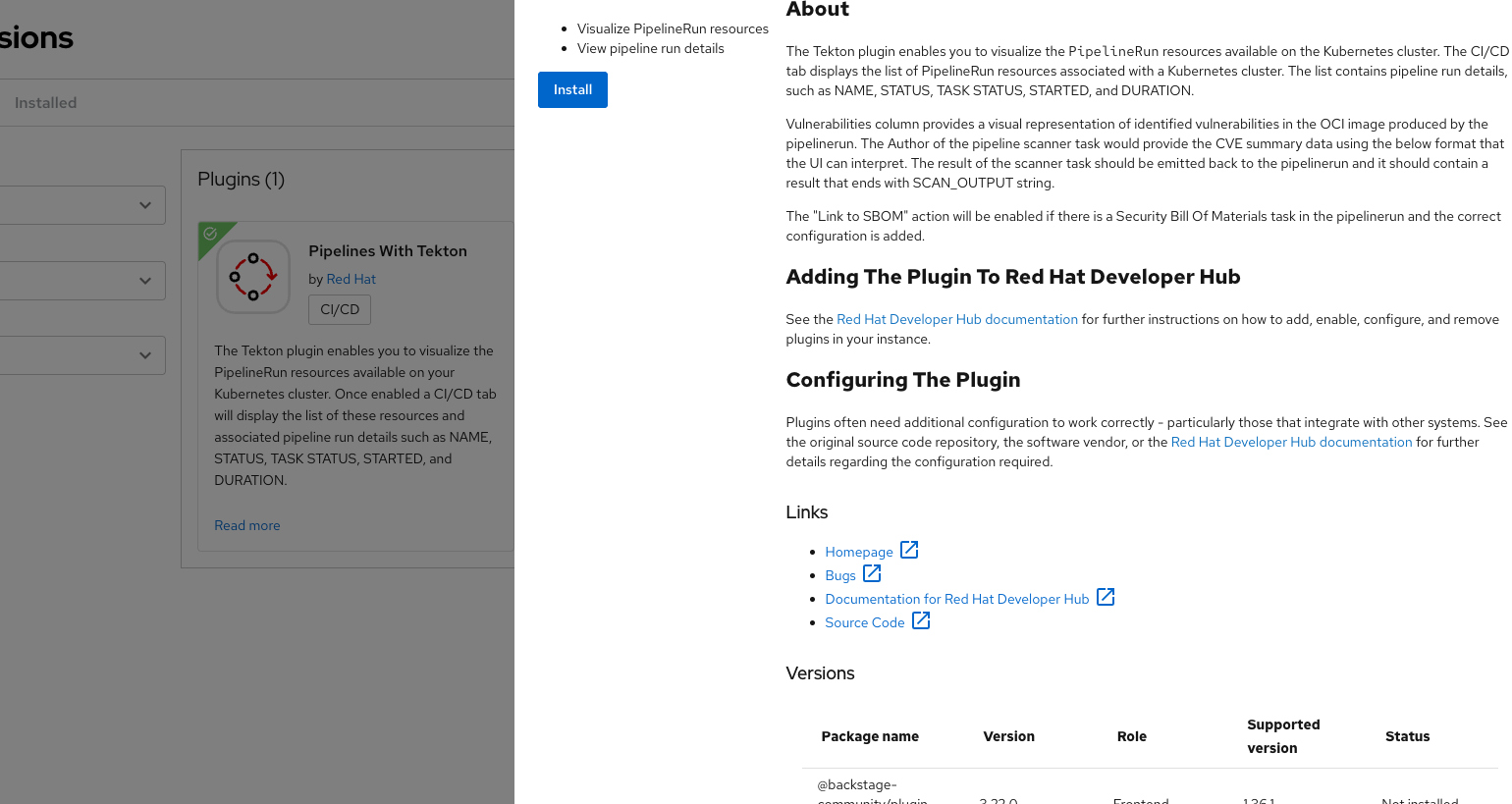
- Go to Admin > Extensions and click on Read more for a plugin
- From the plugin flyout, click Install
Actual results:
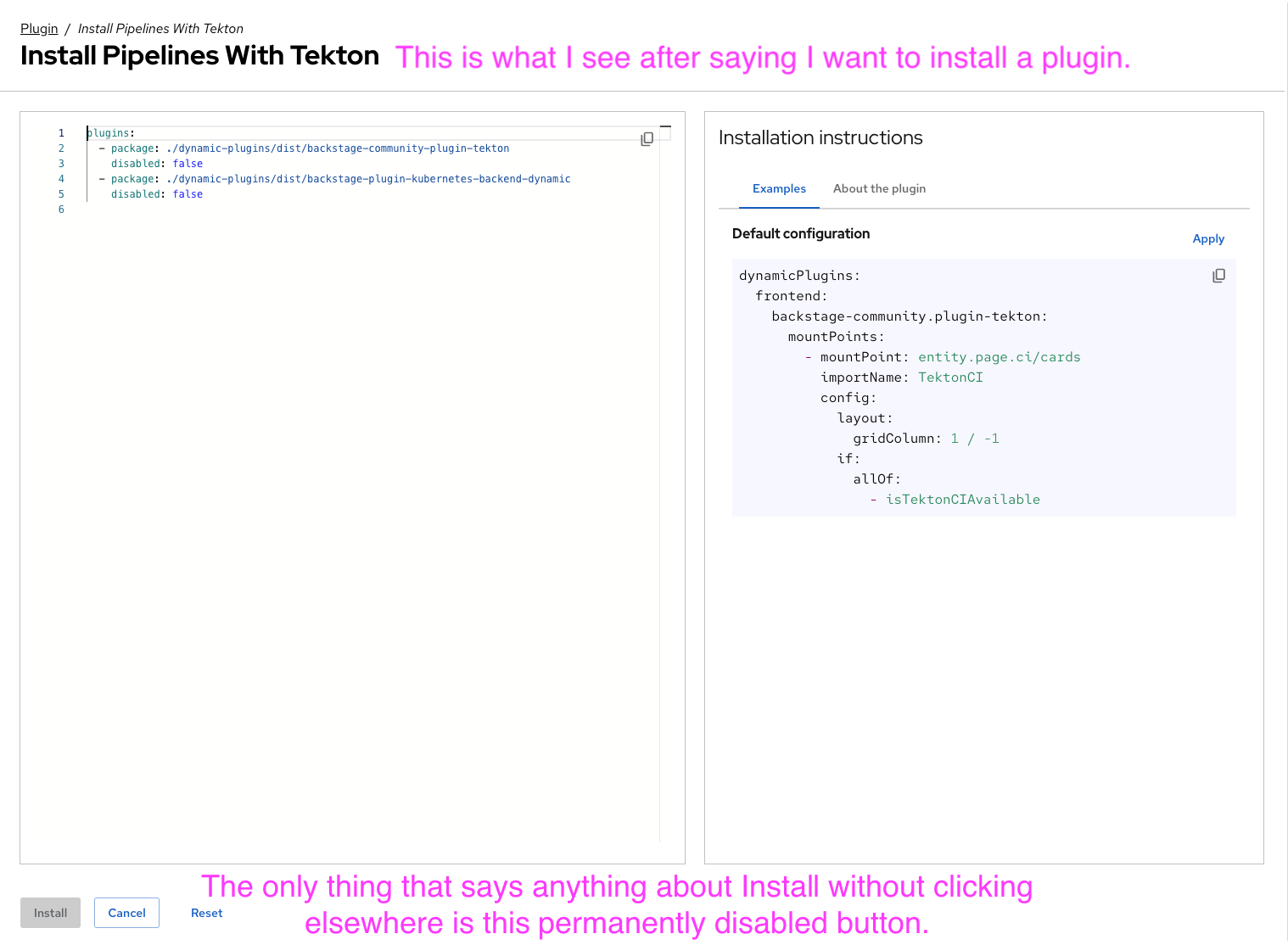
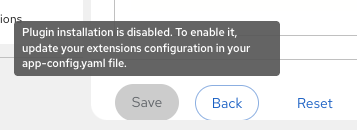
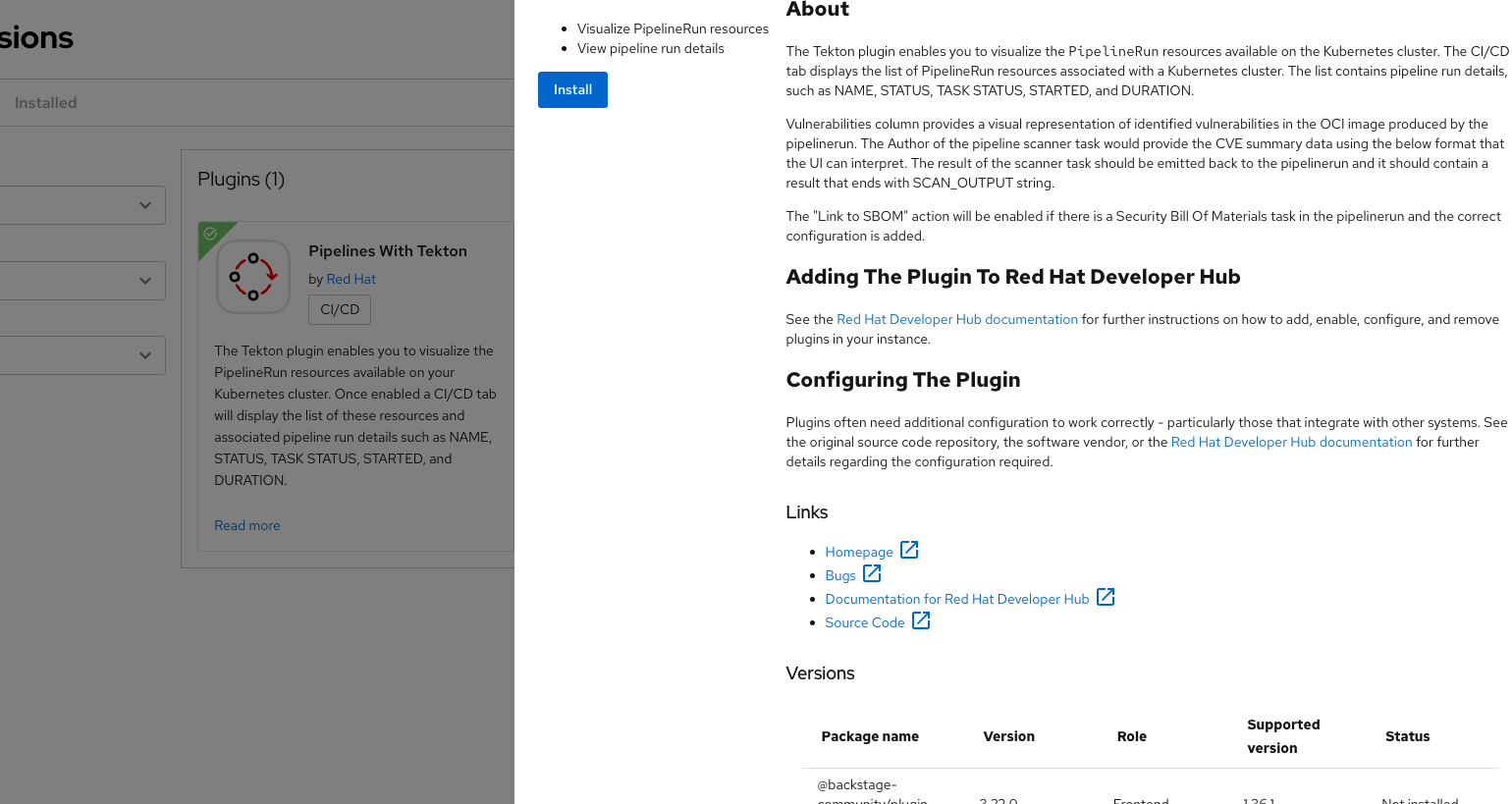
User finds a plugin in the extension catalog and clicks Install. That takes them to a page with an Install button, which is always disabled, and there are no actions a user can take on this screen to enable it. Documentation will explain that in this version, they must be manually installed, and references which config file to update to install them, but there's no message in the UI that pushes them to reference the docs or to explain that the config file should be modified using the content generated here.
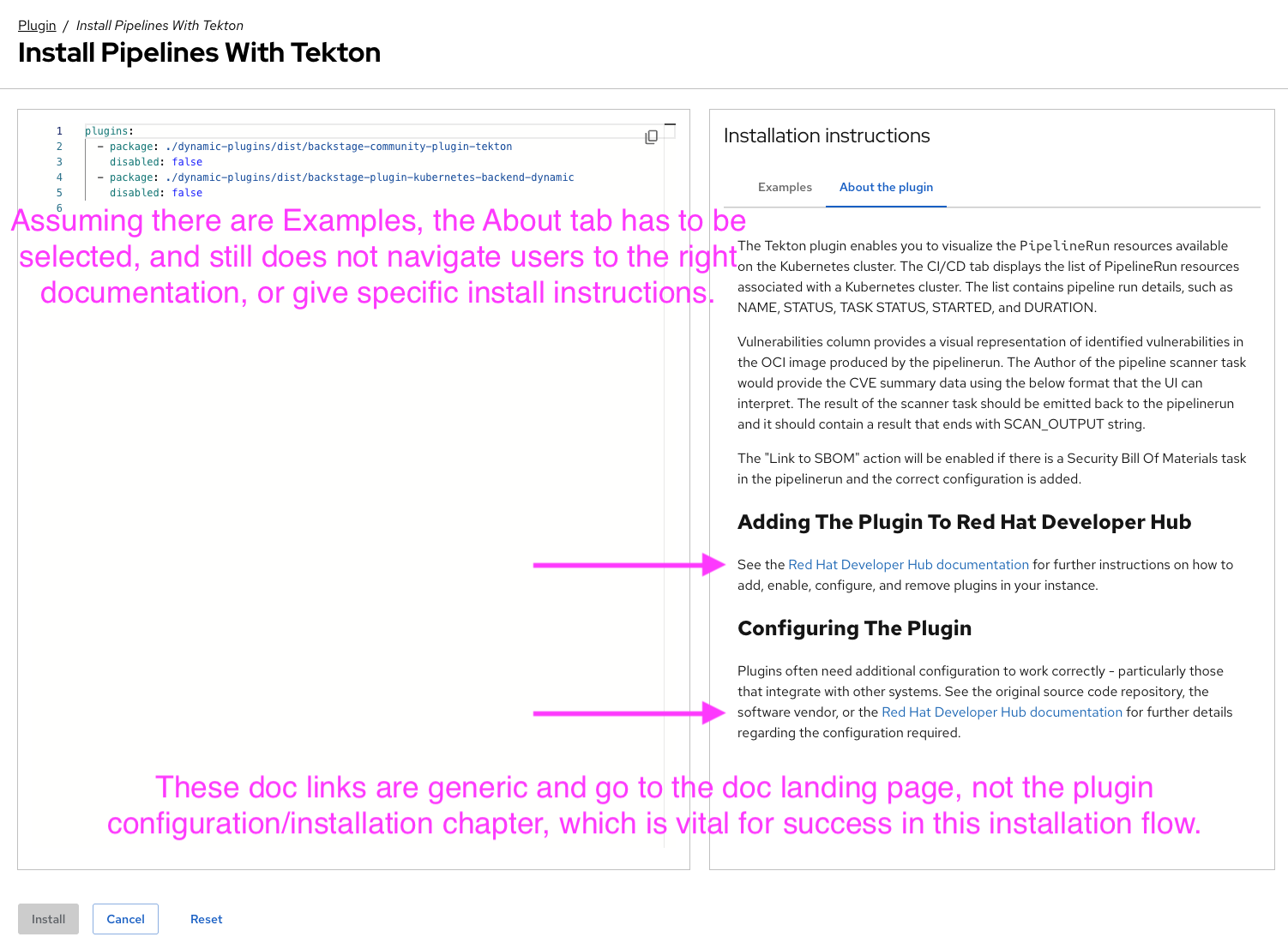
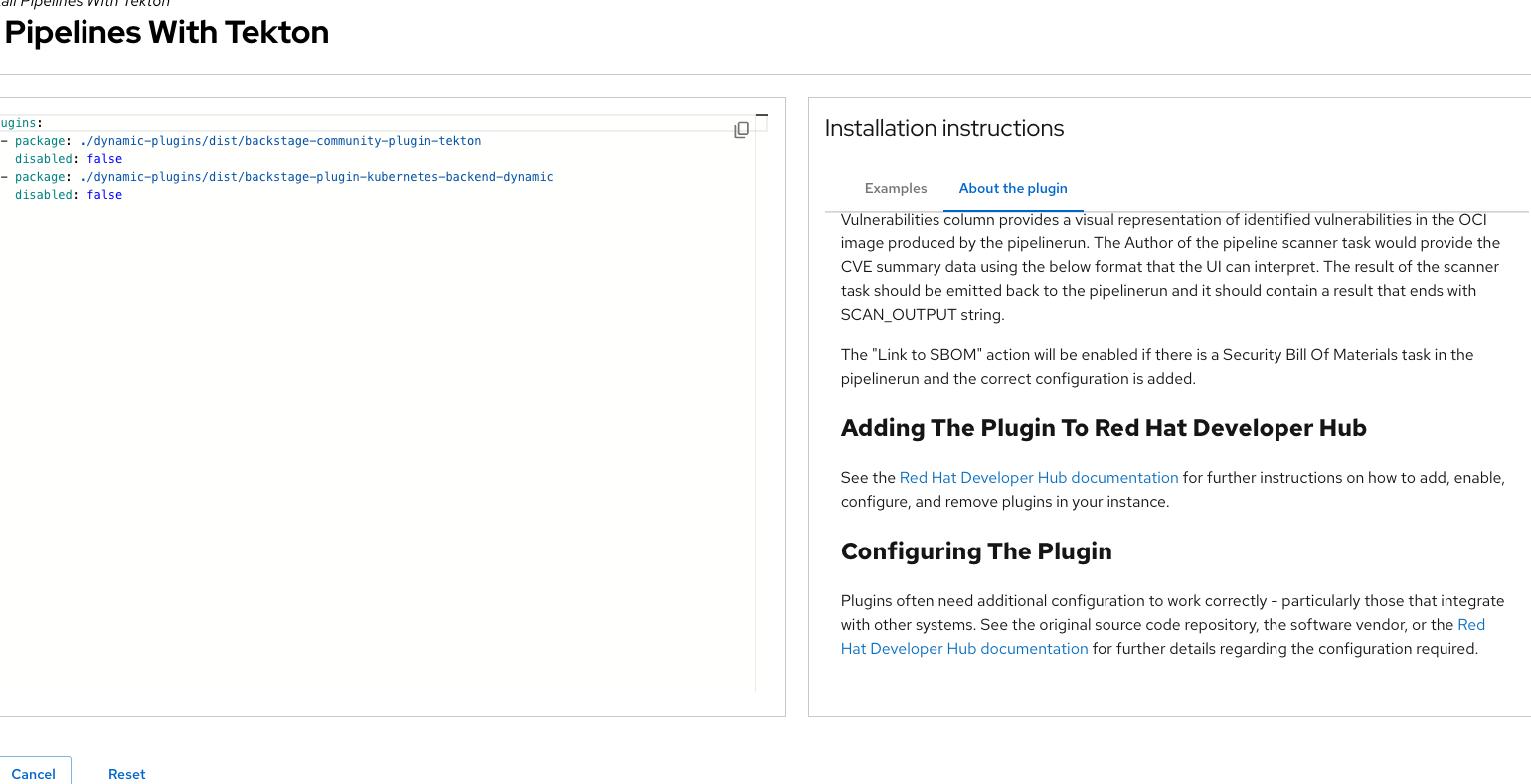
Assuming there's a provided example to generate an Examples tab, that will be the default selection, and they have to click over to About this plugin to see some basic info. There are generic documentation links scraped from the plugin metadata, but it does not go to the plugin installation procedure. Users will have to find that on their own (and know that it exists).
Buttons are typically disabled when there's a temporary state where it can't be used, but will become enabled when the user or system exits that state and can then be used for something. Having a permanently disabled button that doesn't explain why it can't be used is not a good end user experience.
Expected results:
The UI to have a message on the page that either tells users to reference the documentation, provides context within the page on what the expected flow for this version is, and how to be successful, or at worst, update our placeholder plugin configuration metadata to go directly to the relevant plugin documentation, which includes the plugin installation procedure. Right now it goes to the documentation landing page, stranding users.