-
Bug
-
Resolution: Duplicate
-
 Undefined
-
None
-
1.9.0
-
AI, Lightspeed, UI
-
None
-
False
-
-
False
-
-
Description of problem:
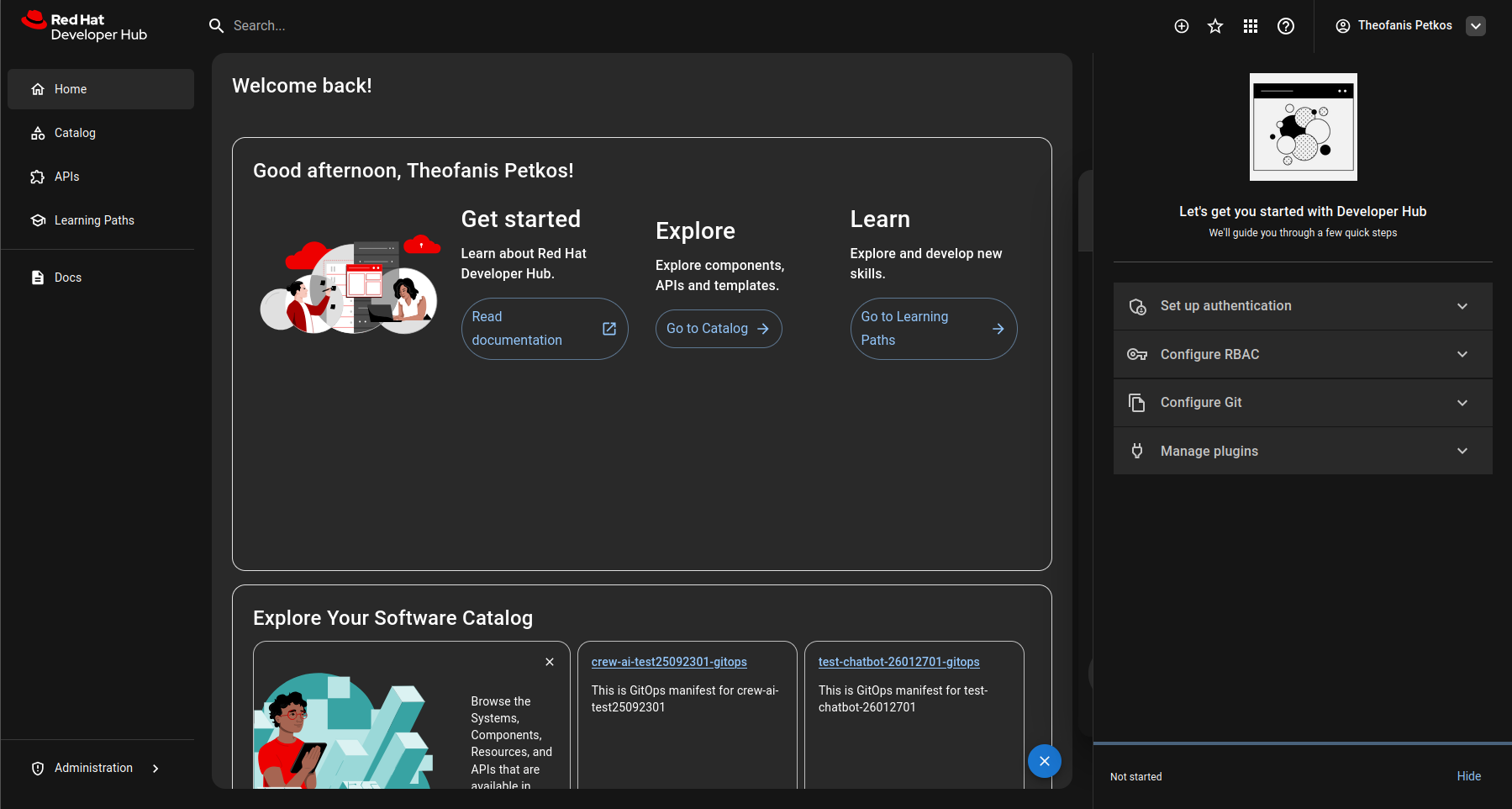
When I'm on the RHDH Homepage with Quickstart enabled and try to open the lightspeed chat I cannot access it (in overlay mode) as it opens behind the quickstart sidebar.
Prerequisites (if any, like setup, operators/versions):
RHDH Version 1.9
Steps to Reproduce
The issue is visible currently in our AI Rolling Demo Env:
- Go to AI Rolling Demo: https://rolling-demo-backstage-rolling-demo-ns.apps.tpetkos-aicluster01.devcluster.openshift.com/
- Make sure quickstart sidebar is visible
- Try to open lightspeed
Actual results:
- I'm not able to access the lightspeed chat
- Is hidden behind the quick start sidebar
Expected results:
- duplicates
-
-

- New
-

