-
Story
-
Resolution: Unresolved
-
 Normal
-
None
-
None
-
Product / Portfolio Work
-
False
-
-
False
-
None
-
Unset
-
None
-
-
-
Goal: Let users filter the event log by one or more severities via the toolbar.Acceptance criteria:
- The Event Log toolbar has a Severity filter control next to existing filters (Event, “Filter by event”, time range).
- Severity options come from the backend:
GET /notifications/severities
Only show options returned by the API
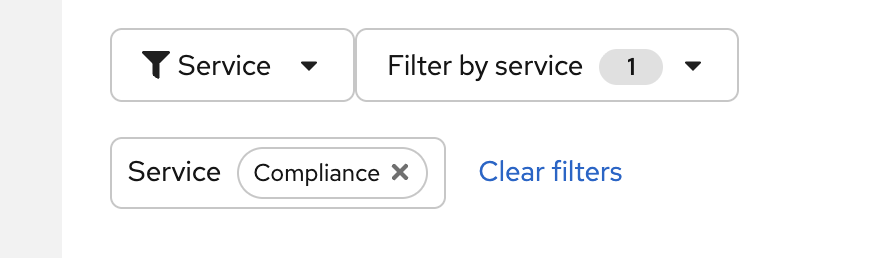
- User can select "Severity" then "filter by severity" and select one or more options. Once selected you will see similar to the attached image.
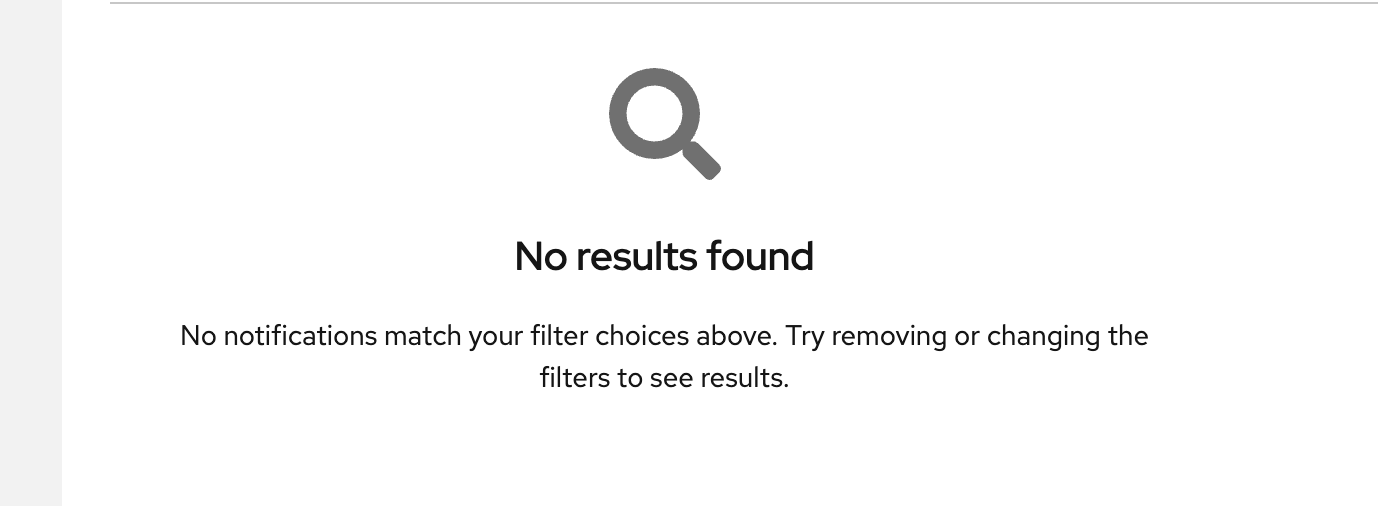
- If user selects a filter and no choices exist, show loading/error state (img attached of an example)
- Clearing the severity filter removes the severities param and shows all events again. Filter state is consistent with URL/query params if the app uses them for the Event Log.
- Add storybook test