Uploaded image for project: 'JBoss BRMS Platform'
  1. JBoss BRMS Platform
  2. RHBRMS-2651

Validation messages in drl files are being multiplied by the number of kie base models in project settings.

This issue belongs to an archived project. You can view it, but you can't modify it. Learn more

XMLWordPrintable

    • ER2
    • CR1
    • Hide

      1. Create new project.
      2. Open Project Editor, switch to Knowledge bases and sessions.
      3. Add three kie base models eg.: kb1, kb2, kb3.
      4. In the same project, create new guided rule.
      5. Add an option (show options, and the plus on the right) to the rule with attribute timer set to "xx xx xx".
      6. Validate.

      Expected result: One validation error.
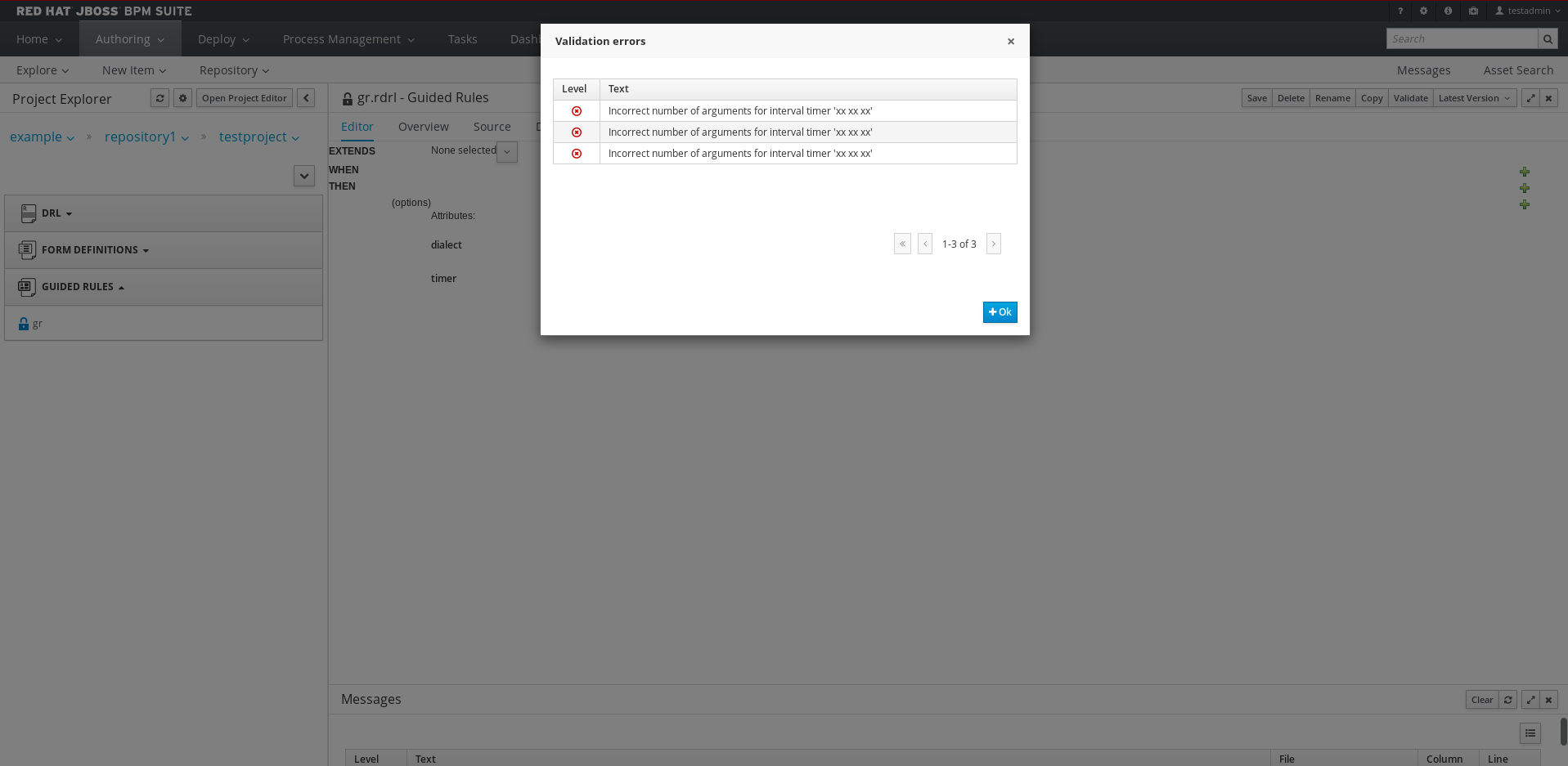
      Actual result: Three validation errors (see the attached picture).

      Show
      1. Create new project. 2. Open Project Editor, switch to Knowledge bases and sessions. 3. Add three kie base models eg.: kb1, kb2, kb3. 4. In the same project, create new guided rule. 5. Add an option (show options, and the plus on the right) to the rule with attribute timer set to "xx xx xx". 6. Validate. Expected result: One validation error. Actual result: Three validation errors (see the attached picture).

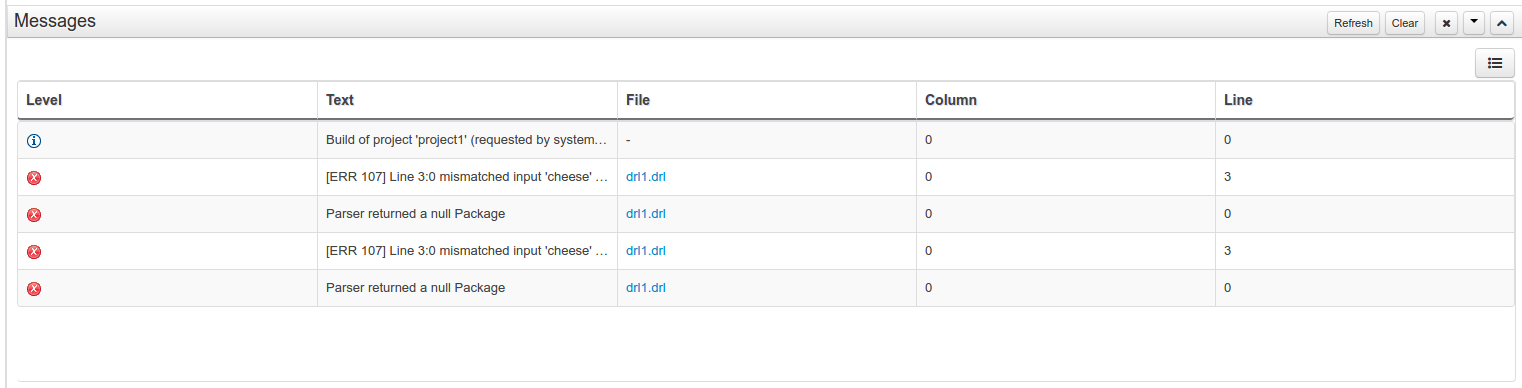
      When having more than one KieBaseModel (in Project Editor>Knowledge Base Settings:Knowledge bases and sessions) and validating invalid drl the error messages are shown multiple times depending on the number of kie base models (basically the same error message is shown for every kie base model in the project settings). I believe this is a regression, since in ER1 only one error message was shown even when there were more kie base models in the project.
              manstis@redhat.com Michael Anstis
              jsoltes Juraj Soltes (Inactive)
              Archiver:
              rhn-support-ceverson Clark Everson
              Barbora Kapustova Barbora Kapustova (Inactive)
              Barbora Kapustova Barbora Kapustova (Inactive)

                Created:
                Updated:
                Resolved:
                Archived: