-
Bug
-
Resolution: Done
-
 Blocker
-
None
-
quay-v3.16.0
-
Quality / Stability / Reliability
-
False
-
-
False
-
-
Description of problem:
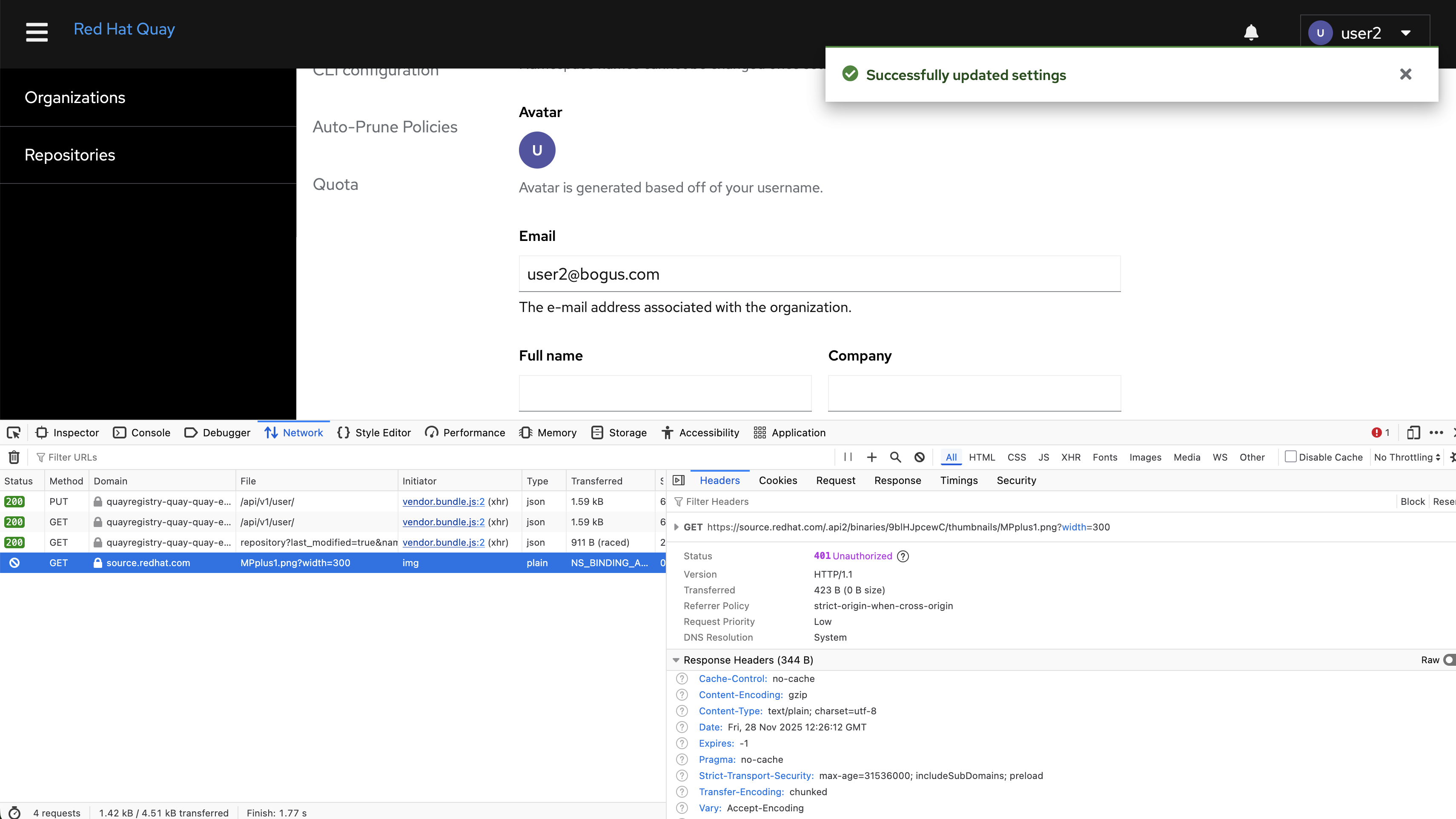
In quay 3.16.0 new UI, users can not update their email address when enable FEATURE_MAILING.
Version-Release number of selected component (if applicable):
quay.io/redhat-user-workloads/quay-eng-tenant/stable-3-16-v4-19@sha256:541c7f45baf8b1de998c7f80c601bbfb528d6c3ffd49dcfa6ca99a369c1682f7
------------------------------
$ oc get $(oc get pod -l name=quay-operator-alm-owned -o name -n quay-enterprise) -o jsonpath='{.spec.containers[0].image}' -n quay-enterprise
registry.redhat.io/quay/quay-operator-rhel9@sha256:ceb90fa9f704222815ebfec2b8c5971b69b2807e088047a0acc25956684bfc14
------------------------------
$ oc get $(oc get pod -l app=quay -o NAME -n quay-enterprise|head -n 1) -o jsonpath='{.spec.containers[0].image}' -n quay-enterprise
registry.redhat.io/quay/quay-rhel9@sha256:331d10fc6eb09013105ed5e31fd3627a13cc8afba25feadbd4256b02b441c536
------------------------------
$ oc get quayregistry -o jsonpath='{.items[0].status.currentVersion}'  -n quay-enterprise
3.16.0
Steps to reproduce:
1. Configure quay with the following attributes
FEATURE_MAILING: true
MAIL_DEFAULT_SENDER: testmail@anystring.com
MAIL_PASSWORD: xxxxx
MAIL_PORT: 25
MAIL_SERVER: sandbox.smtp.mailtrap.io
MAIL_USE_AUTH: true
MAIL_USE_TLS: true
MAIL_USERNAME: xxxxx
2. Create a user and log in quay new UI
3. Update user's email address in user setting page
Actual results:
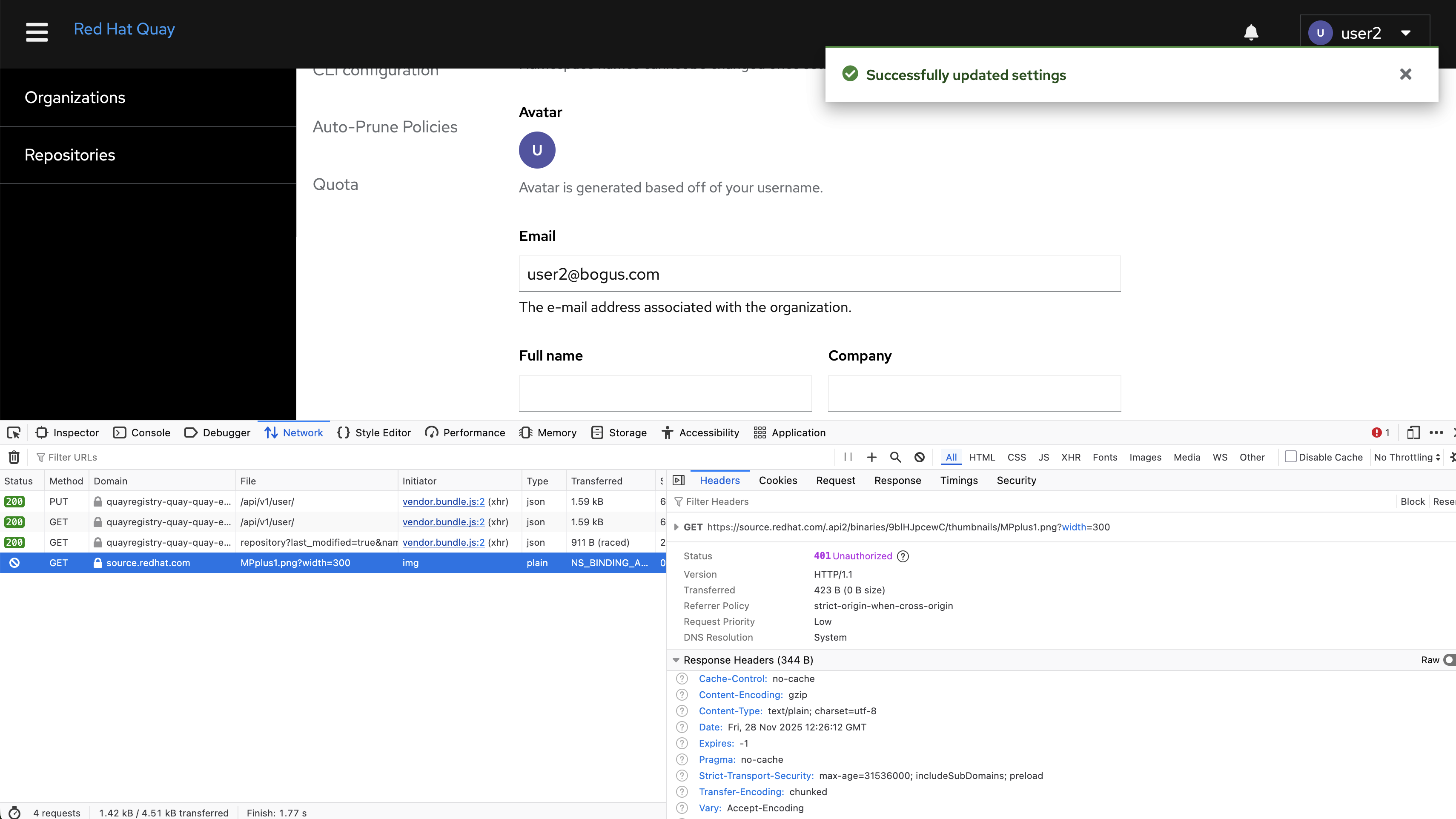
In the new UI, users can not update email address in setting page when enable FEATURE_MAILING. Got API error in browser's debug panel.
Additional info:
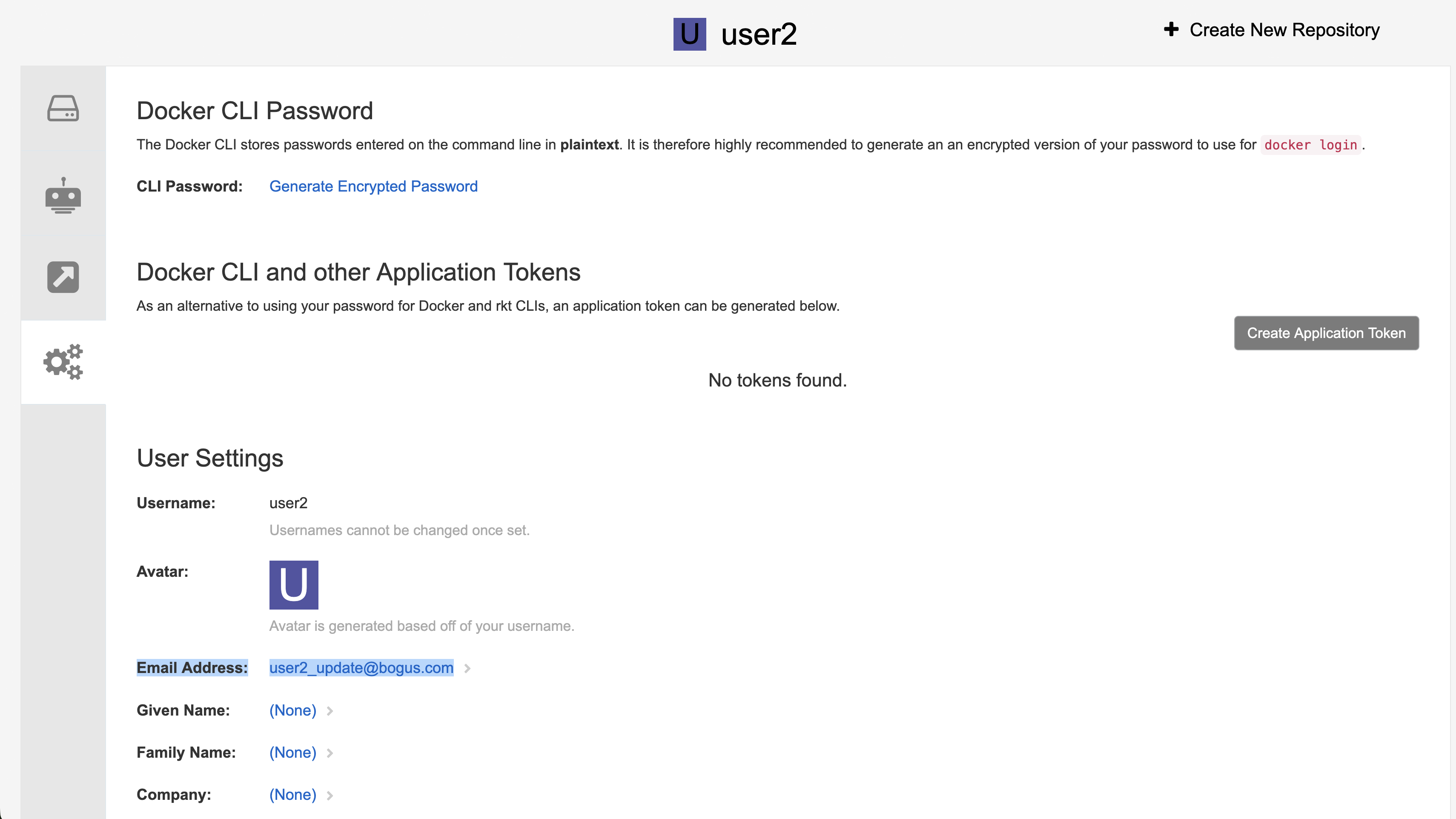
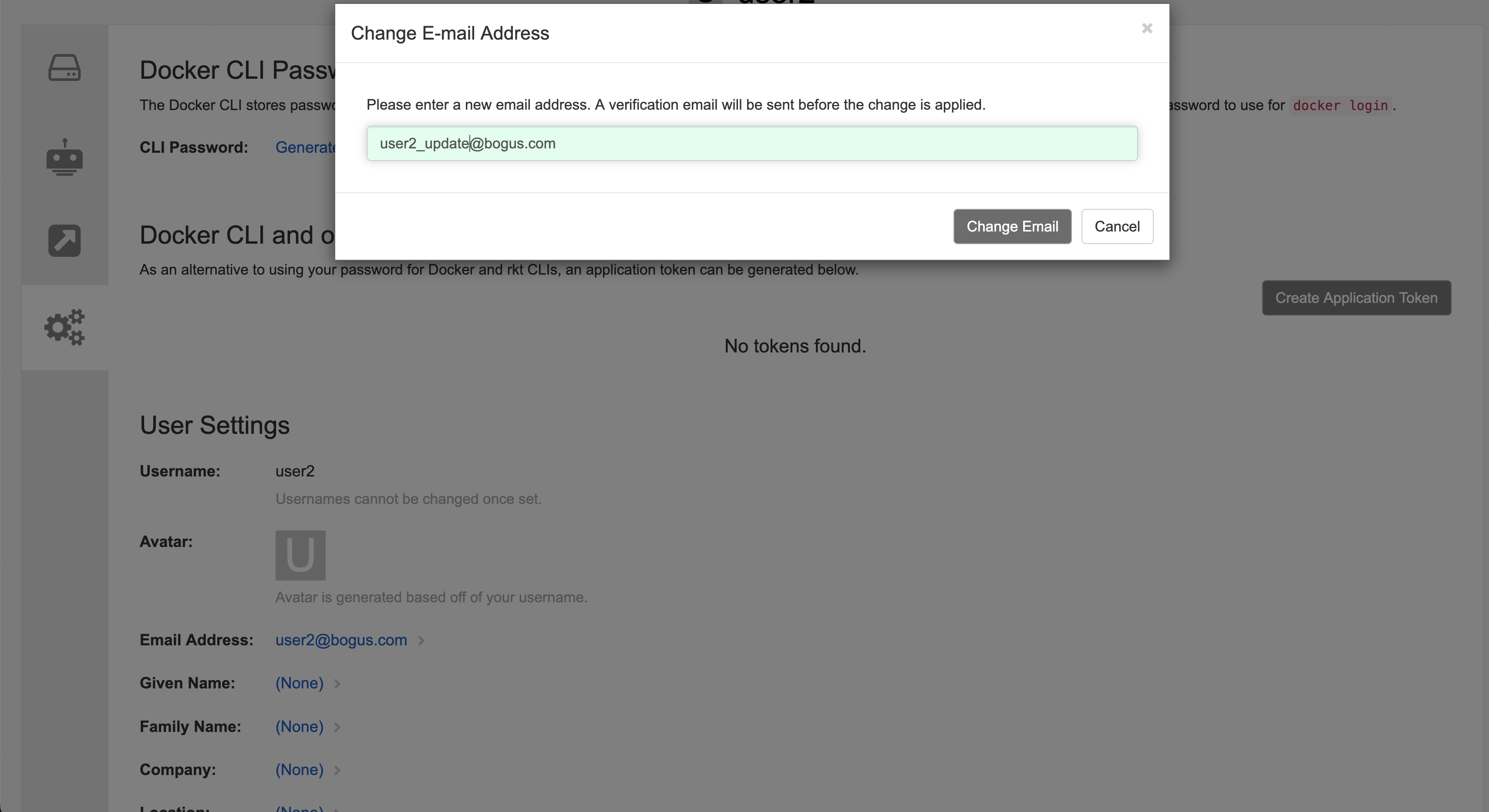
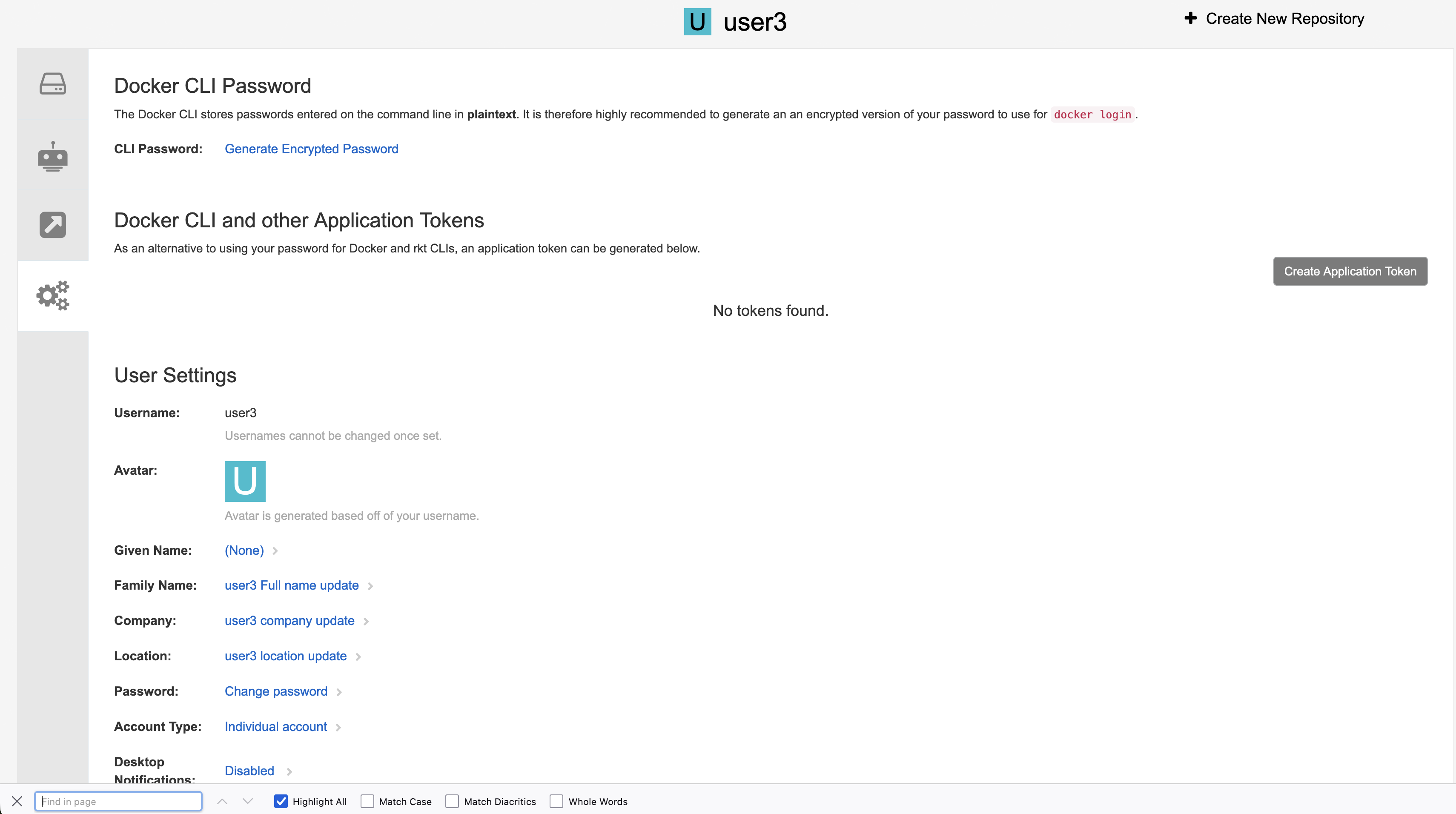
In the old UI, updating user's email address will go through the following steps.
1. Clicking original email address in the user's setting page
2. Updating new email address in the popup
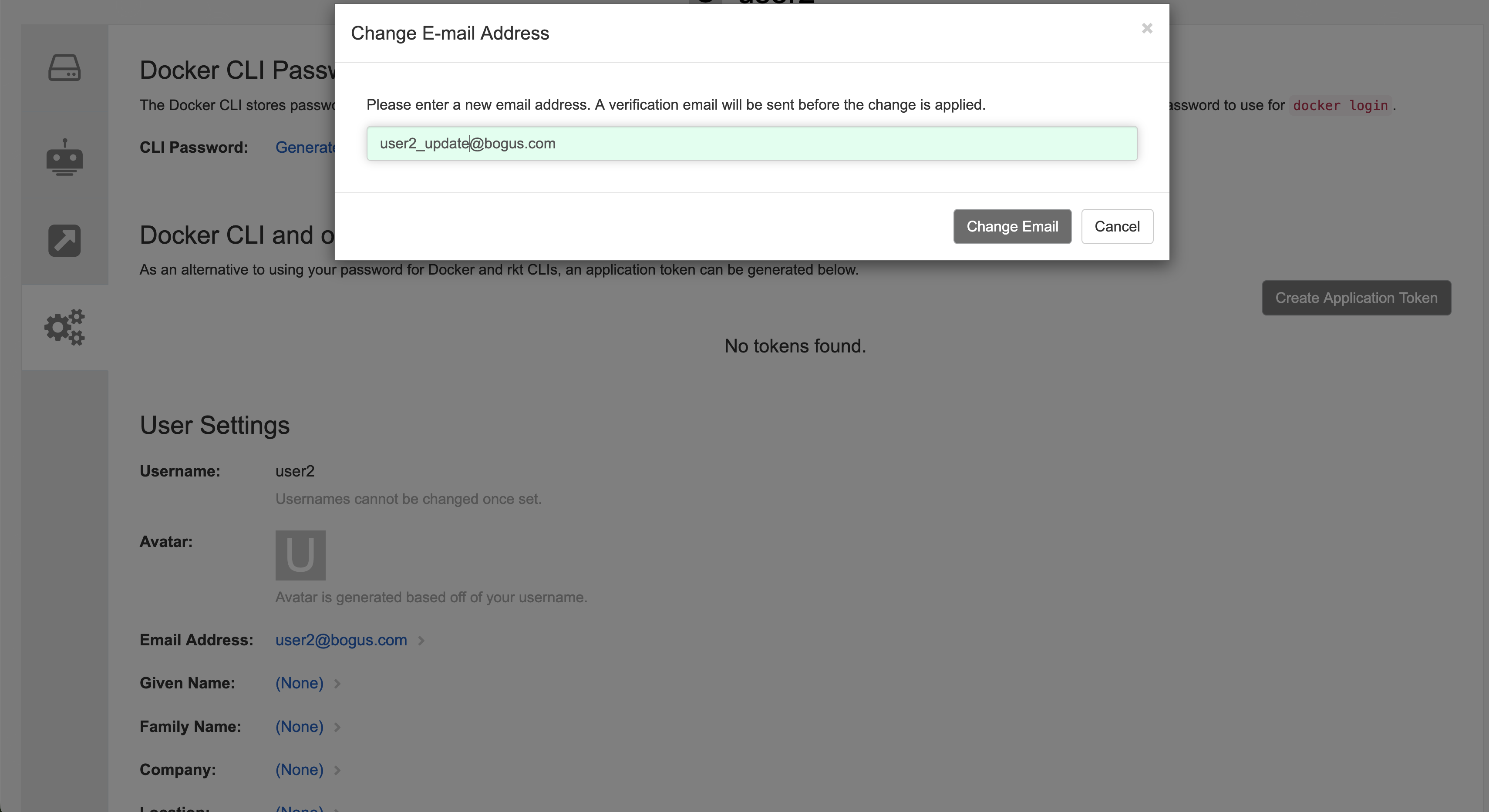
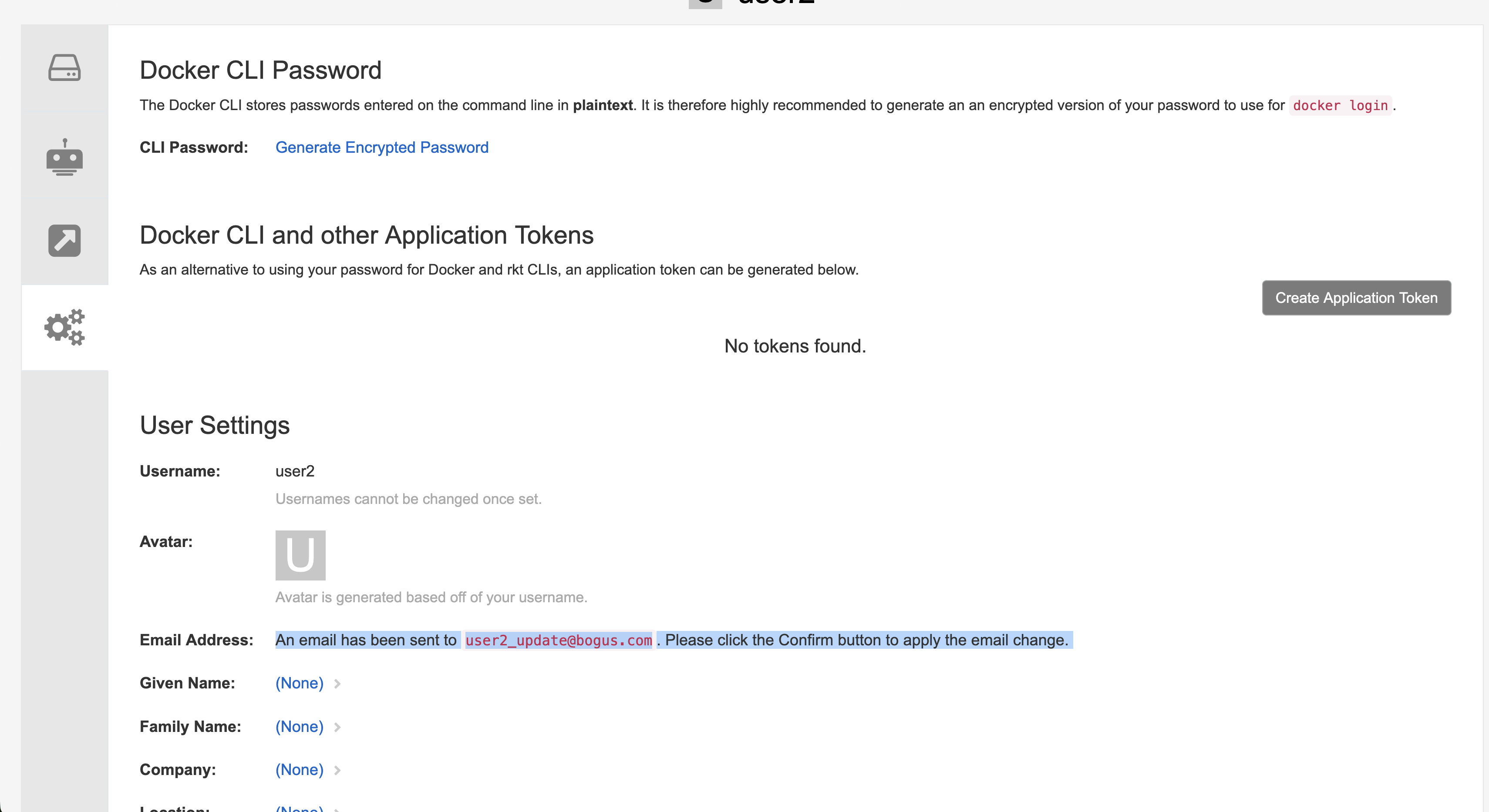
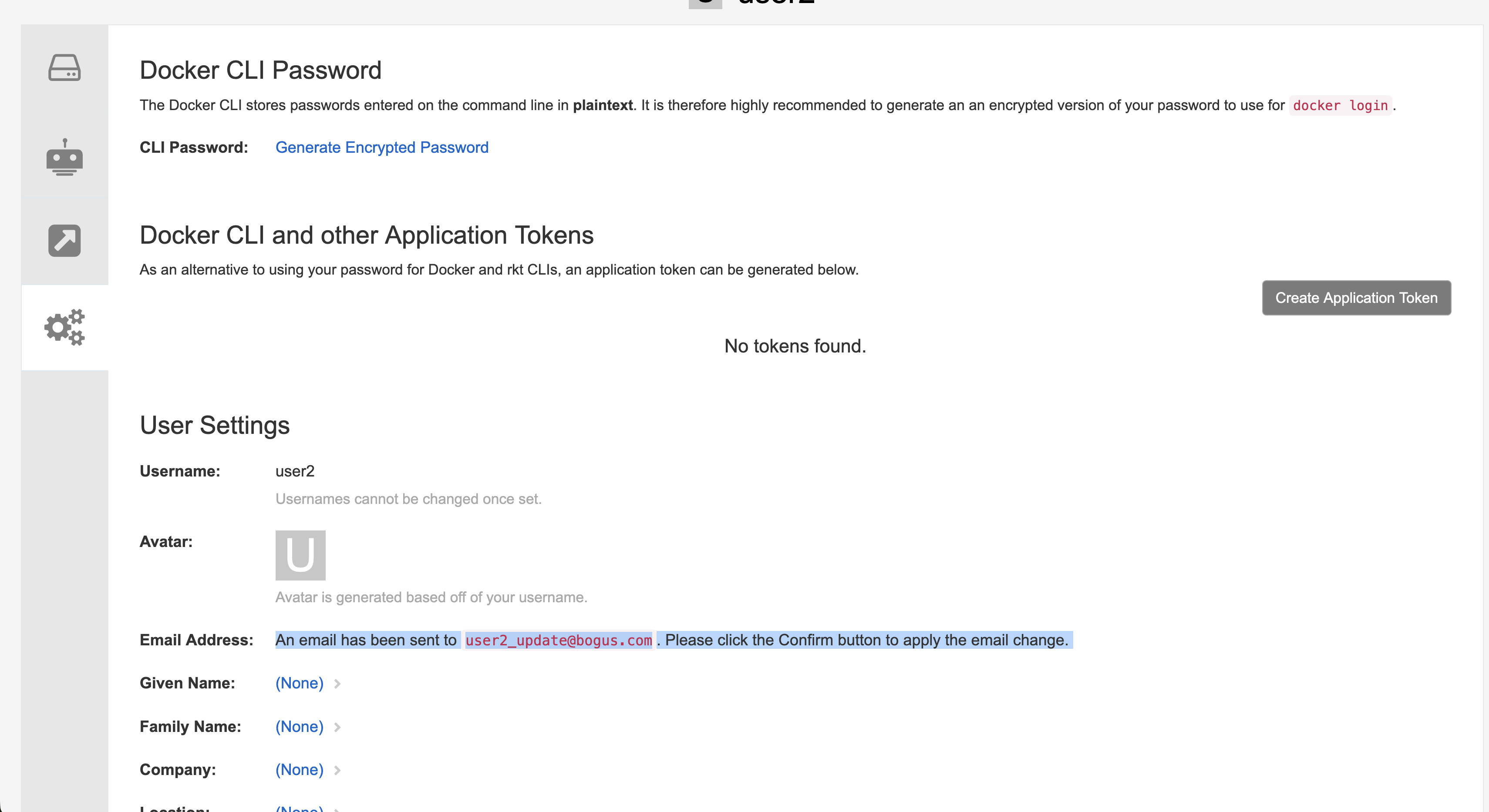
3. Getting message "An email has been sent to user2_update@bogus.com. Please click the Confirm button to apply the email change. " in the old UI
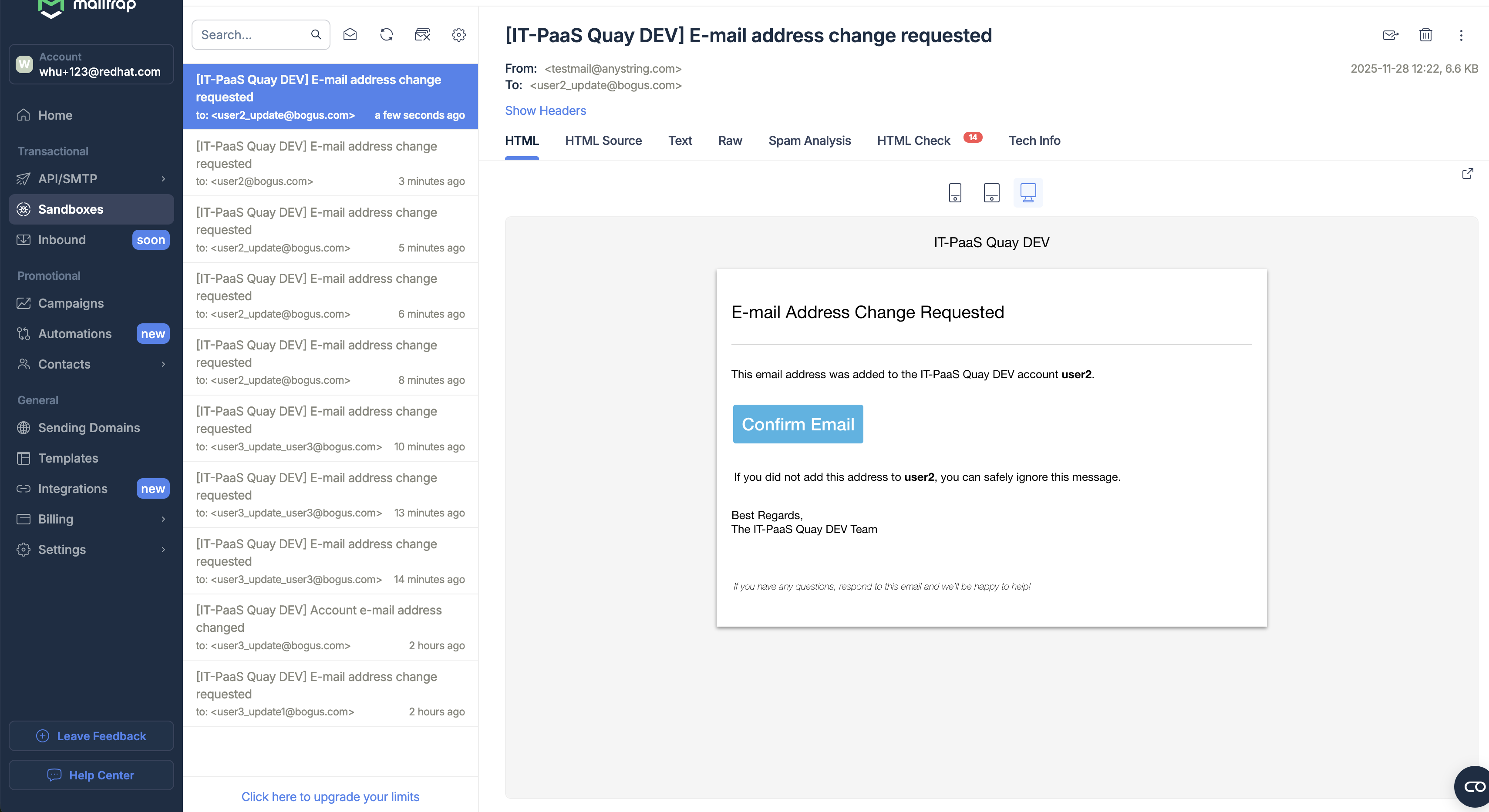
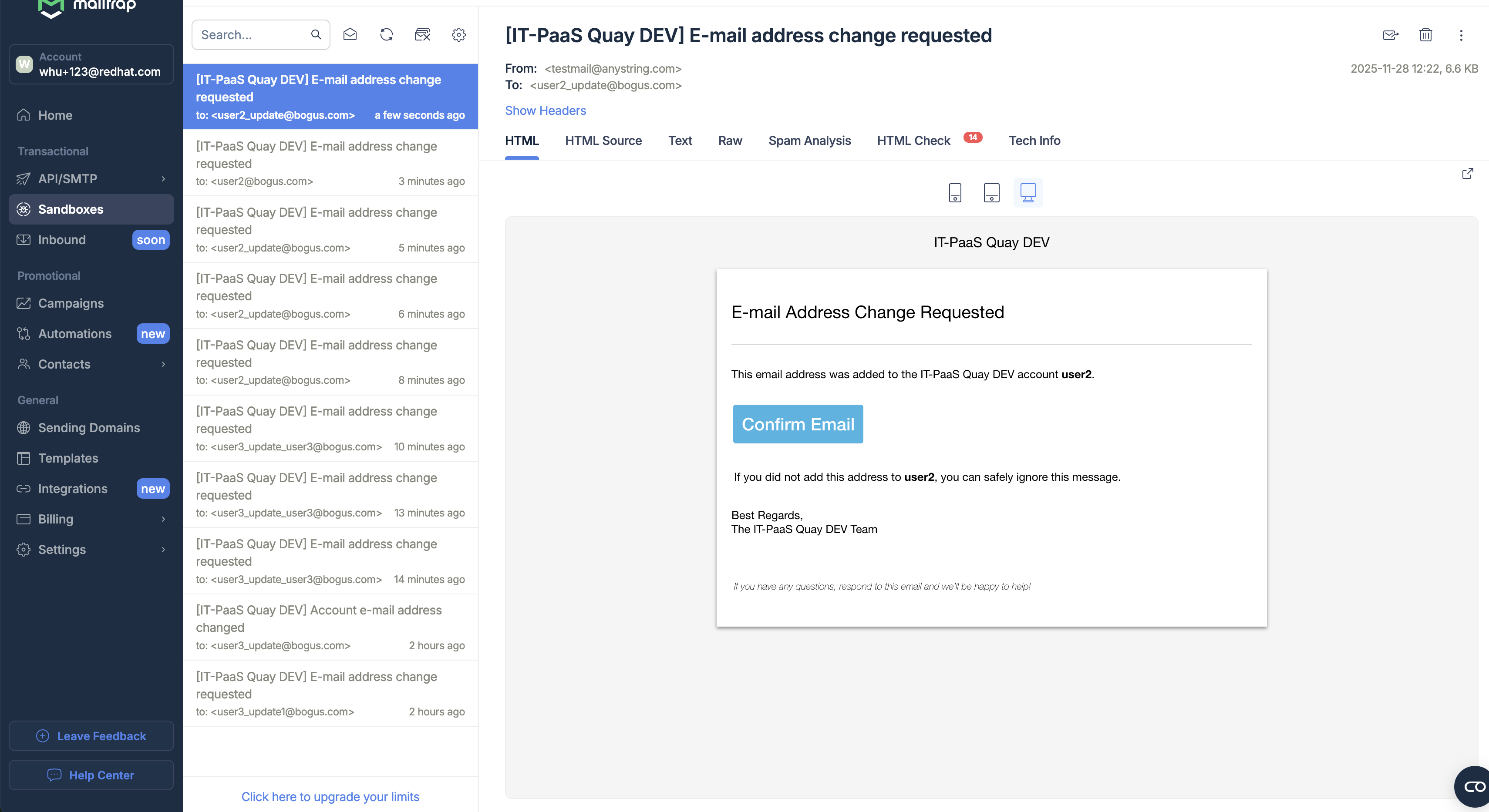
4. Clicking "Confirm Email" button in confirmation email
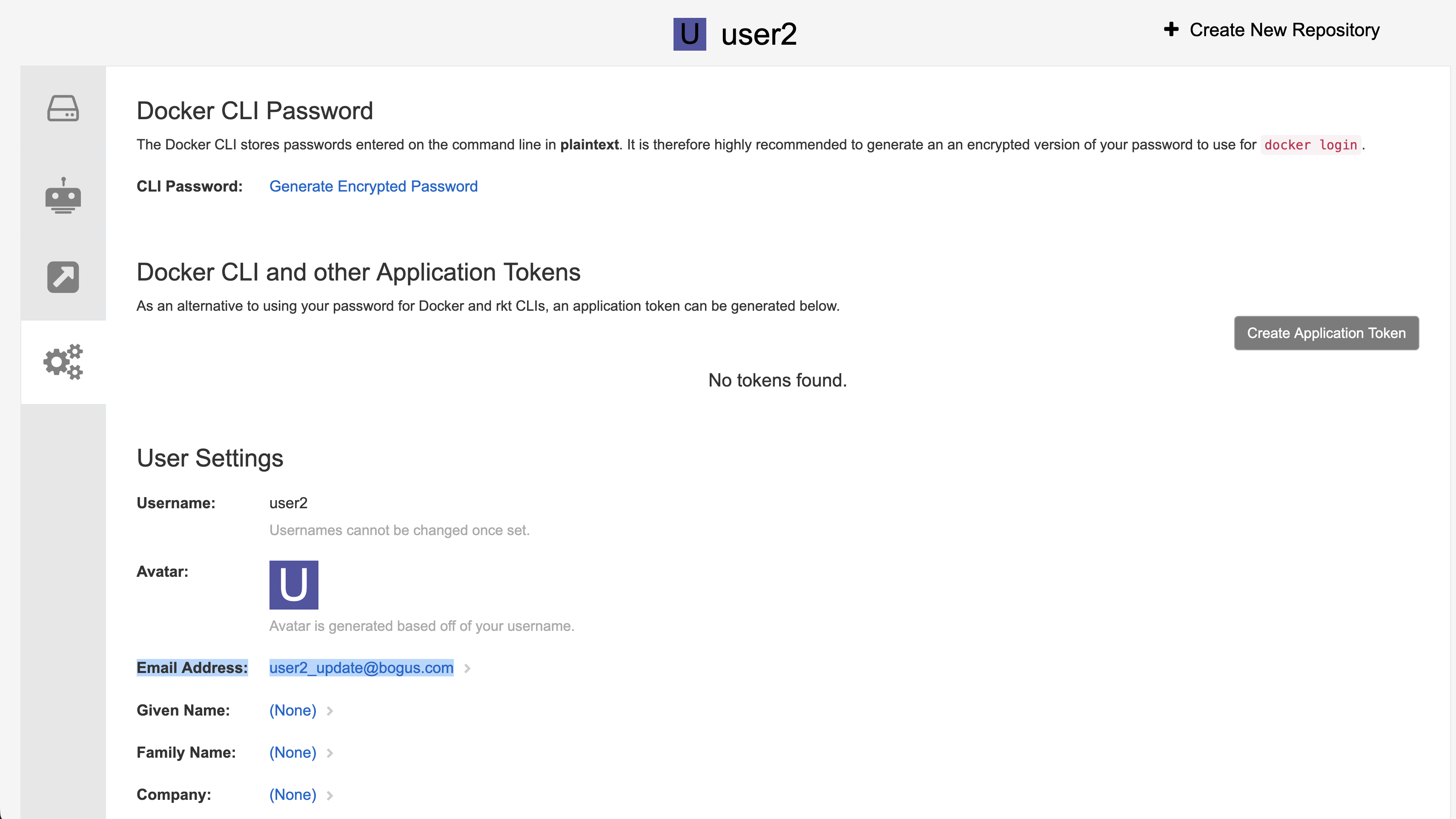
5. The user's email address is updated
Expected results
Users should be able to update their email address in the user setting page of the new UI.