-
Bug
-
Resolution: Done
-
 Blocker
-
None
-
quay-v3.16.0
-
Quality / Stability / Reliability
-
False
-
-
False
-
-
Description of problem:
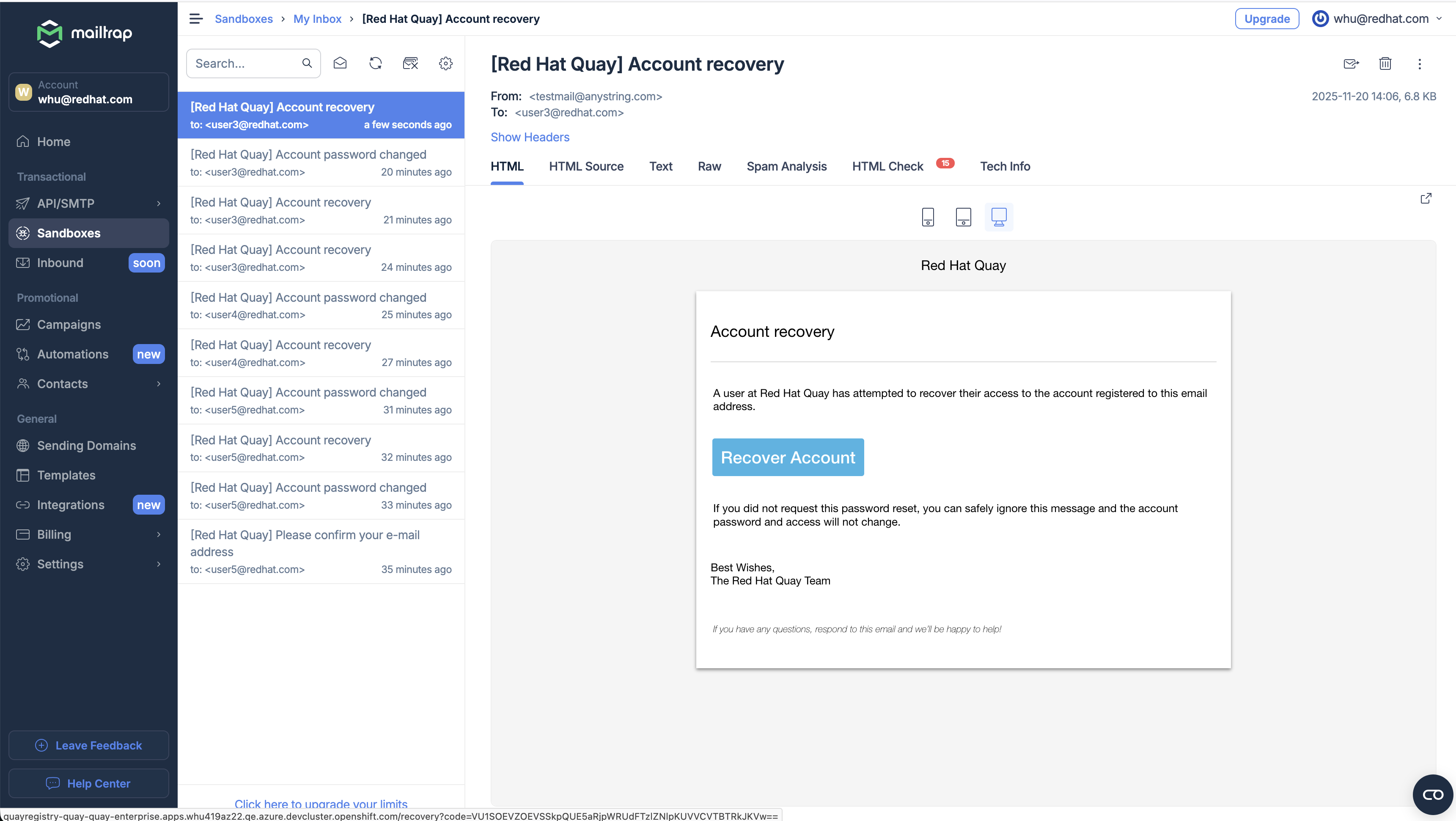
In the Quay 3.16.0 new UI, clicking the "Forgot Password?" button on the login page and entering a valid email address will send an account recovery email.
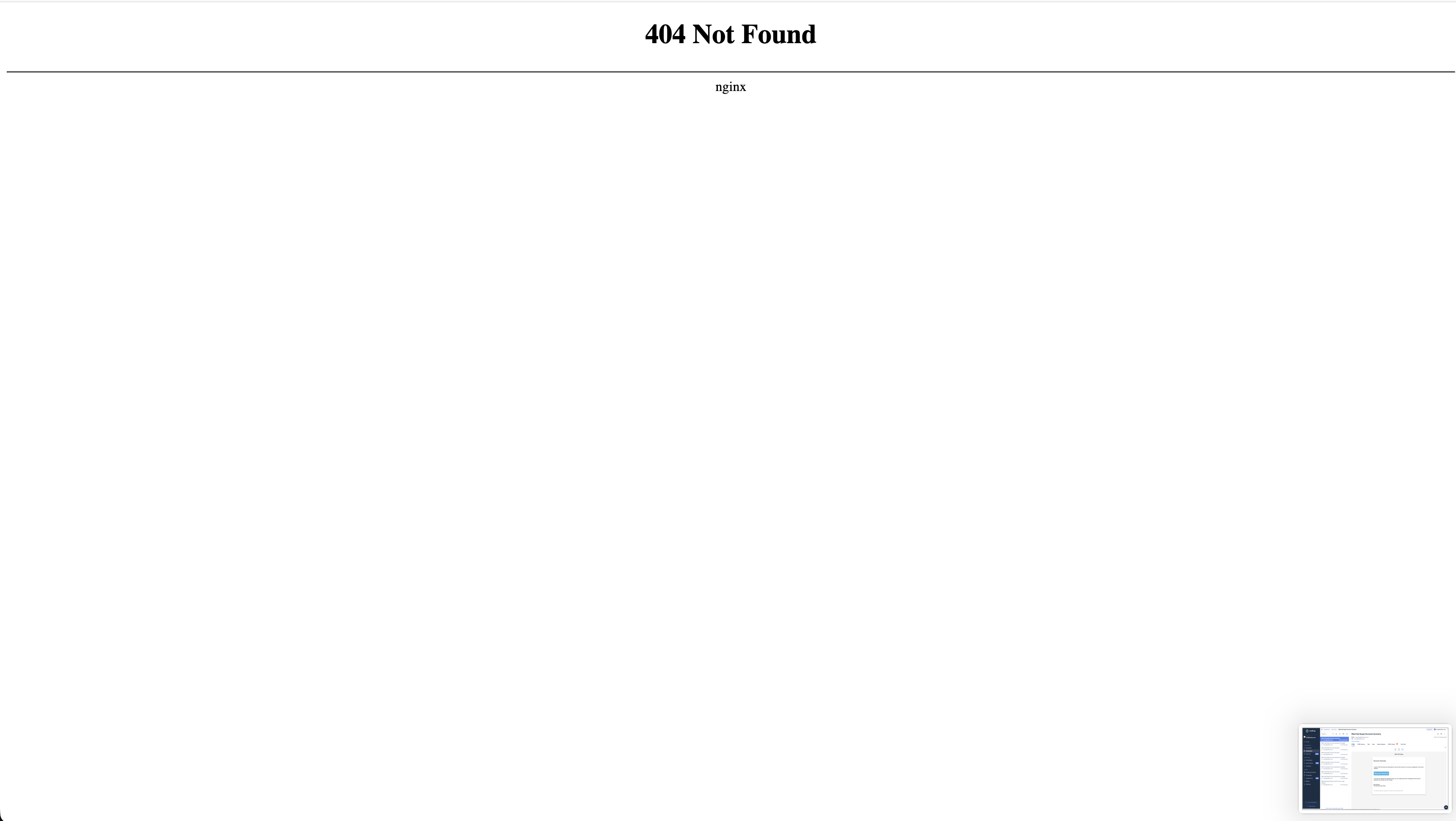
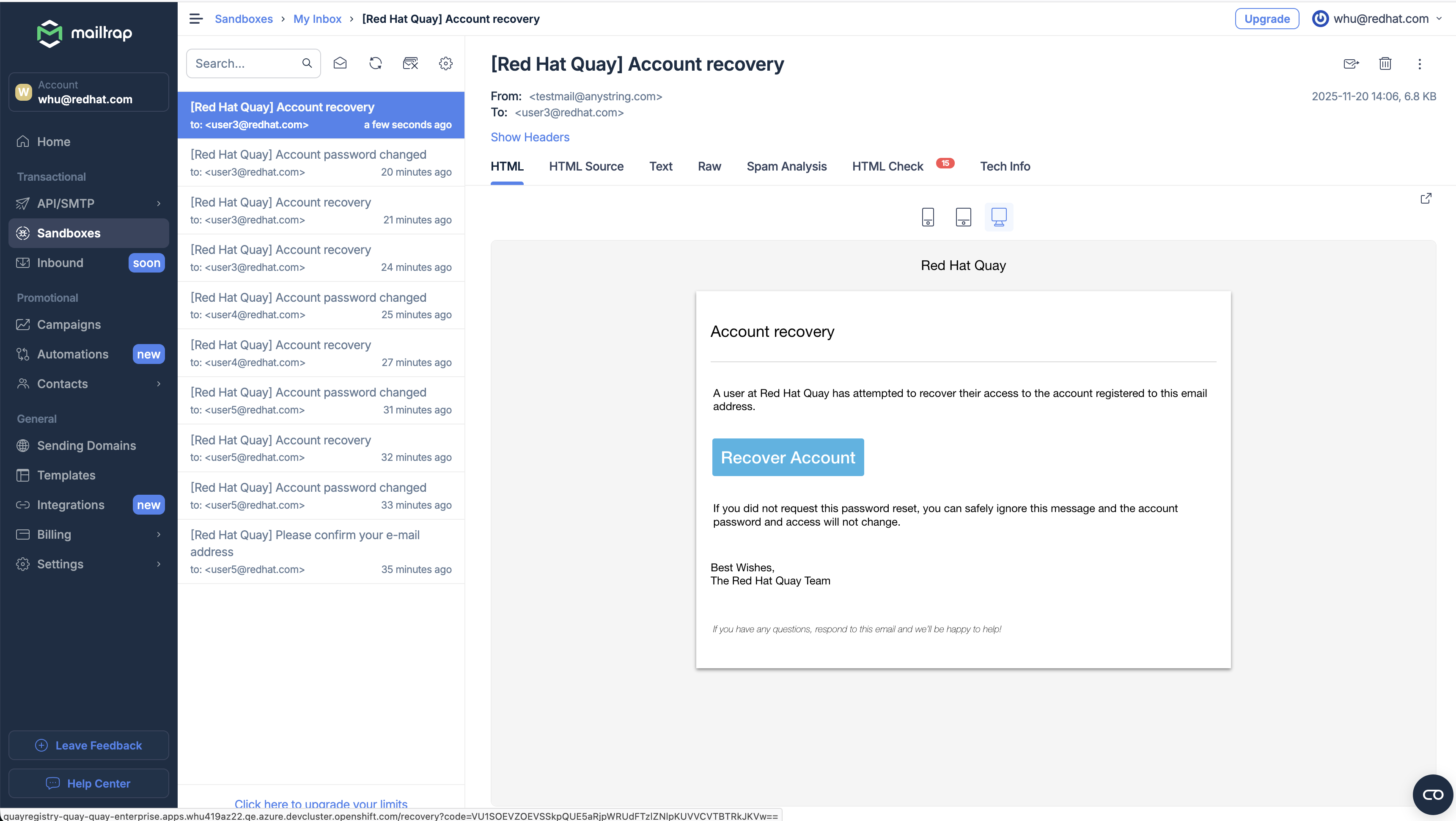
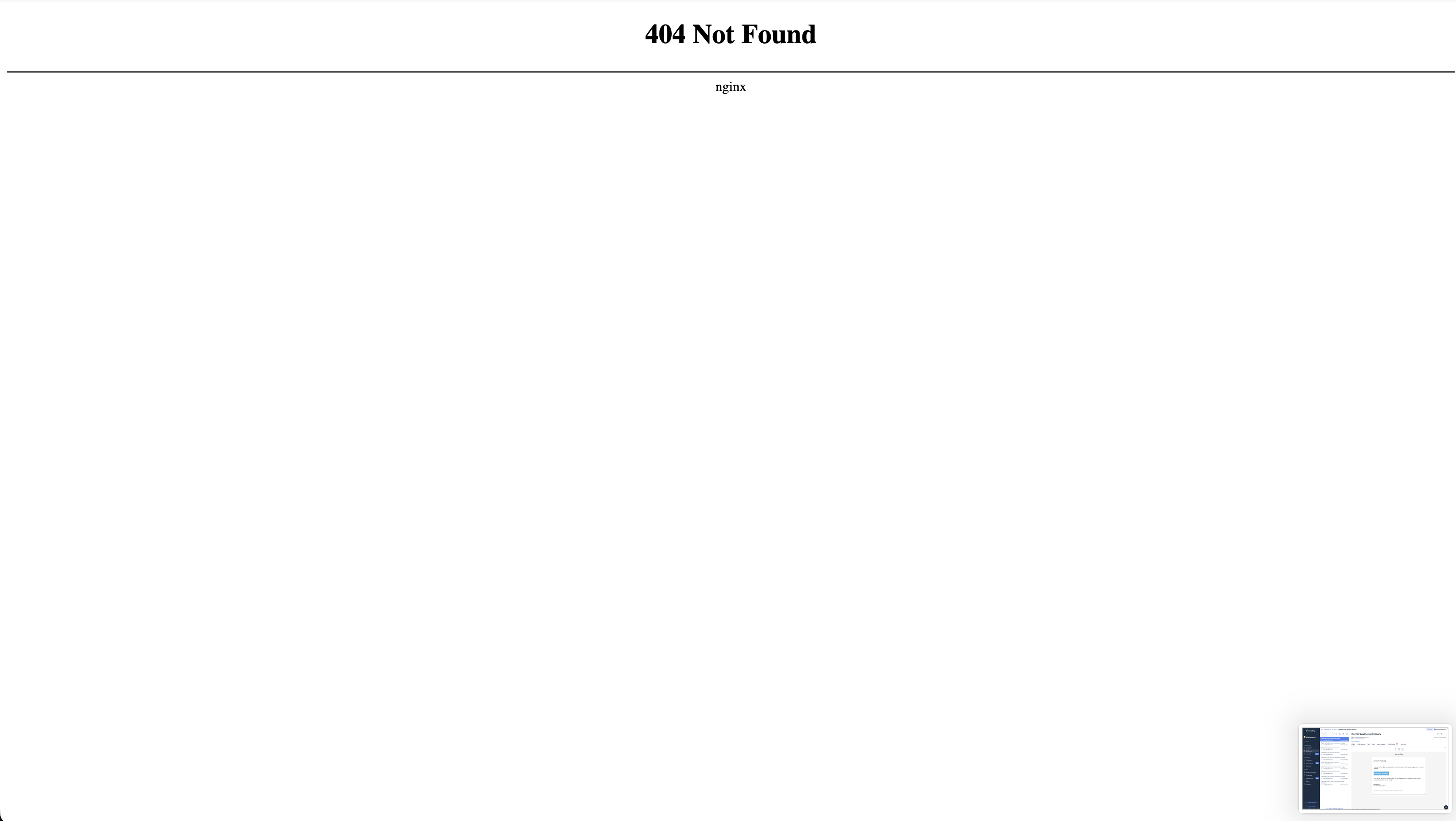
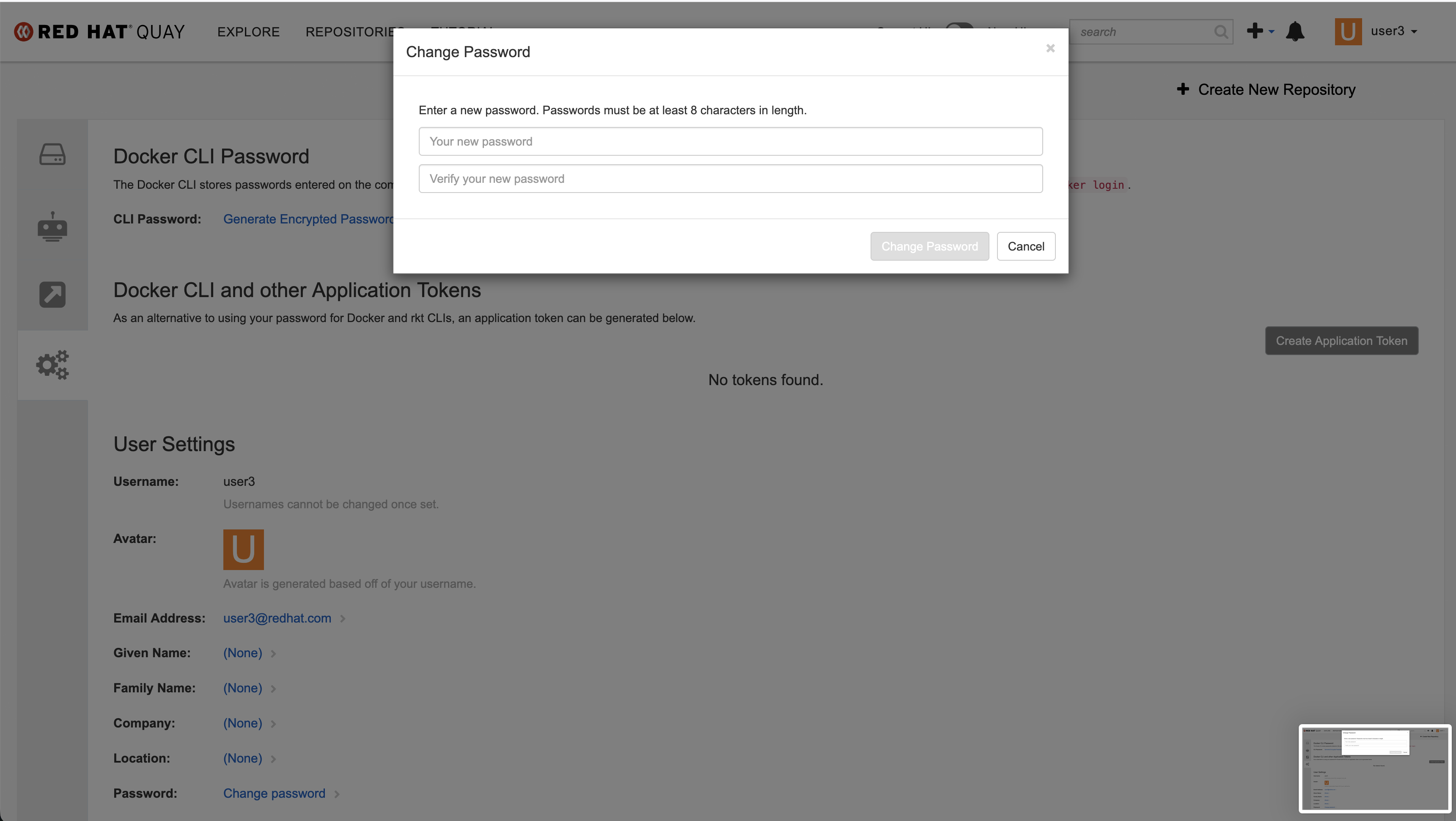
The redirect link in the account recovery email only can redirect to the old UI, can not redirect to the new UI. If Quay's current cookie points to the new UI, it will redirect to a 404 page.
Version-Release number of selected component (if applicable):
quay.io/redhat-user-workloads/quay-eng-tenant/stable-3-16-v4-19@sha256:f75ddd5b5bdda1f5c99deccfe9589f878633611f8dc1853d10969a8680c0773c
Steps to reproduce:
1. Enable FEATURE_MAILING in quay
FEATURE_MAILING: true
MAIL_DEFAULT_SENDER: testmail@anystring.com
MAIL_PASSWORD: xxxxxx
MAIL_PORT: 25
MAIL_SERVER: sandbox.smtp.mailtrap.io
MAIL_USE_AUTH: true
MAIL_USE_TLS: true
MAIL_USERNAME:  xxxxxx
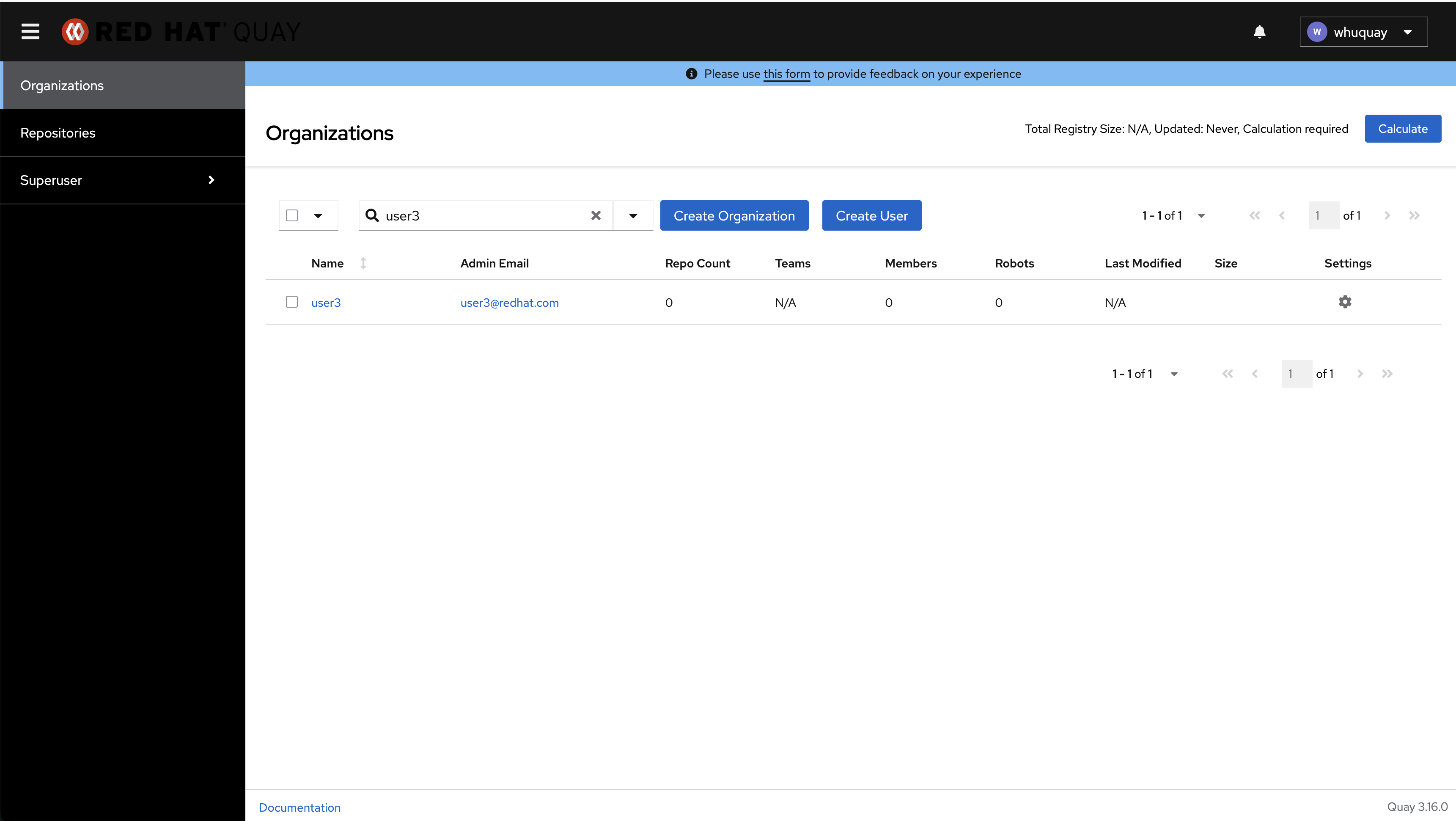
2. Create a regular user named "user3" with the email address "user3@redhat.com".
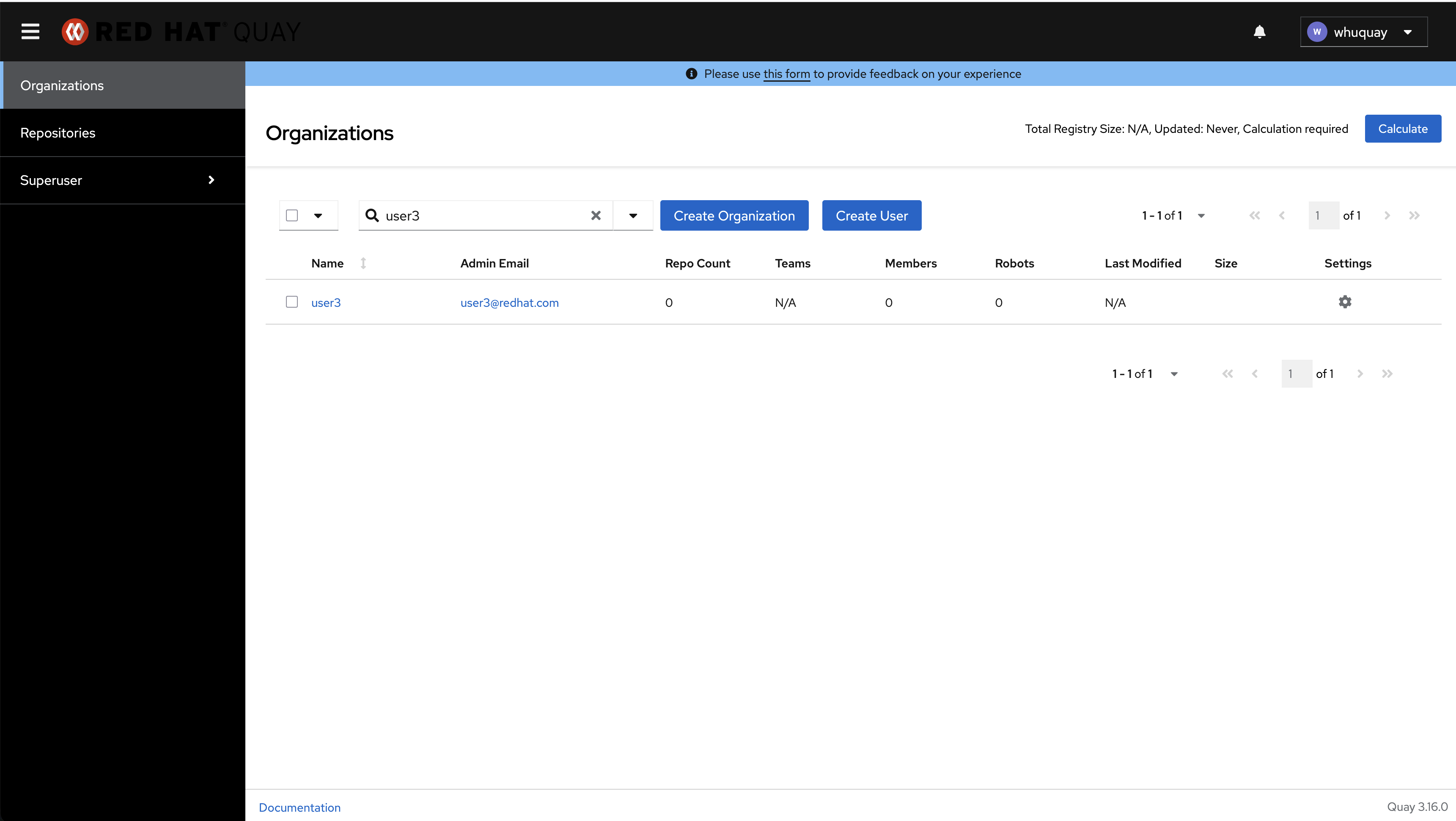
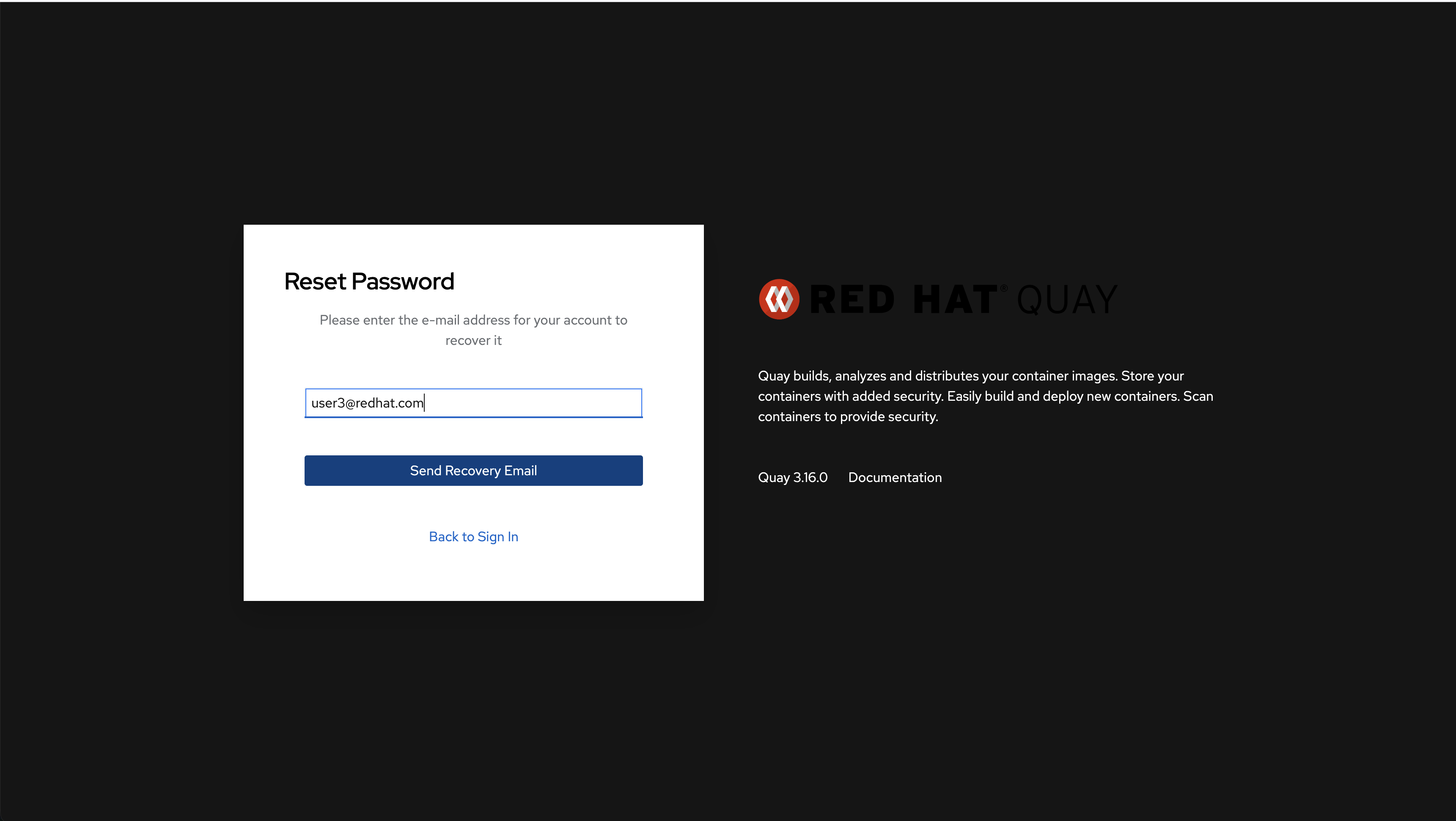
3. Log out and back to login page, click "Forgot Password?" button
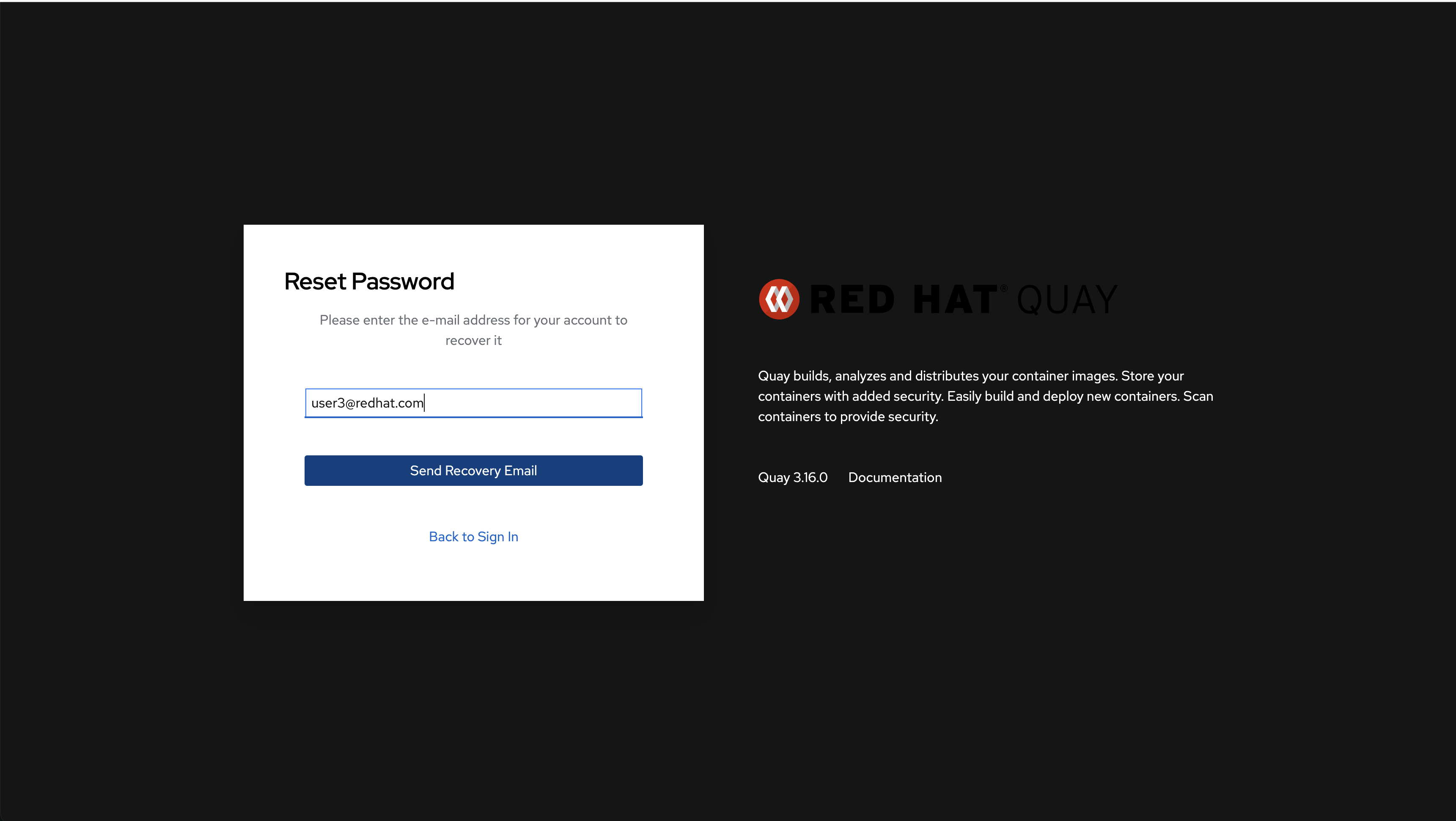
4. Enter the email "user3@redhat.com" in Reset Password page and click 'Send Recovery Email" button to send out email
5. click Recovery Account button in email
Actual results
If Quay's current cookie points to the new UI, it will redirect to a 404 page.
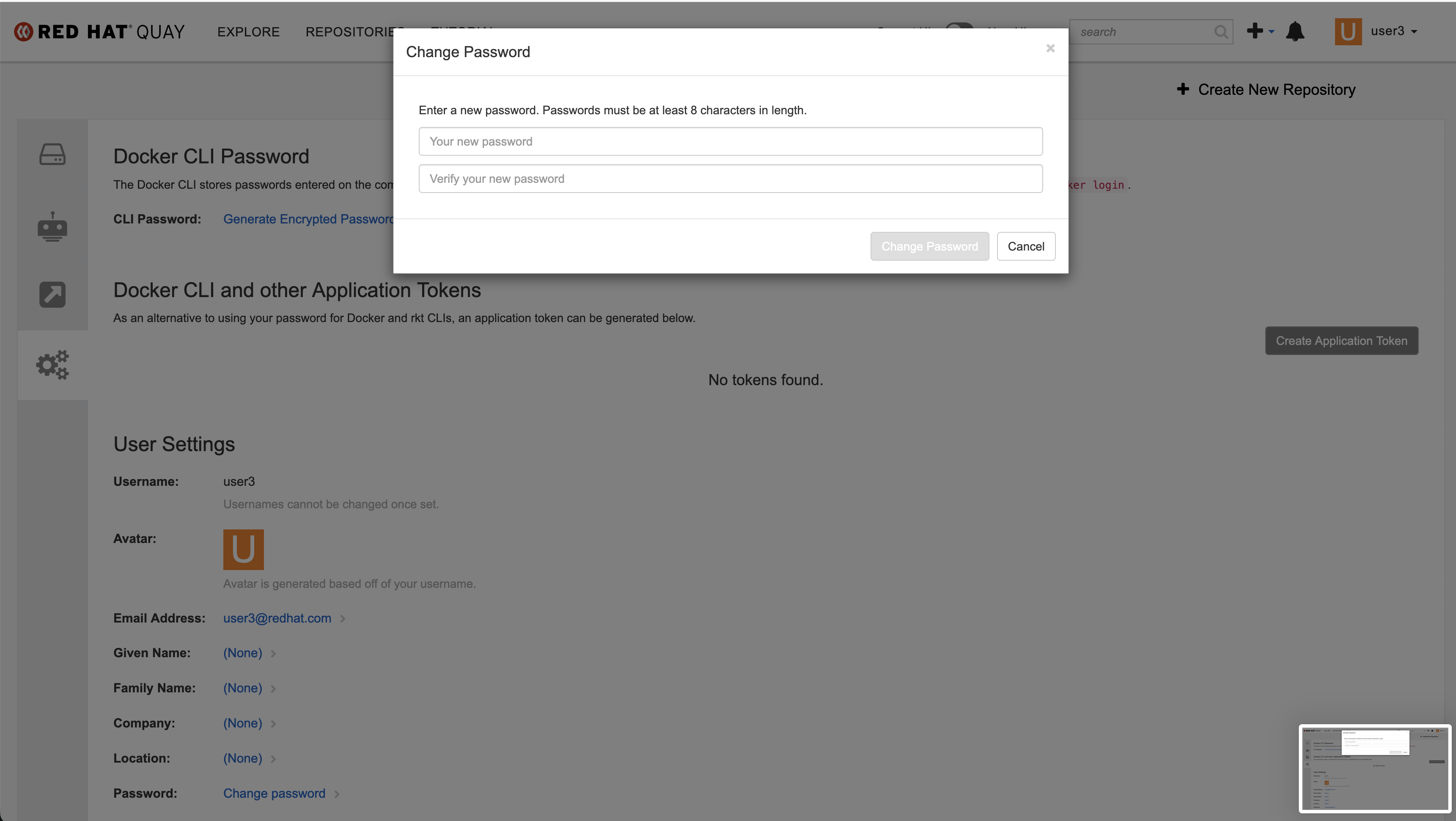
If Quay's current cookie points to the old UI, it will redirect to reset password page in old UI. User can reset password in the old UI successfully.
Get the detailed operations in Screen Recording 2025-11-20 at 22.08.10.mov
Expected results
If Quay's current cookie points to the new UI, it should redirect to the new UI and user can reset password successfully.