-
Bug
-
Resolution: Done
-
 Blocker
-
None
-
quay-v3.16.0
-
Quality / Stability / Reliability
-
False
-
-
False
-
-
Description of problem:
In Quay 3.16.0 new UI, super user can not delete a regular user by "Delete" button in "Actions" dropdown list.
Version-Release number of selected component (if applicable):
// quay 3.16.0
----------------------
quay-eng-tenant/stable-3-16-v4-19@sha256:8b6d1ae840c2f4e6845118bf944e28955e8040281d49d3c00ac9f0de07815129
Steps to reproduce:
1. Create a super user "whuquay" and a regular user "user6"
2. Log in quay new UI with superuser "whuquay"
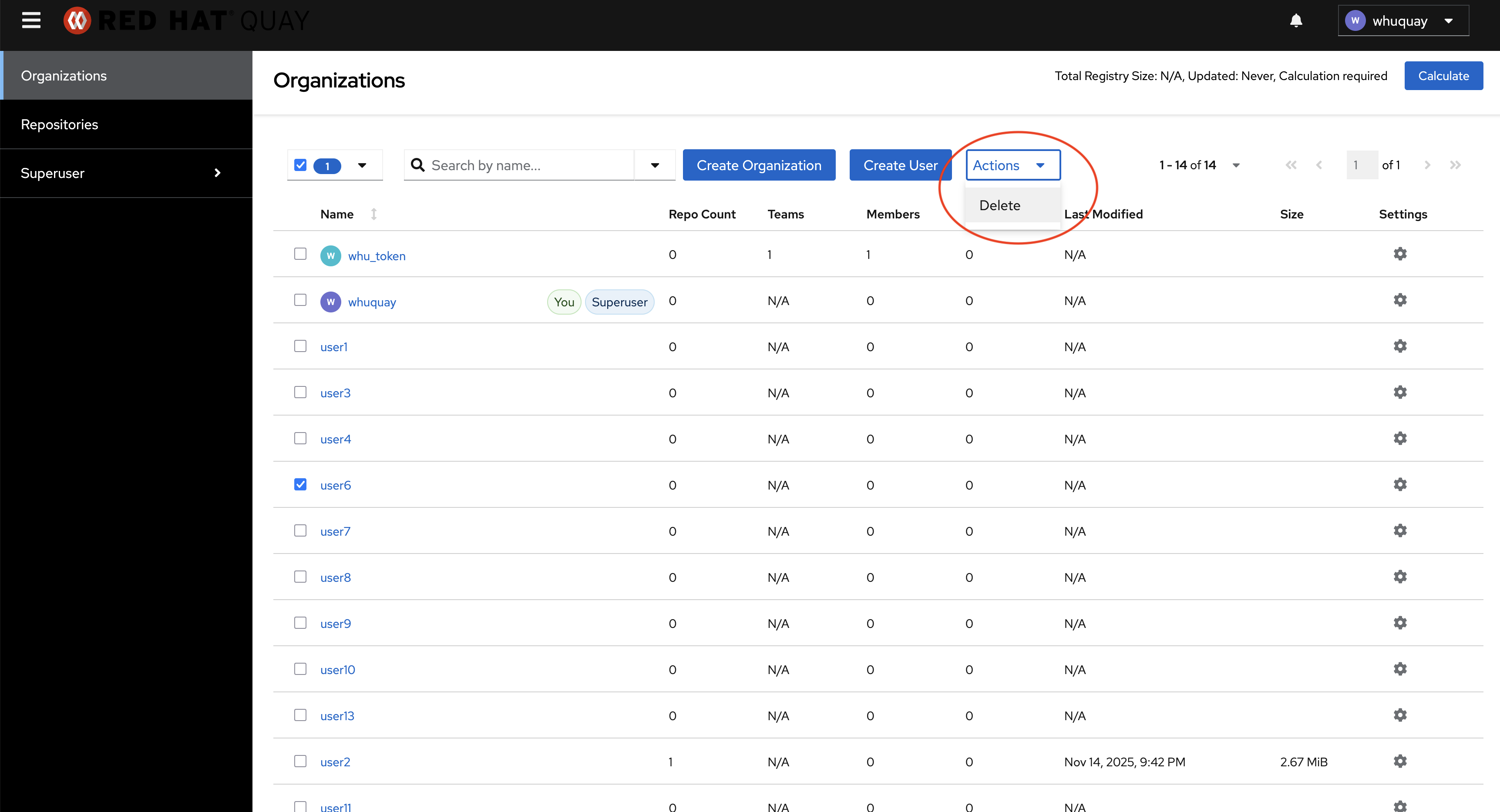
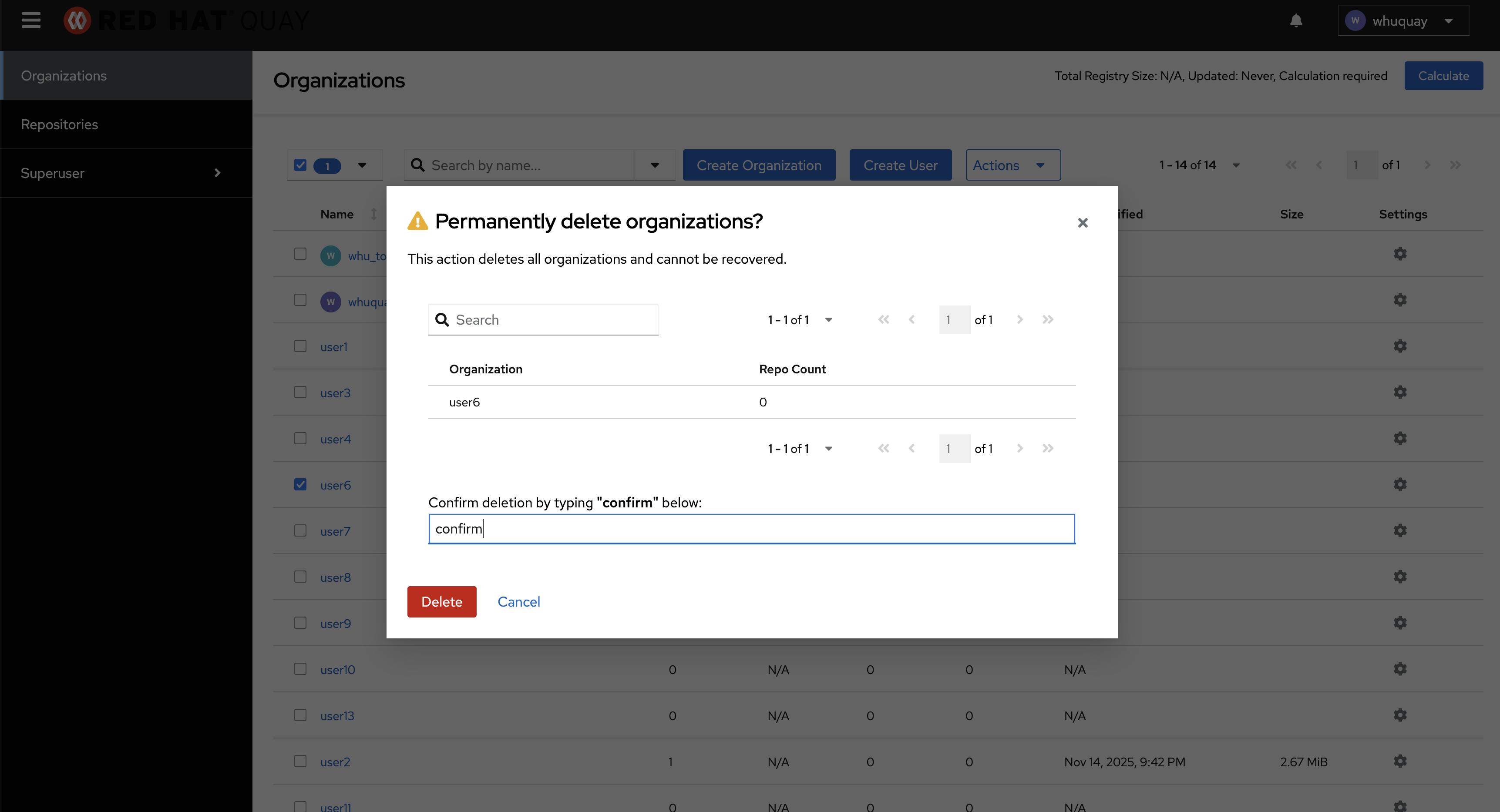
3. Try to delete user "user6" by "Delete" button in "Actions" dropdown list
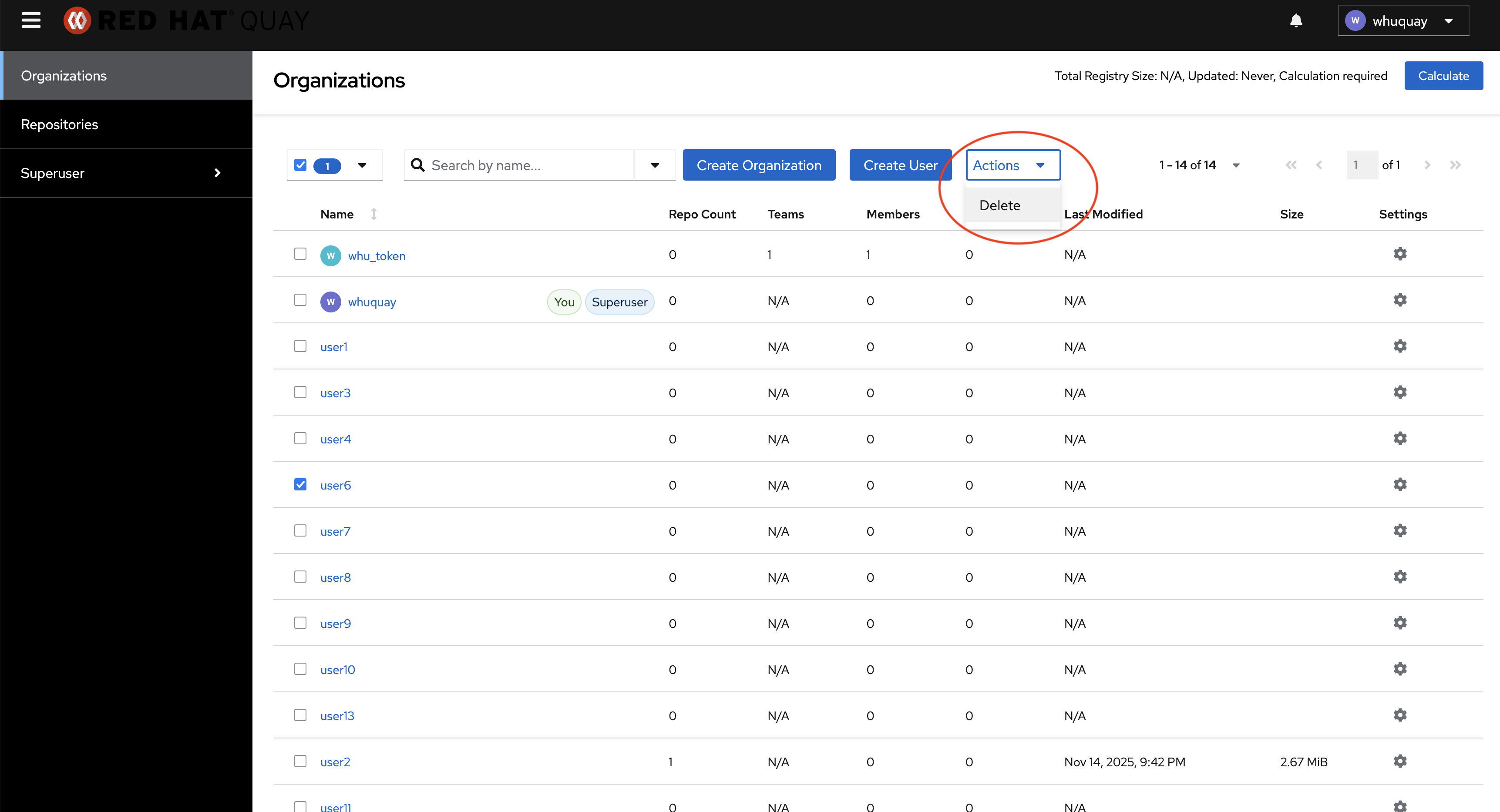
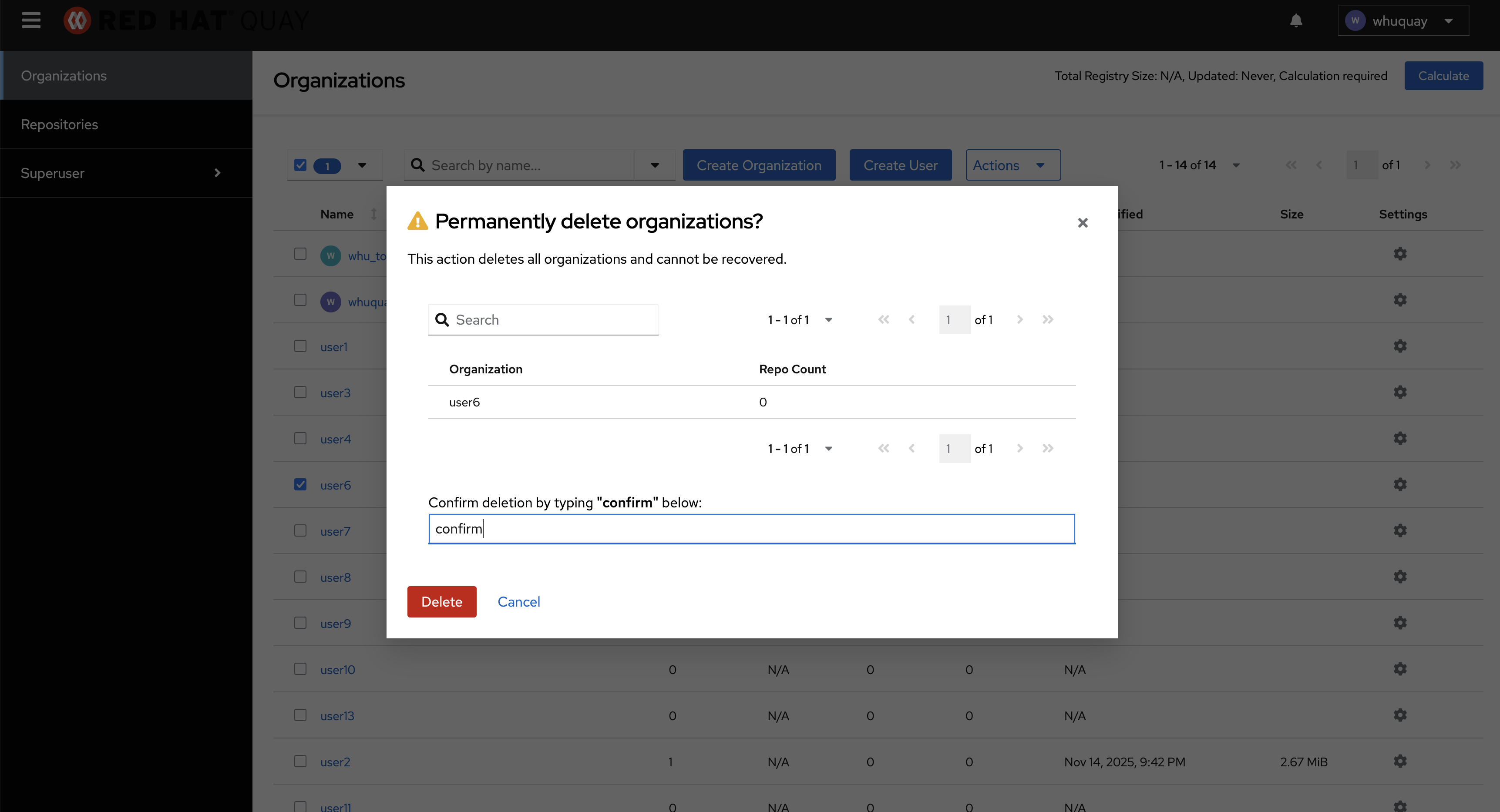
Actual results:
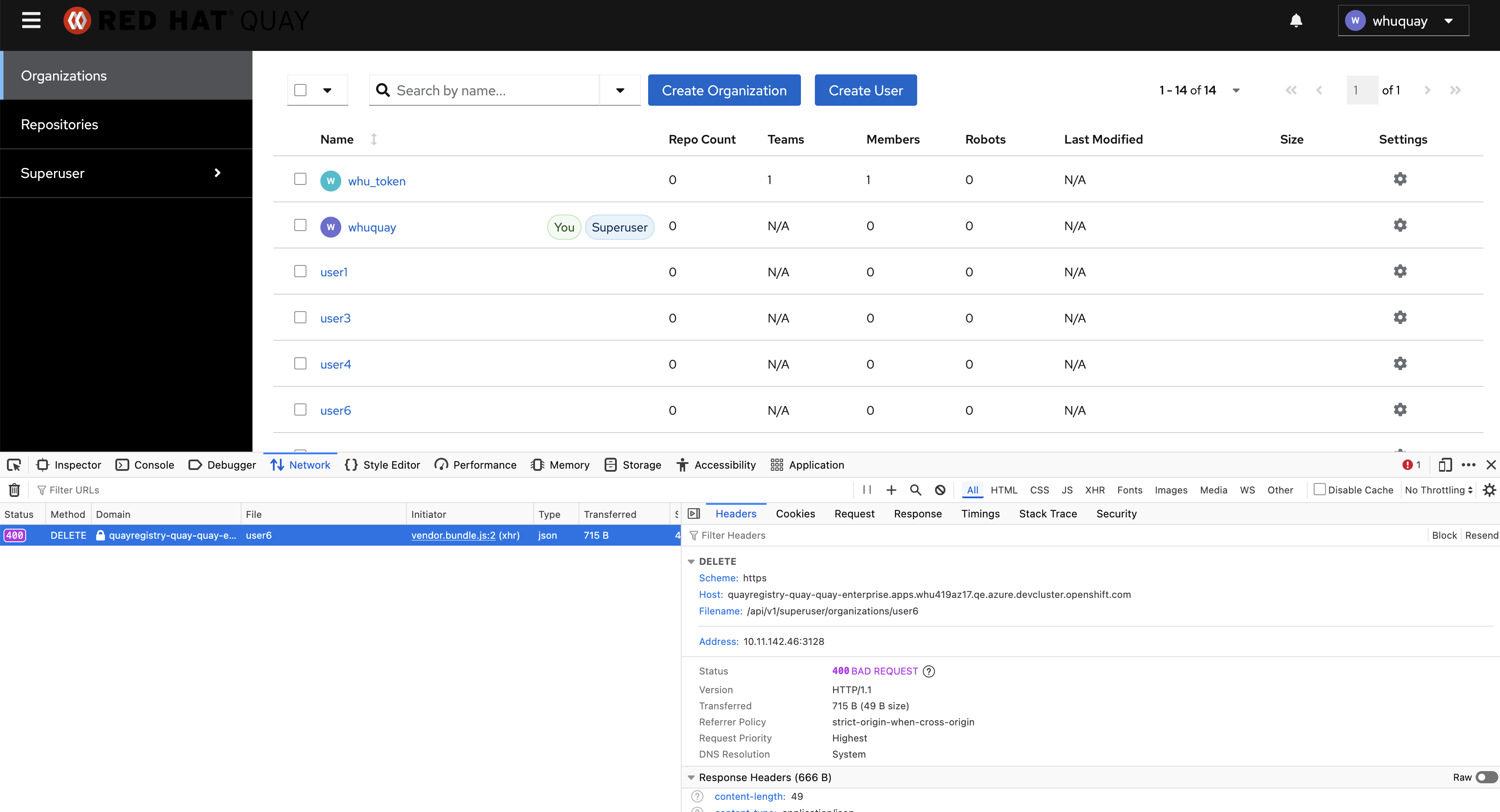
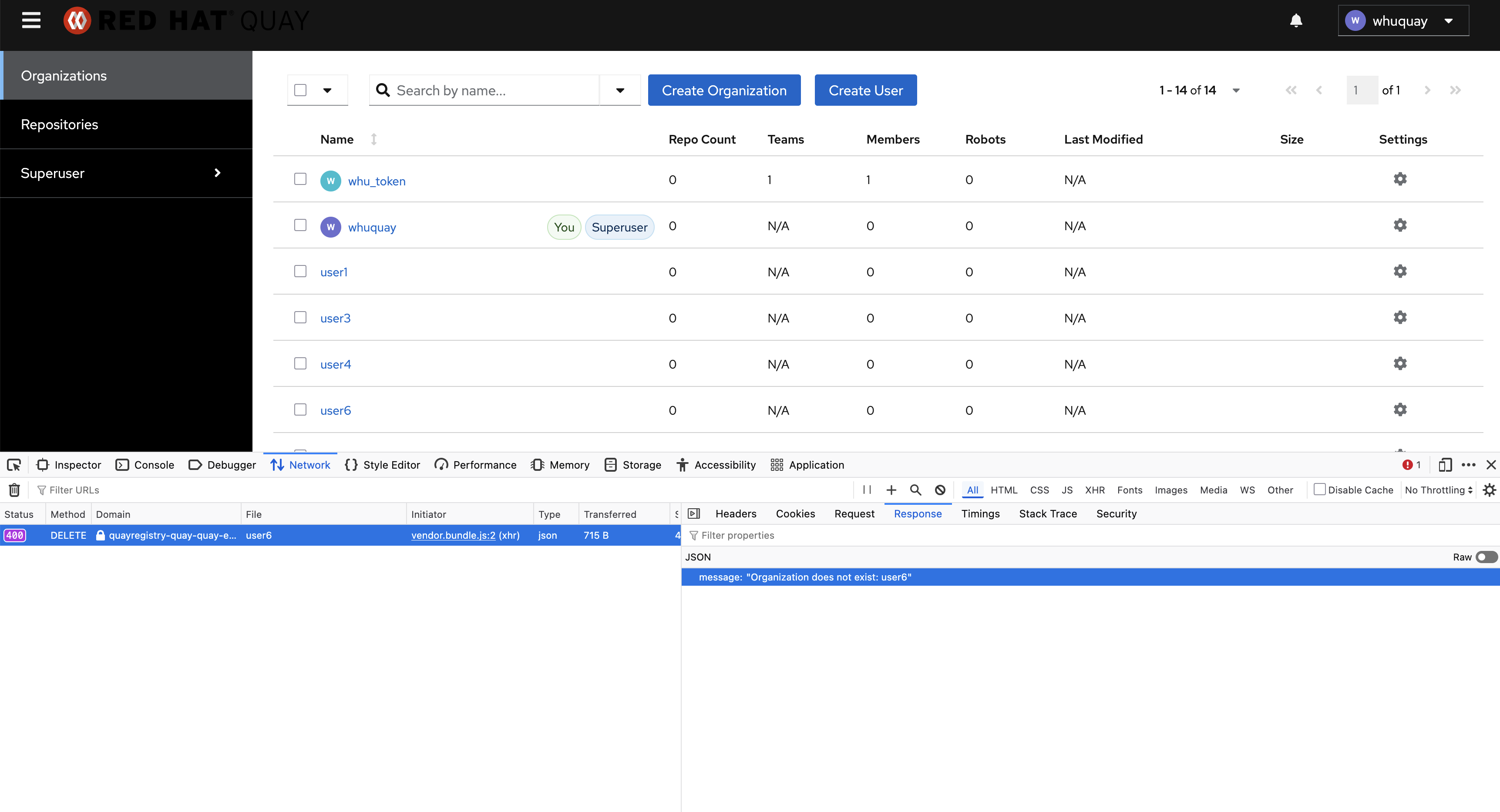
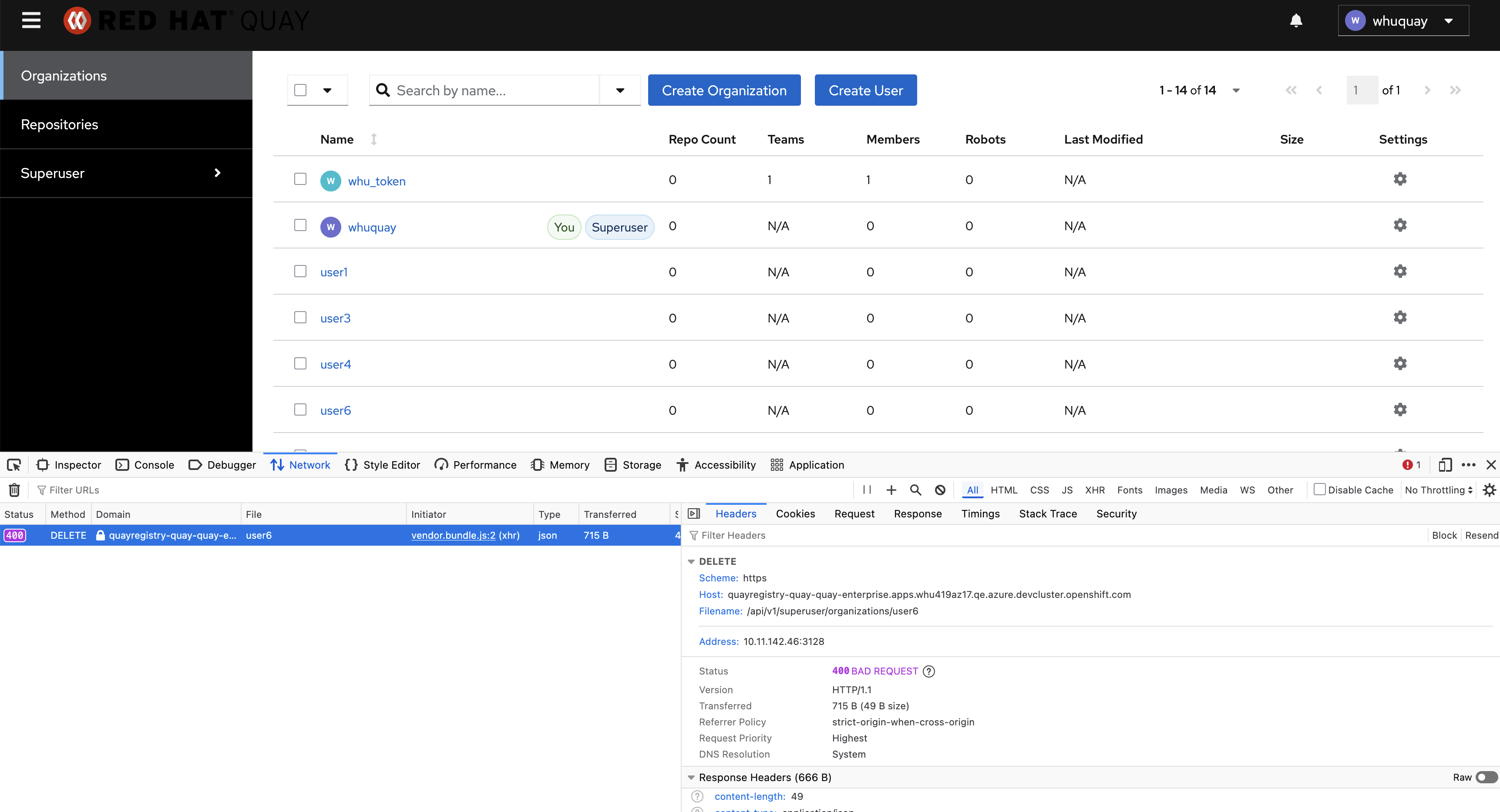
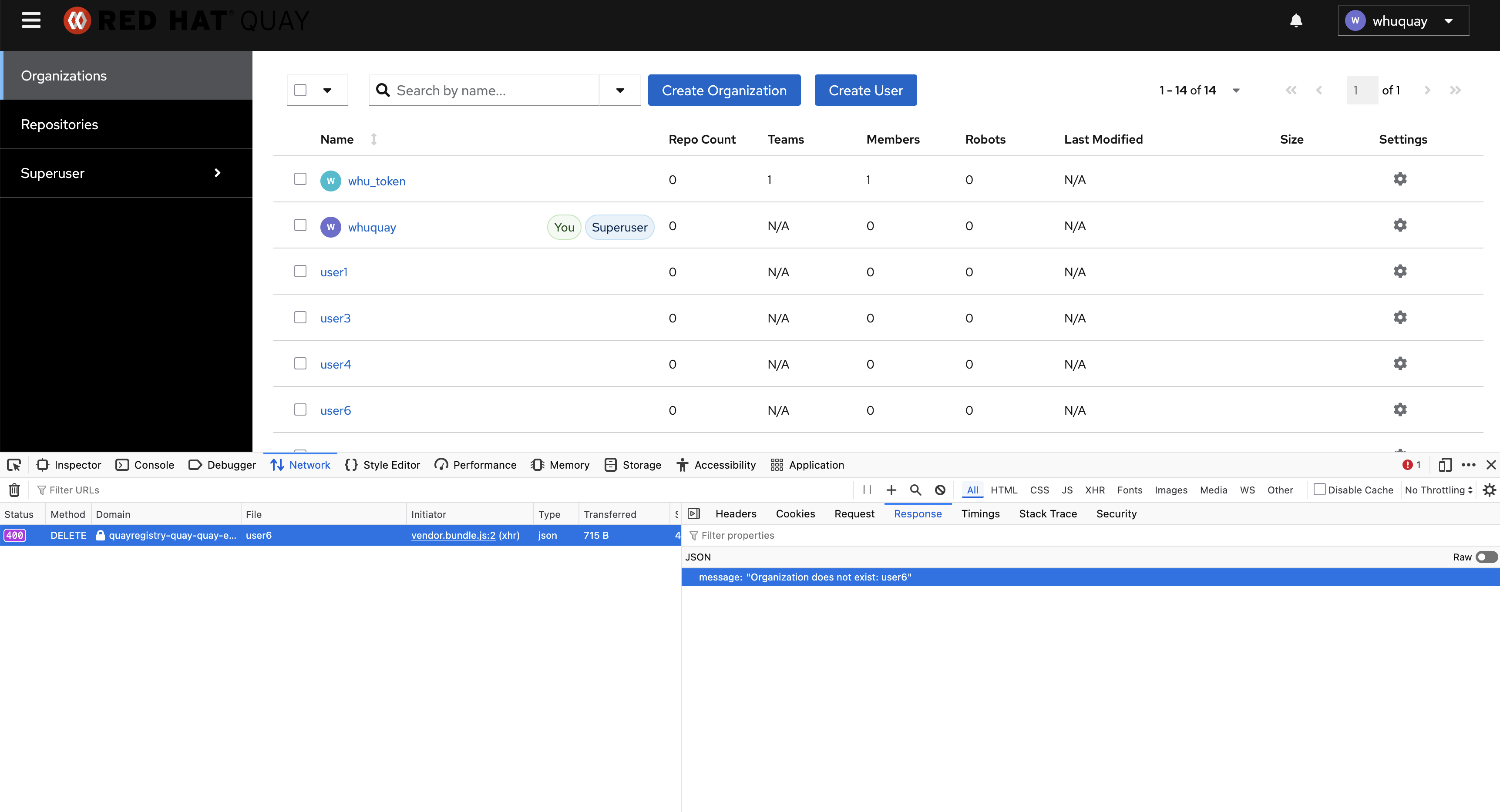
Superuser can not delete regular user by"Delete" button in "Actions" dropdown list. There is no any alert information about if this operation has been finished successfully or not. In fact, this operation has failed. Got error message in API call " This organization does not exist: user6"
Expected results
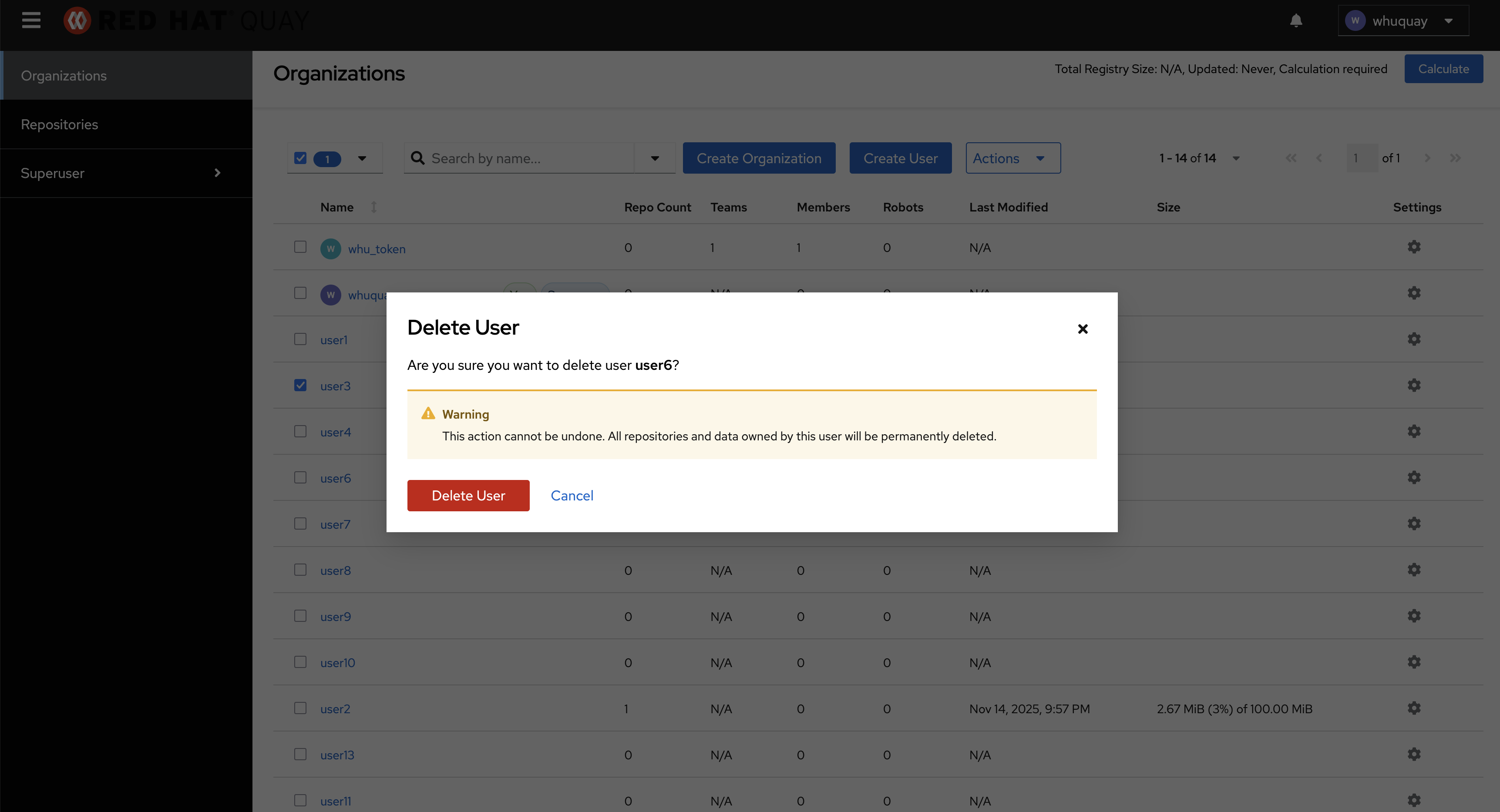
In fact, when delete a regular user using the "Delete" button in the "Action" dropdown list, quay treats that user as a regular organization. The confirmation popup is only for regular organizations.
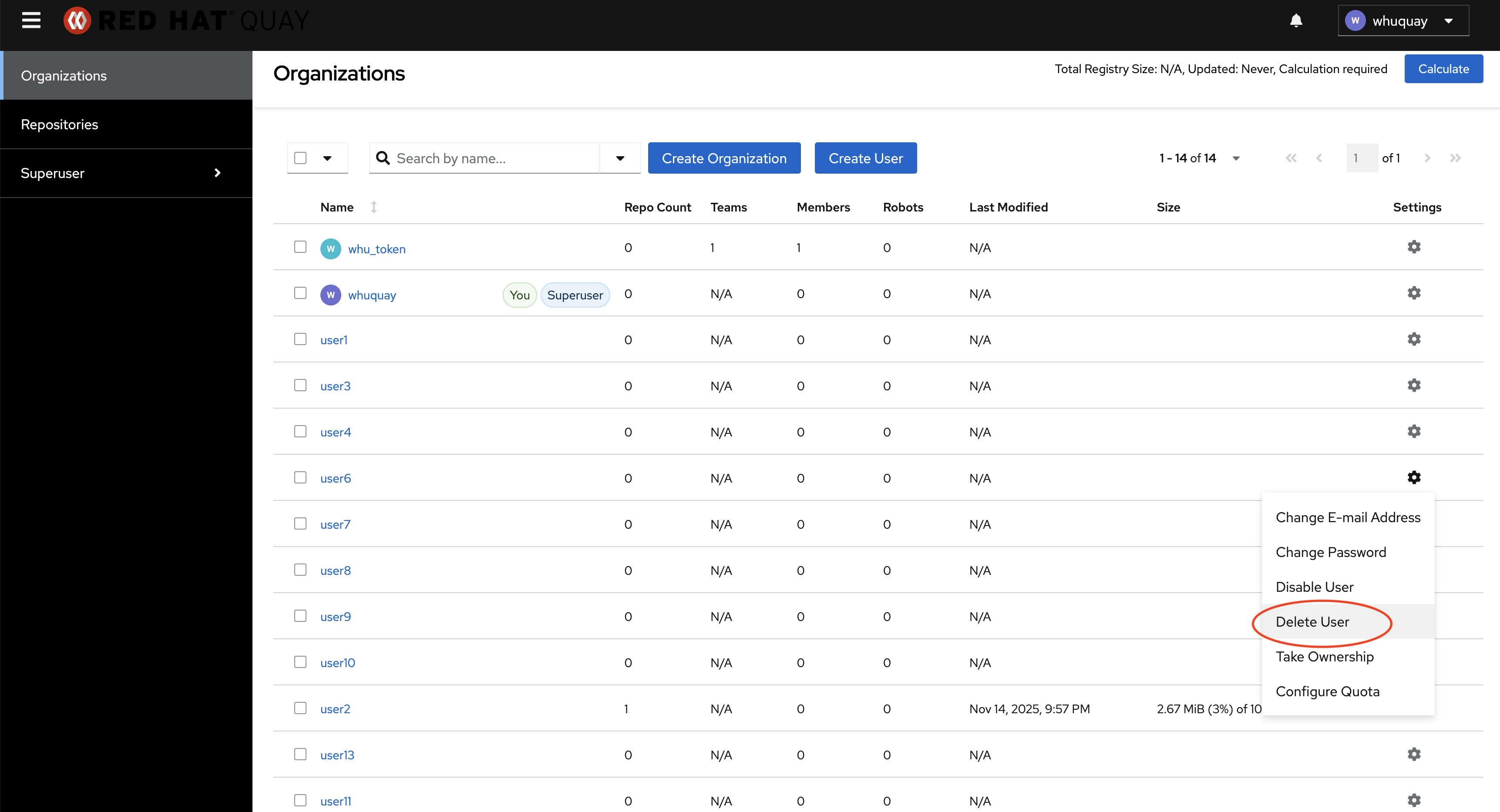
If delete a regular user using the "Delete" button in the gear-shaped dropdown list, another confirmation popup will appear. Deleting a regular user using this method can be successful.
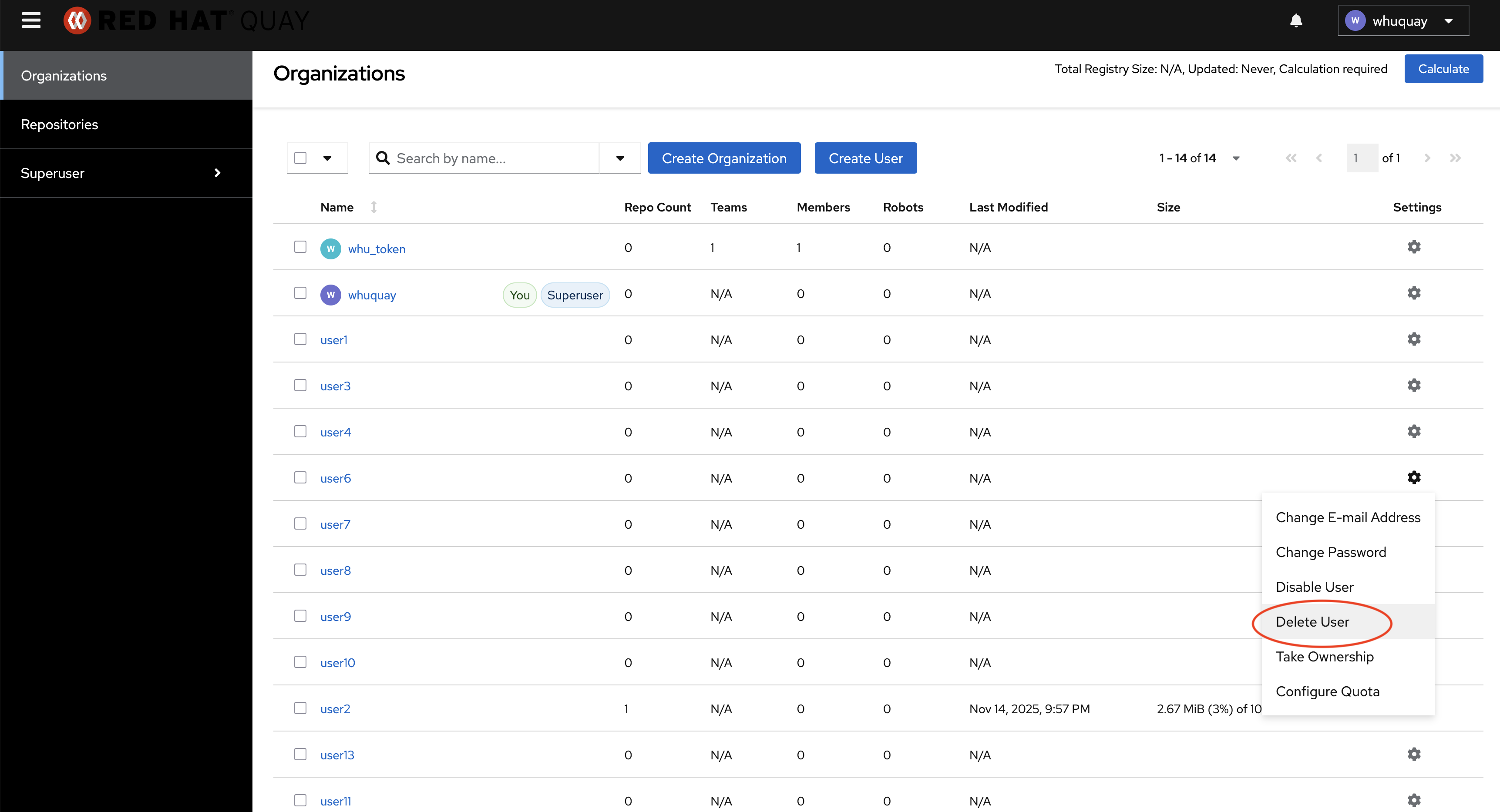
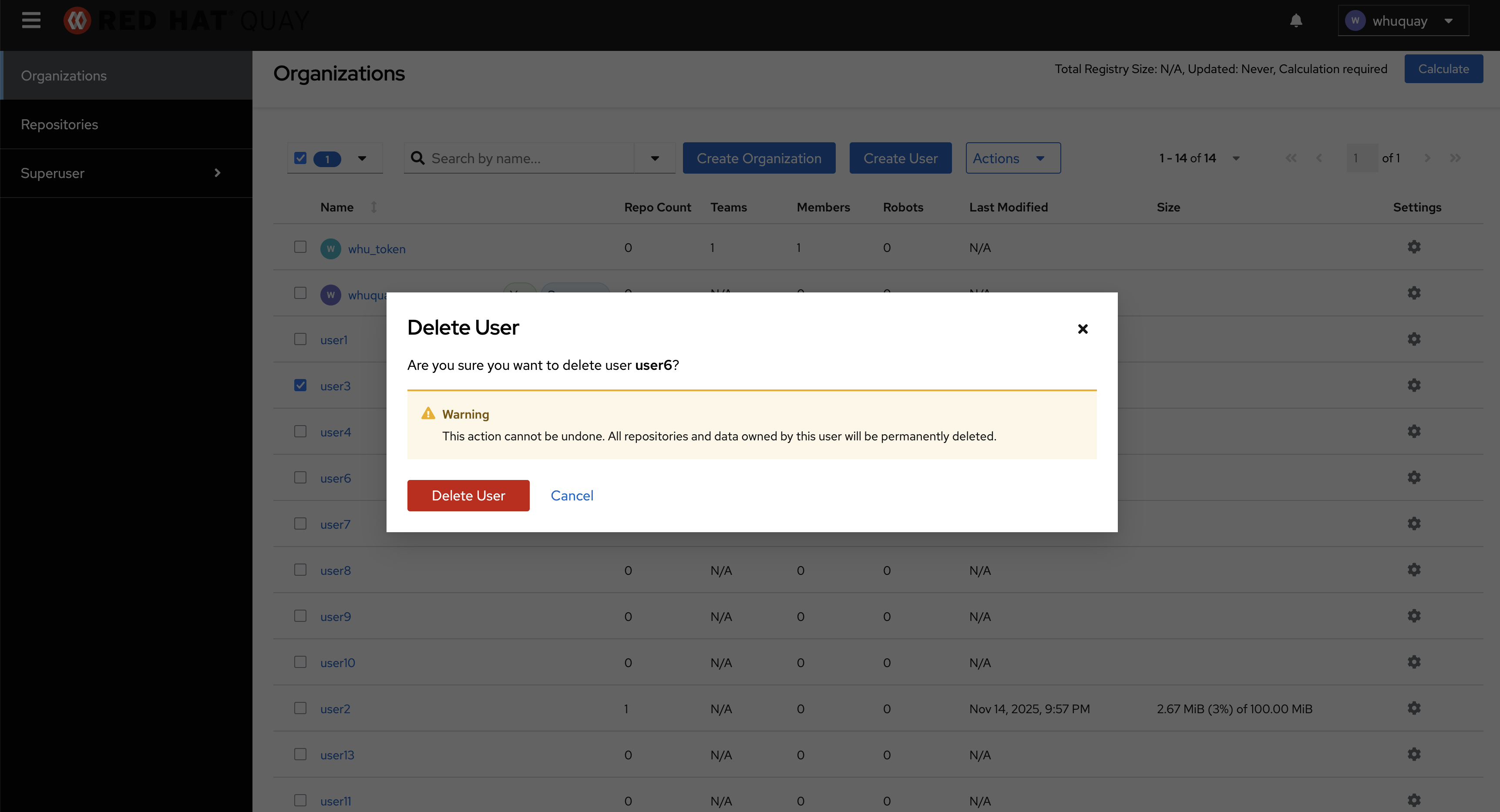
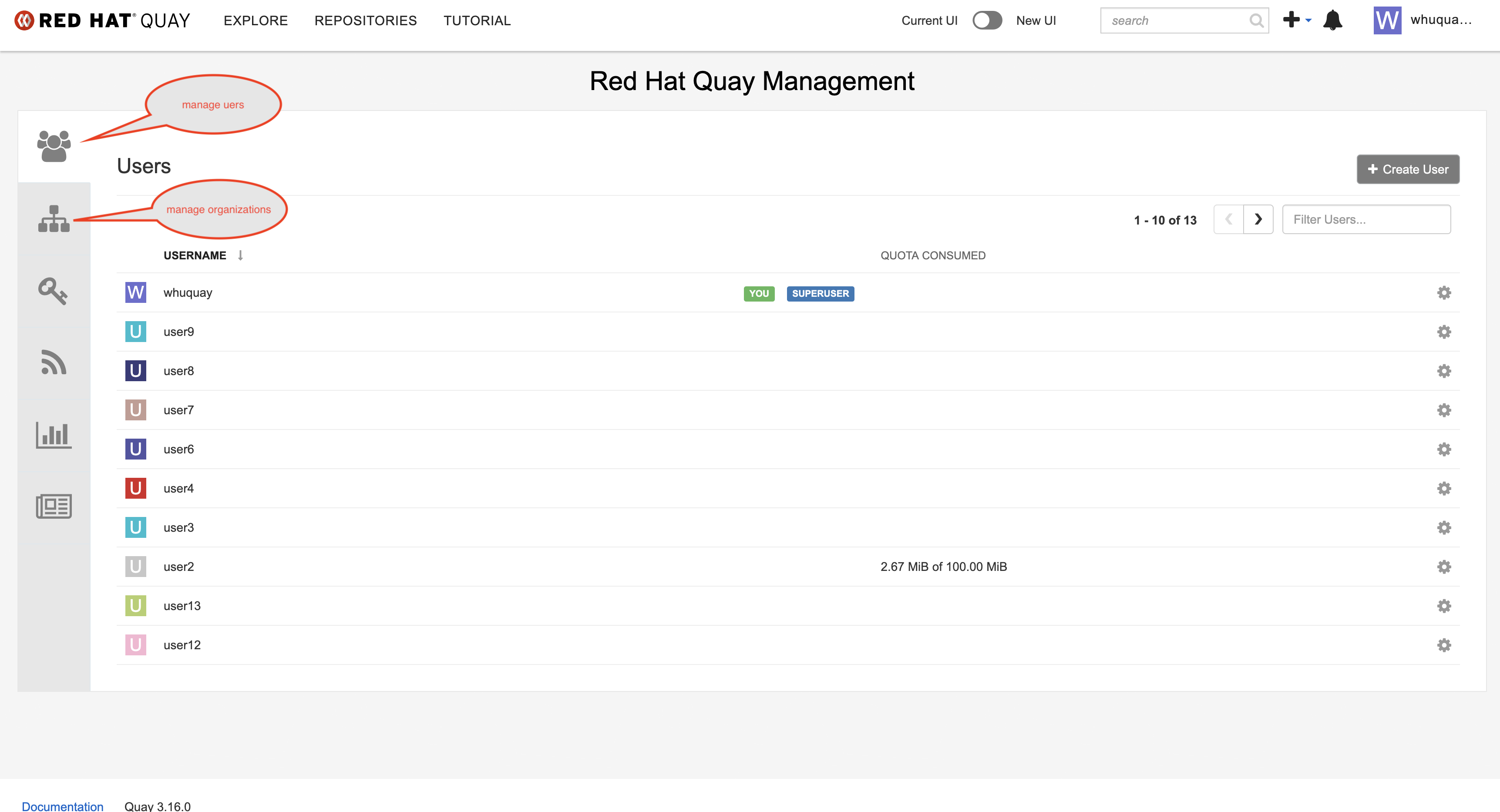
If managing users and regular organizations in a single table is our design, we should support deleting users using the "Delete" button in "Actions" dropdown list.
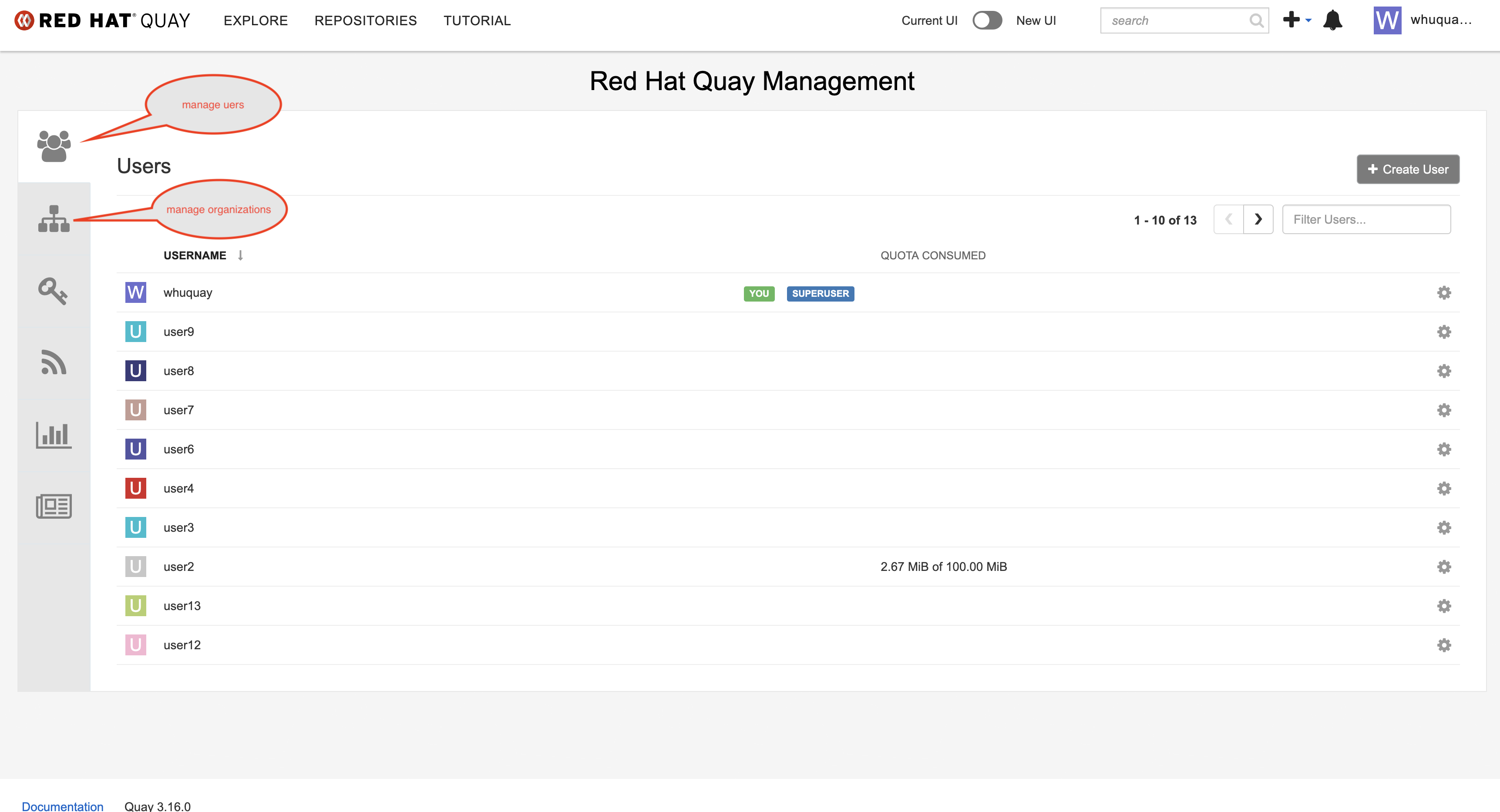
The best solution is to manage users and organizations separately, just like the old UI did.