-
Bug
-
Resolution: Done
-
 Blocker
-
None
-
quay-v3.16.0
-
Quality / Stability / Reliability
-
False
-
-
False
-
-
Description of problem:
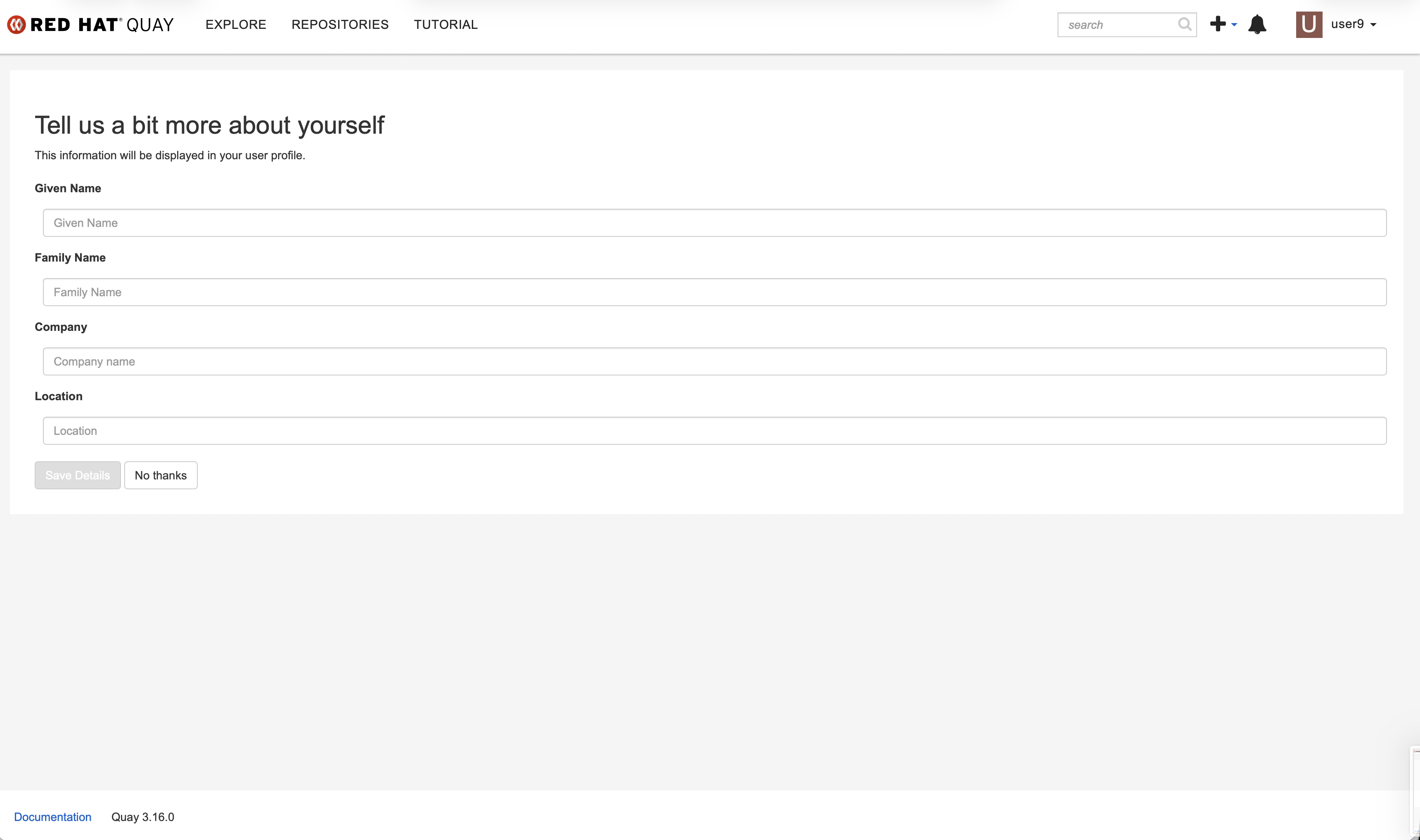
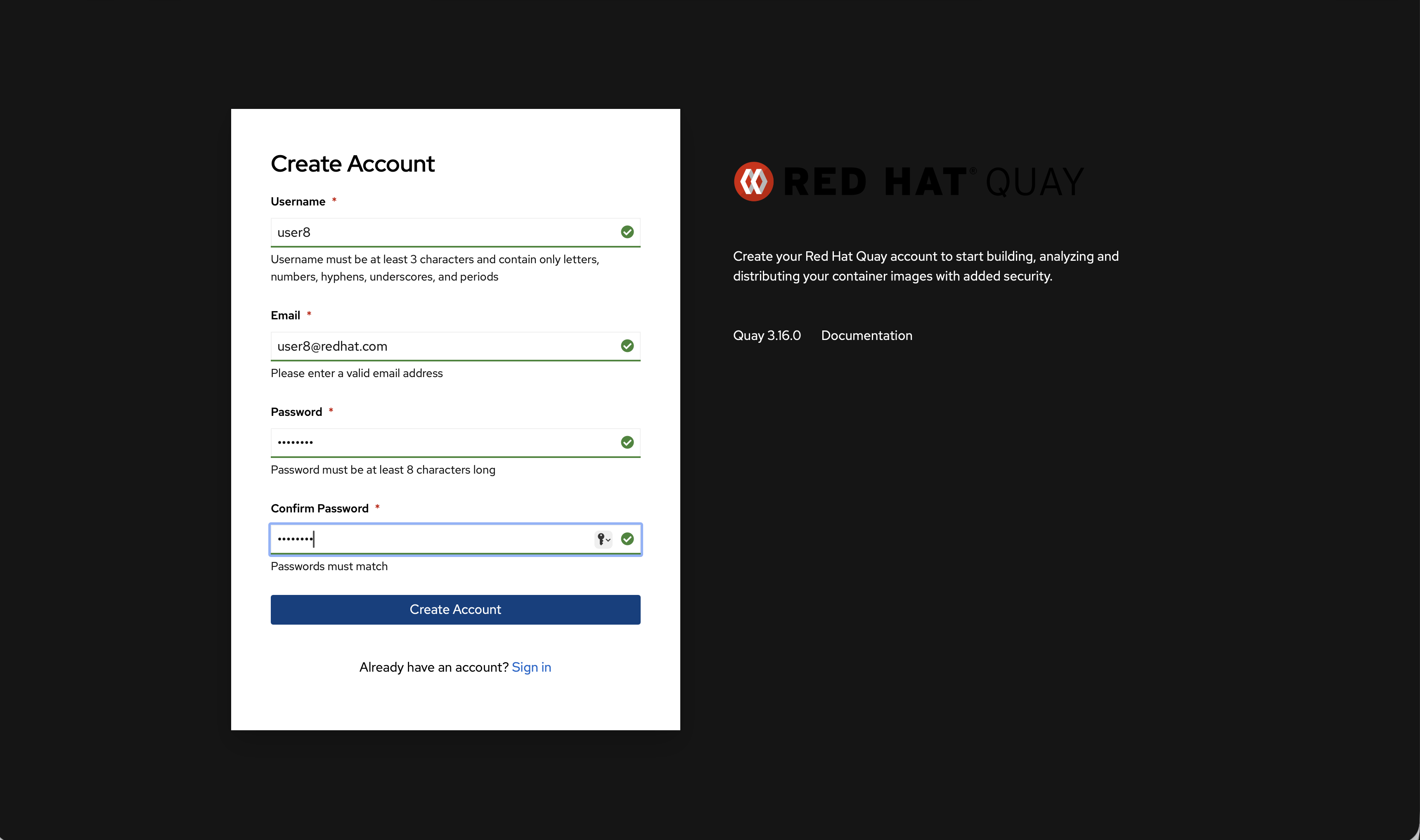
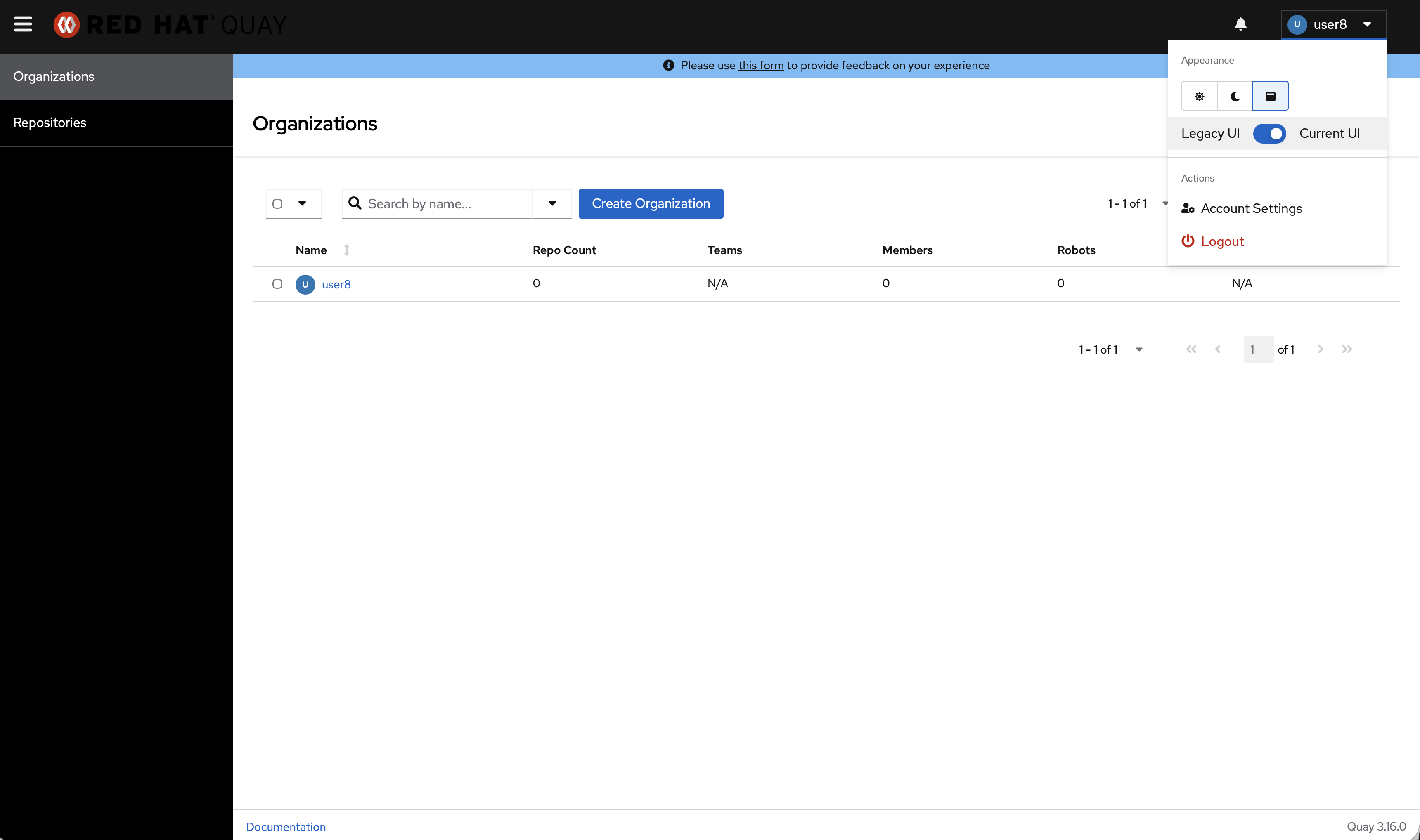
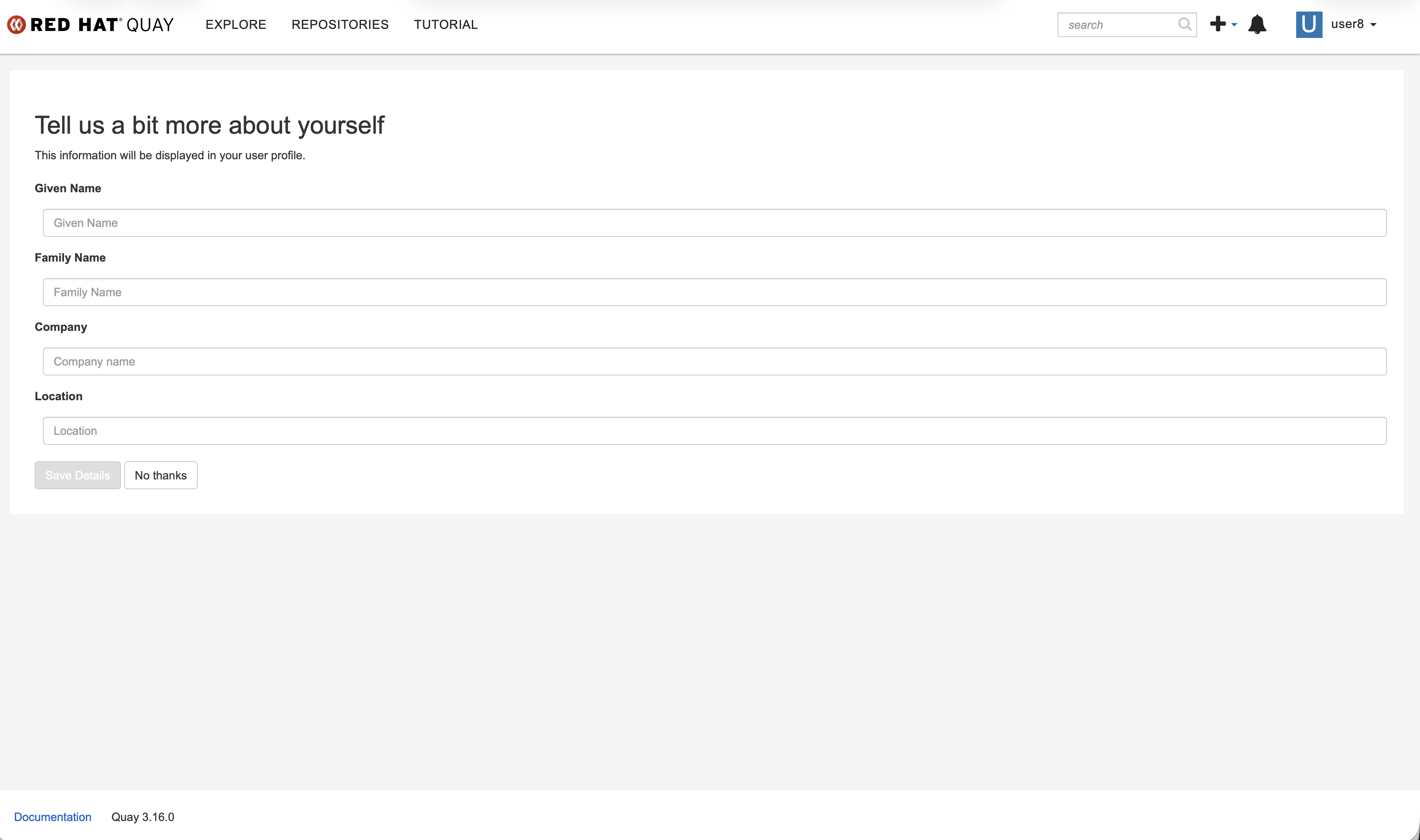
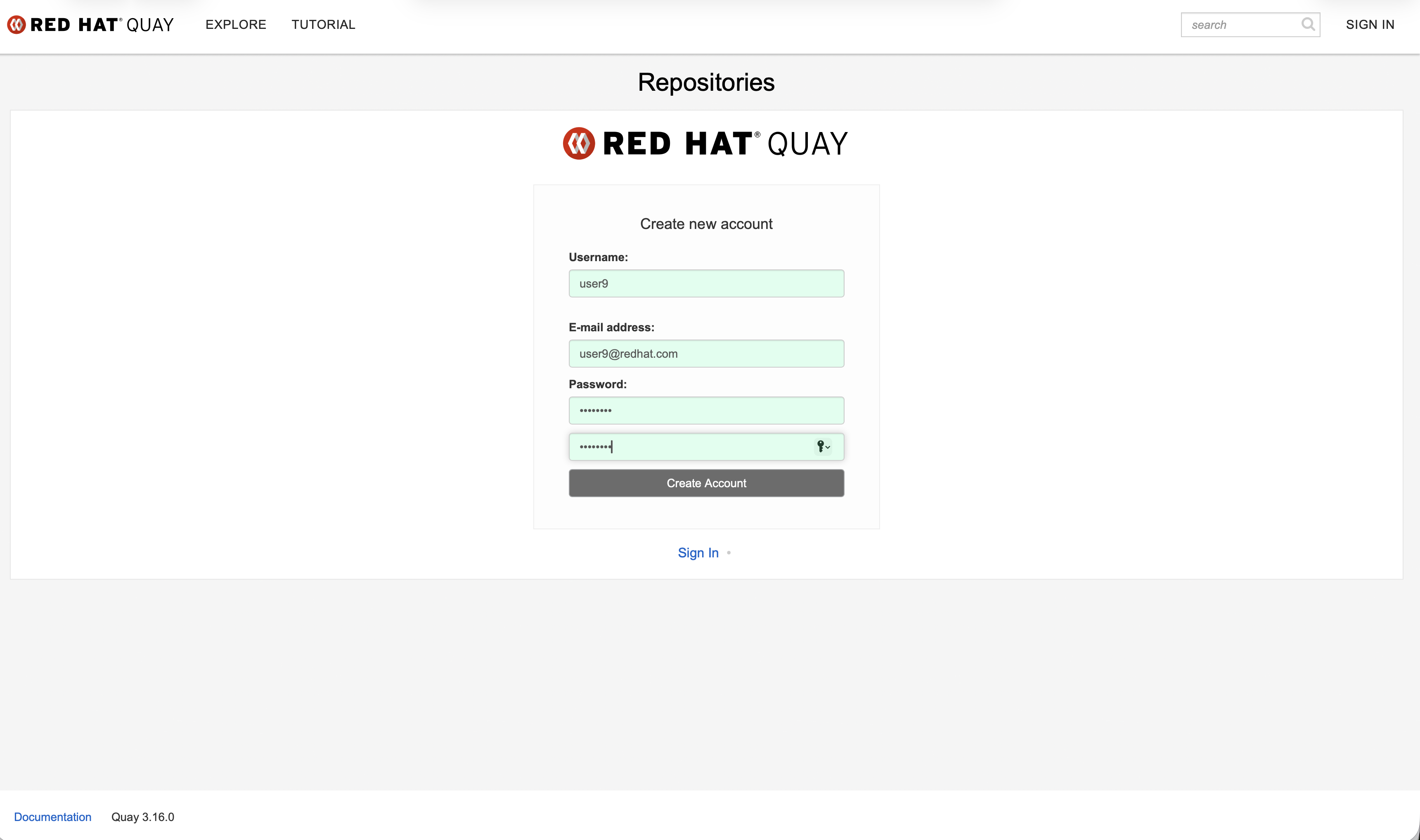
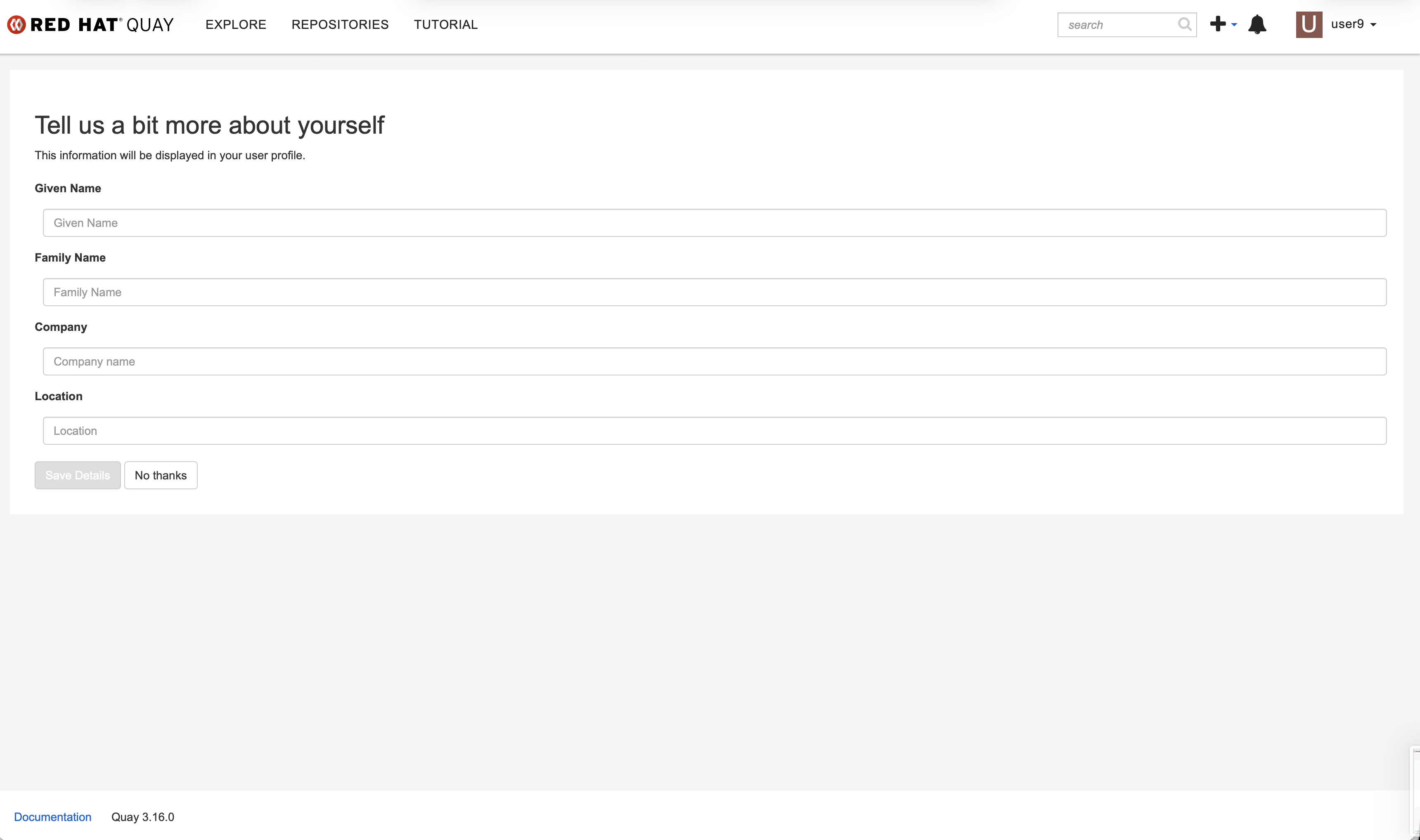
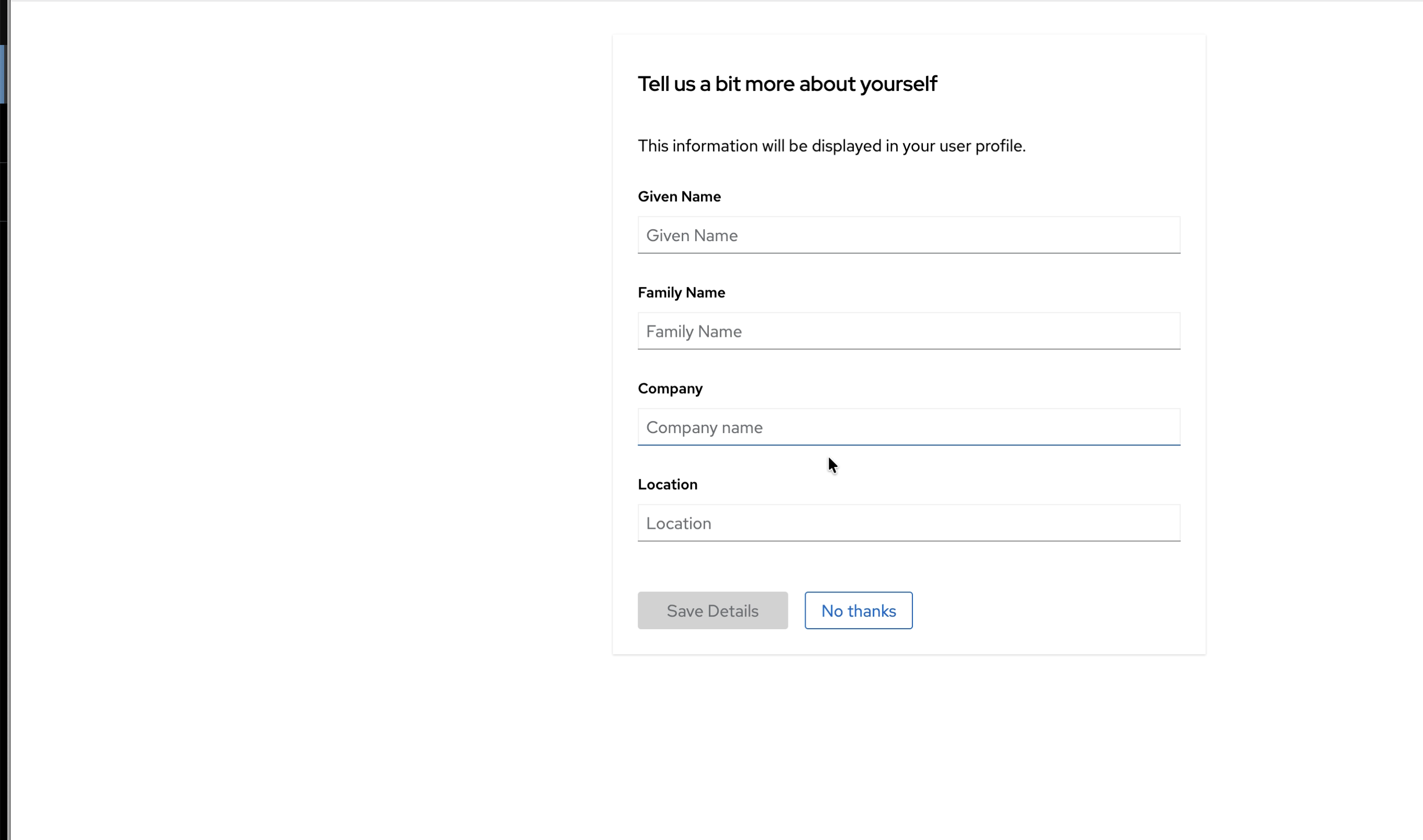
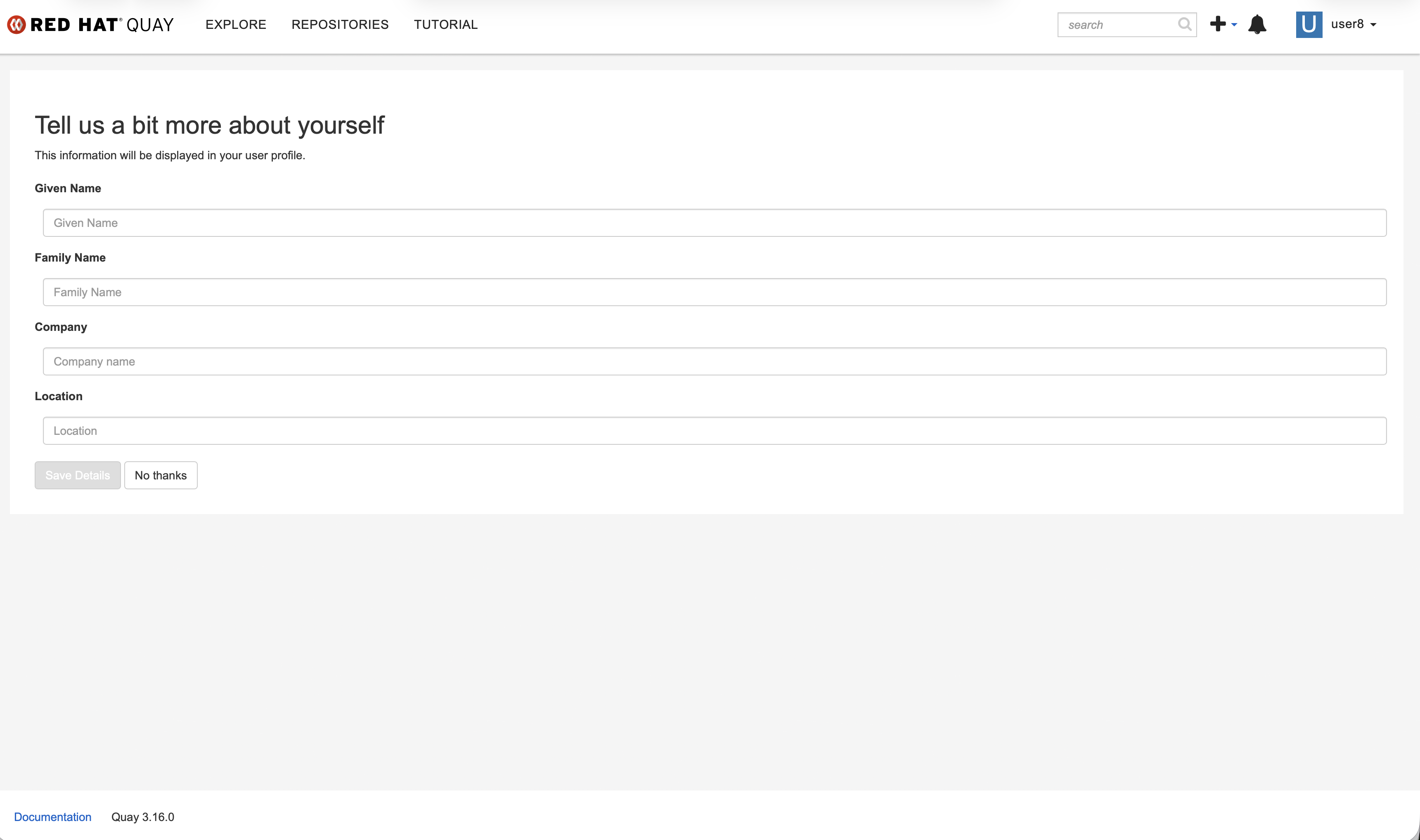
In quay 3.16.0 new UI, as design, when creating a new account, after filling out the first registration page and clicking the "create account" button, the page should redirect to the "Tell me a bit more about yourself" page. In the old UI, we can see it works as design, but in the new UI, after clicking "create account" button, the web page will direct to quay Organizations page.
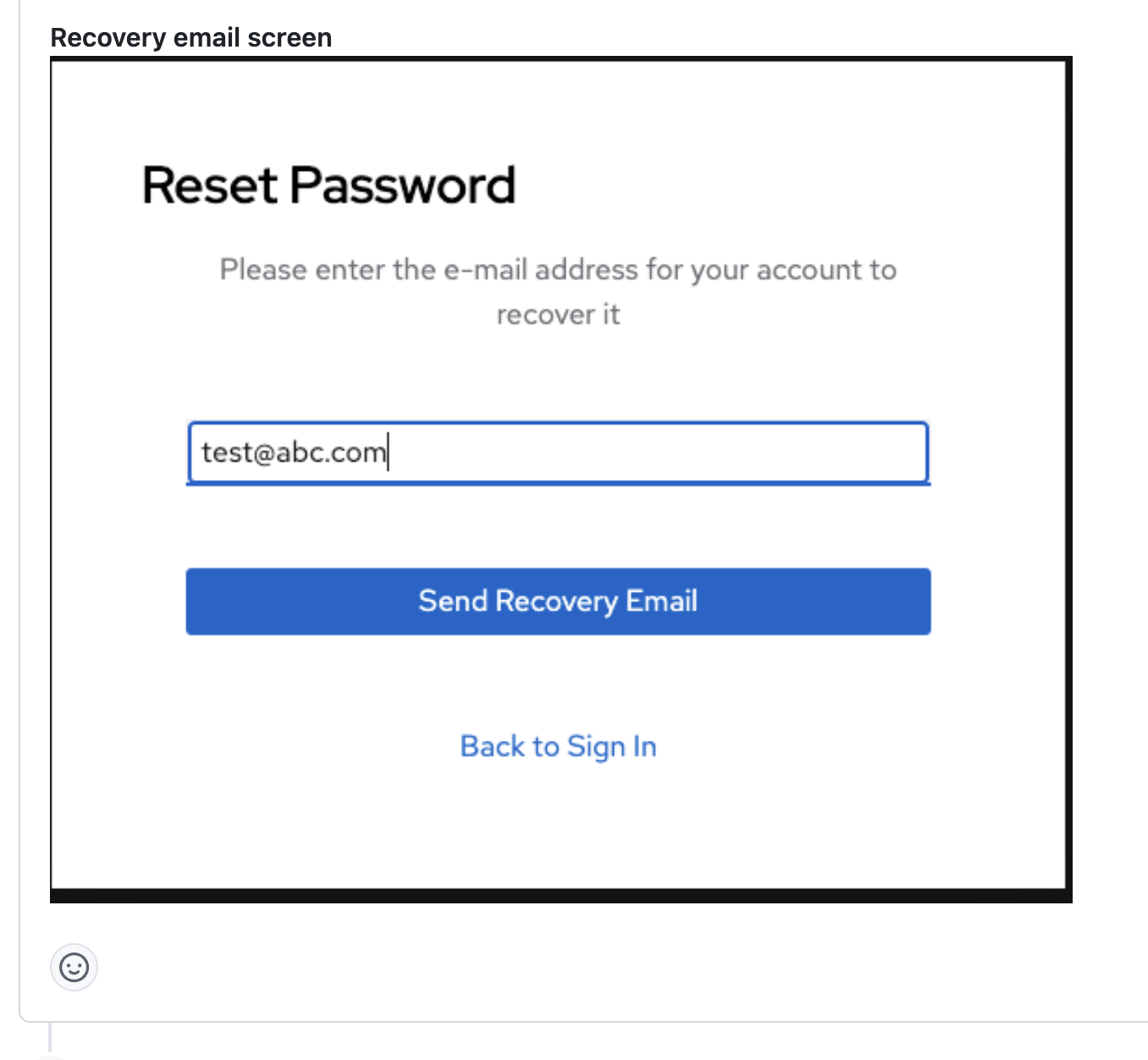
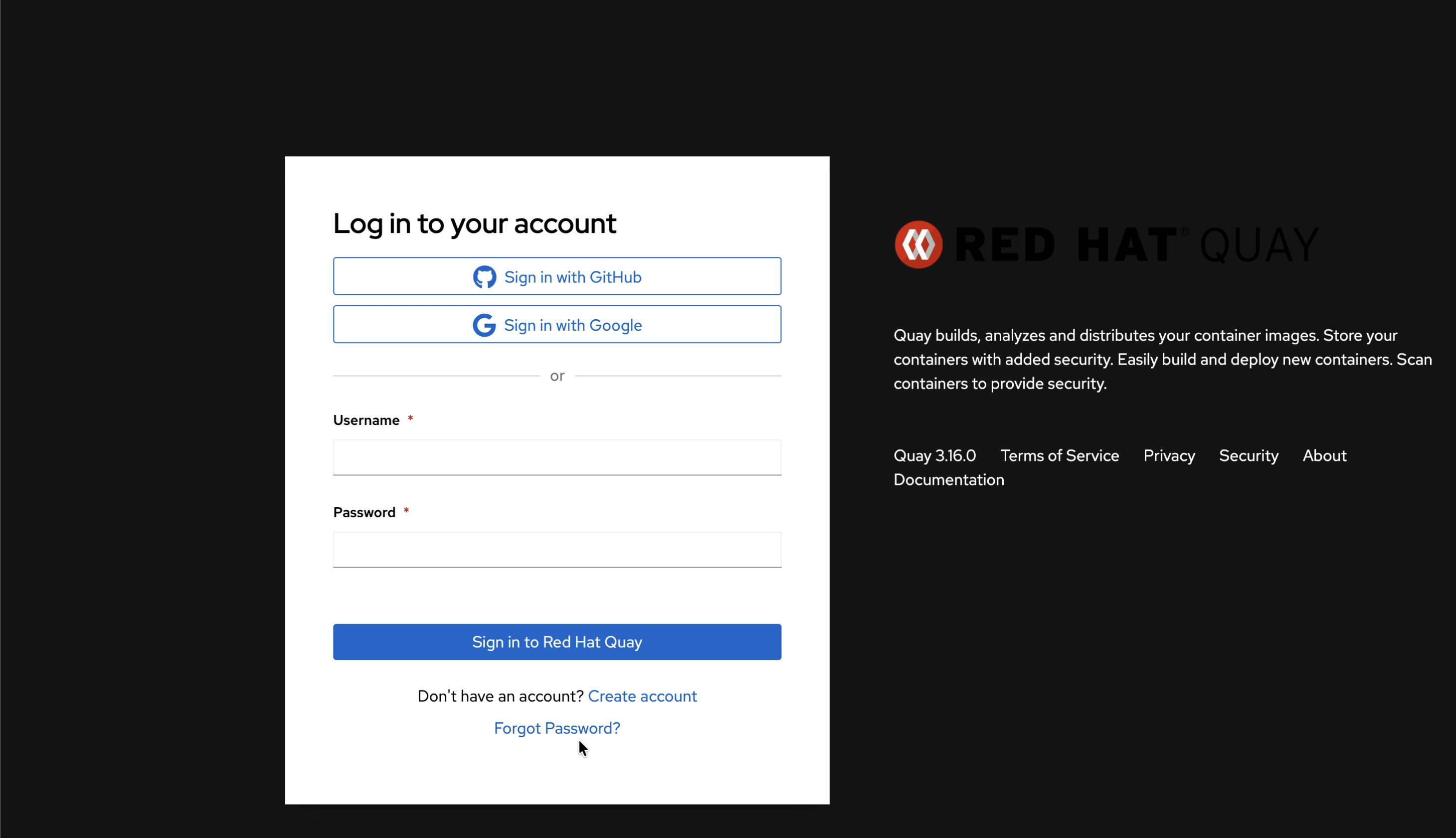
As design, there should be a "reset password" option in the quay login page, clicking it will direct to "reset password" page. But in the new UI login page, can't find this option.
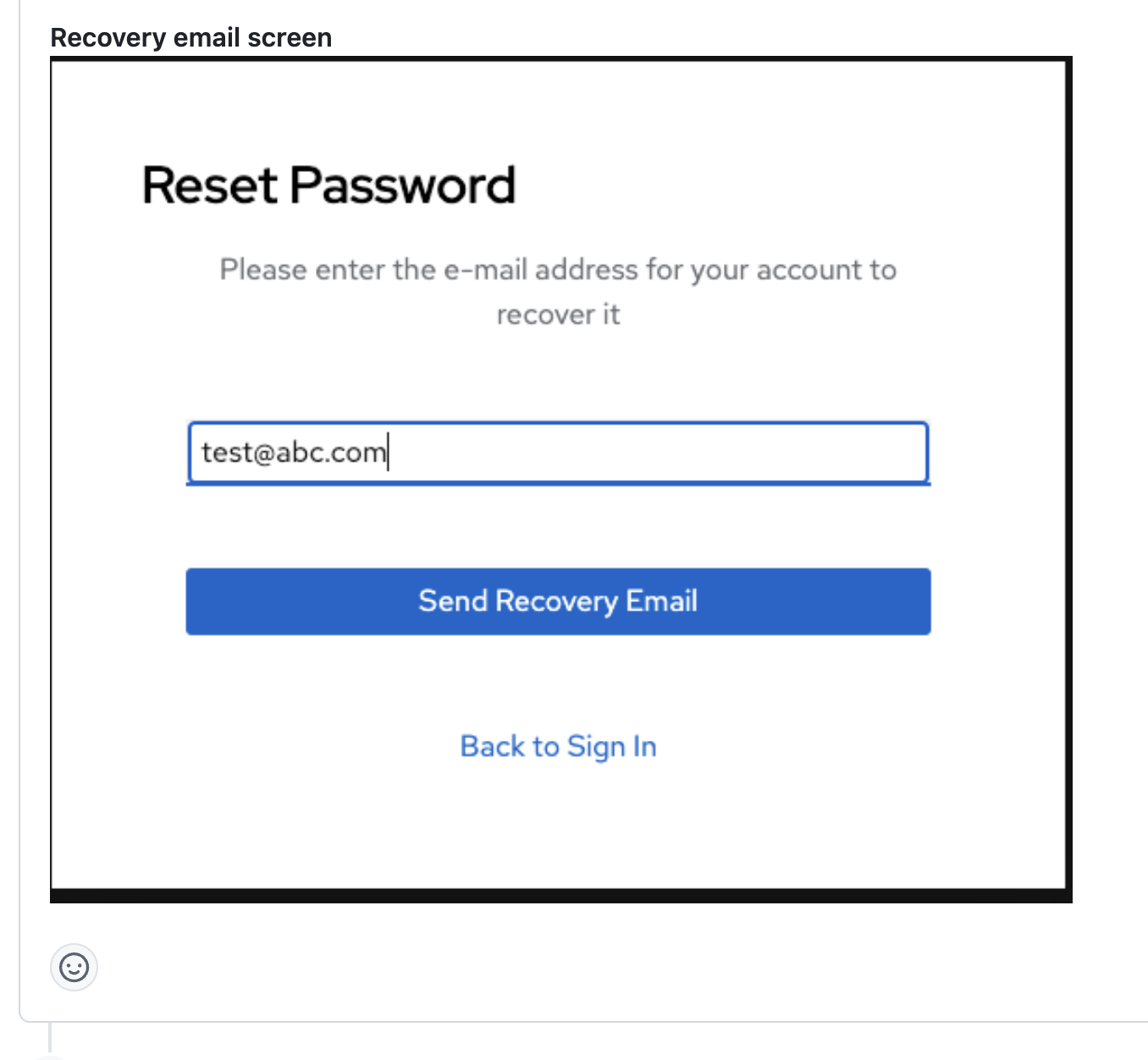
Version-Release number of selected component (if applicable):
// quay 3.16.0
----------------------
quay.io/redhat-user-workloads/quay-eng-tenant/stable-3-16-v4-19@sha256:33d2f882d86c0541fbc8dd61ccab047455fe10e4218f207b13bdbadbda1b19ce
Steps to reproduce:
1. Enable FEATURE_QUOTA_MANAGEMENT in config.yaml then deploy quay
FEATURE_QUOTA_MANAGEMENT: true
DEFAULT_UI: react
DISABLE_ANGULAR_UI: false
2. Access quay route and go to quay new UI login page
3. Click "Create account" button and direct to create account page.
4. Fill in user name, email and password, click "Create Account" button
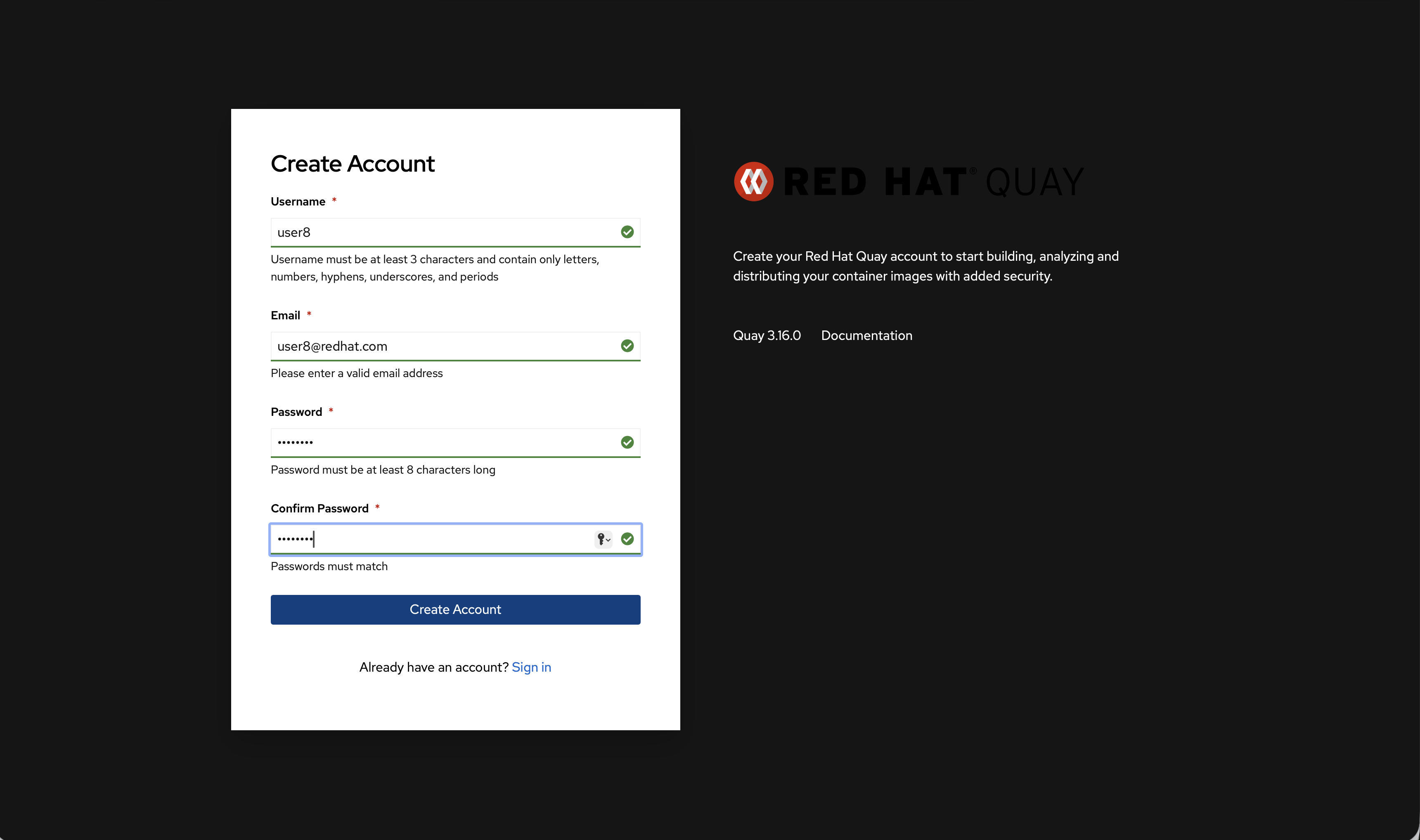
5. The page redirect to Organizations panel
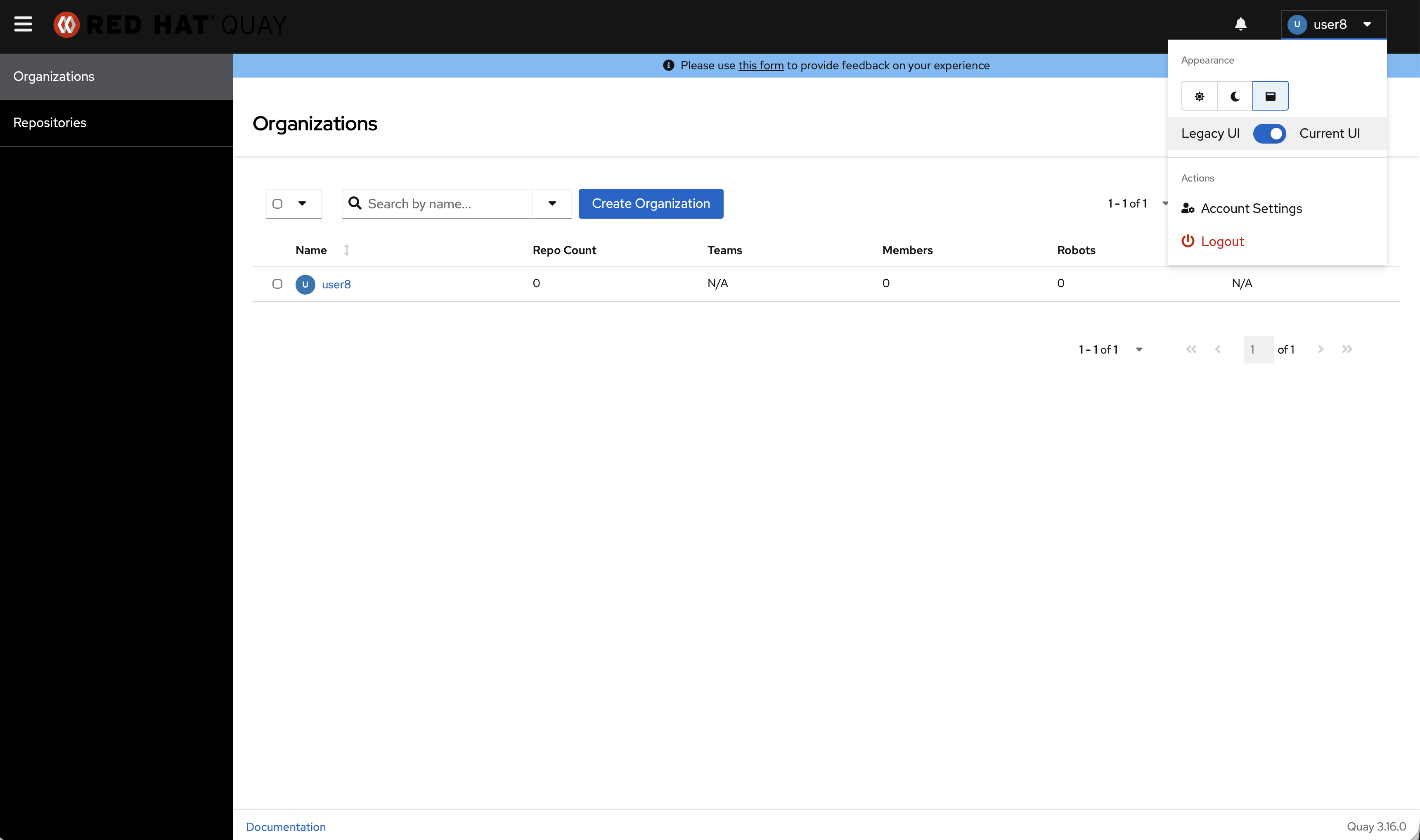
6 Click toggle button to switch to old UI, redirect to "Tell me a bit more about yourself" page
7. Access "Create Account" page in the old UI and fill in the necessary information
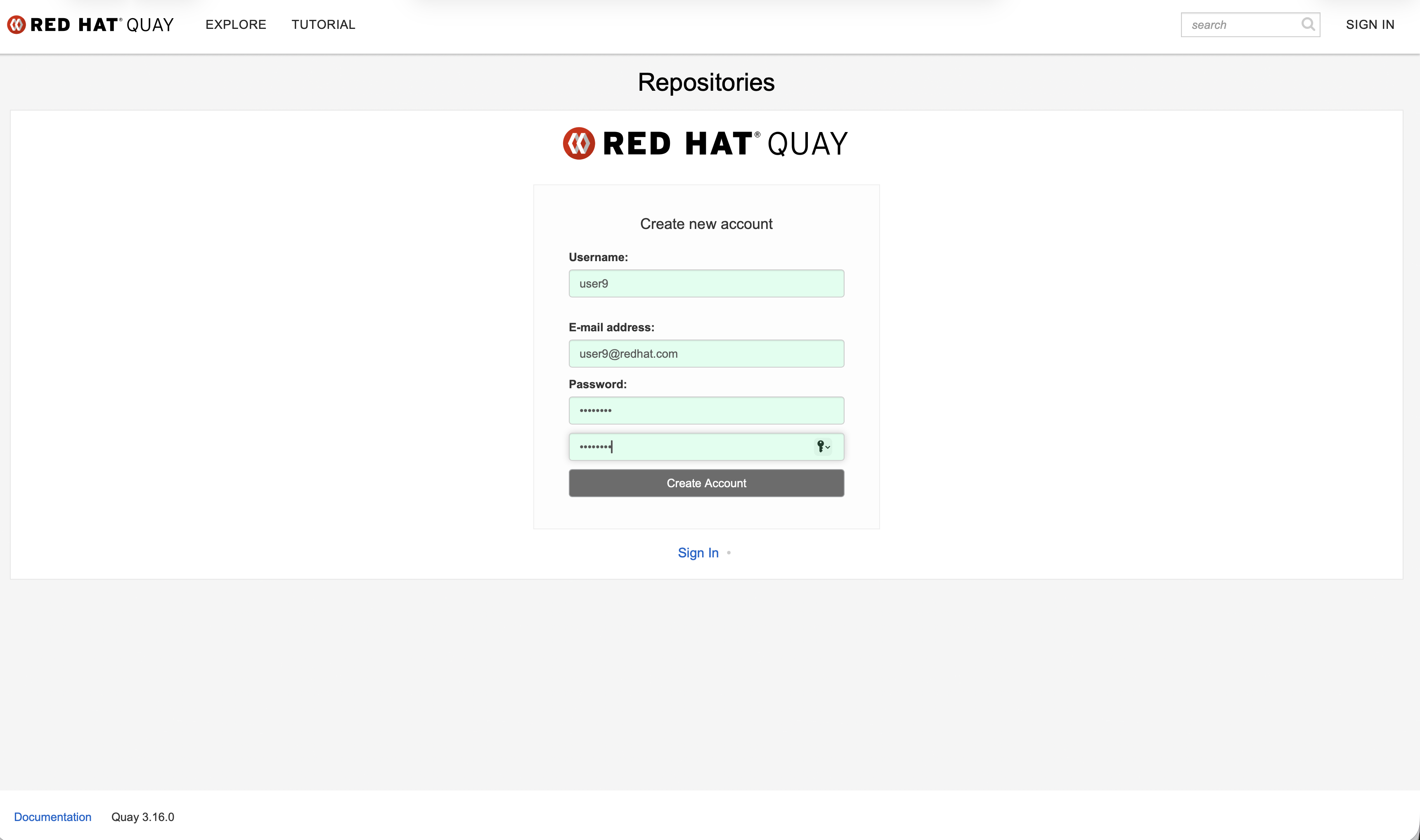
8 Click "Create Account" button, then redirect to "Tell me a bit more about yourself" page directly.