-
Bug
-
Resolution: Done
-
 Critical
-
None
-
quay-v3.16.0
-
Quality / Stability / Reliability
-
False
-
-
False
-
-
Description of problem:
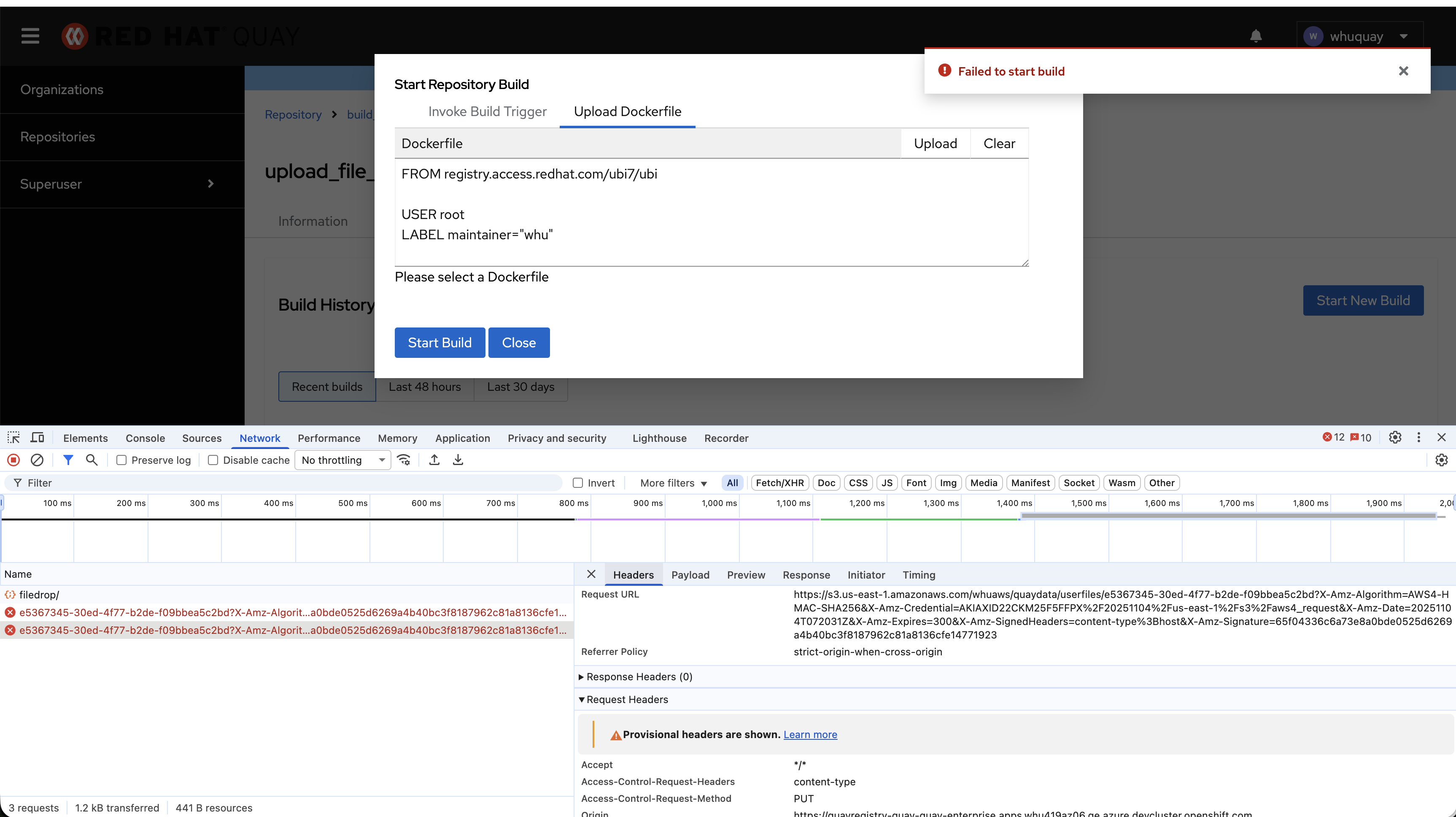
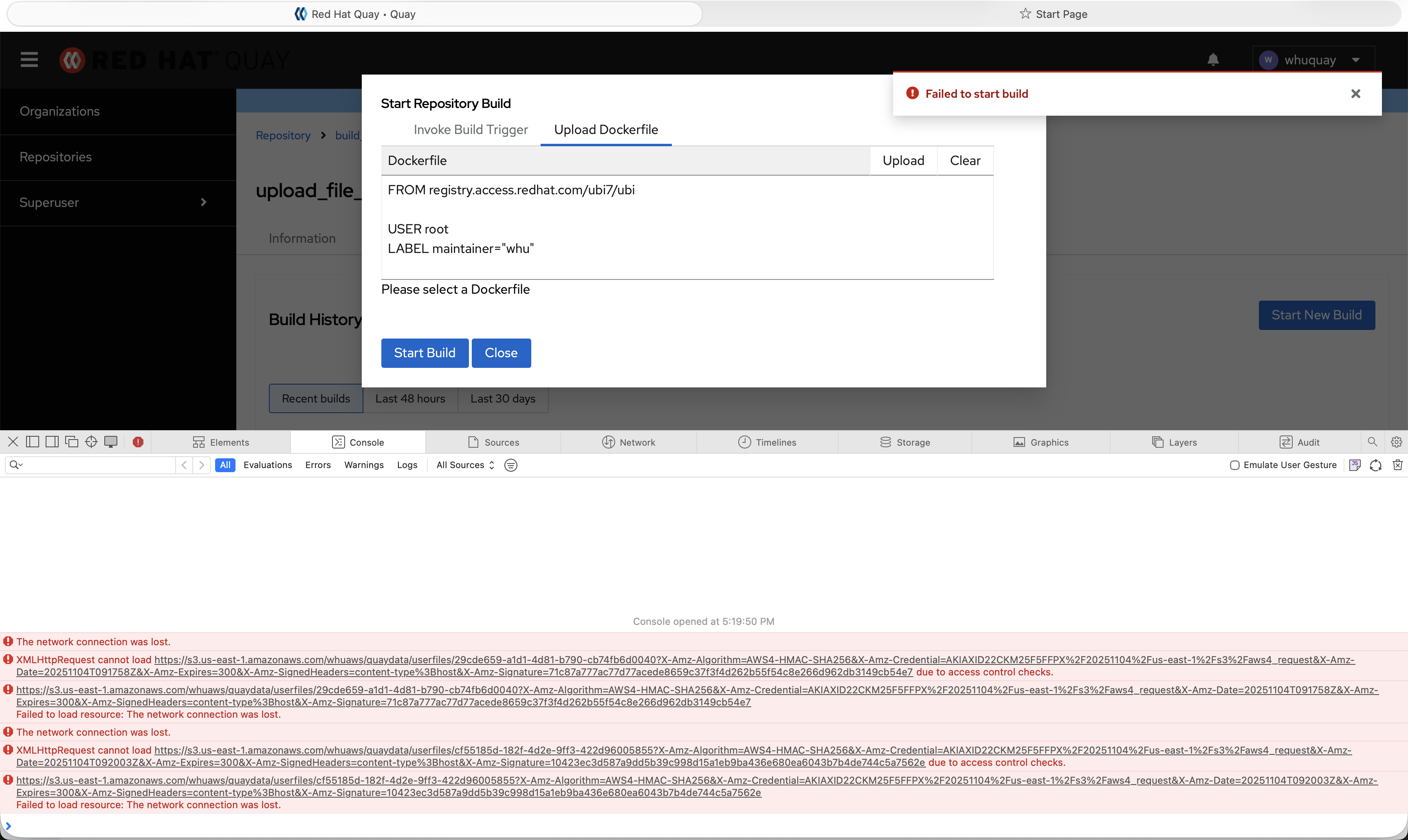
In quay 3.16.0. when build upload Dockerfile in Chrome and Safari, will get error alert "Failed to start build".
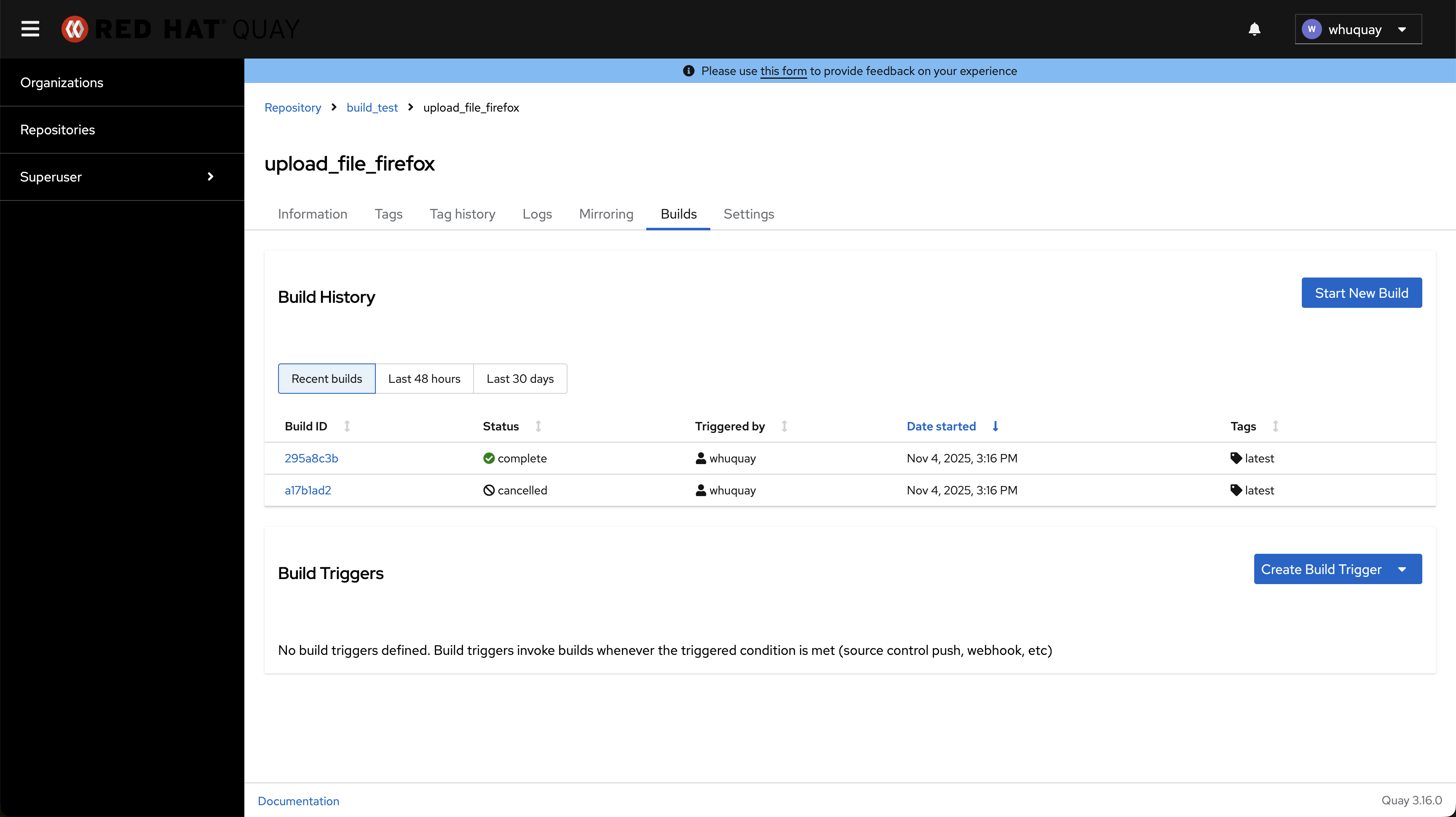
But run the same steps in Firefox, build finished successfully.
Version-Release number of selected component (if applicable):
quay.io/redhat-user-workloads/quay-eng-tenant/stable-3-16-v4-19@sha256:d562543a047e3d58ac99364d46b302430815422d5c46e8fc3f19a331df23cc63
------------------------------
$ oc get $(oc get pod -l name=quay-operator-alm-owned -o name -n quay-enterprise) -o jsonpath='{.spec.containers[0].image}' -n quay-enterprise
registry.redhat.io/quay/quay-operator-rhel8@sha256:6784976c0c1aa2de10801b9750d7b883d22d408084dccbe4dc829c5eeb4ecacb
------------------------------
$ oc get $(oc get pod -l app=quay -o NAME -n quay-enterprise|head -n 1) -o jsonpath='{.spec.containers[0].image}' -n quay-enterprise
registry.redhat.io/quay/quay-rhel8@sha256:9541902e1ea21e07e577f6c94b60ad124c0f52453dc8b3b28b2a2e24d38db929
------------------------------
$ oc get quayregistry -o jsonpath='{.items[0].status.currentVersion}'  -n quay-enterprise
3.16.0
Steps to reproduce:
1. Enable build feature in quay
2. Create build repository "build_test/upload_file_chrome"
3. Trigger build process by uploading Dockerfile in the new UI.
Actual results
In Chrome and Safari, after clicking "Start Build" button, will get error alert "Failed to start build".
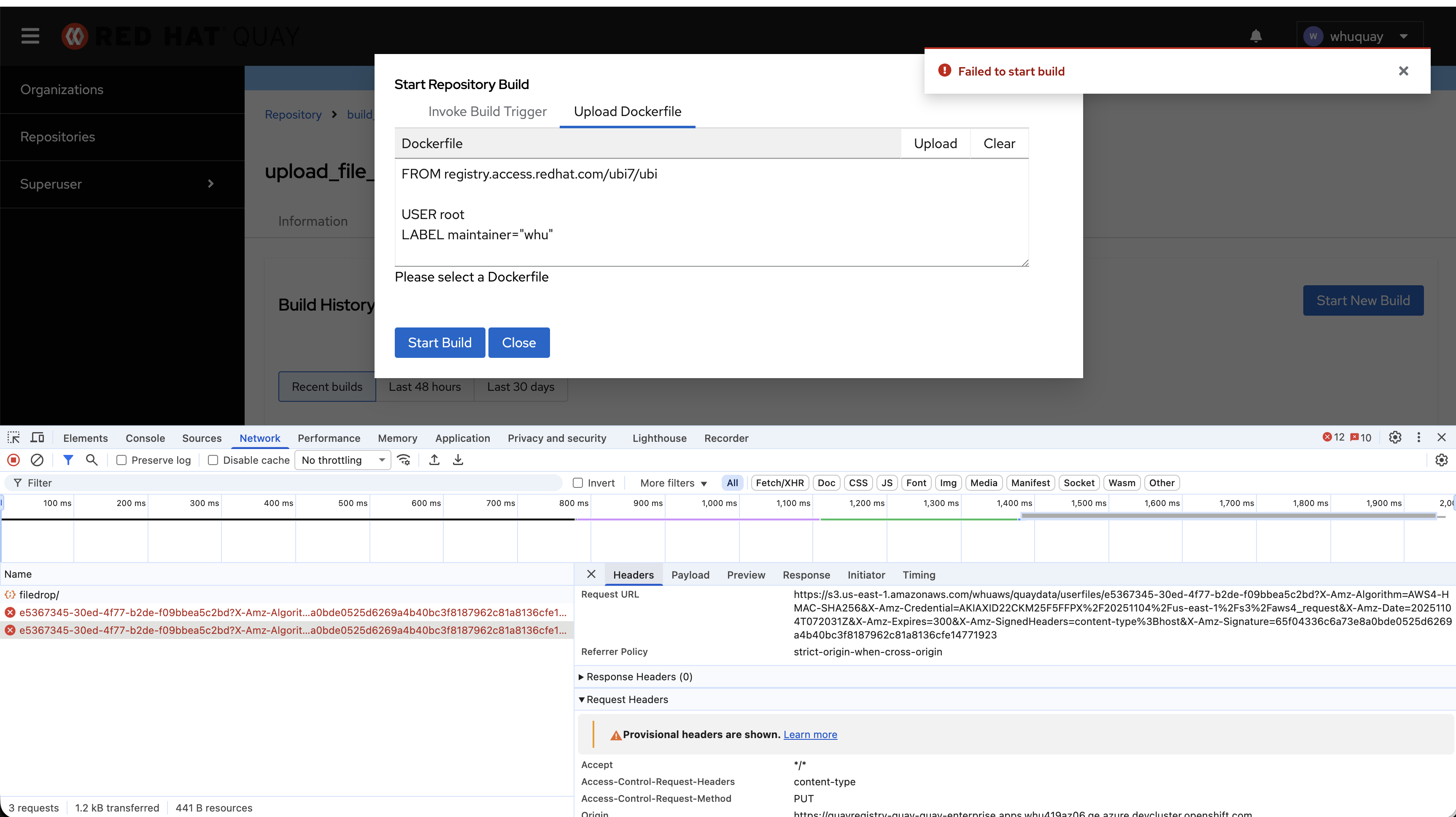
Get the details of testing in Chrome in Screen Recording 2025-11-04 at 17.21.45.mov
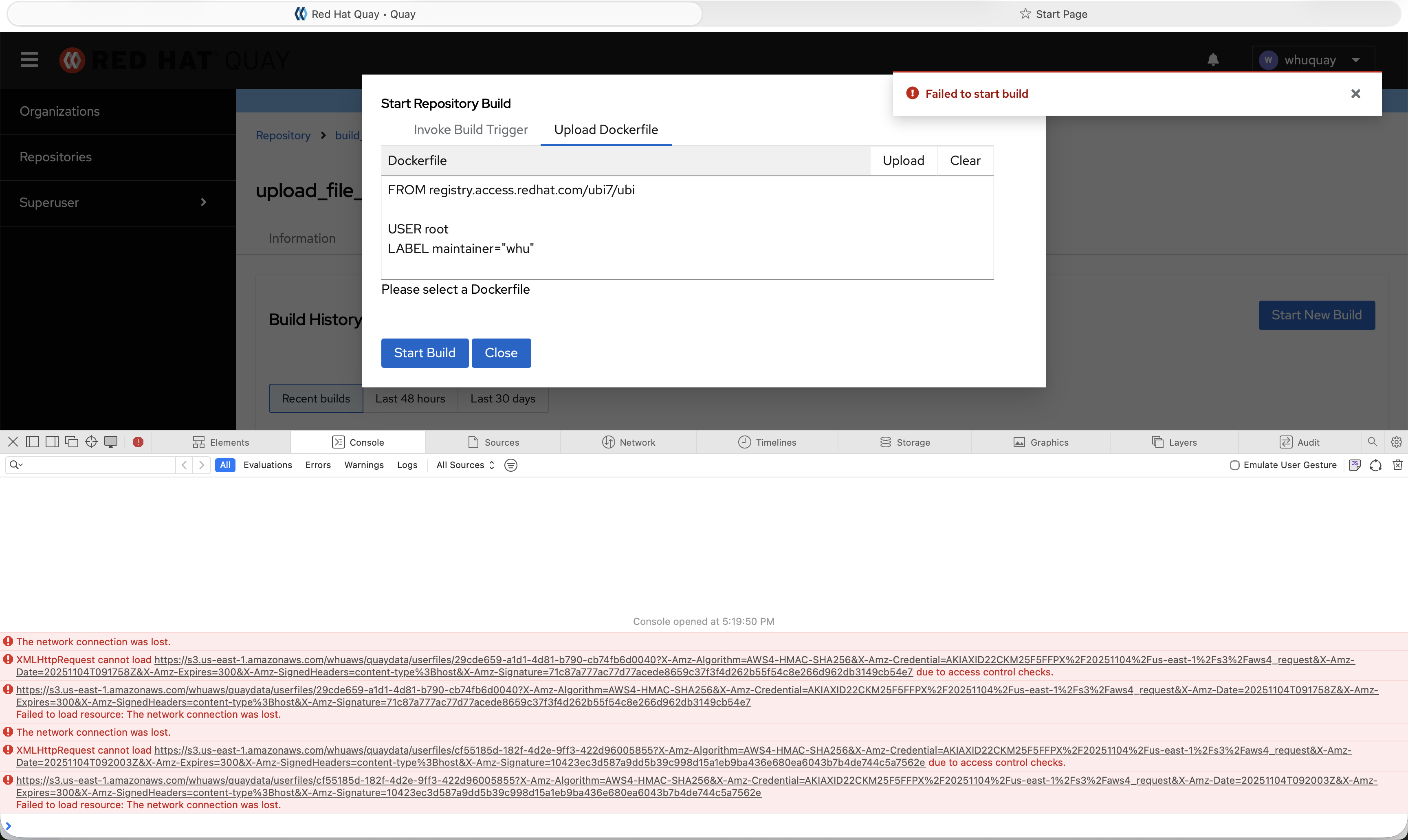
Get the details of testing in Safari in Screen Recording 2025-11-04 at 17.20.01.mov
Expected results
The upload Dockerfile build process should finish successfully in Chrome and Safari. Just like in Firefox.
Additional info:
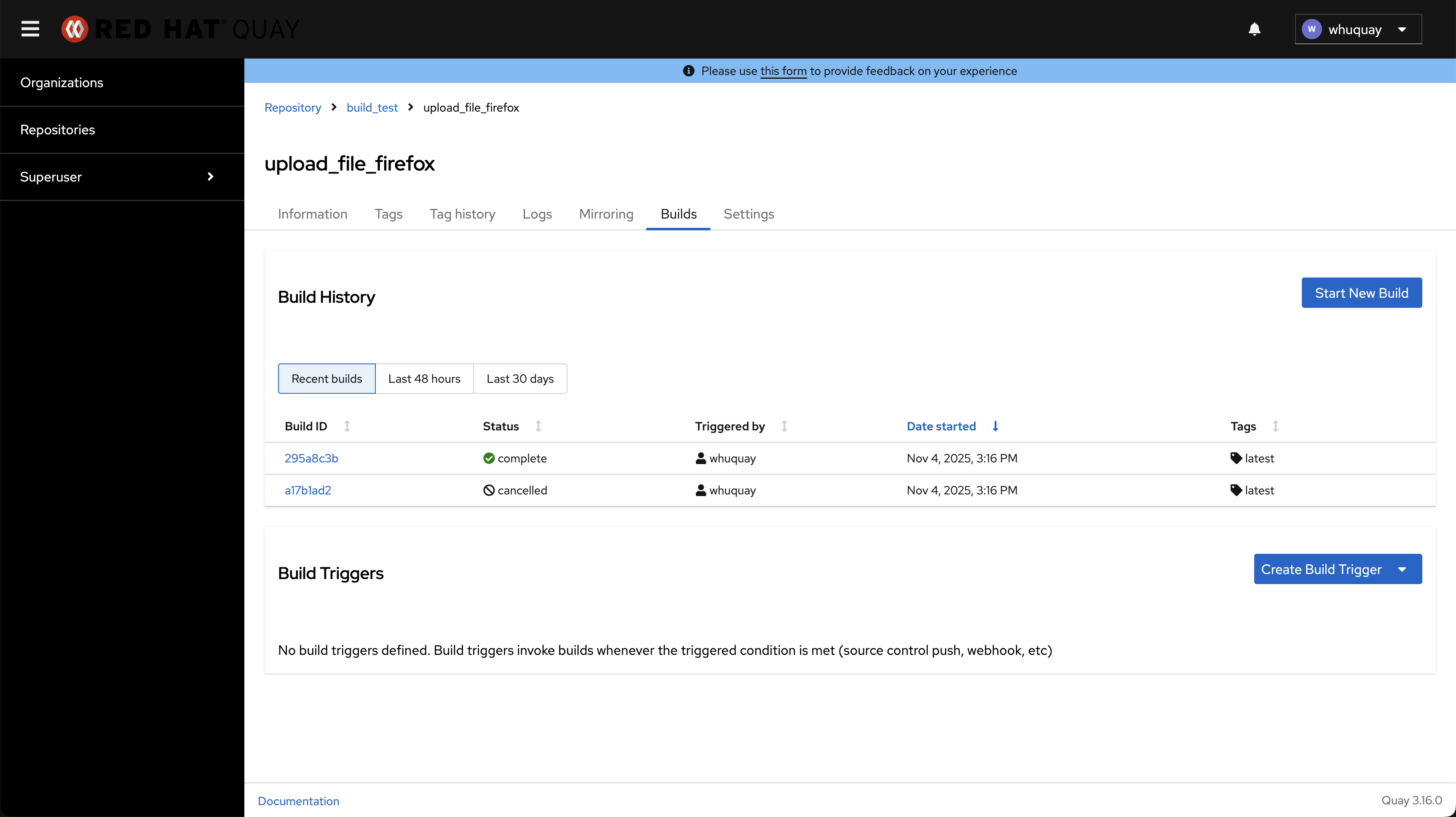
Get the details of testing in Firefox in Screen Recording 2025-11-04 at 17.32.45.mov
Get the quay logs in attachment
quayregistry-quay-app-697f89d66-k62z8
quayregistry-quay-app-697f89d66-7h2hd