-
Bug
-
Resolution: Not a Bug
-
 Minor
Minor
-
None
-
4.19
-
Quality / Stability / Reliability
-
False
-
-
None
-
Moderate
-
None
-
None
-
None
-
None
-
OpenShift SPLAT - Sprint 271, OpenShift SPLAT - Sprint 272, OpenShift SPLAT - Sprint 273
-
3
-
None
-
None
-
None
-
None
-
None
-
None
-
None
Description of problem:
    When day 2 install OCP with host groups, found machine region/zone labels did not show up
# oc get machine.m -n openshift-machine-api
NAME                            PHASE     TYPE   REGION   ZONE   AGE
sgao-tmp-8dvtk-master-49l49-1   Running                          65m
sgao-tmp-8dvtk-master-ptdsf-0   Running                          77m
sgao-tmp-8dvtk-master-szsws-2   Running                          45m
sgao-tmp-8dvtk-worker-0-dbmrg   Running                          4h33m
sgao-tmp-8dvtk-worker-0-h7q5t   Running                          4h33m
Version-Release number of selected component (if applicable):
4.19.0-0.nightly-2025-04-02-170034
How reproducible:
always
Steps to Reproduce:
    1. Install cluster without host groups configure in install-config.yaml
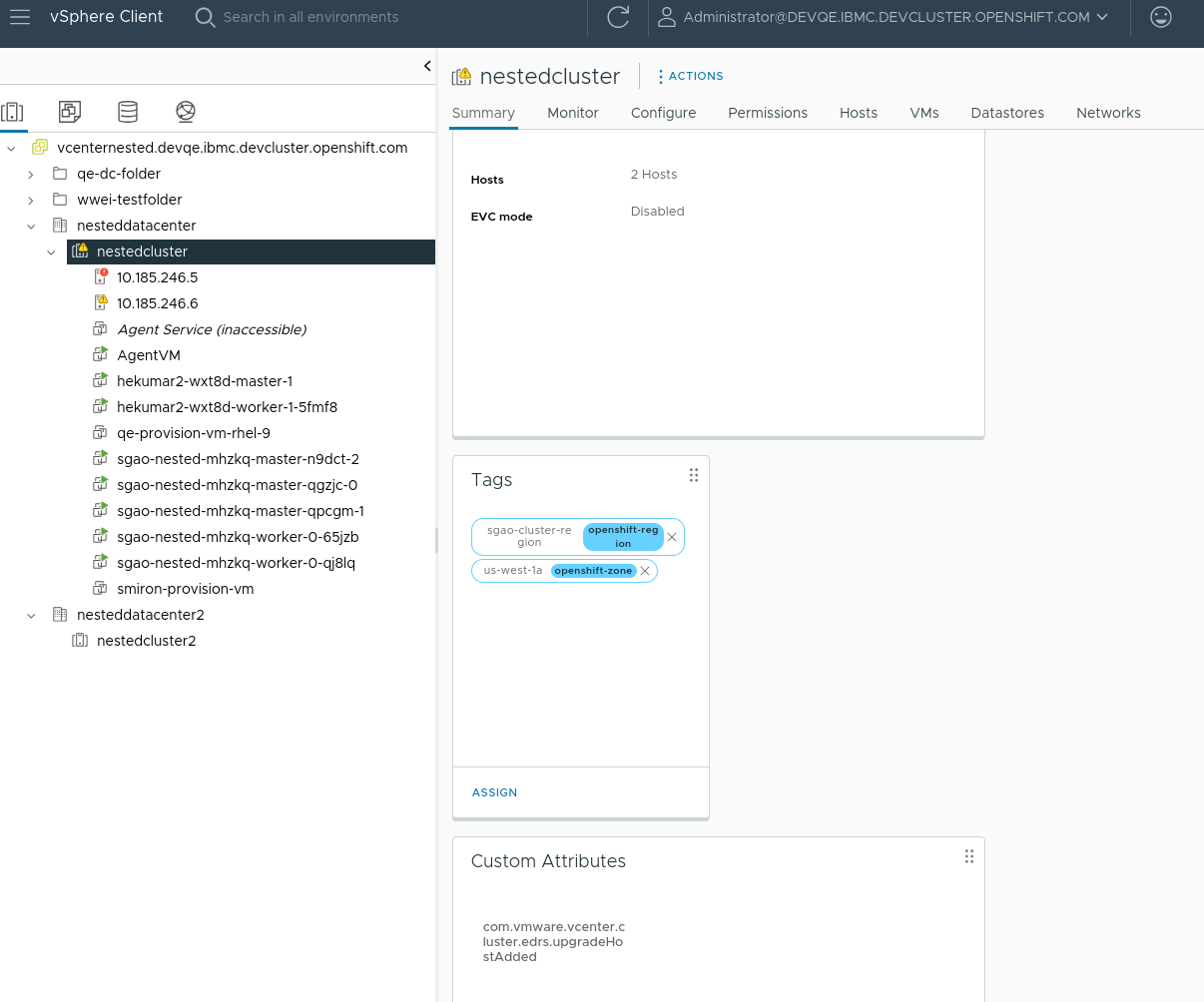
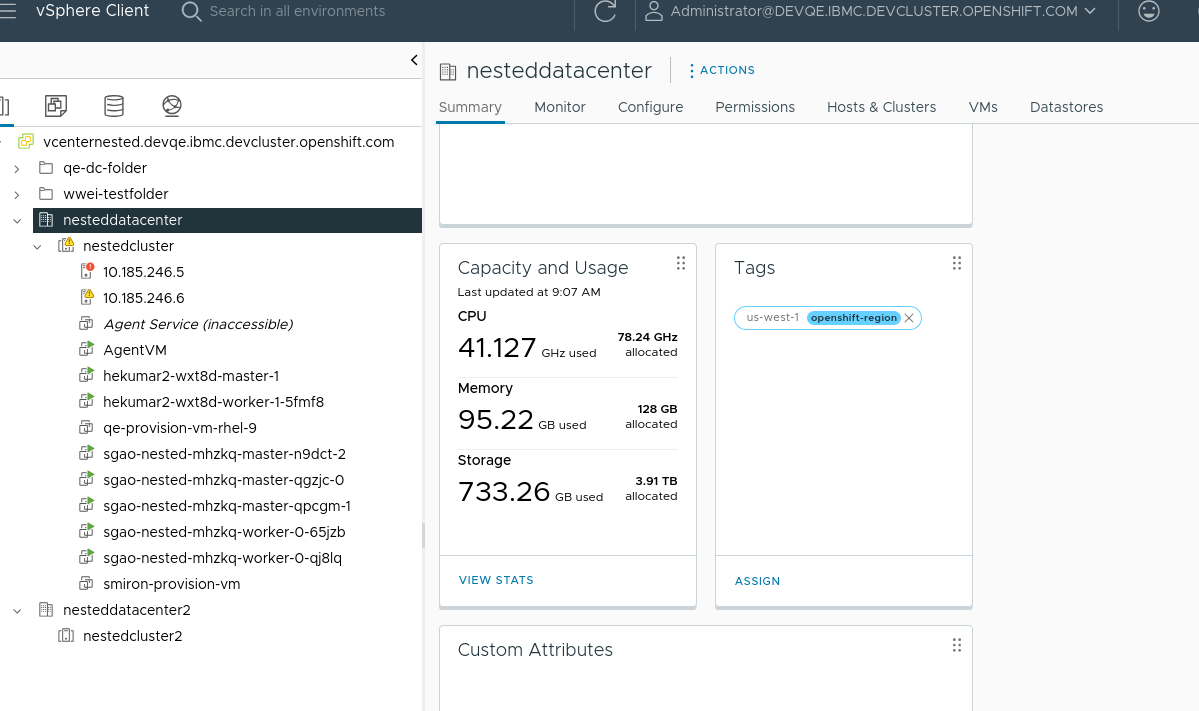
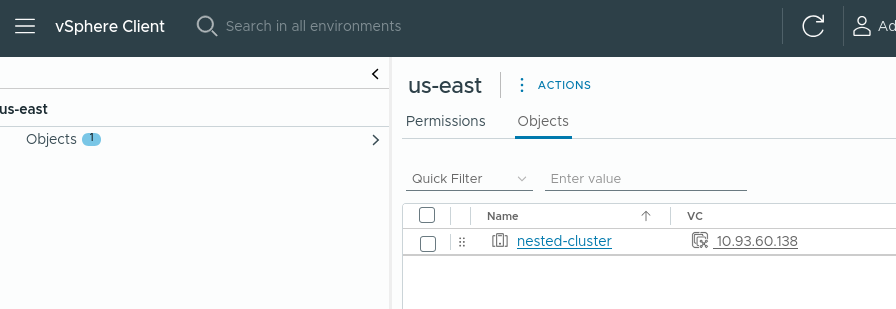
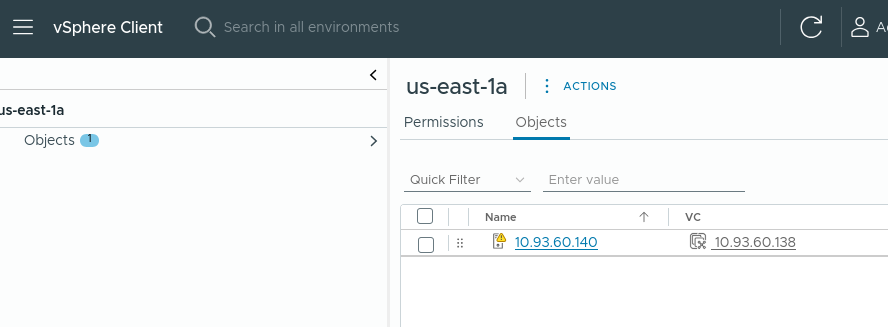
    2. After cluster installed, add "VM/Host Groups" "VM/Host Rules" to vCenter cluster
    3. Edit infrastructure to add host groups failureDomains
    4. Edit controlplanemachineset and set host group zone, wait for all master nodes reconciled, check machine labels
Actual results:
machine region/zone labels missed
Expected results:
machine region/zone labels should be displayed correctly
Additional info:
Day 0 install with host groups have not this issue