-
Bug
-
Resolution: Not a Bug
-
 Normal
-
None
-
None
-
None
-
None
-
False
-
-
False
-
-
Steps to Reproduce
1) Create a rosa classic cluster using the command
rosa create cluster --cluster-name rosa-channel41815 --region=us-west-2 --sts --version 4.18.15 --channel-group candidate
2)Once the cluster is in Ready status, navigate to the Settings tab.
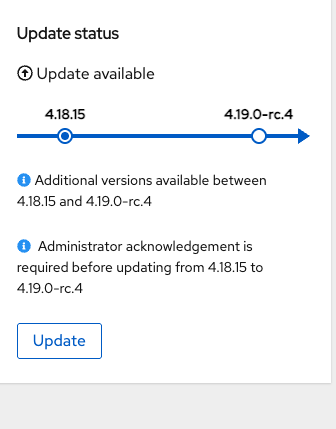
3) Click on the Update button and provide Acknowledgement.
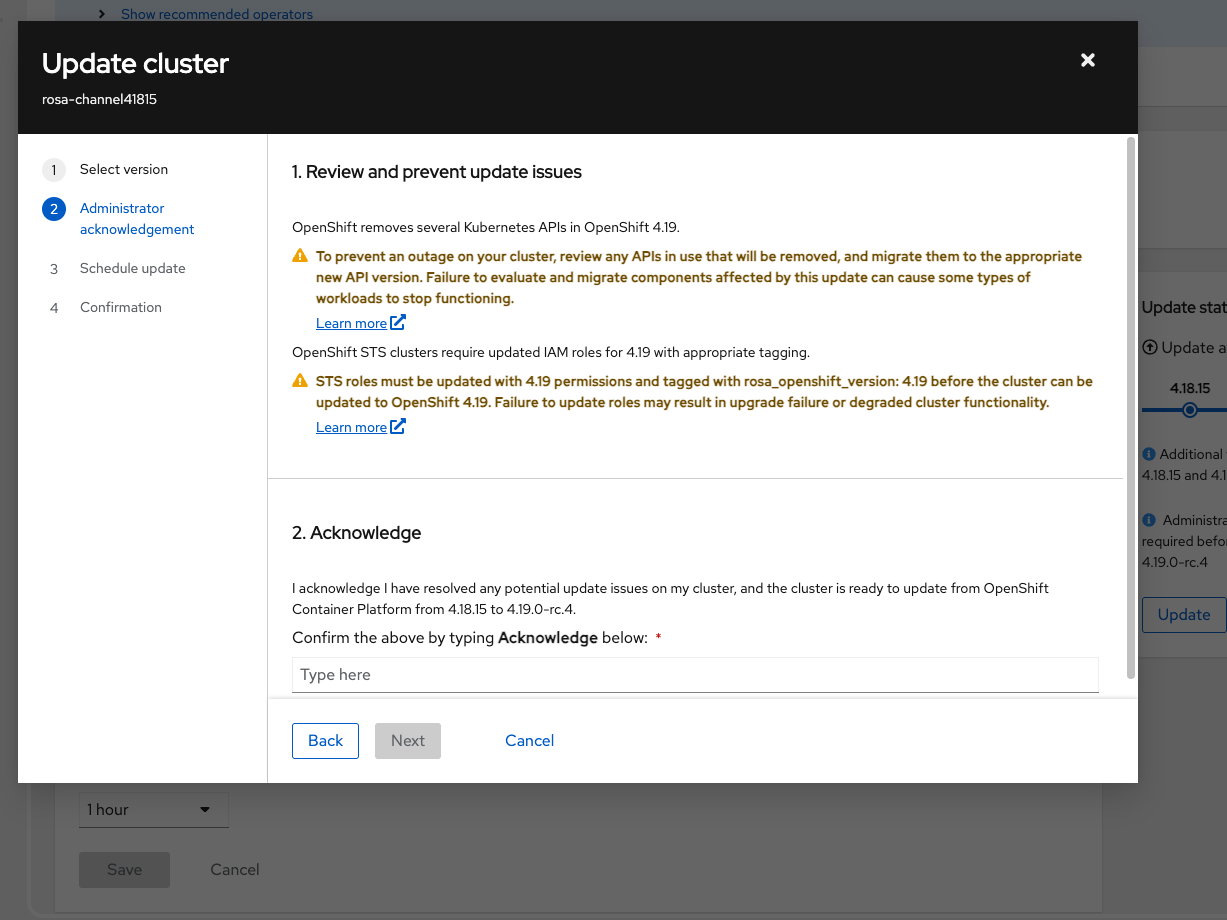
4) Once all the details have been provided, click on Update button,

Expected Result
The upgrade should succeed.
Actual Result
An error is shown to the user with the following message "
CLUSTERS-MGMT-400: Role 'arn:aws:iam::676673797948:role/ManagedOpenShift-Installer-Role' is not compatible with version 'openshift-v4.19.0-rc.4-candidate'
Operation ID: 8efc7472-30ec-4d12-8fff-cd2320ff734d"
When trying to perform the upgrade of account roles, the CLI shows that the account roles are already up-to-date, but the UI shows that the version is not compatible.
lamarach@Lakshmis-MacBook-Pro ~ % rosa upgrade account-roles --prefix ManagedOpenShift
I: Ensuring account role policies compatibility for upgrade
I: Account roles with the prefix 'ManagedOpenShift' are already up-to-date.
- is related to
-
OCMUI-3469 [OCMUI] 4.19 Release testing against OCM UI -Lakshmi Shivanthi
-

- Closed
-