-
Story
-
Resolution: Done
-
 Major
Major
-
None
-
None
-
Product / Portfolio Work
-
3
-
False
-
-
False
-
-
-
OCMUI Center Team Sprint 274, OCMUI Center Team Sprint 275, OCMUI Center Team Sprint 276
User story:
As a user, I want to add AWS tags when creating a new node pool on an existing HCP AWS cluster so that I can more easily mange my resources in AWS.
Additional information
In order to make the UI feel more stream-lined, the labels and AWS tags are combined into a single section.
Acceptance criteria:
When adding a new label/tag the checkbox to make the entry an AWS tag will be unchecked (aka by default new items will be labels)- When adding AWS tags, the user must enter a key value and may enter a value (but is not required to do so).
- A machine pool may have up to 17 AWS tags.
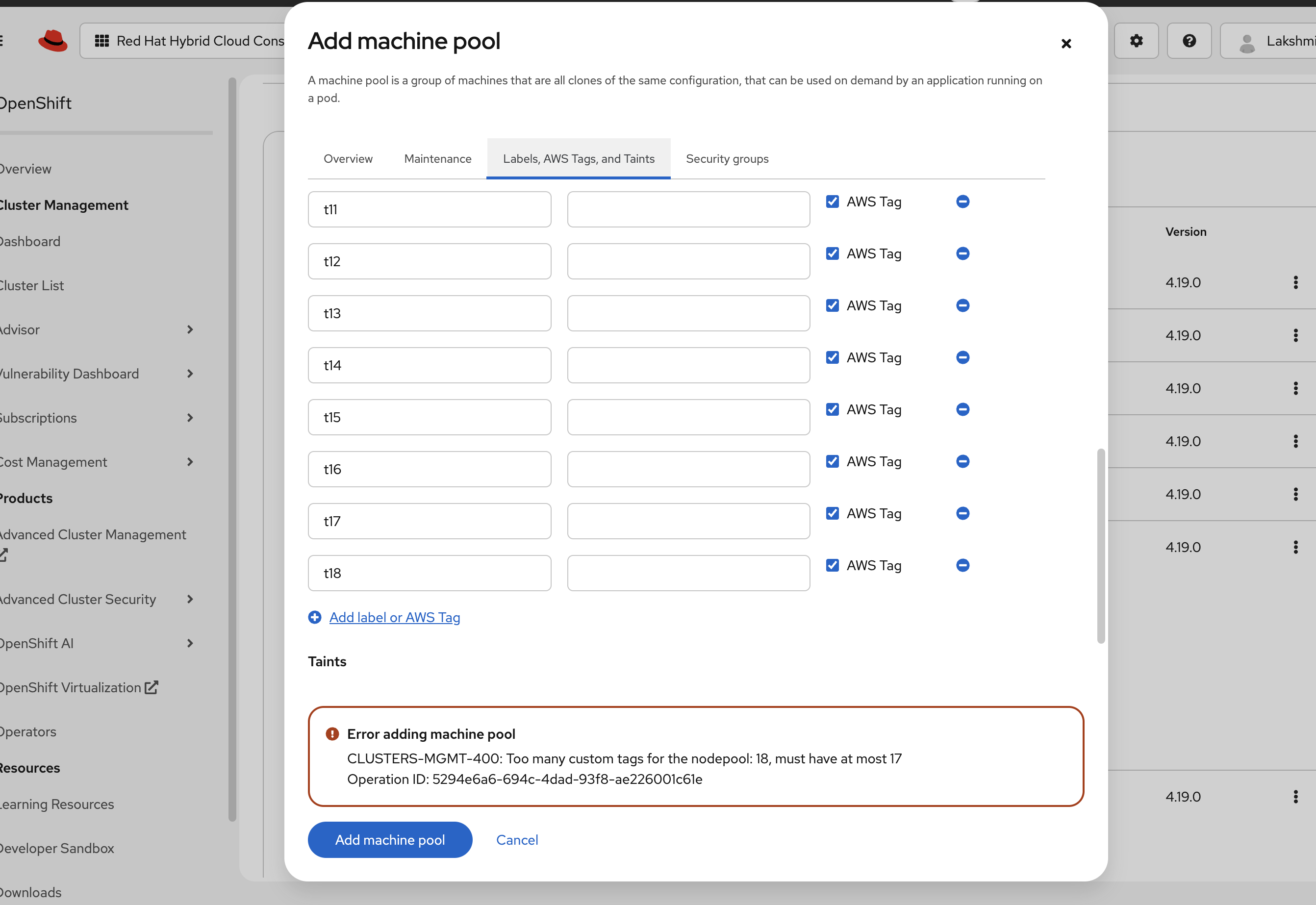
Once there are 17 AWS tags, the user will not be allowed to create another. - The checkbox to make an item an AWS tag will be disabled. - If more than 17 AWS tags are added, an error will be shown when the user tries to create the machine pool.
- For a given machine pool, the AWS tag key must be unique
- The AWS tag key cannot begin with "aws"
- The AWS tag key must between 1 and 128 characters
- The AWS tag value must be between 0 and 256 characters
- Allowed characters for both AWS tag key and value are:
- Letters
- Numbers
Spaces- Any of these special characters: _ . : / = + - @
- The ability to add an AWS tag will only be available to HCP AWS clusters
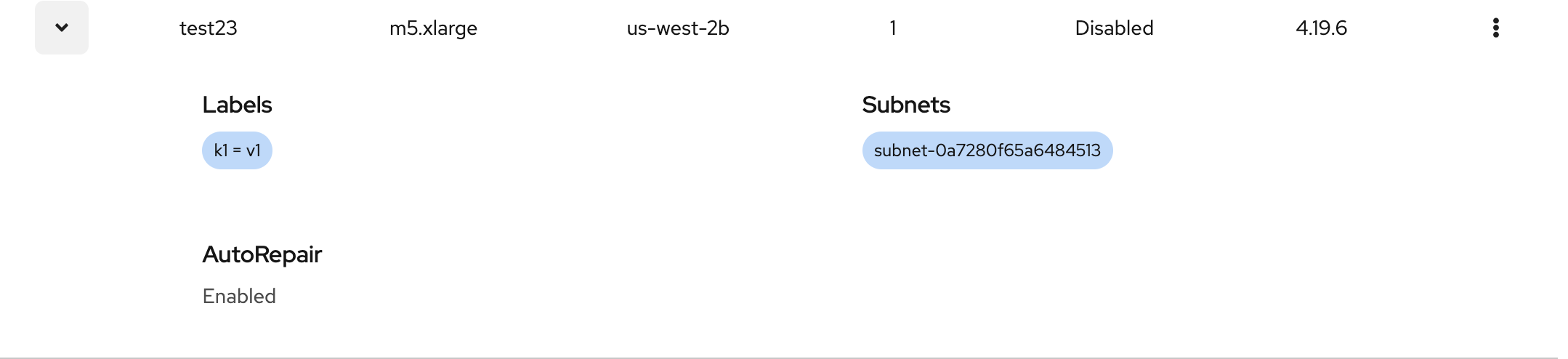
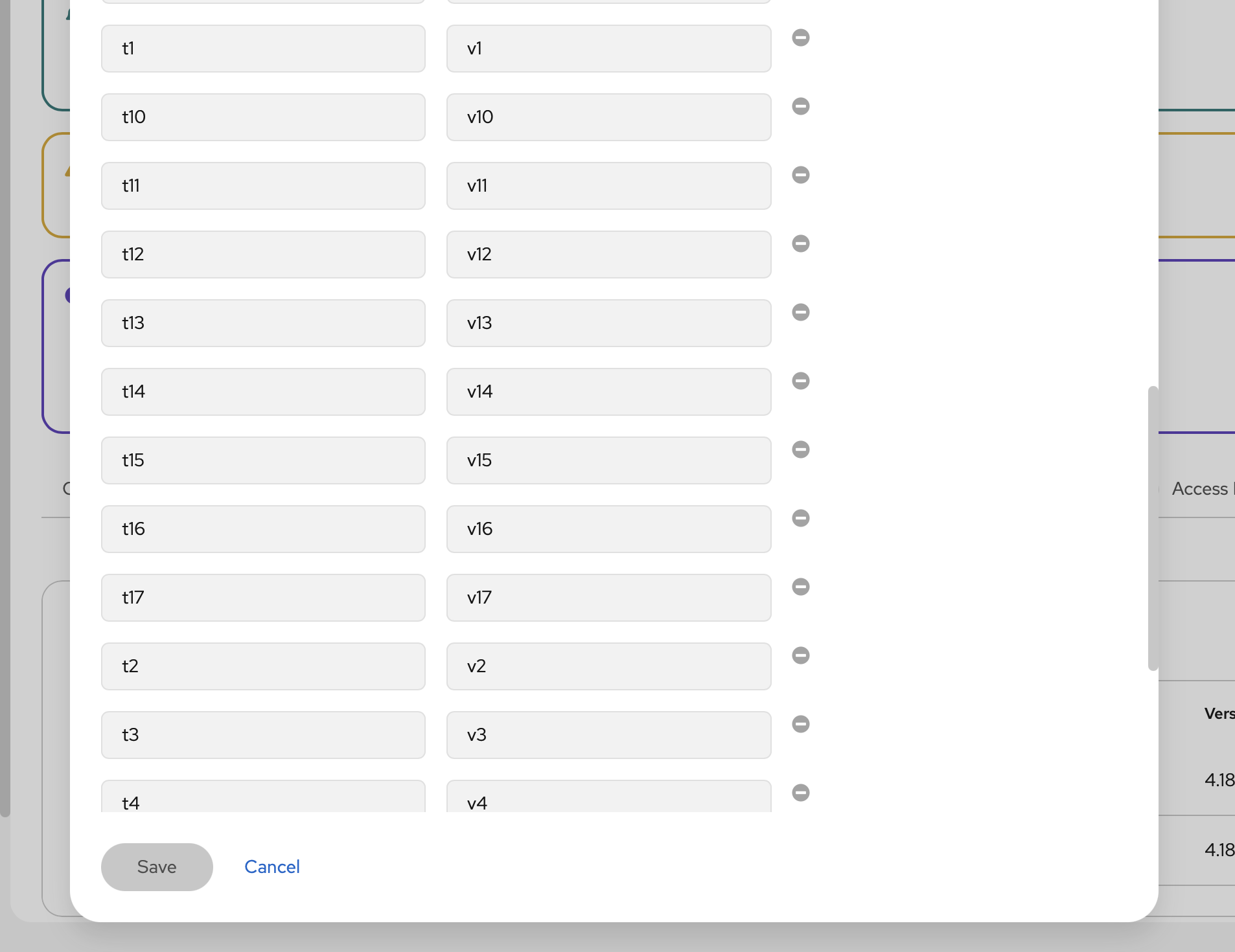
- When editing a machine pool - the user will be able to view but not modify AWS tags. In addition, the user will not be able to add new ones.
Mockups/Design (if available)
See mockup 2.b.4
Validation will appear as it does today but will follow the validation rules above if a user selects to make an item an AWS tag
See screenshot 2.a.1 for an example
Out of scope
This story is just for the ability to add an AWS tag - other items in the design doc including organizing the add/edit machine pool into subtags is covered by other stories.
Just to be clear - this only applies to adding a new machine pool. The ability to add/edit AWS Tags on an existing machine pool is not yet available and will be covered in another epic once the API is ready.
------------------------------------------------------------------------------------------------------------------------
Implementation notes
The ability to add/edit AWS tags for a node pool is available in the node pool API (GET, POST, PATCH), for example: GET /api/clusters_mgmt/v1/clusters/
{cluster_id}/node_pools/
{node_pool_id}With the following structure:
aws_node_pool > tags
- links to
