Minor
Minor Description of the Problem:
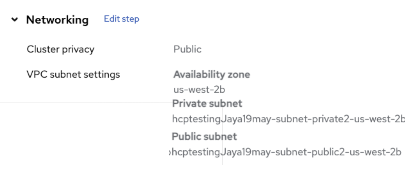
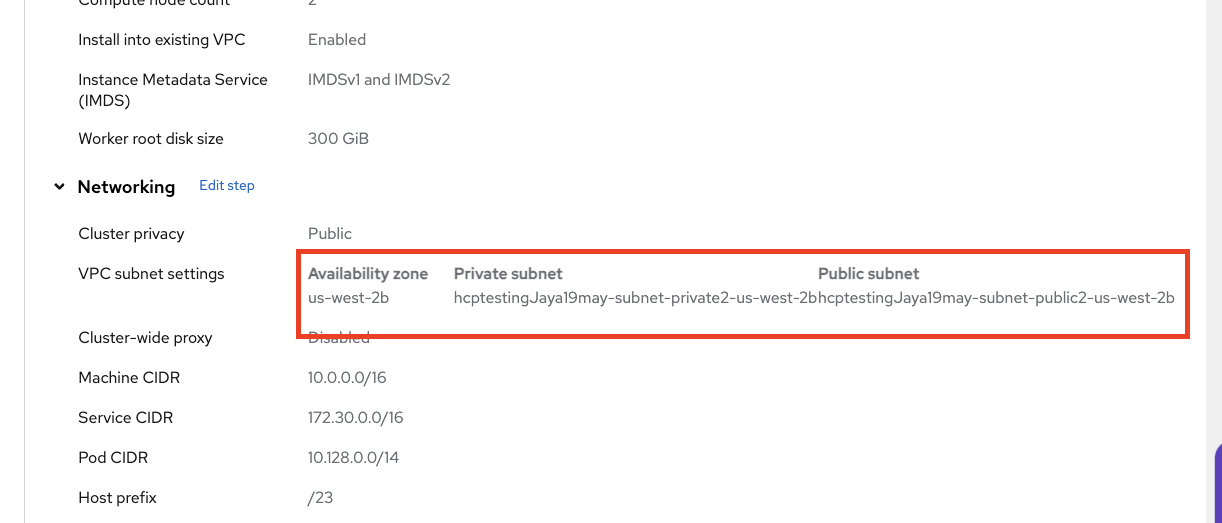
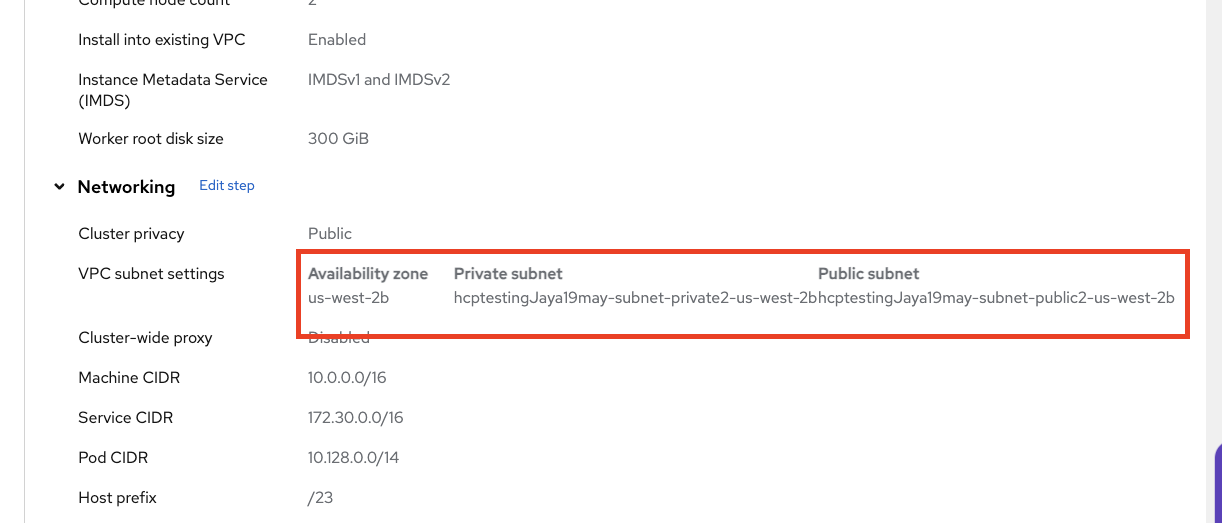
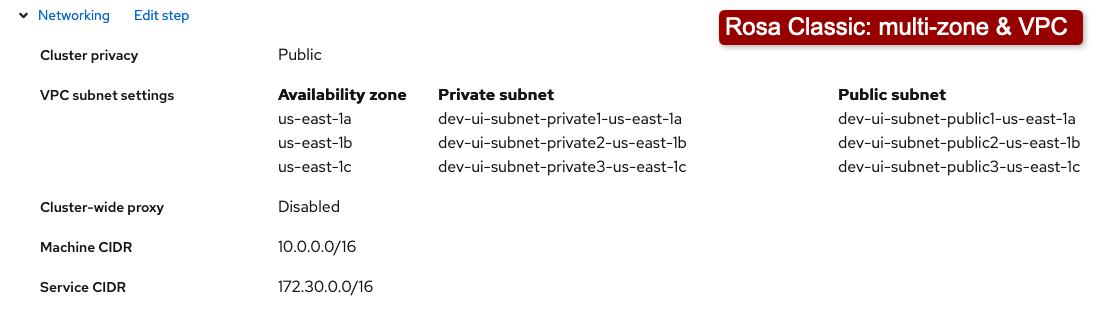
Lack of padding between table cells in the subnet definition(s) on the "Review and create" step of wizard (both ROSA and OSD) result in poor UX behavior. See below screenshot.
Steps to Reproduce
- Launch ROSA wizard.
- Fill all required definitions in each step and reach to "Networking >Configuration" step
- Select "Install into existing VPC" and click "Next" button.
- Select a VPC (Note: It should contain a public and private subnet with larger names ~54 characters)
- Select AZ, Public and private subnet values and proceed to next steps.
- Reach to "Review and create" step.
- Review the VPC settings definitions.
Actual Results:
Lack of padding in subnet definitions in "Review and Create" step results in visually merged values.
Expected results:
Add more padding so that values do not run into each other.
Design Considerations:
We use a table layout in a few areas:
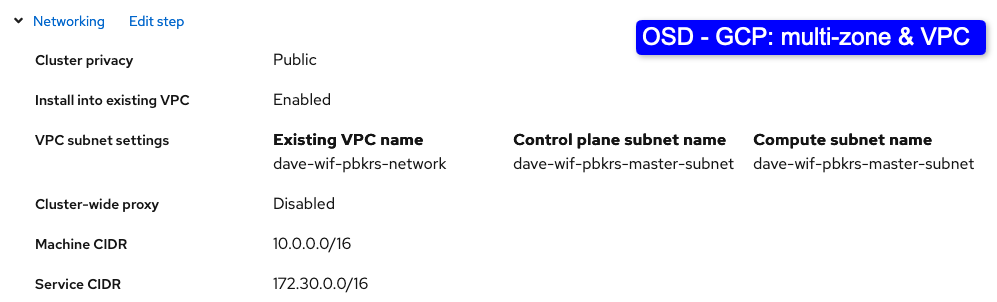
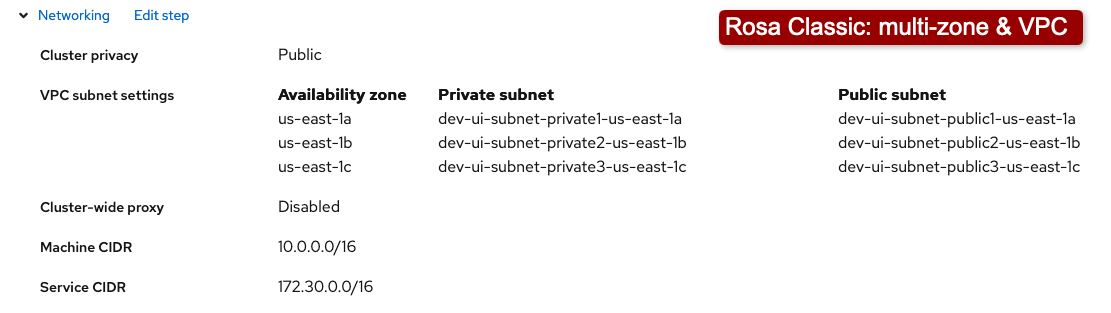
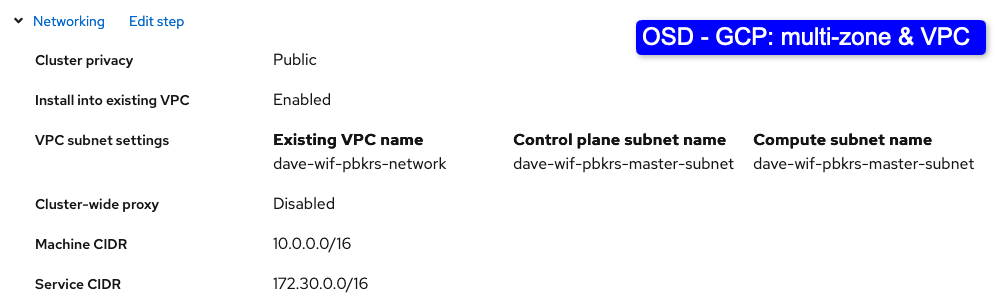
Review Step: Networking / VPC Subnet settings
OSD wizard: GCP
- Can only be one row, even when multi-zoned.
Rosa Wizard: Classic
- 1 to 3 rows
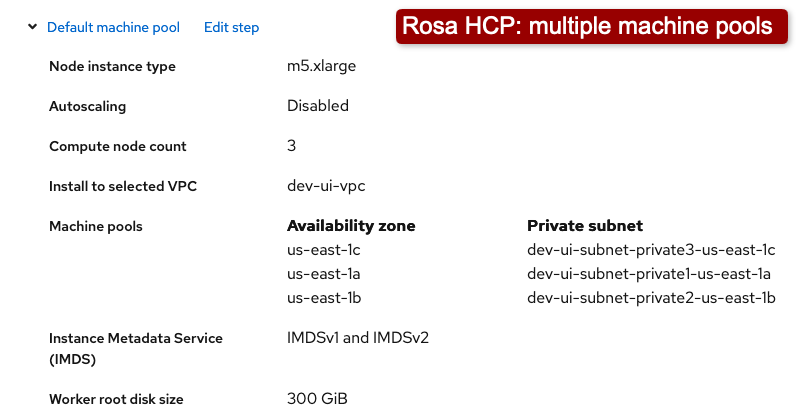
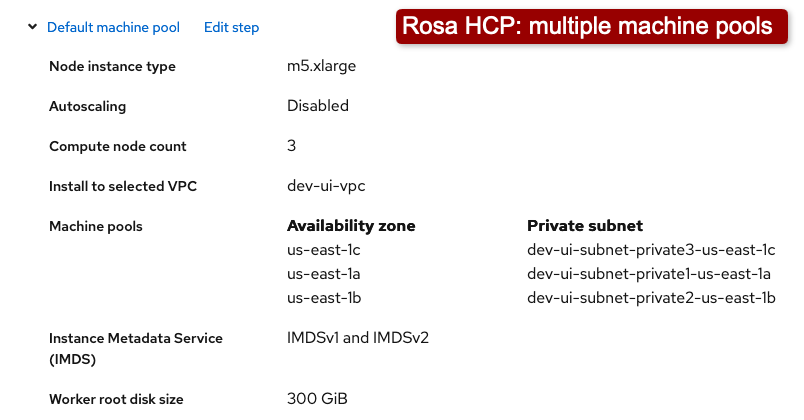
Review Step: Default machine pool / Machine pools
Rosa Wizard: HCP
- 1 to infinity?Unable to render embedded object: File ( I got to 15 rows) not found.