-
Bug
-
Resolution: Done
-
 Major
Major
-
None
-
None
-
Quality / Stability / Reliability
-
False
-
-
False
-
-
-
OCMUI Core Sprint 270, OCMUI Core Sprint 271
Description of problem:
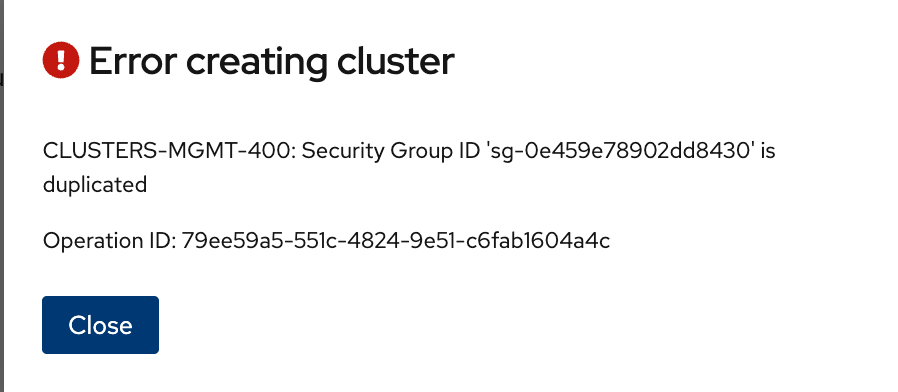
Previously selected security group definitions were not cleared once user reselect the VPC definition. This action impacted cluster submission with backend error as below.
See the recording Screen Recording 2025-03-20 at 1.03.18 PM.mov
Expectations would be,
- Clear all the VPC dependent definitions(in this case security group definition) when user reselect the VPC in wizard.
- Reflect the changes in "Review and create" page.
- Allow user to submit the clusters.
How reproducible:
always
Steps to Reproduce:
- Open the OCM UI staging.
- Launch the ROSA Classic wizard/ OSD wizard (ccs cluster)
- Navigate to Networking > Virtual Private Cloud (VPC) Subnet Settings.
- Select a VPC and fill in all the subnet definitions (ensure your VPC has custom security groups associated).
- Select security groups from the Additional Security Group section.
- Proceed to the next steps and reach the Review and Create step.
- Click Edit Step next to the Networking section.
- Navigate to Virtual Private Cloud (VPC) Subnet Settings.
- Reselect a different VPC from the dropdown (ensure this VPC has no security groups associated).
- Fill in all the subnet definitions.
- Proceed to the next steps and reach the Review and Create step.
- Review the definitions.
- Click the Create Cluster button and observe the behavior.
Actual results:
At step 12, The security group definition from Step 5 is incorrectly shown under the Networking step definition.
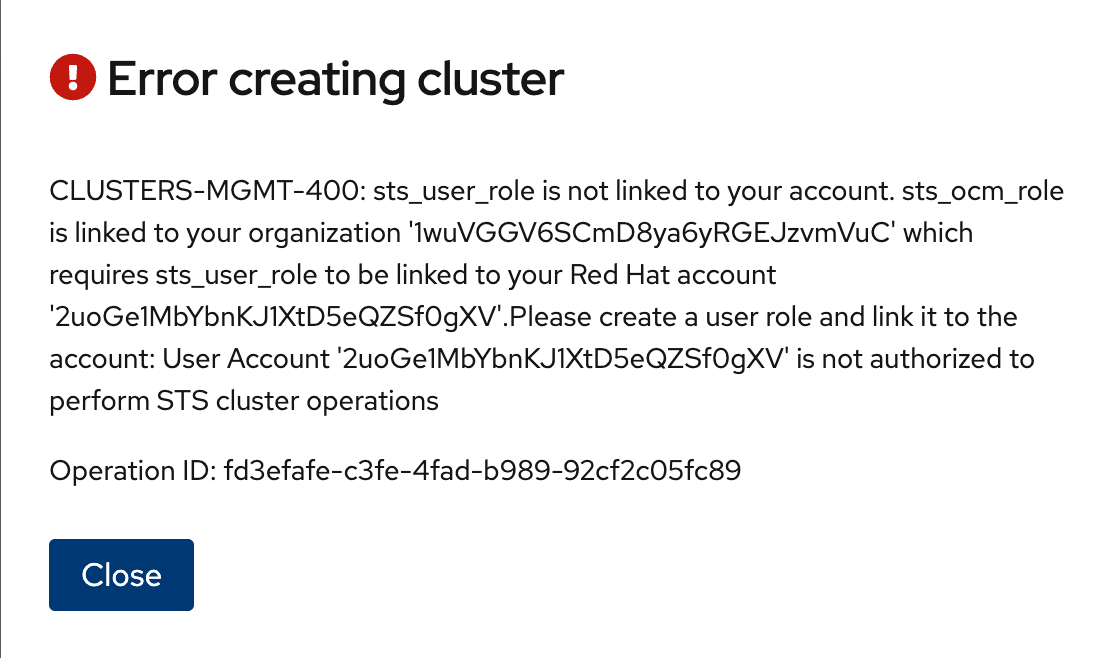
At step 13, The cluster submission fails with a backend error due to the invalid security group definition.
Expected results:
The Networking step definition on the Review and Create page should be updated to reflect the latest changes. The security group definition from the previous action should no longer appear.
The cluster submission should succeed without any issues
- links to
