-
Bug
-
Resolution: Cannot Reproduce
-
 Normal
-
None
-
None
-
Quality / Stability / Reliability
-
False
-
-
False
-
-
-
OCMUI Center Team Sprint 271, OCMUI Center Team Sprint 272
Steps to Reproduce
- Launch the OCMUI staging environment.
- Create any of the clusters, such as OSD, ROSA, or OCP.
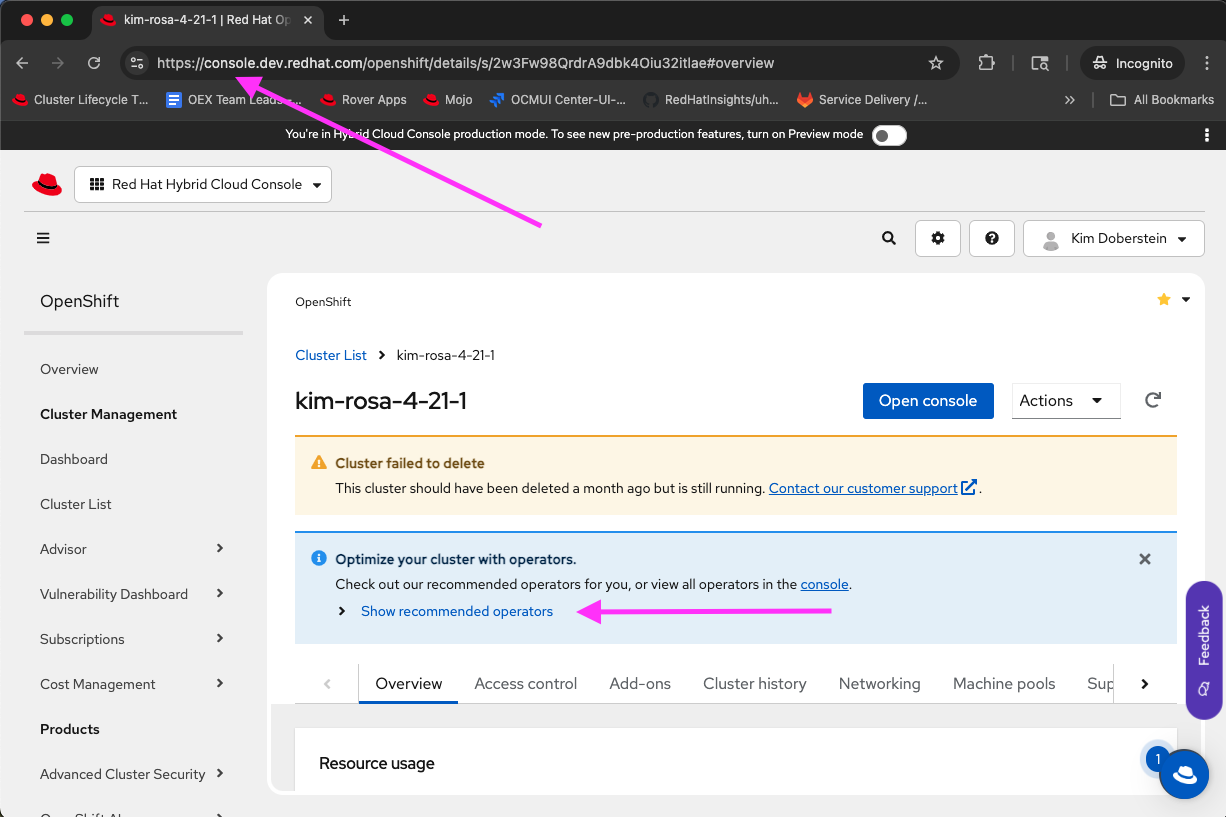
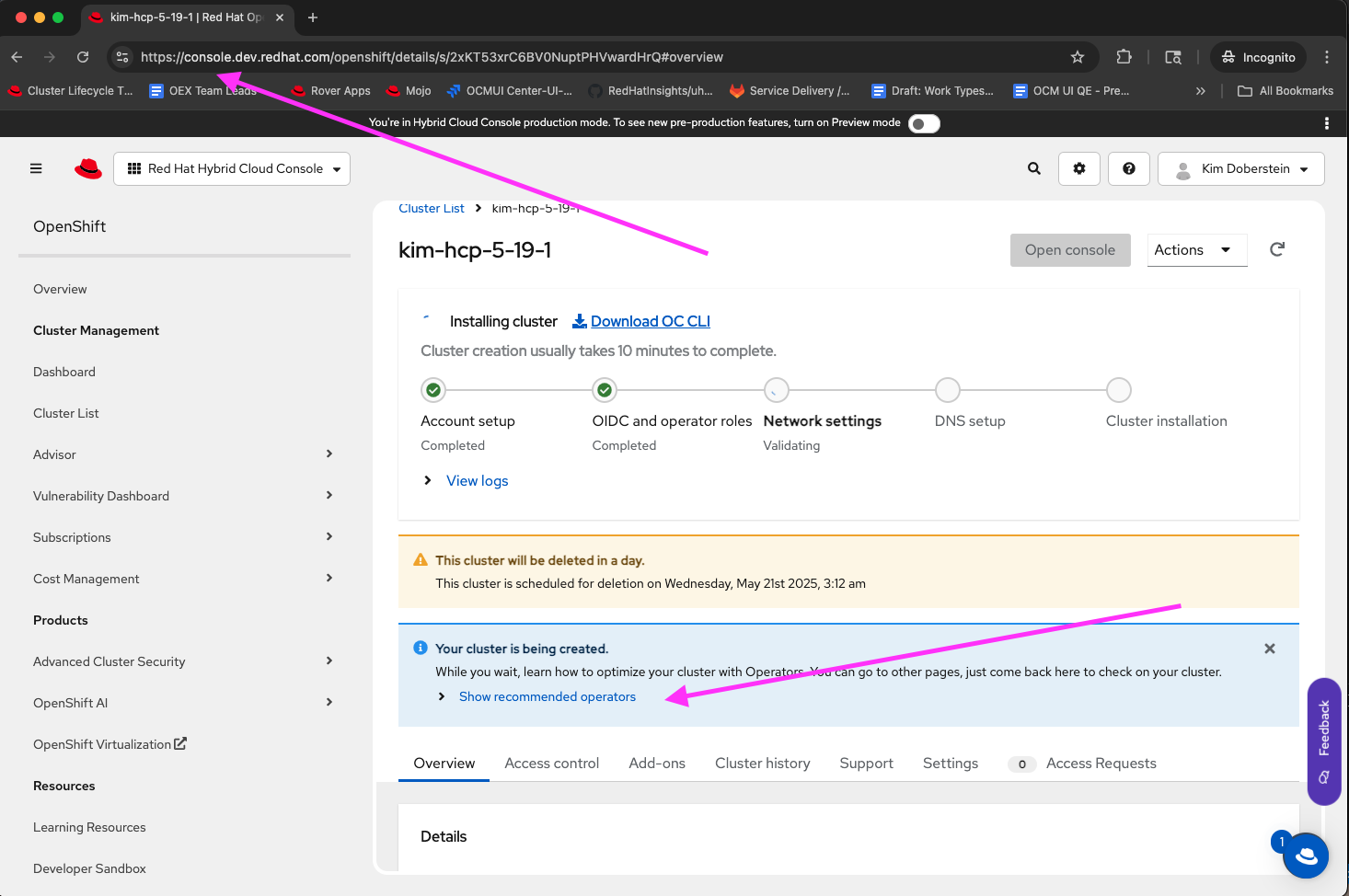
- The page refreshes, and the user is directed to the Overview page. On the overview page, the user can view the "recommended operators" alert.
Expected Result
The recommended operator alert should be shown at every stage of cluster installation with a valid status
Actual Result
The recommended operator alert is not seen in the staging environment at all
- is related to
-
OCMUI-3140 [Lakshmi Shivanthi] Sprint 266&267 - Sanity test execution - Staging
-

- Closed
-
- links to