-
Bug
-
Resolution: Done
-
 Critical
-
None
Description of problem
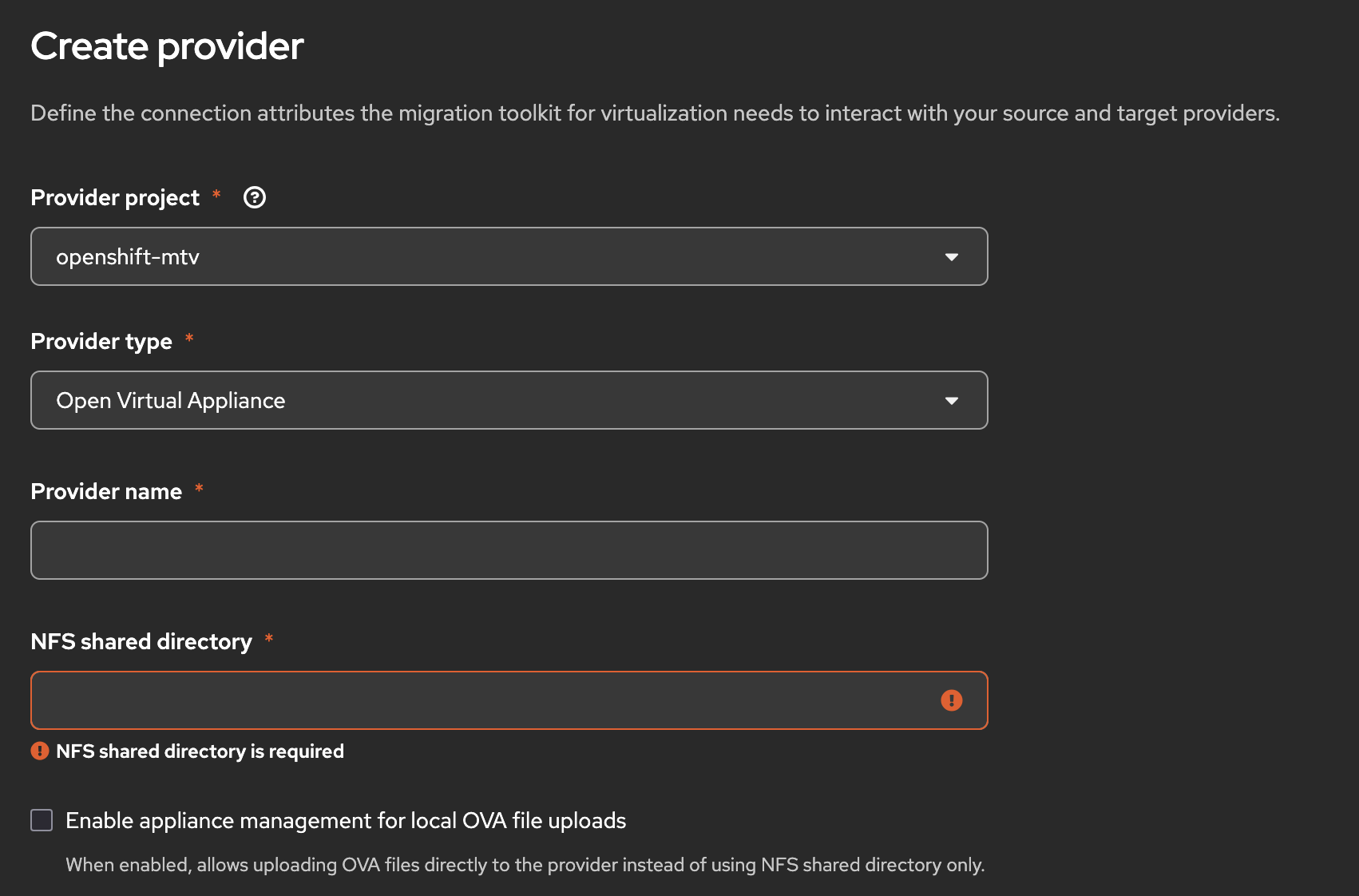
There is no way to set the settings of appliance management to allow OVA files upload directly. The UI is missing the input field for `applianceManagement` configuration.
Steps to Reproduce
1. Navigate to Providers page
2. Click "Create Provider" and select OVA type
3. Observe that there is no input for applianceManagement settings
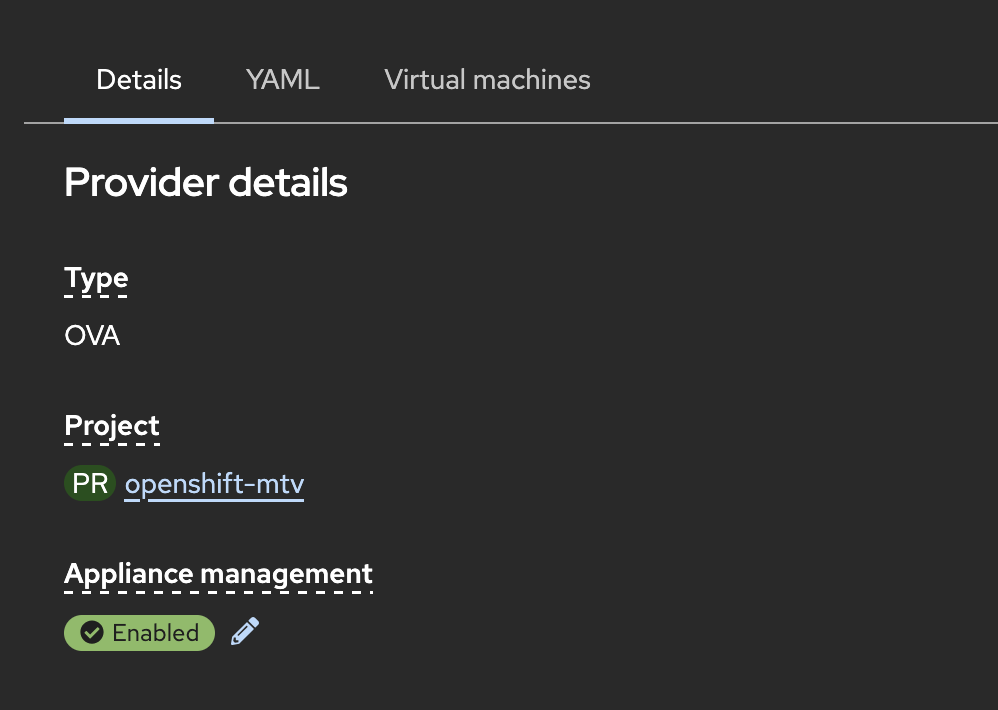
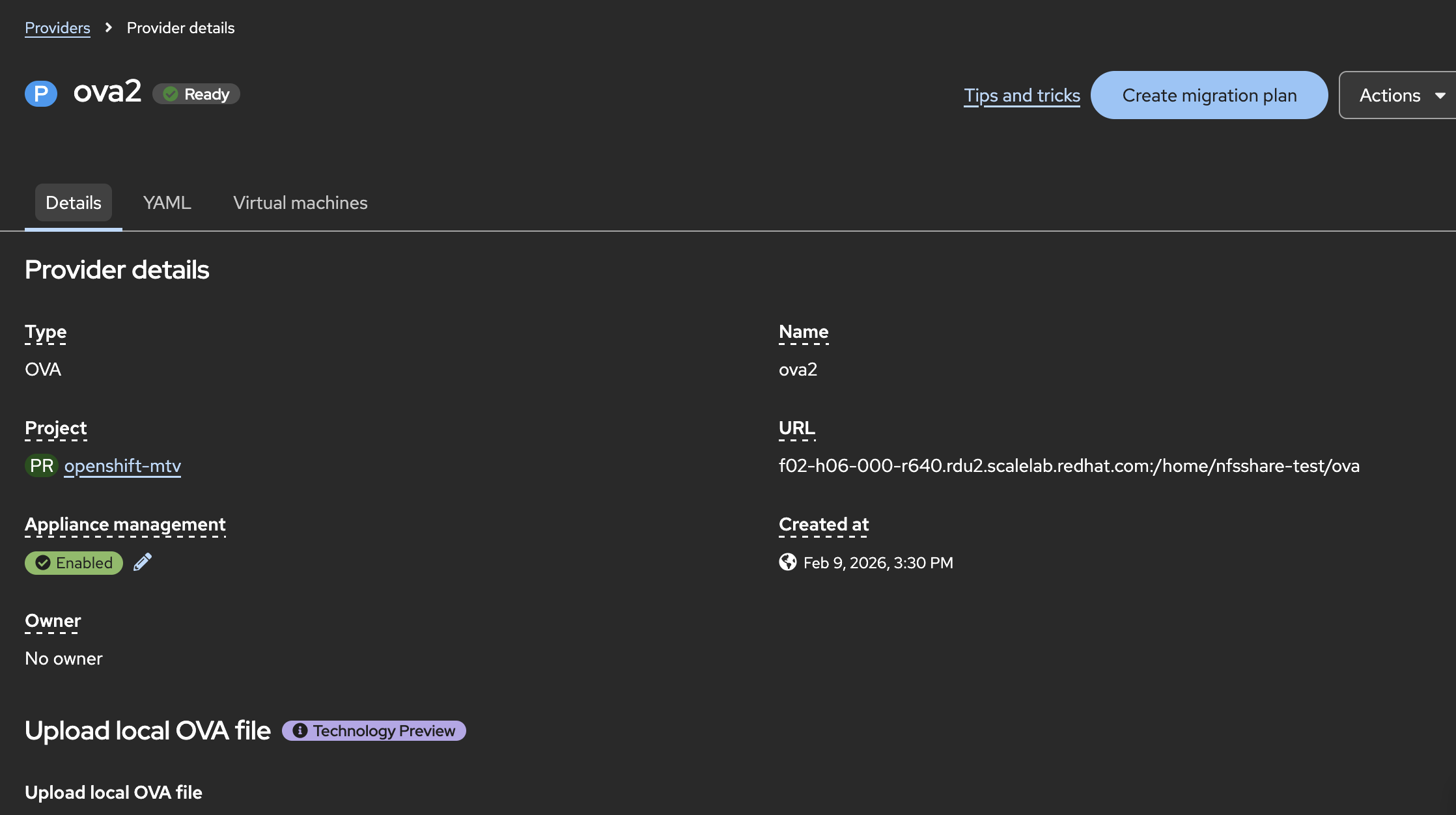
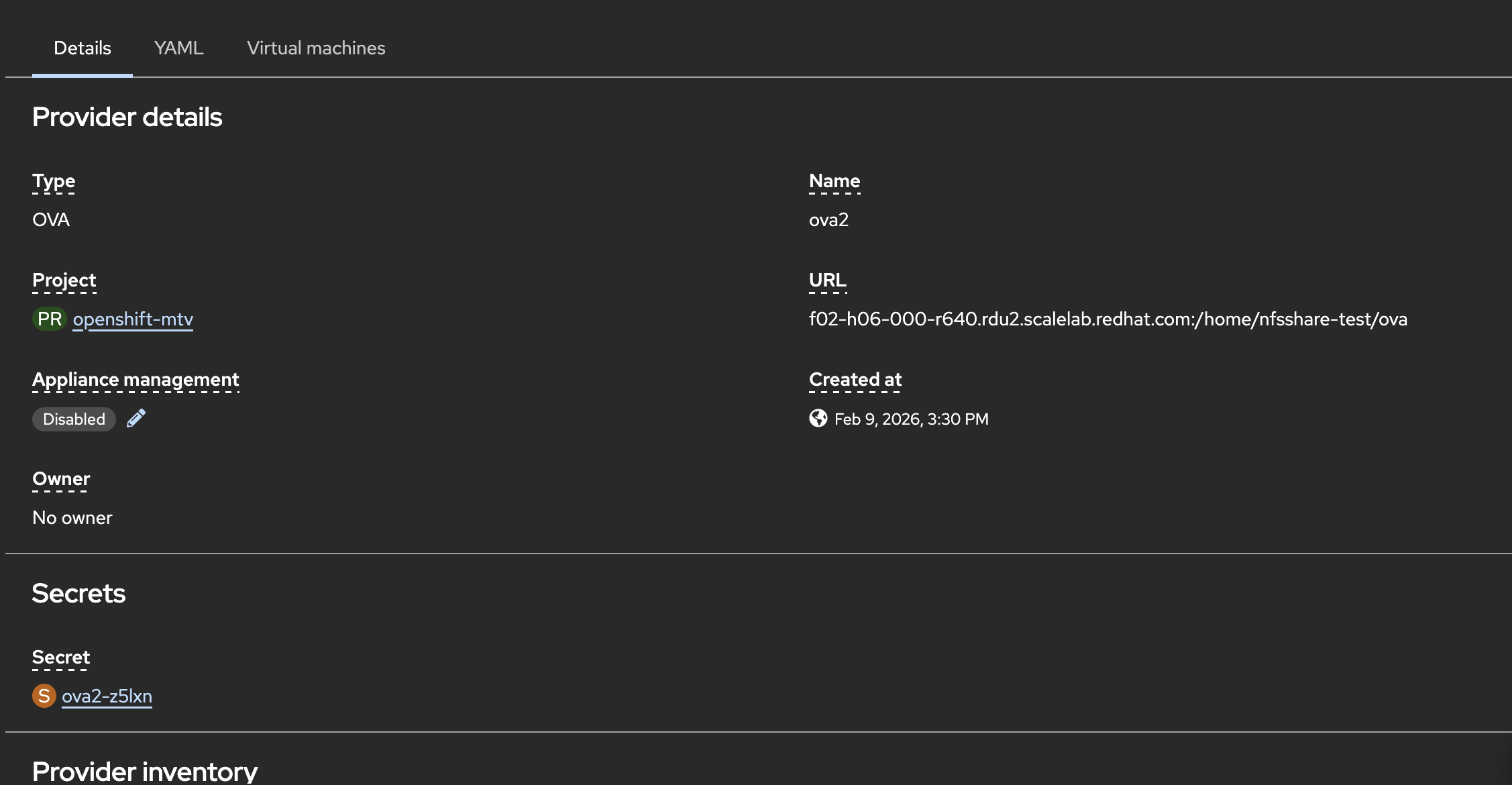
4. Alternatively, go to an existing OVA provider's details page
5. Observe that there is no way to edit applianceManagement settings
Expected Behavior
Users should be able to configure applianceManagement settings when creating or editing an OVA provider.
Actual Behavior
No UI input exists for applianceManagement configuration, preventing users from enabling OVA files upload directly.
Additional Info
Component: User Interface