-
Bug
-
Resolution: Done
-
 Major
Major
-
2.10.0
-
Quality / Stability / Reliability
-
False
-
-
True
-
-
-
Important
Description of problem:
Migrating a VM with a name with unsupported characters creates a VM where the unsupported characters are changed. In the migration plan:

      name: VM_Unsupported
      newName: vm-unsupported

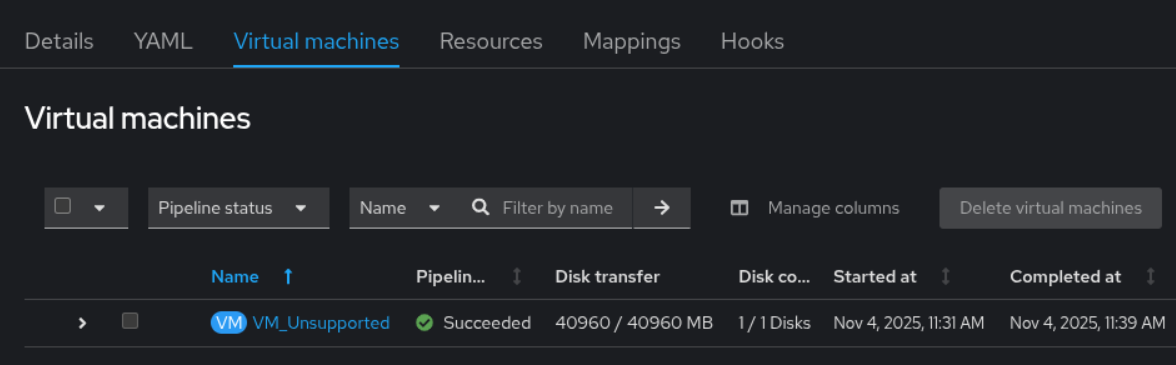
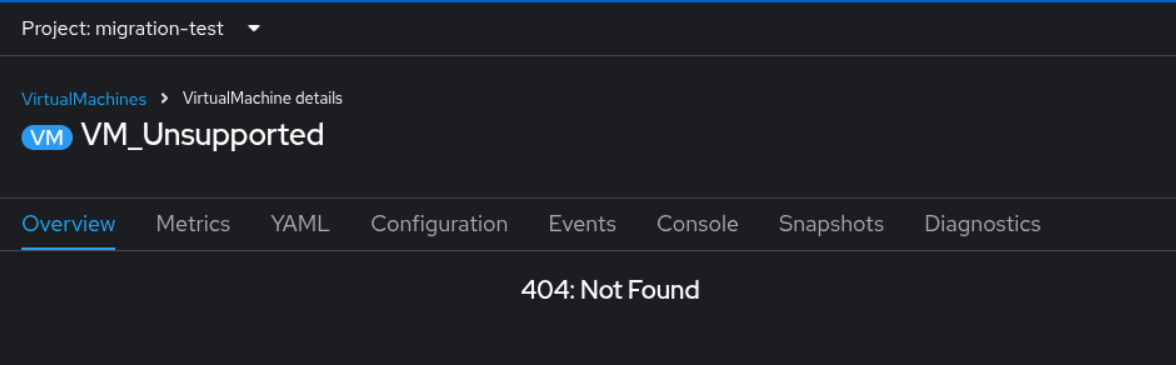
However in the UI the original unsupported name is shown in the plan, and clicking on it leads to 404 Not Found error.

When the name of the VM is changed from the original VM name the UI should show the name of the VM in OCP and the link should work
Version-Release number of selected component (if applicable):
OCP 4.18.26
MTV version: IIB 2.10.0-18
MTV image: quay.io/redhat-user-workloads/rh-mtv-1-tenant/forklift-fbc-prod-v418:on-pr-9a0d782ae138199995371168449a5646a000a4a0
How reproducible:
Always / 100%
Steps to Reproduce:
1. Migrate a VM with name containing unsupported characters
2. In the OCP console, go to the migration plan page and check the Virtual machines tab
3.
Actual results:
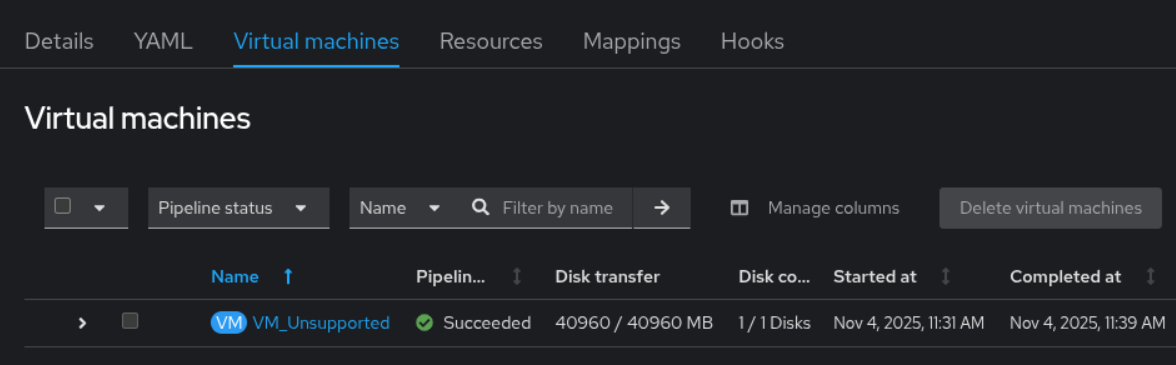
The original VM name with unsupported characters is shown
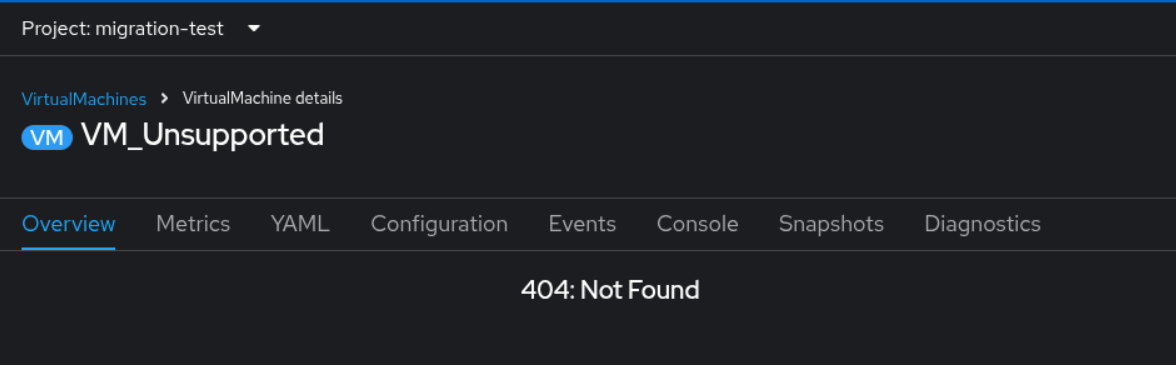
Clicking on the link gives 404 error because it uses the old name
Expected results:
The new name is shown in the plan page and the link to the VM page works
Additional info:
- relates to
-
-
- Closed
-