-
Bug
-
Resolution: Done
-
 Critical
-
2.9.0, 2.10.0
-
Quality / Stability / Reliability
-
False
-
-
True
-
https://github.com/kubev2v/forklift-console-plugin/pull/1881, https://github.com/kubev2v/forklift-console-plugin/pull/1889, https://github.com/kubev2v/forklift-console-plugin/pull/1881, https://github.com/kubev2v/forklift-console-plugin/pull/1889, https://github.com/kubev2v/forklift-console-plugin/pull/1881, https://github.com/kubev2v/forklift-console-plugin/pull/1889
-
-
-
Important
Description of problem:
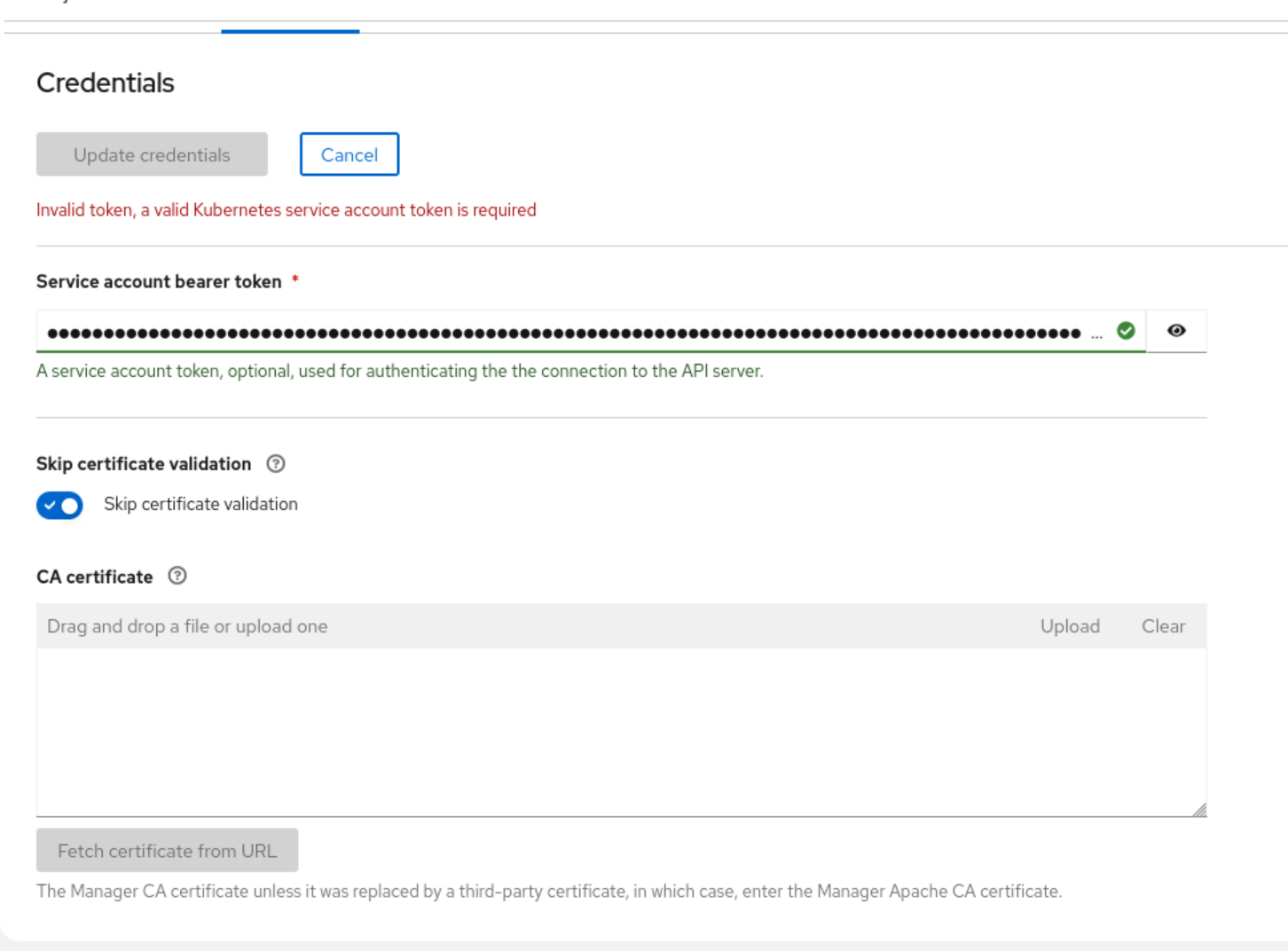
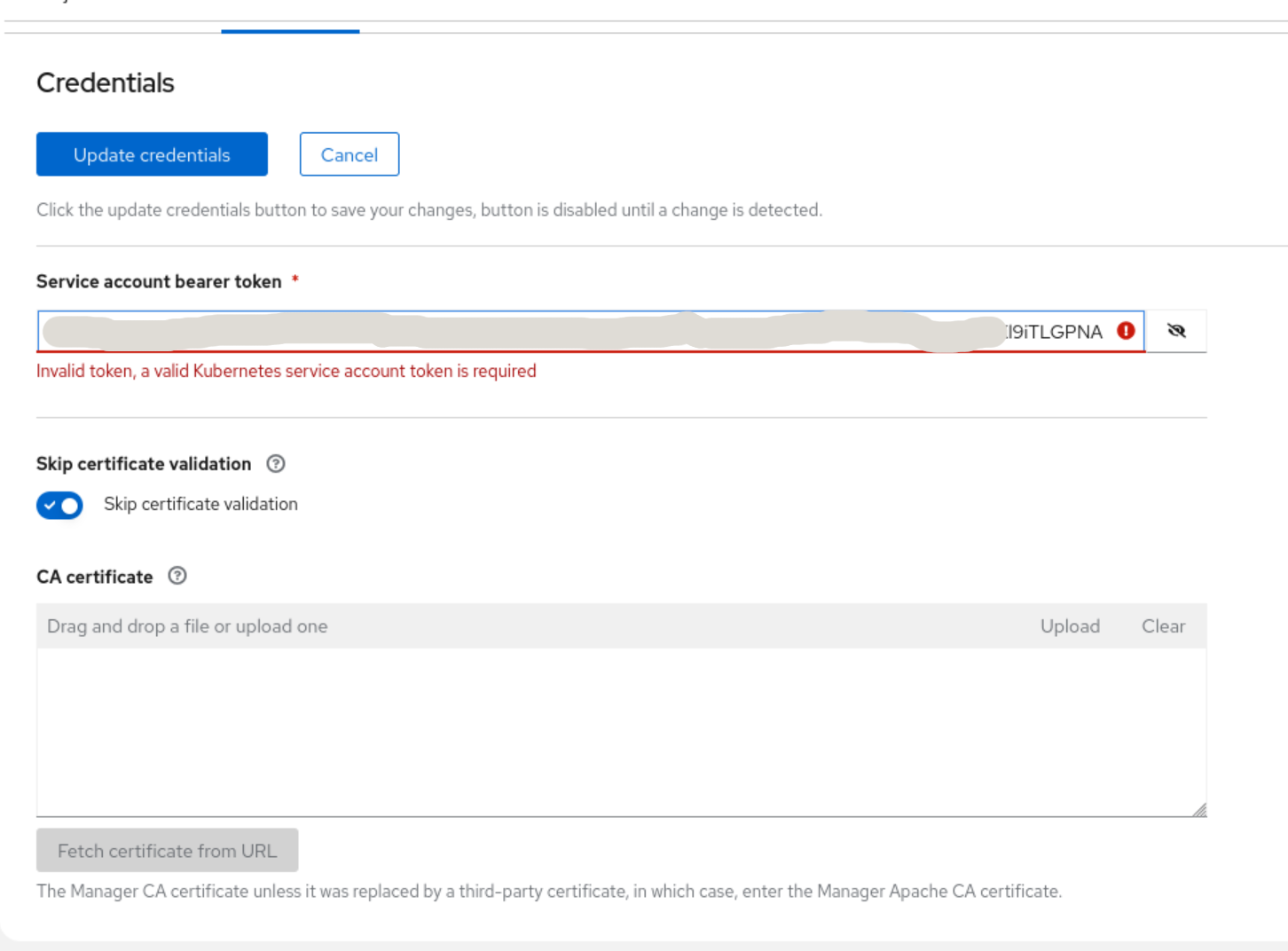
When editing an OCP provider's credentials, the bearer token field doesn't seem to be validated correctly which prevents submitting the form. Replacing the bearer token with another valid bearer token will cause that field to be marked invalid. Editing a different field instead can cause the entire form to be marked invalid with an error message related to the token. Fiddling around with the contents of the fields can eventually get the validation to pass. In both of the screenshots that have been attached the bearer token is valid but the form cannot be submitted.
Version-Release number of selected component (if applicable):
How reproducible:
Always
Steps to Reproduce:
1. Create an OCP provider with a bearer token
2. Edit the OCP provider to toggle the TLS verification switch
3. Observe that the form cannot be submitted due to a bearer token validation failure
Actual results:
The form refuses to validate.
Expected results:
The form should validate and submit.
Additional info:
Sometimes, experimenting with adding and removing whitespace from the end of the bearer token will let the form validate.