Uploaded image for project: 'jBPM'
  1. jBPM
  2. JBPM-8505

Stunner - exception is shown if filter is not selected

XMLWordPrintable

    • Icon: Bug Bug
    • Resolution: Unresolved
    • Icon: Major Major
    • None
    • 7.21.0.Final
    • Designer
    • NEW
    • NEW
    • Hide
      1. Add user task to the process
      2. Add new field to Actors
      3. Click on Select Drop down and press any letter on your keyboard (like, for example T)

      Actual Result

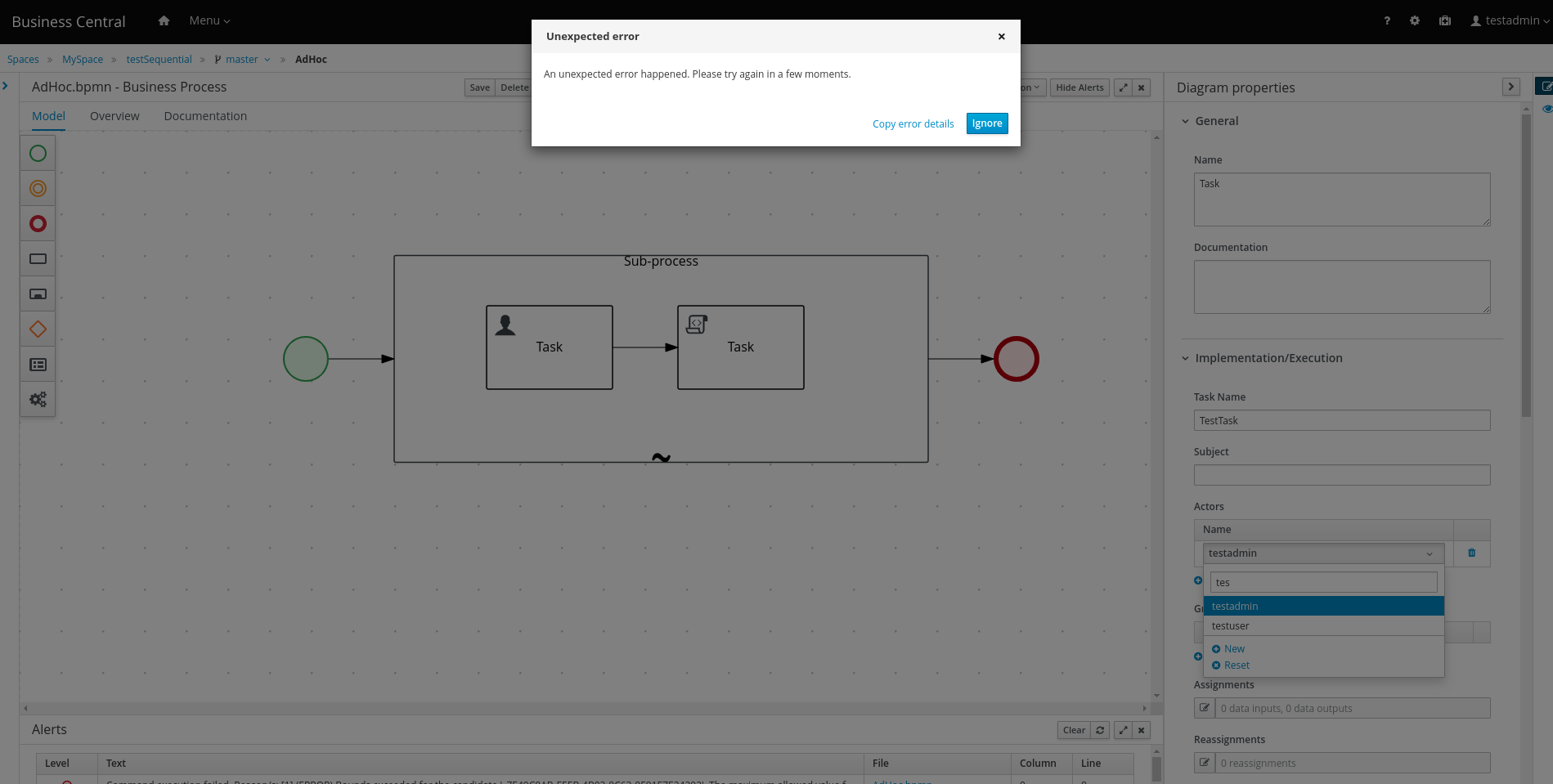
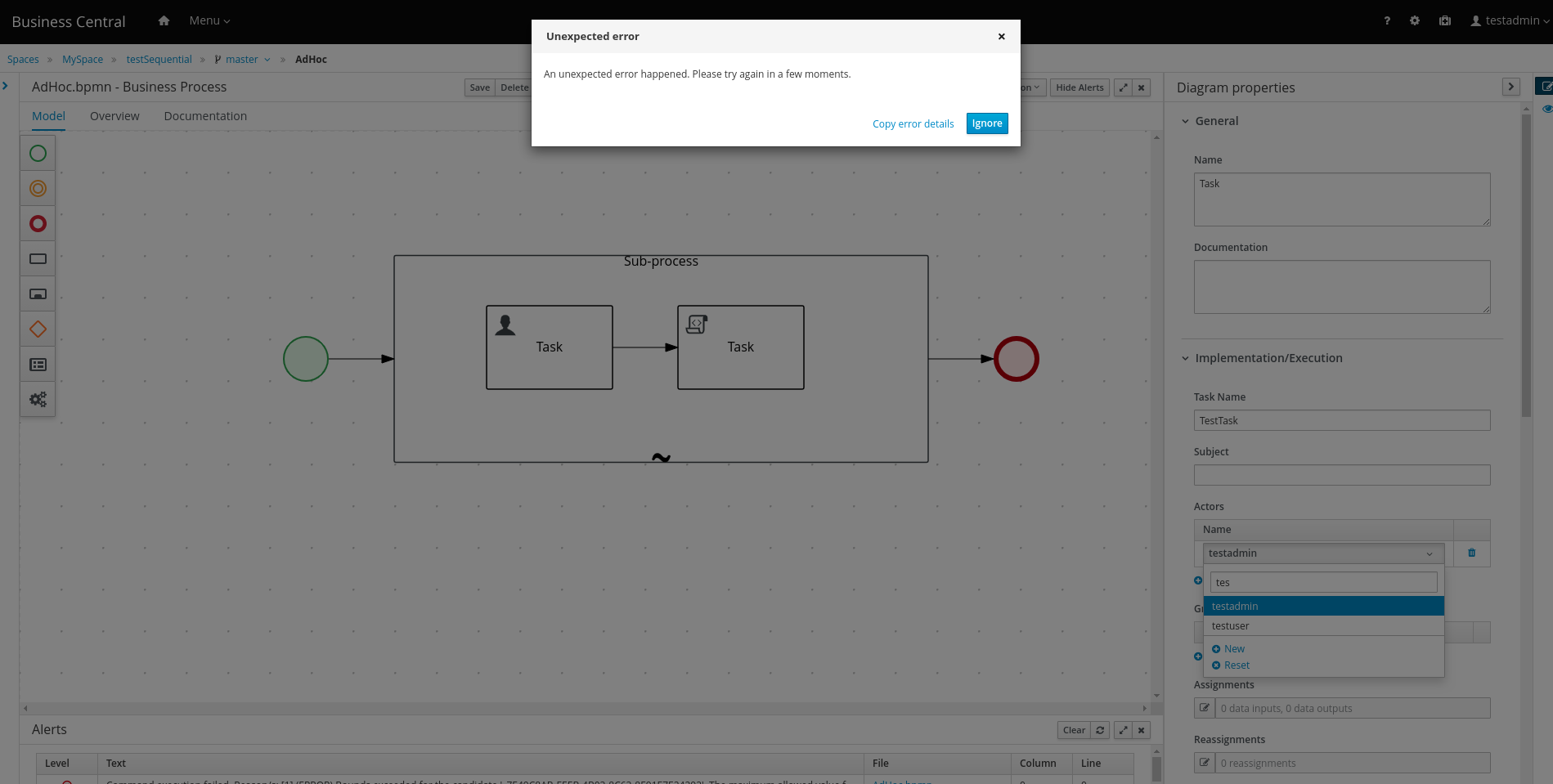
      Exception is shown. You need to click on textbox for search first to avoid it.

      Expected Result

      I see two improvements here:

      1. Search textbox will be always active by default
      2. If search box is not selected by key pressed - nothing happened.
      Show
      Add user task to the process Add new field to Actors Click on Select Drop down and press any letter on your keyboard (like, for example T) Actual Result Exception is shown. You need to click on textbox for search first to avoid it. Expected Result I see two improvements here: Search textbox will be always active by default If search box is not selected by key pressed - nothing happened.

      When I click on Actors field of user task and start typing exception is shown.

      If I click on the textbox before I start typing no exceptions is shown.

      Details from error log:
       | Uncaught exception: TypeError: Cannot read property 'options' of undefined

              romartin@redhat.com Roger Martinez
              kgaevski@redhat.com Kirill Gaevskii
              Votes:
              0 Vote for this issue
              Watchers:
              2 Start watching this issue

                Created:
                Updated: