Uploaded image for project: 'Tools (JBoss Tools)'
  1. Tools (JBoss Tools)
  2. JBIDE-28395

Pod forwarding shows No pod was selected for port forwarding when pod resource is chosen in properties

XMLWordPrintable

    • Icon: Bug Bug
    • Resolution: Unresolved
    • Icon: Major Major
    • 4.30.x
    • 4.23.0.AM1
    • openshift
    • Sprint #217 Apr 2022, Sprint #218 May 2022
    • 5
    • Hide

      On linux (Fedora 35):

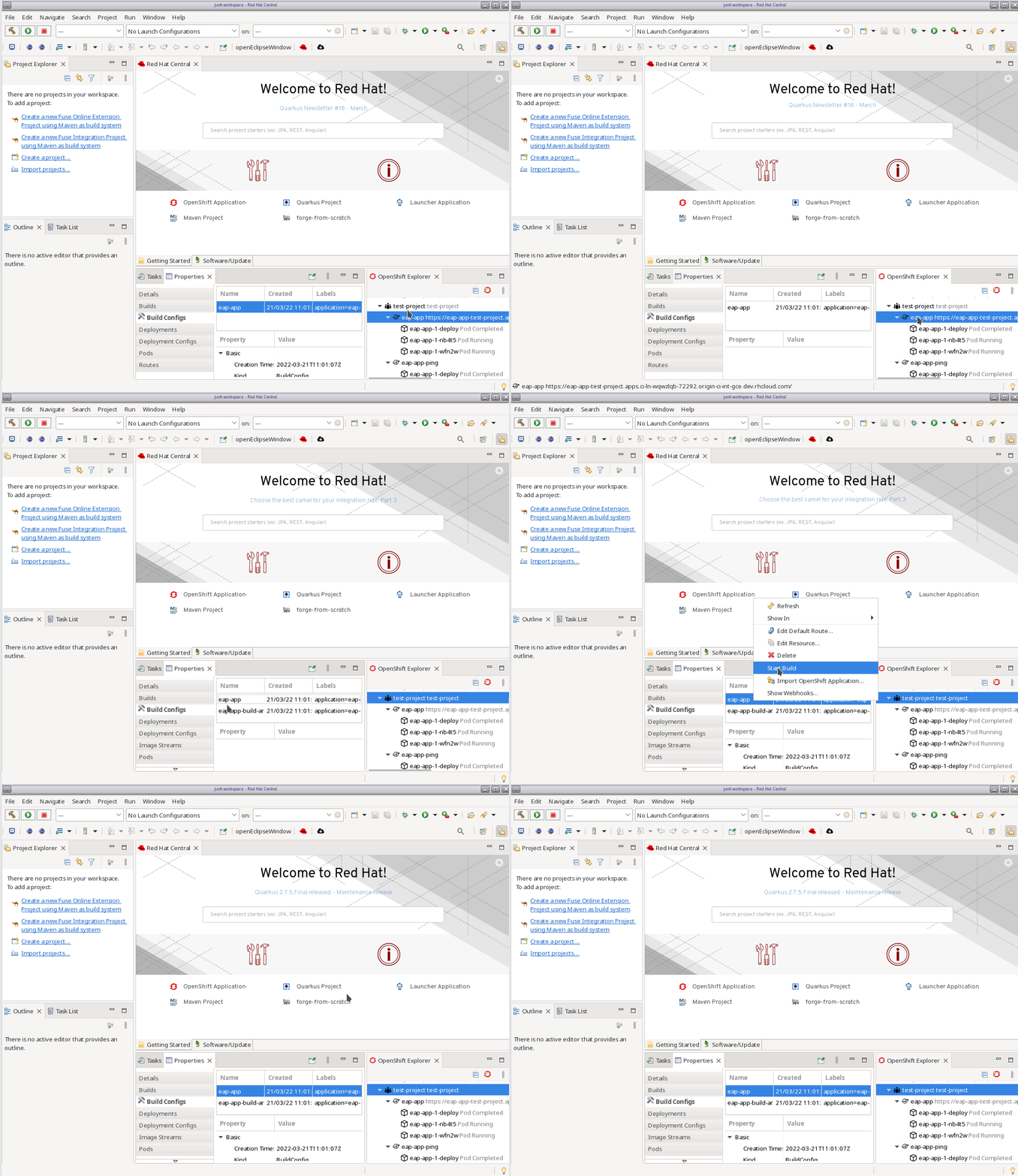
      1. Create OS connection and create a project under it
      2. Create an application (ie. from template: eap)
      3. Start/Build the application and the service
      4. select project, open Properties
      5. Switch to Pod tab and choose application's pod (ie. eap-app-1-x42sg)
      6. From Context menu choose Port Forwarding
      7. Assert: Port forwarding dialog is opened
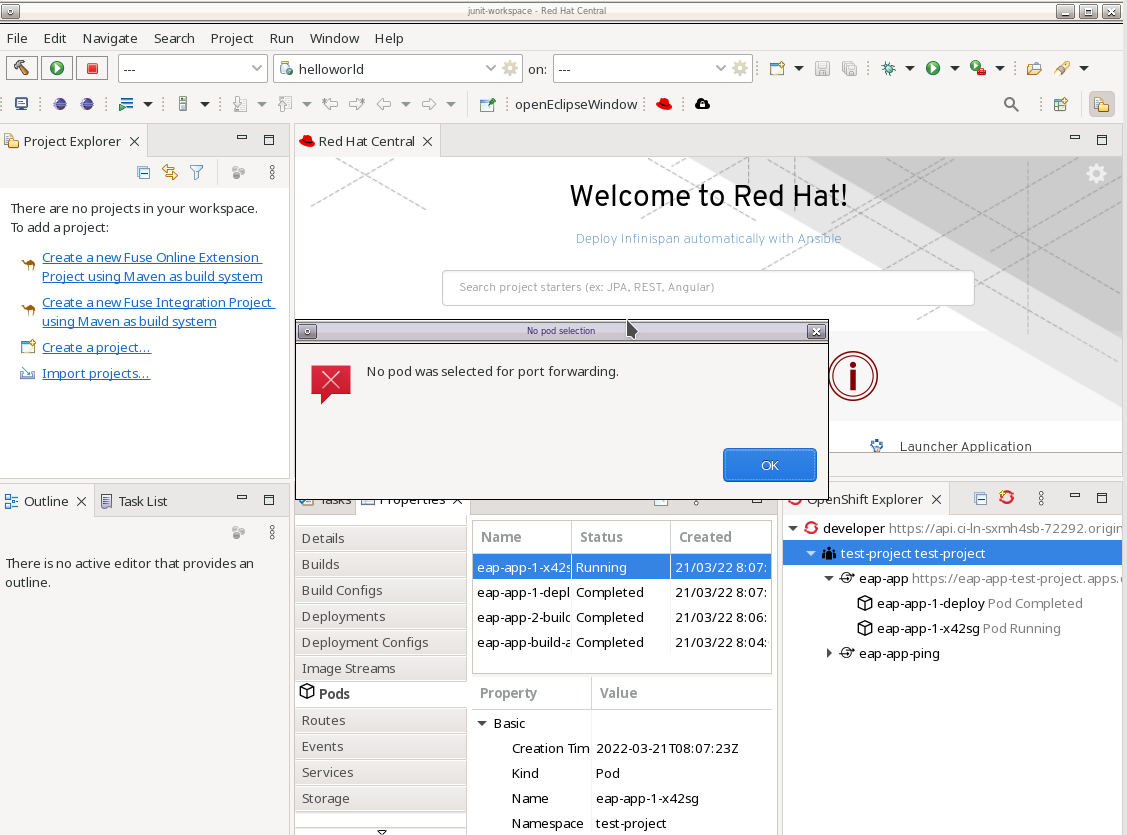
      Actual result: "No pod selection" error dialog appears

      Workaround: Choose the pod from OpenShift Explorer view, then port forwarding works

      Show
      On linux (Fedora 35): 1. Create OS connection and create a project under it 2. Create an application (ie. from template: eap) 3. Start/Build the application and the service 4. select project, open Properties 5. Switch to Pod tab and choose application's pod (ie. eap-app-1-x42sg) 6. From Context menu choose Port Forwarding 7. Assert: Port forwarding dialog is opened Actual result: "No pod selection" error dialog appears Workaround: Choose the pod from OpenShift Explorer view, then port forwarding works

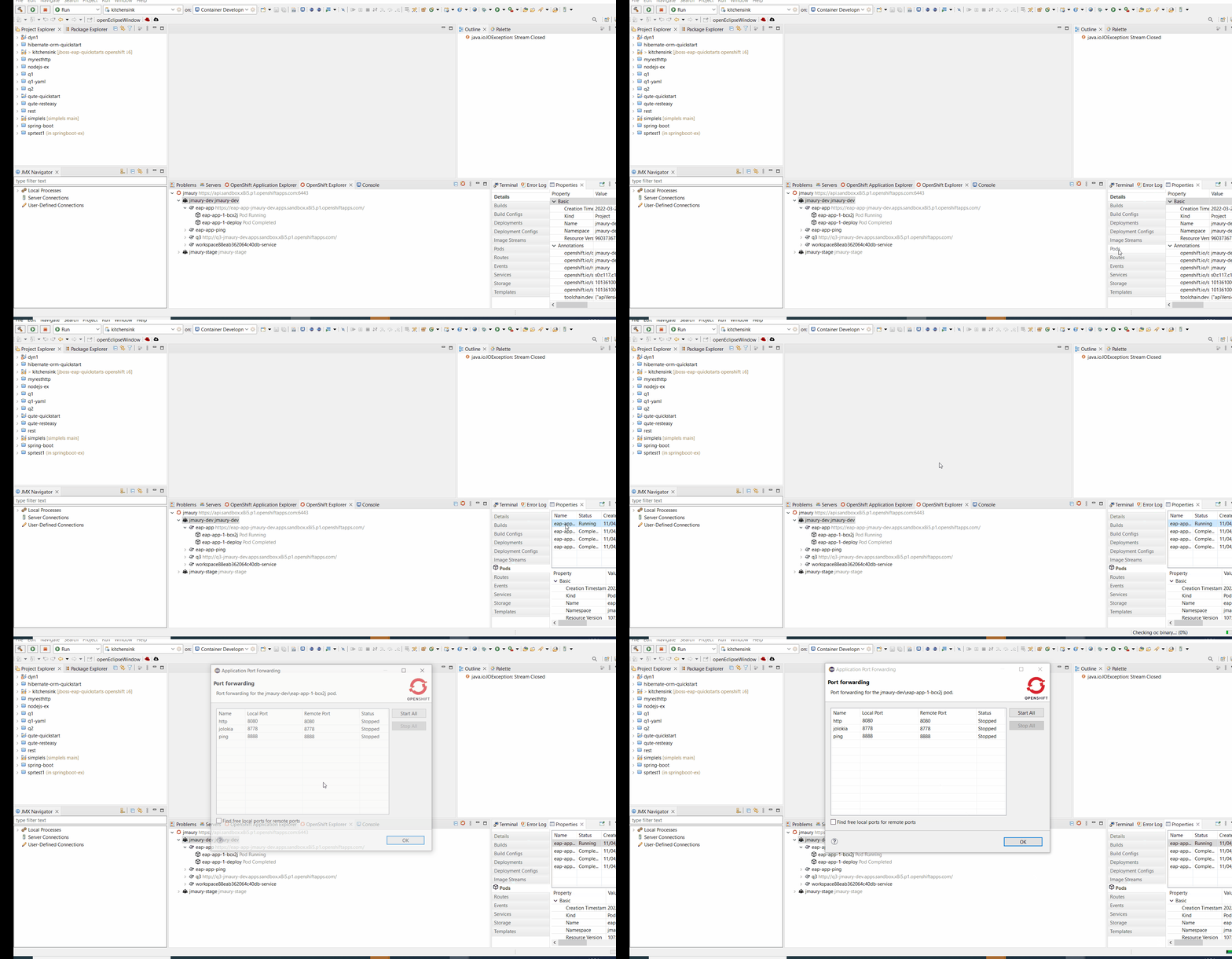
      No pod selection error dialog appears when the pod is selected in properties view for given project and context menu item Port forwarding is selected.
        1. Screenshot_20220321_091718.png
          157 kB
          Ondrej Dockal
        2. Peek 2022-03-21 12-10.gif
          275 kB
          Ondrej Dockal
        3. JBIDE28395.gif
          520 kB
          Jeff MAURY

              jmaury@redhat.com Jeff MAURY
              odockal@redhat.com Ondrej Dockal
              Votes:
              0 Vote for this issue
              Watchers:
              2 Start watching this issue

                Created:
                Updated: