-
Bug
-
Resolution: Duplicate
-
 Minor
Minor
-
4.5.2.Final
-
None
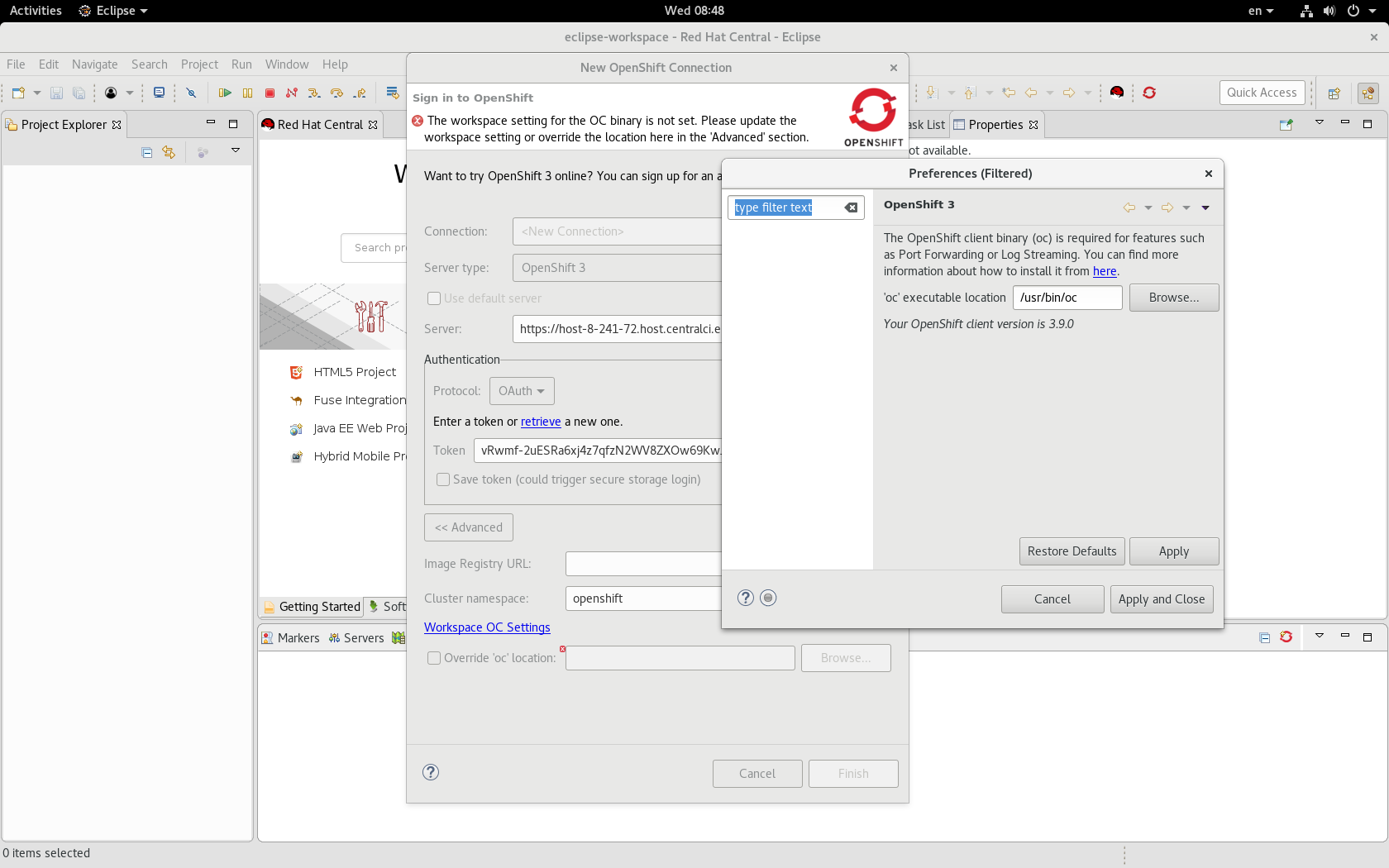
After installed JBoss Tools 4.5.2.Final on eclipse and connected to OpenShift, there is one error: "The workspace setting for the OC binary is not set. Please update the workspace setting or override the location here in the 'Advanced' section.". See the attached picture
Click "Workspace OC Settings", could show the 'oc' executable location, select the "Override 'oc' location" checkbox and enter oc location path, then can connect to Openshift
Not sure it is one change or defect, since the last JBoss Tools 4.5.1 does not have this issue.
- is duplicated by
-
-

- Closed
-