-
Feature Request
-
Resolution: Done
-
 Major
Major
-
4.3.0.Beta1
-
Sprint #3 May 2015
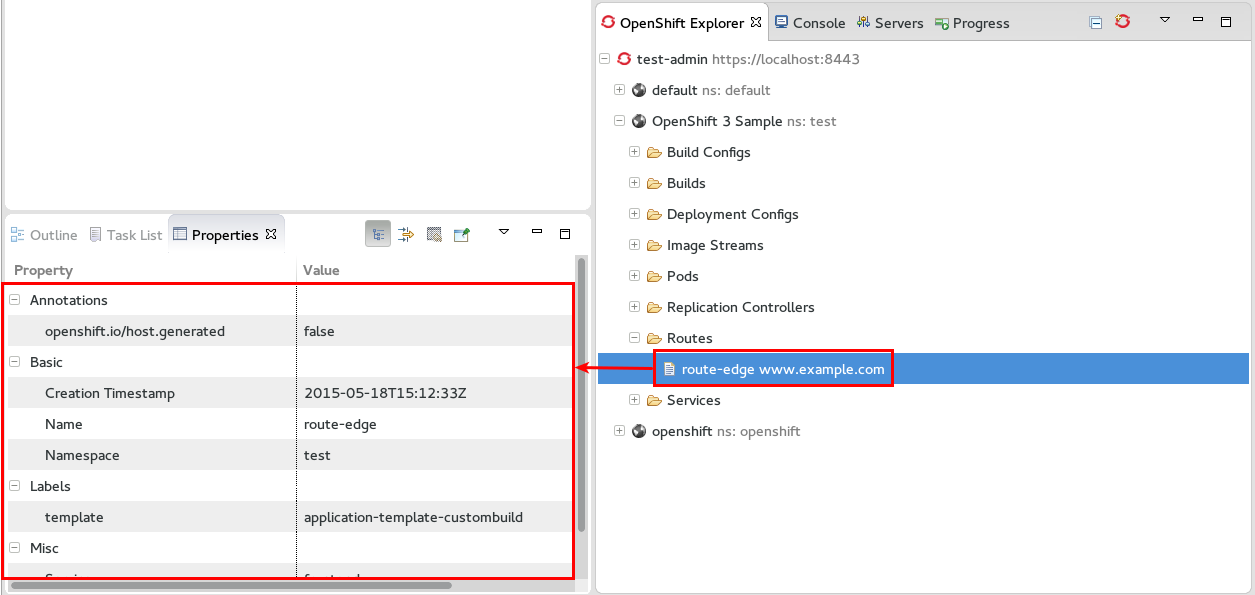
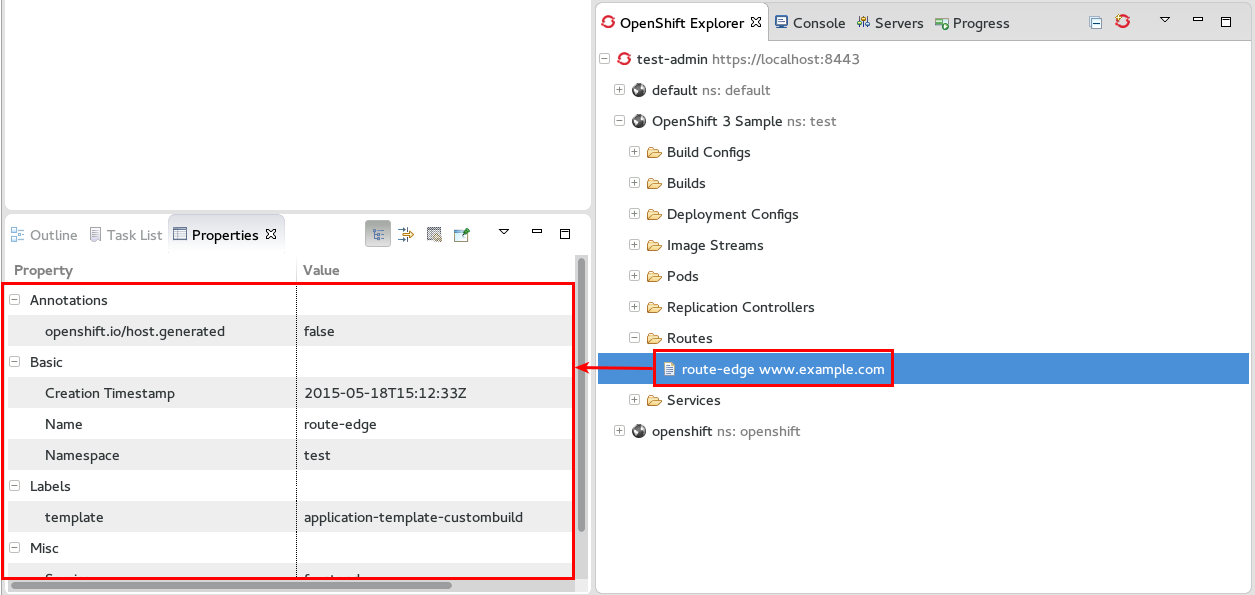
Add support for viewing routes in OpenShiftExplorer and property pane
steps to verify:
- ASSERT: have openshift origin cloned and available in your openshift server
- EXEC: in openshift server, cd to <origin>/examples/sample-app and do:
osc process -f application-template-custombuild.json | osc create -f - -n test
- EXEC: once the build is finished: open up OpenShift explorer
- ASSERT: you should see an entry: "OpenShift 3 Sample"
- EXEC: unfold "OpenShift 3 Sample"
- ASSERT: have a child entry "Routes" with an entry "route-edge"
- ASSERT: make sure you have properties view opened
- ASSERT: the properties view is displaying properties for the selected route "route-edge"