-
Bug
-
Resolution: Done
-
 Normal
-
None
-
None
-
False
-
False
-
None
Description of issue:
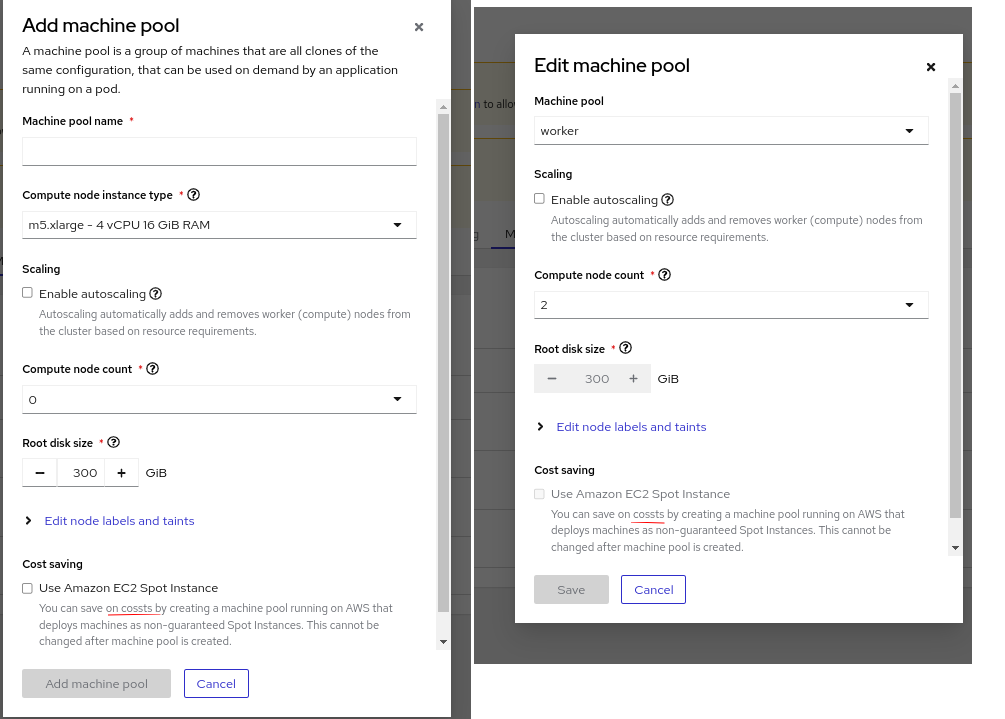
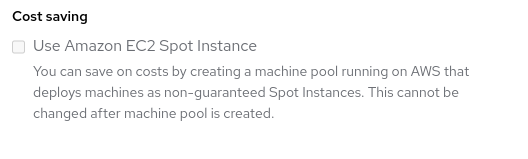
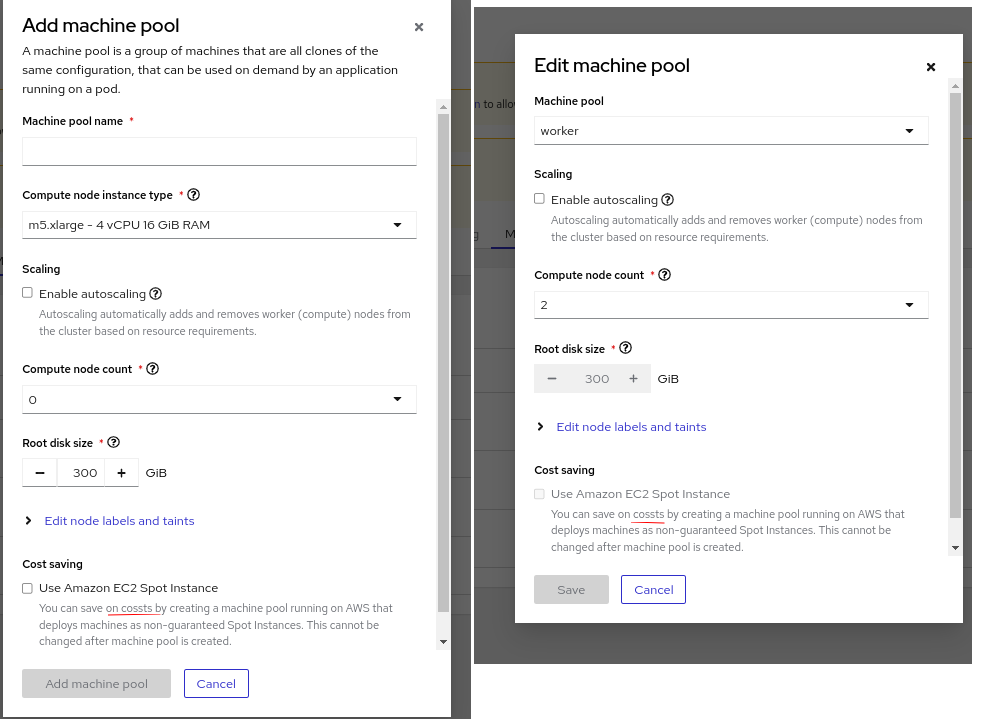
In Day 2 machine pool actions , i.e. in "Add machine pool" and "Edit machine pool" dialog, "Use Amazon EC2 Spot Instance" description contains spelling typo as below. Need to correct the same.
How reproducible:
Always
Steps to reproduce:
- Launch OCM Staging.
- Open a ready ROSA cluster and navigate to machine pools tab.
- Click "Add machine pool" and see the definition.
- Select a machine pool and invoke "Edit" menu.
- See the definition from "Edit machine pool" dialog.
Actual results:
Spelling typo under "Use Amazon EC2 Spot Instance" description from both "Add machine pool" and "Edit machine pool" dialog, "Use Amazon EC2 Spot Instance"
Expected results:
Fix typo "cossts" to "costs" from Add machine pool and Edit machine pool dialog.