-
Task
-
Resolution: Done
-
 Undefined
-
None
-
None
-
False
-
-
False
-
-
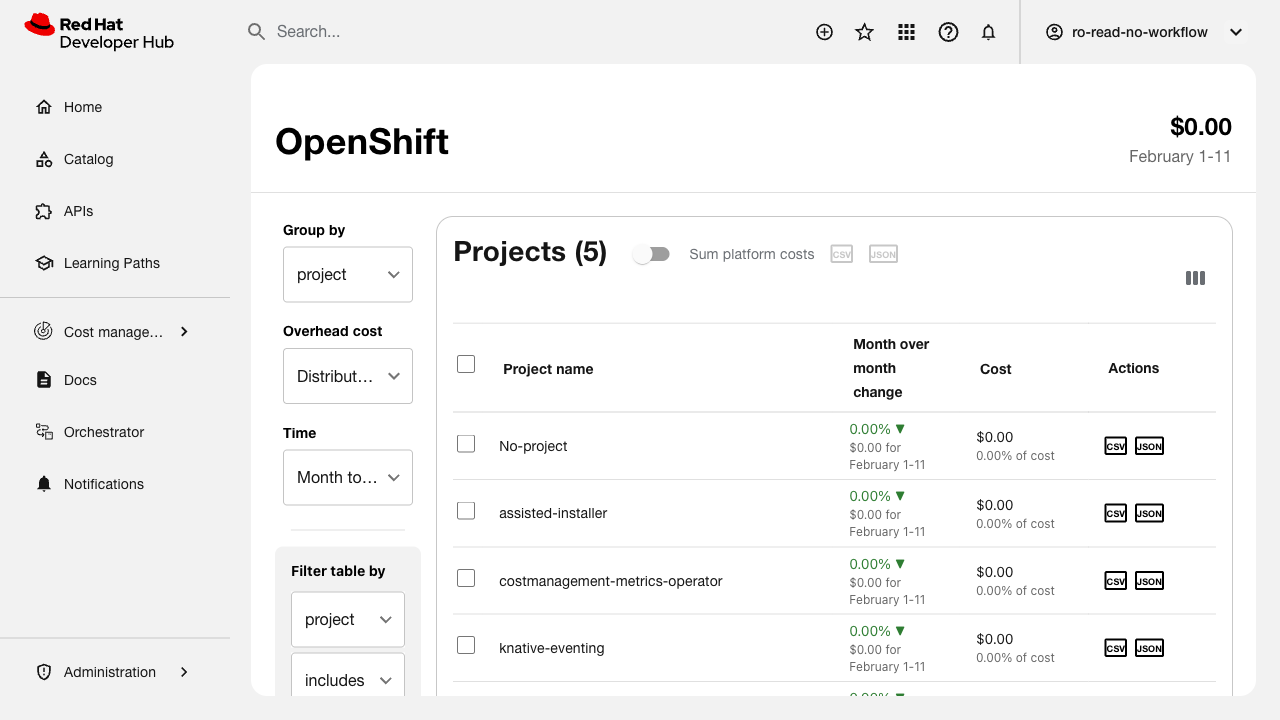
Verify that users can export cost data in CSV and JSON formats.
Related issue: FLPATH-2734
Test Steps:
1. Navigate to the cost management view
2. Apply some filters and sorting to the data
3. Locate the export button/option
4. Export data as CSV format
5. Verify CSV file downloads and contains correct data
6. Export data as JSON format
7. Verify JSON file downloads and contains correct data
8. Test export with large dataset
9. Verify export includes applied filters and sort order
Expected Results:
- Export button is visible and accessible
- CSV export downloads valid CSV file
- JSON export downloads valid JSON file
- Exported data matches current view (filters, sort applied)
- Column headers are i18n-friendly
- Large datasets export successfully with feedback
- Async download shows progress indication