-
Task
-
Resolution: Done
-
 Undefined
-
None
-
None
-
False
-
-
False
-
-
Verify that users can configure and view cost data in different currencies.
Related issue: FLPATH-2731
Test Steps:
1. Navigate to the cost management view
2. Locate the currency settings
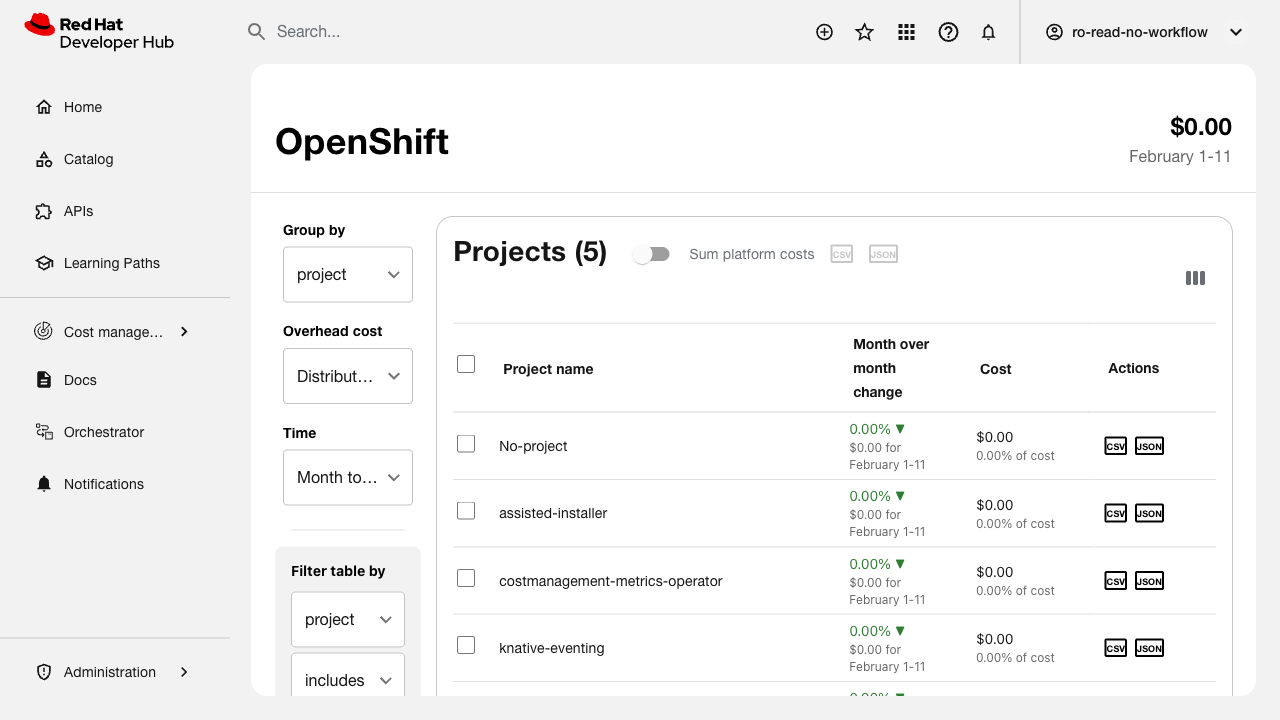
3. Verify default currency is displayed
4. Change currency to a different option
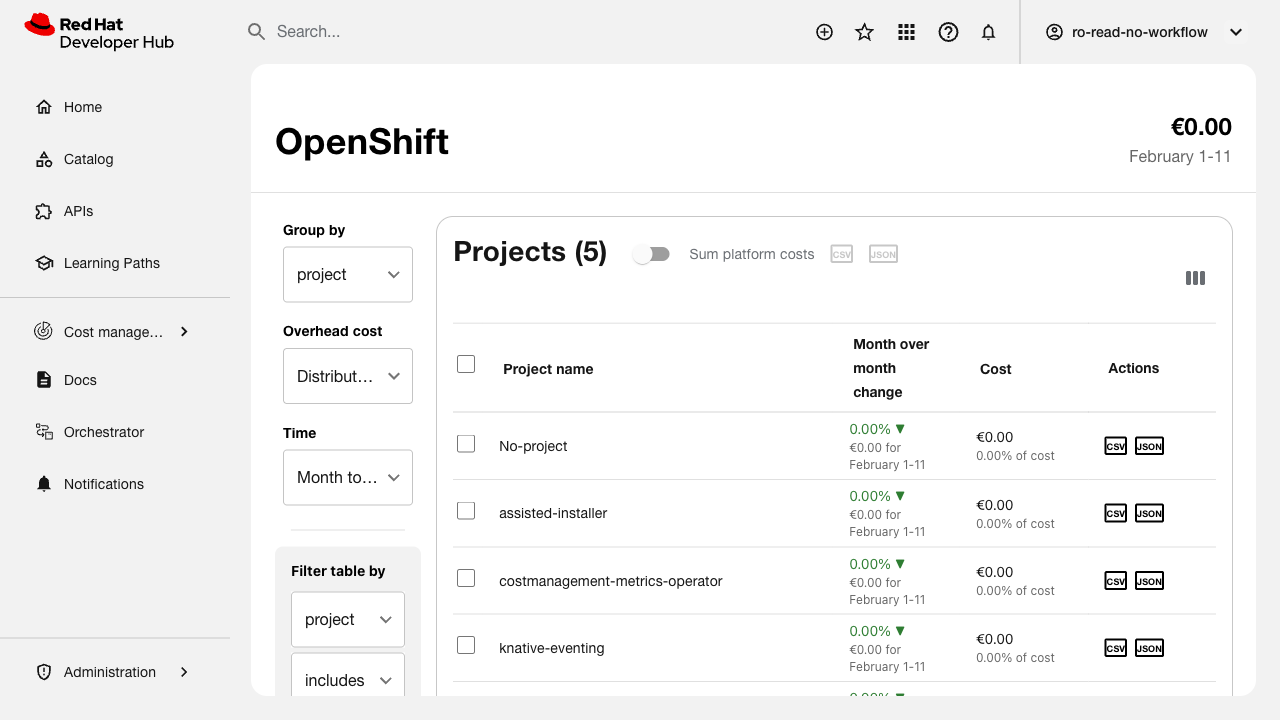
5. Verify all cost values update to reflect the new currency
6. Check currency symbol is displayed correctly
7. Verify currency setting persists across sessions
Expected Results:
- Currency settings are accessible
- Currency can be changed successfully
- All cost values display in selected currency
- Currency symbol is correct (e.g., $, €, £)
- Settings persist after page refresh
- UI matches Figma design specifications