-
Task
-
Resolution: Done
-
 Undefined
-
None
-
None
-
False
-
-
False
-
-
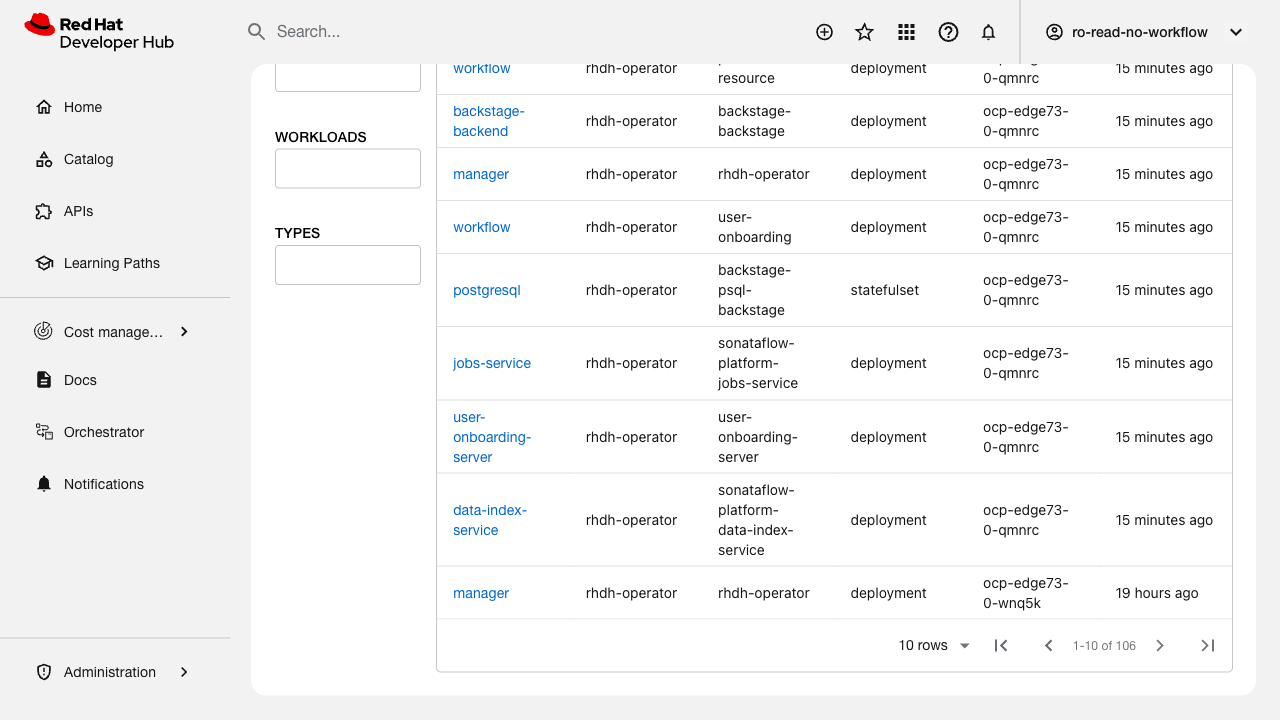
Verify that the main view table pagination works correctly.
Related issue: FLPATH-2809
Test Steps:
1. Navigate to the main view with multiple pages of data
2. Verify pagination controls are displayed
3. Test navigating to next page
4. Test navigating to previous page
5. Test changing page size (items per page)
6. Test jumping to specific page number
7. Verify page count and total items displayed correctly
Expected Results:
- Pagination controls are visible and functional
- Next/previous navigation works correctly
- Page size can be changed
- Page numbers update correctly
- Total count is accurate