-
Task
-
Resolution: Unresolved
-
 Undefined
-
None
-
None
-
False
-
-
False
-
-
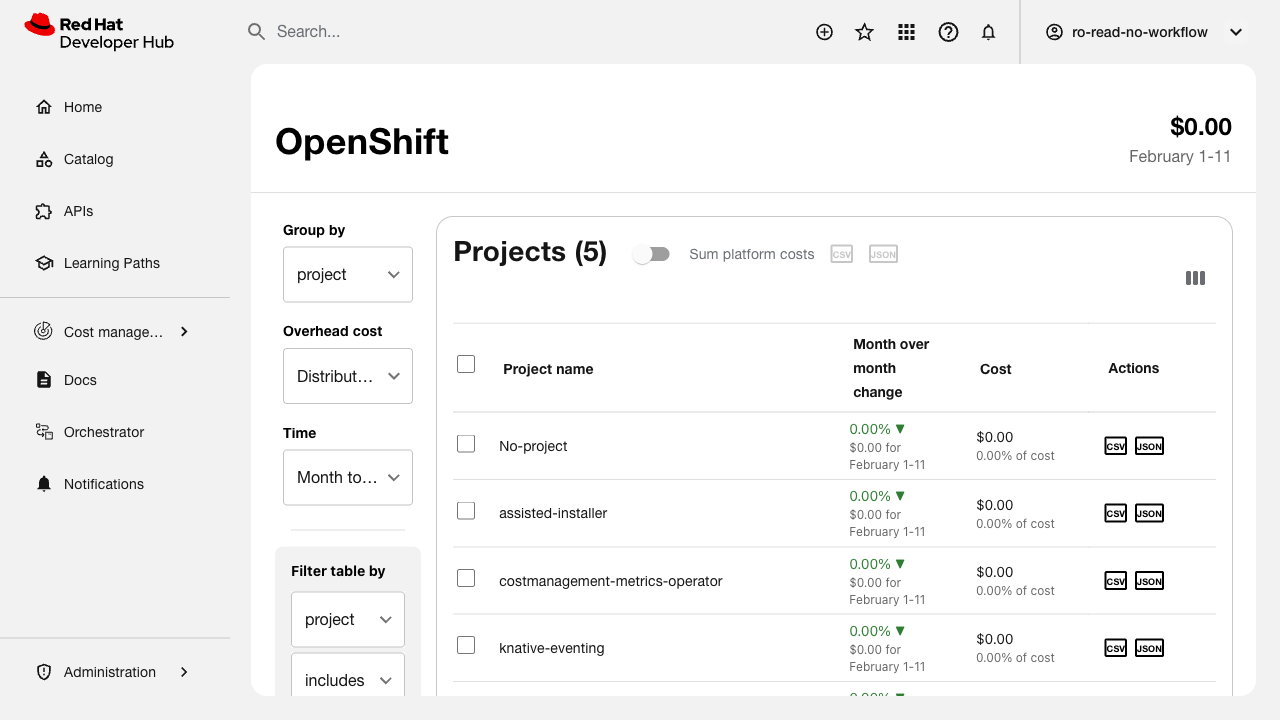
Verify that the plugin follows the new branding navigation structure with correct naming, routing, and icon.
Related issue: FLPATH-2747
Test Steps:
1. Deploy RHDH with the updated plugin
2. Check the main navigation sidebar
3. Verify the plugin name is displayed correctly
4. Verify the new Lightspeed icon is shown
5. Navigate to the plugin and verify routing works
6. Check new route for OpenShift page exists
7. Verify navigation matches branding guidelines
Expected Results:
- Plugin appears in navigation with correct name
- Lightspeed icon is displayed
- All routes work correctly
- OpenShift page is accessible via new route
- Navigation structure follows design specifications