-
Task
-
Resolution: Done
-
 Undefined
-
None
-
None
-
False
-
-
False
-
-
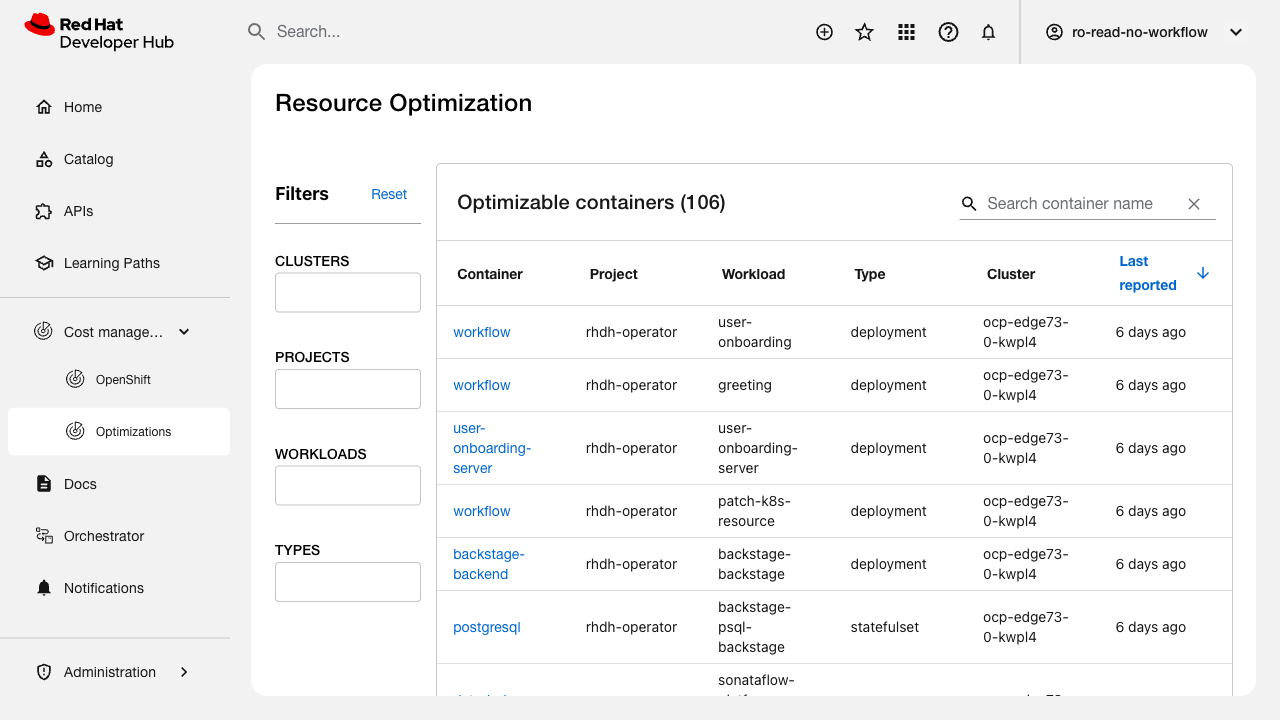
Verify that the main view table sorting works correctly.
Related issue: FLPATH-2810
Test Steps:
1. Navigate to the main view table
2. Click on each sortable column header
3. Verify ascending sort is applied
4. Click again to toggle to descending sort
5. Verify data is correctly sorted in both directions
6. Test sorting on different data types (text, numbers, dates)
Expected Results:
- All sortable columns respond to click
- Sort indicator shows current sort direction
- Data is correctly sorted in ascending/descending order
- Sorting persists during pagination